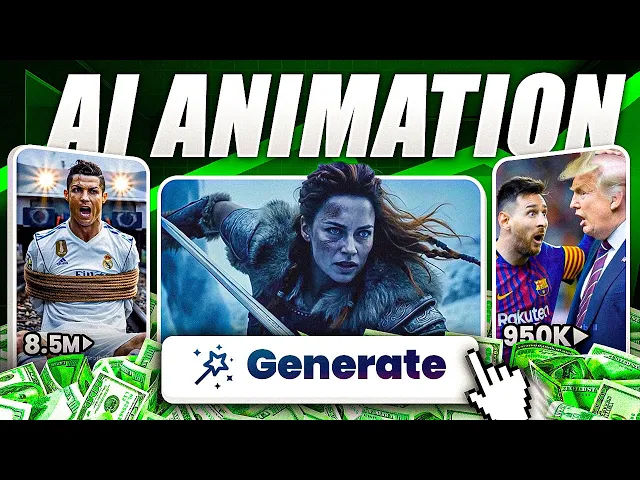
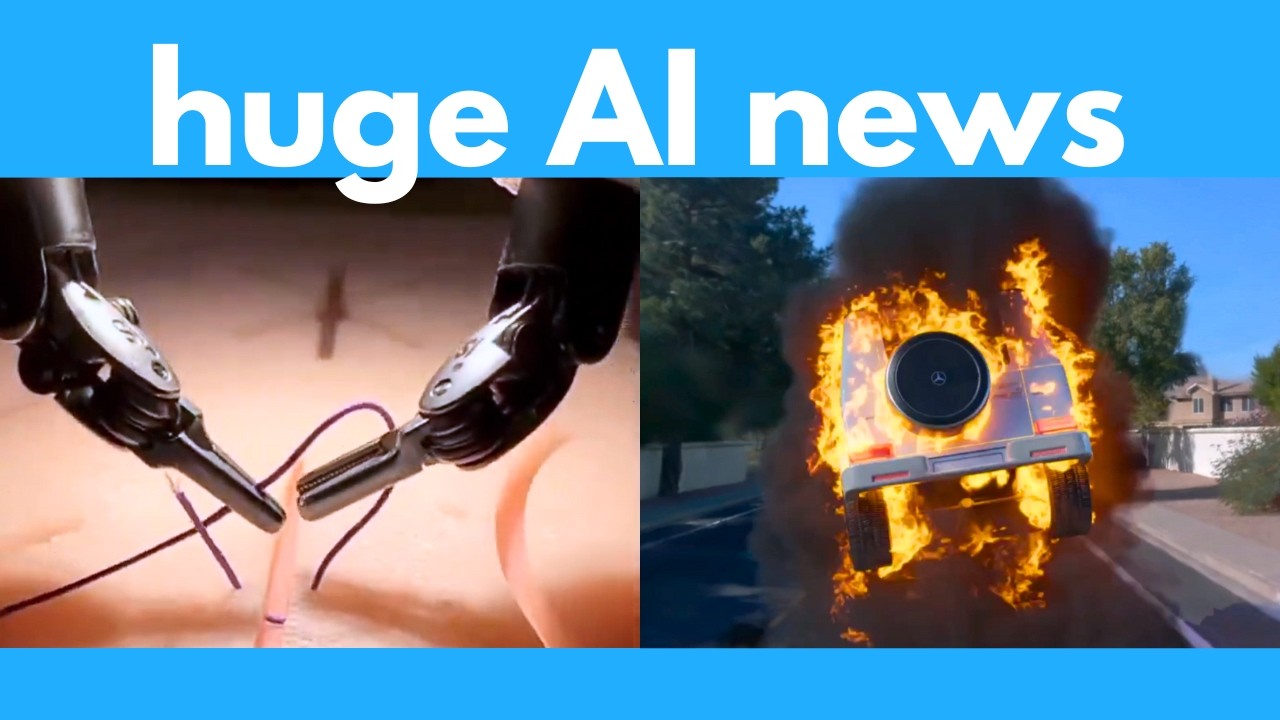
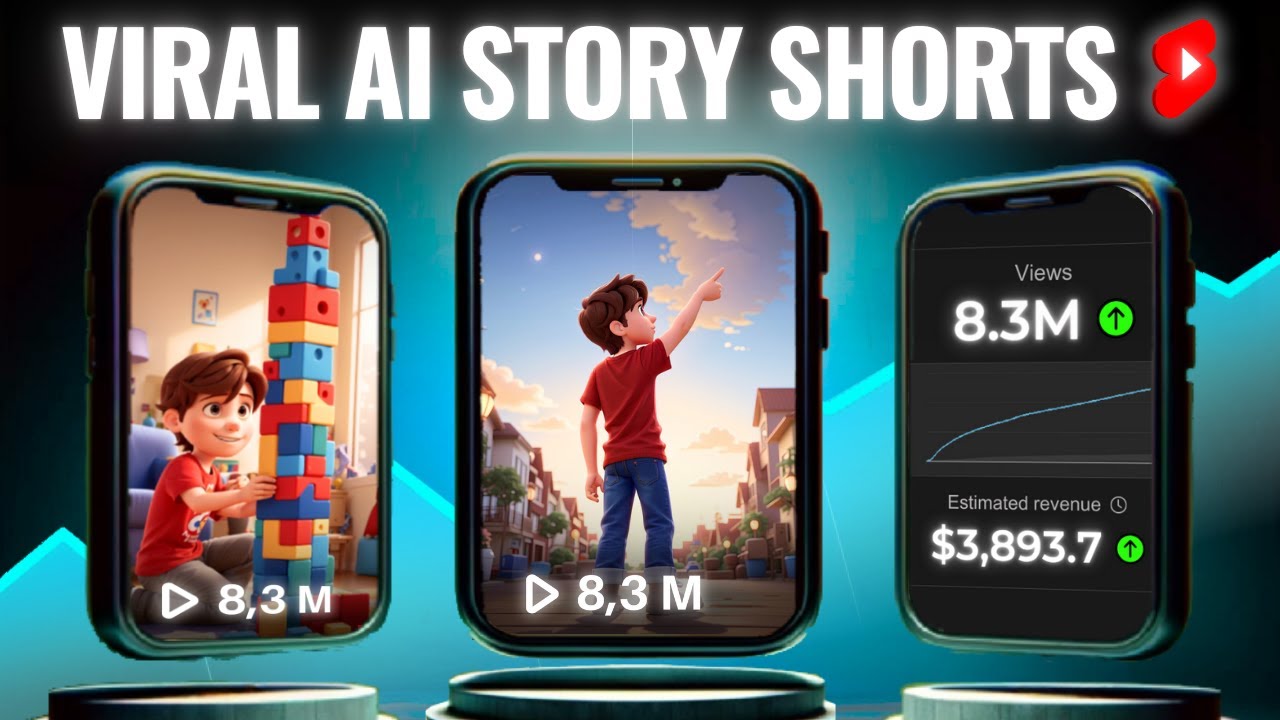
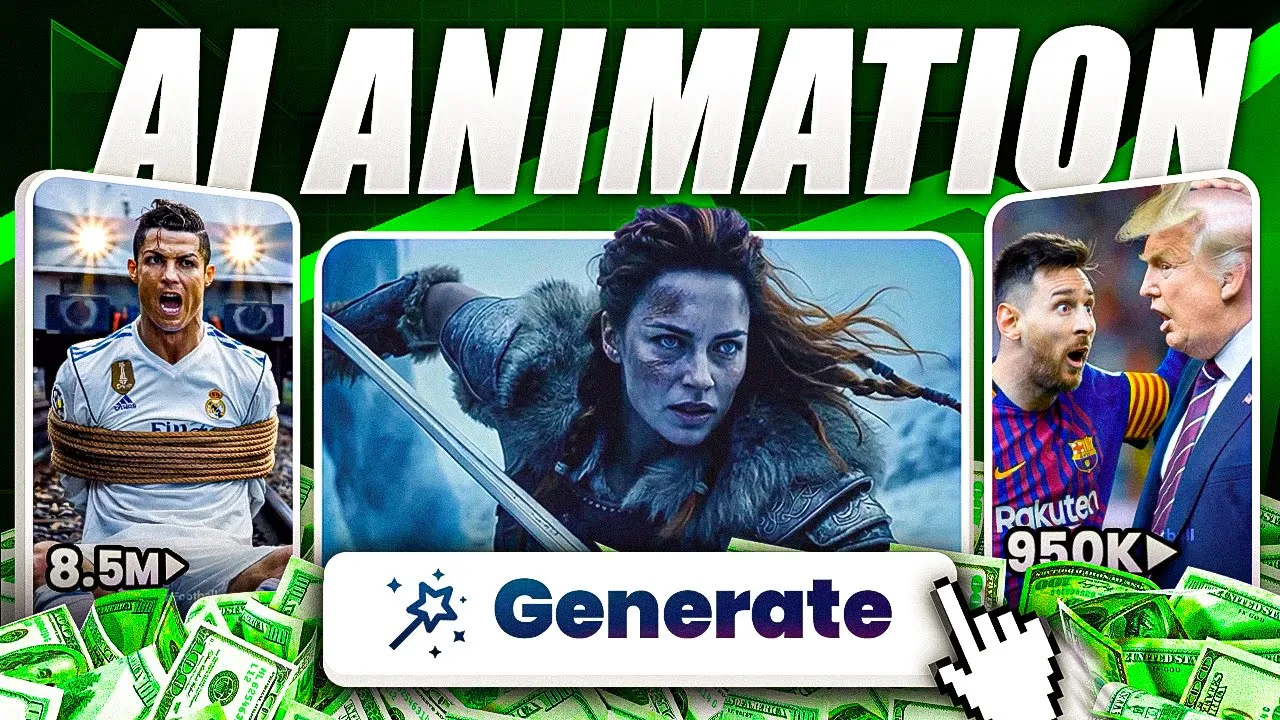
this AI animated video got over 180 million views on Instagram it got over 12 million likes with insane engagement and all of that happened in less than a month and speaking of Instagram I'd appreciate it if you follow my personal account and I'm sure you've noticed recently that AI content is getting more and more insane millions of views and some even hitting hundreds of millions in short time even multi-billion dollar companies like Coca-Cola have started using AI for their brands so in this video I'm going to have fun recreating some of these viral animations and
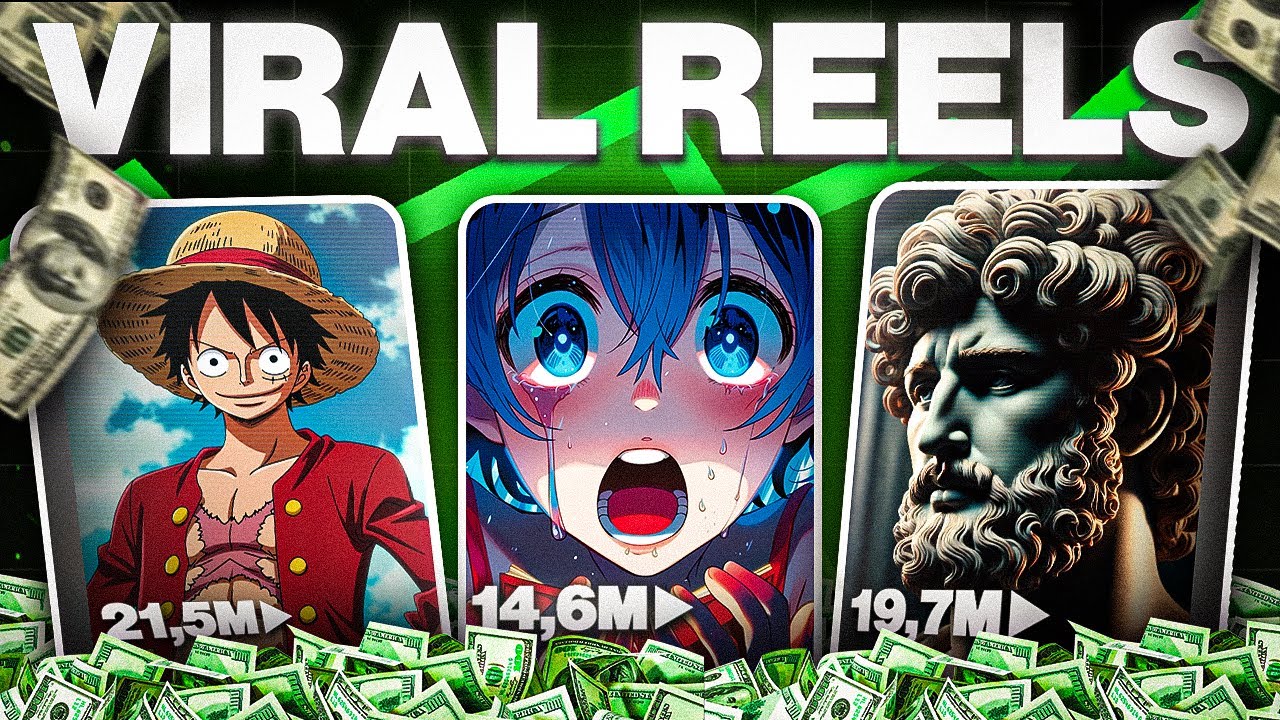
walk you through how to make similar content yourself even if you have zero experience as with the new updated tool we'll show you this won't take more than a click and it honestly all started by accident when I stumbled upon this weird video in my Instagram reals I was blown away by the number of views and engagement it had and then I started noticing that it wasn't just luck with one video 9 million 11 million 61 million 15 million as you can see this page is absolutely killing it with these AI animations which we will
recreate later in this video and if you take a step back and look at this from a broader perspective this AI animation trend has massive potential so if you jump in right now and seize the opportunity you could be part of something huge which is exactly why I decided to make this video for you guys okay so to get started we first need a topic to generate an animation about and here on the screen is my prompt which will help us create exactly that it's super flexible and structured to give all the details it needs
to generate a unique and engaging animated story so first we have the length this is where you specify how long the animation should be short like a 30-second reel or a bit longer for a more detailed story then comes the main character you can add a character like a fox Cat superhero or anything you want your story to revolve around after that we have the ini situation or conflict and this sets up the challenge or Journey For example the fox gets lost in the forest then comes the tone of the beginning and ending so you
can control how the story feels start off sad and end happy and finally there's the theme this is where you add meaning to the story things like friendship courage or kindness to make it really connect on an emotional level so this framework ensures that the story flows naturally and captures the emotions of the journey and here here's the fun part you can either get creative and use this prompt as a framework to write your own story or you can completely automate the process and let chat GPT do all the work for you and I'll show
you how to bring your idea to life using the mind-blowing invid AI update and since cat videos are going crazy viral I thought it would be fun to try creating something in that direction so here's the story I came up with it's about a kitten named Luna who's cold and alone in the rain then sunny a golden retriever steps in to help her and the story ends with a kind Baker rescuing both of them so it's simple emotional and perfect for an animation like this and now that we have our story it's time to make
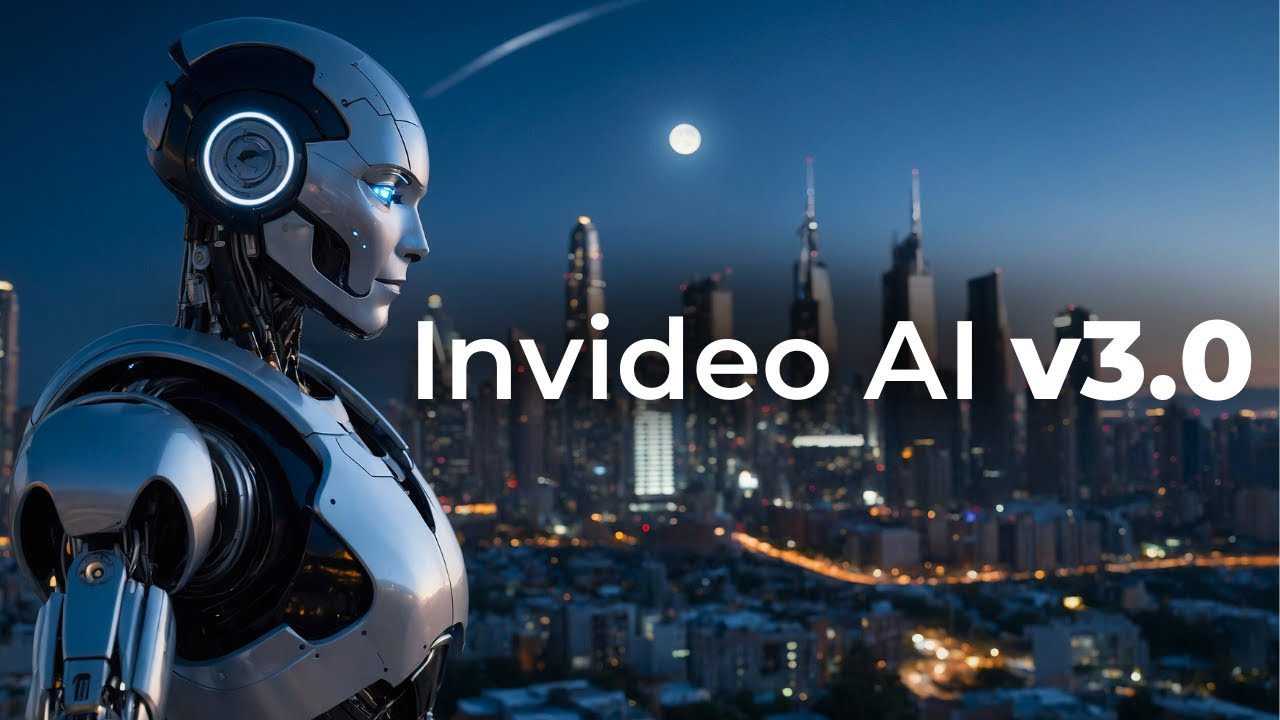
the magic happen and bring it to life using invido AI so here's the dashboard which you're probably familiar with but with the 3.0 update the possibilities are Next Level because by using the new flows right here we can now generate all kinds of mind-blowing animation videos super easily and I'll test out these features in just a minute but for now let's get back to our story so right here I'm going to paste the story prompt we have generated recently and then I'm going to click on generate a video here make sure generative media is selected
which means nid AI will generate everything from scratch we also have some more customization options like the duration audience and platform hit continue and wait for it to finish and the time may vary depending on the length and complexity so while we wait let's check out some invid AI [Music] [Music] Creations I mean I have no words this is incredible let's check out our story so first we have Luna the sad little kitten lost and alone in the rain then Sunny the golden retriever enters the scene as he notices Luna and steps in to help
her and at the end the kind Baker finds both of them and brings them into his warm shop this is honestly mind-blowing the entire animation came together just from a simple text prompt and it's incredible how spot-on the AI captured everything I know what you're thinking this St looks totally different from the viral video we saw well watch How I replicated the same style just by tweaking The Prompt but this is just the beginning now it's time to dive deeper and explore even more mind-blowing features as one of the standout updates are these new flows
with so many animation styles to choose from like cinematic films explainers or even Minecraft style animations these flows make the entire creation process 10 times faster so unlike the first method where we manually entered the prompt these flows do the heavy lifting for you so let's try out this animated short flow together and the first thing we need to do is provide a video topic for this example I'm going with a turtle named Shelby who teaches kids about ocean life diving deep to uncover underwater secrets in a fun way I believe this will come out
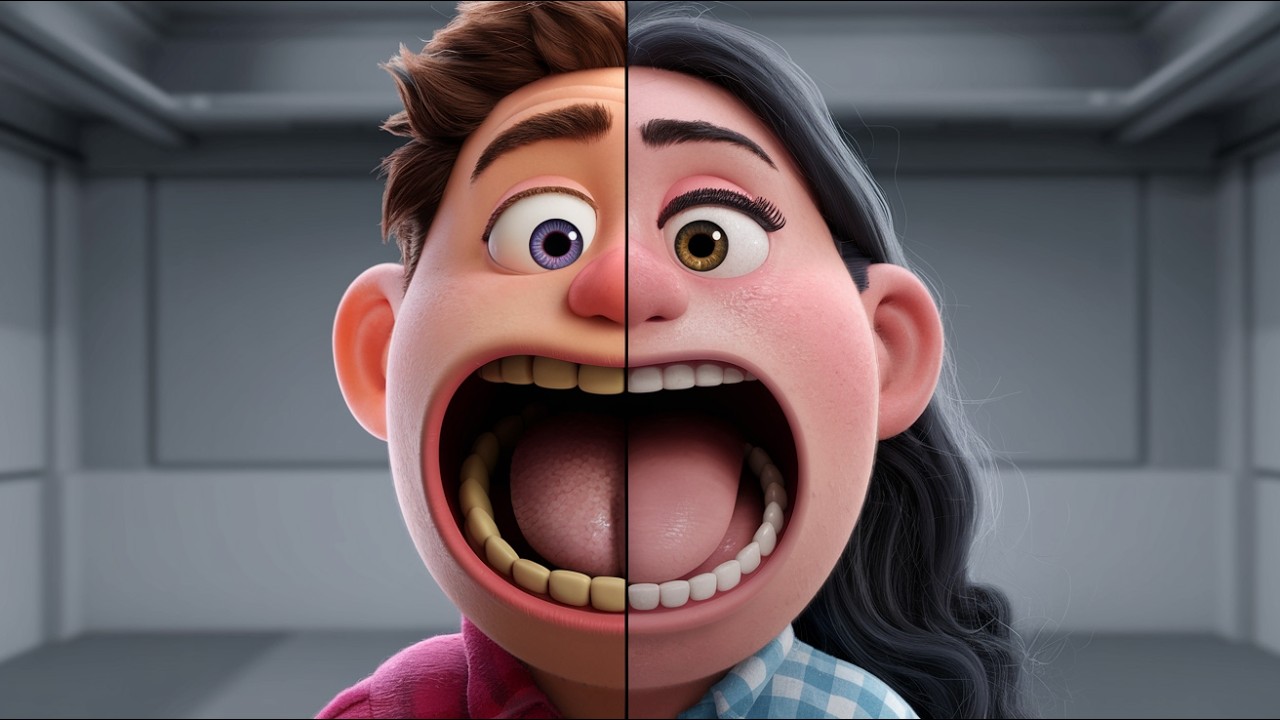
really cool next we move on to the settings starting with the animation style as you can see there are are tons of options here like Lego Minecraft clation cyberpunk Etc but personally I love Pixar style animation so I'm going to choose that after that we can pick the voice actor and just like with the animation Styles there are plenty of options here you even have the ability to clone and use your own voice but since this video is for kids I'll go with the American young kids voice you can also customize it further by adding
background music captions and other references and once you're happy with everything simply click continue now as you can see our prompt is ready to go complete with all the settings we selected and all that's left to do is hit generate video and let the AI do all the work for you hi there I'm Shelby and I'm on a super cool adventure under the sea I love exploring the ocean but I've always been a little scared of the deep dark Parts but today I'm going to be brave and dive deeper than ever before wow look at
all these amazing creatures did you know that jellyfish have been around for over 500 million years oh and check out that coral reef it's like an underwater city for fish uh-oh it's getting darker down here I'm a little nervous whoo what's that scary looking fish with the glowing light oh no it's coming closer wait a minute hey there you're an angler fish aren't you glub glub gurgle wow you're not so scary after all I learned something important today remember friends always be curious and don't judge a fish by its scales now if that's not mind-blowing
I honestly don't know what to say I'm genuinely impressed with the quality I'm getting and I can't stress enough about the opportunities this new update opens up but in case you want to make any changes in video makes it super easy first you have text commands where you can request changes directly through prompts for example you can change the music update the voice over dub the video into other languages all of this can be done right here but if you prefer a more detailed approach click on the edit button here you can make changes to
anything you want in the media tab you'll see all the clips used so you can easily change or replace scenes in the music tab you can swap out the background music or even upload your own and in the script tab you'll have full control to edit and adjust the script to fit your story perfectly and finally under settings you'll find options to customize your video even further so let's say you want to update a specific clip but keep the same character for consistency to do so click on generated media and then the plus icon and
right here below you'll see all the characters listed for example if we click on Shelby we can type a new scene idea like Shelby meets a starfish and once we hit generate a clip the AI will create the new scene for us in just a few minutes and we can replace it with one click and once you're happy with everything simply download your video and you're ready to go so the possibilities here are endless my friend you can explore unlimited ideas and styles to level up your content and ride this trend you can try nid
AI for free but if you want access to the generative features I highly recommend the generative plan it's what I use and with 15 generative minutes it saves you hundreds on editing animation and production costs and if you're already an nid user you can simply go to the add-on section and buy generative seconds so go ahead sign up and let your creativity flow