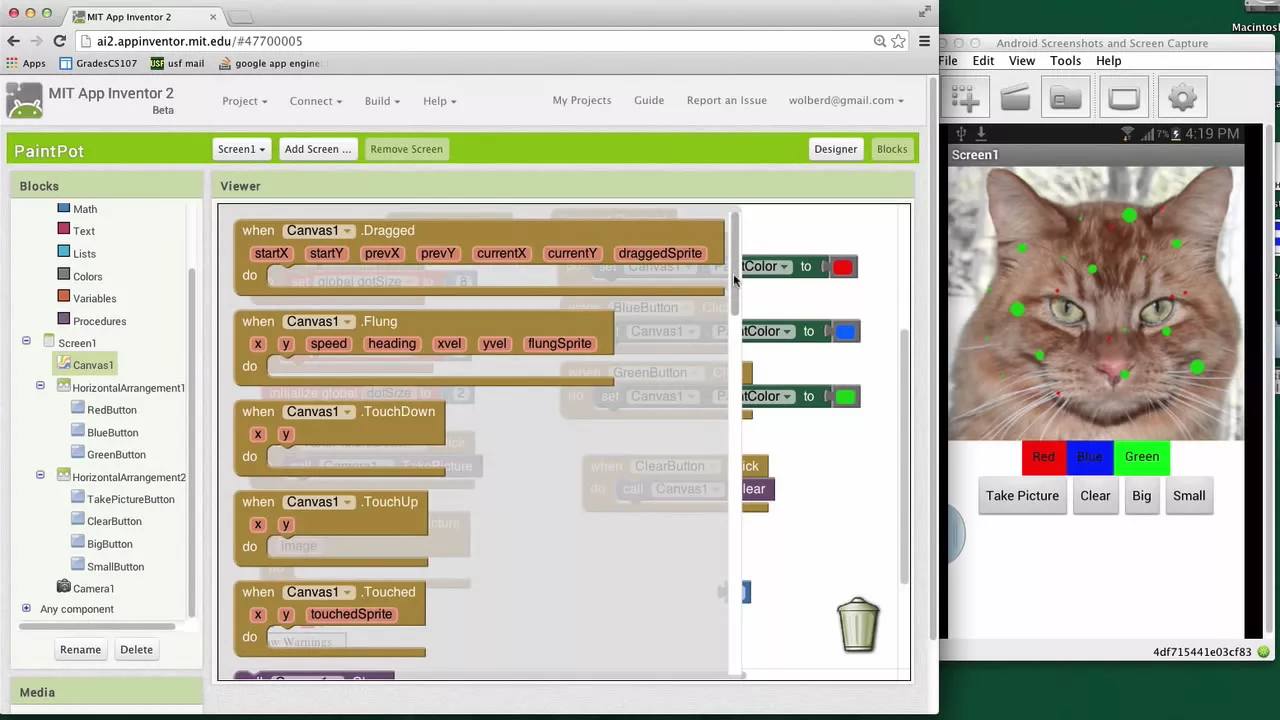
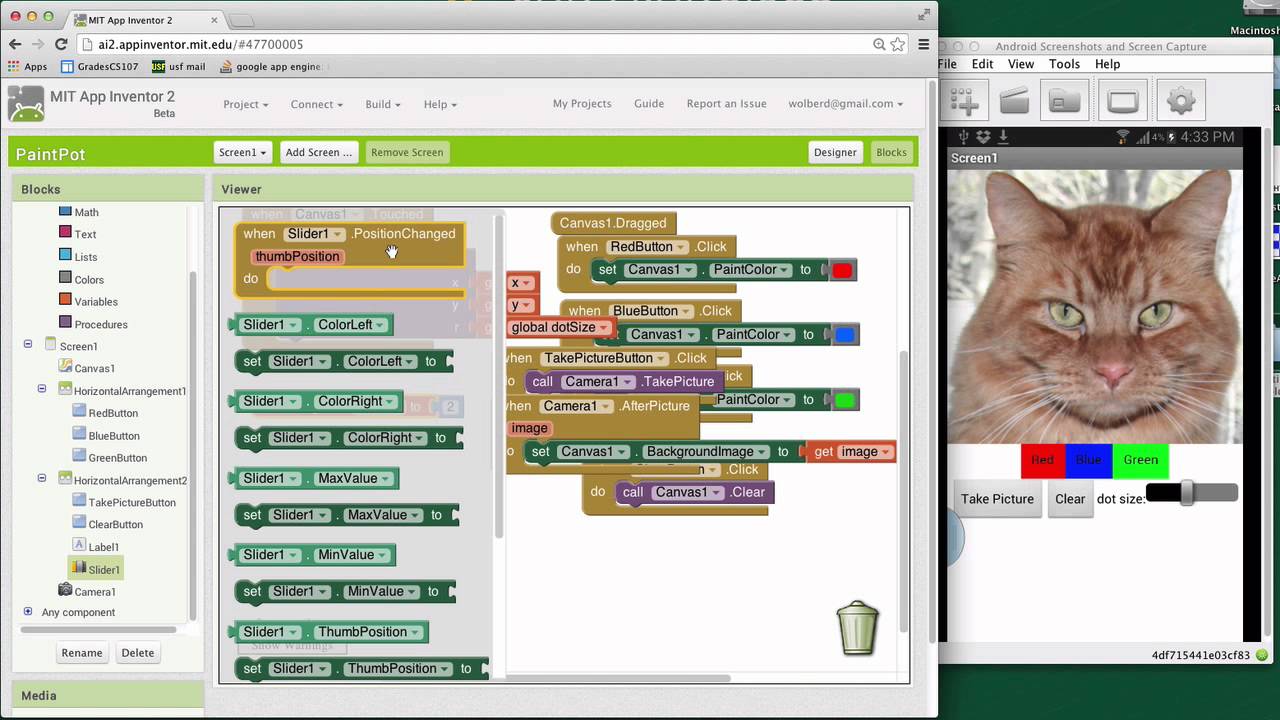
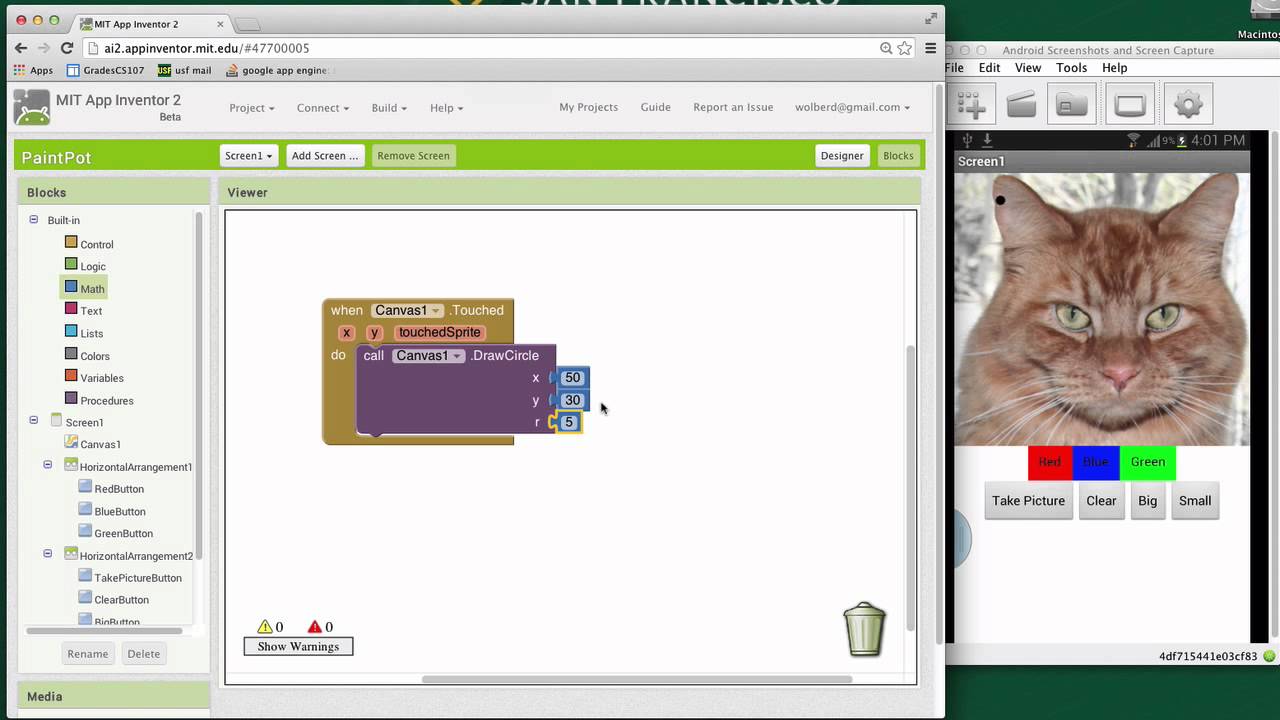
so we've got a kind of a nice drawing program where we can draw circles and lines change color make them bigger or smaller and now what we're going to you know make make it a little more fun we're going to make it so you can take a picture of your camera and then draw on that picture all right so first thing I'm going to do is just make some room I'm going to um control click on the touched and collapse it and let's just kind of move it up here we don't need to look at
that for the time being and you know we've got our camera component that we added in the design remember it was a nonvisible component and it's a camera and we're going to use that now all right and kind of the first thing we want to do is is kind of invoke the camera when this take picture button is is clicked so I'm going to go to take picture button grab its click event so when the user clicks the take picture button let's cause the camera to kind of be invoked all right and the F you
know there's not much in camera but the first thing is take picture okay and this just you know once they click that button it the the camera will take over the phone and you'll be able the user will be able to take a c a picture all right you might have noticed the other kind of key Block in here is this after picture and it's an event okay this is kind of like a what's called a call back and what it means is when when the user finally gets done taken the picture this event will
get triggered and in fact it will it will tells this parameter this image which will have the picture in it all right so so it's pretty nice all right so after they get T done taking the picture what we want to do is is set the canvas background so I'm going to go to Canvas and we need the set background U block and let's see so let's see draw a circle there's set background set canvas. background right I want to set the background to this image that I just took oh sorry I actually got this
wrong we don't want to set the background color sorry I got the wrong property I want to go back to canvas and I'm going to grab the set background um not the set the background color but set background image which is this next one down here okay and now if I stick the image in there this should this should work pretty good okay so when the user clicks the take picture button we'll take a picture when they get done we're going to set the background image of the canvas to whatever whatever these took now you
know I think it's a bug in App Inventor but you know at least on my camera I have to set it to um landscape mode to take my picture and then take the picture sideways so I'm going to do that and what I'll do is just take a picture of the screen here and then we'll be able to draw on it for some reason all right so I'm going to click on take picture my camera came up let's see my my battery is getting low okay so I'm going to turn sideways my phone because I'm
in landscape mode so I went to settings and I changed the screen mode to to landscape and I'll just take a picture of our blocks right they should show up um in our oh first I got to hit save and once I do that back in the drawing editor it's taken over the background of our screen so now you know that's the background I could have taken a picture of my little sister Right and started drawing on her but now I should be able to draw lines on this thing I just just draw or just
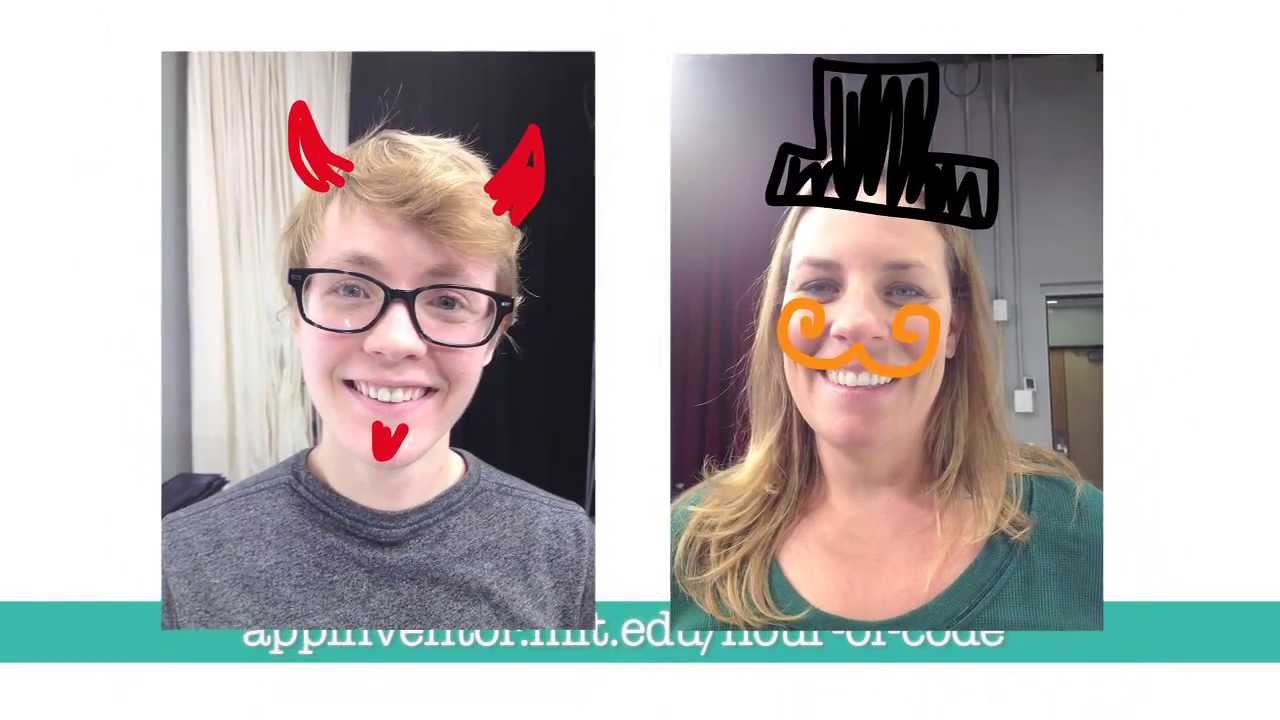
the picture I just took okay can change the color and whatnot okay so so pretty much it's a really cool app where you can go take pictures and then draw stuff on the or Draw on the people that you just took a picture of









![1 A.M Study Session 📚 [lofi hip hop]](https://img.youtube.com/vi/lTRiuFIWV54/maxresdefault.jpg)