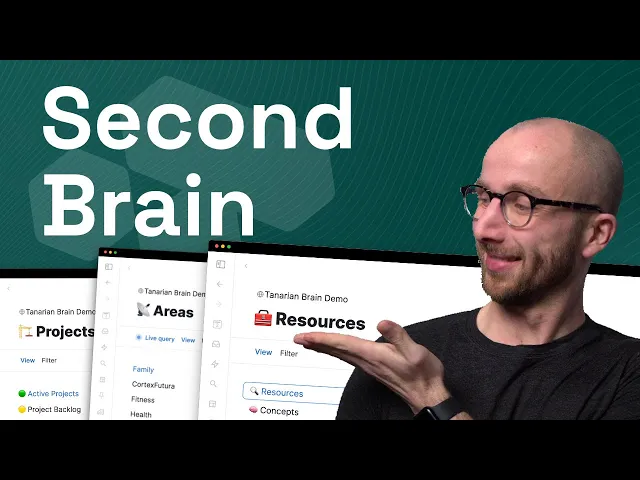
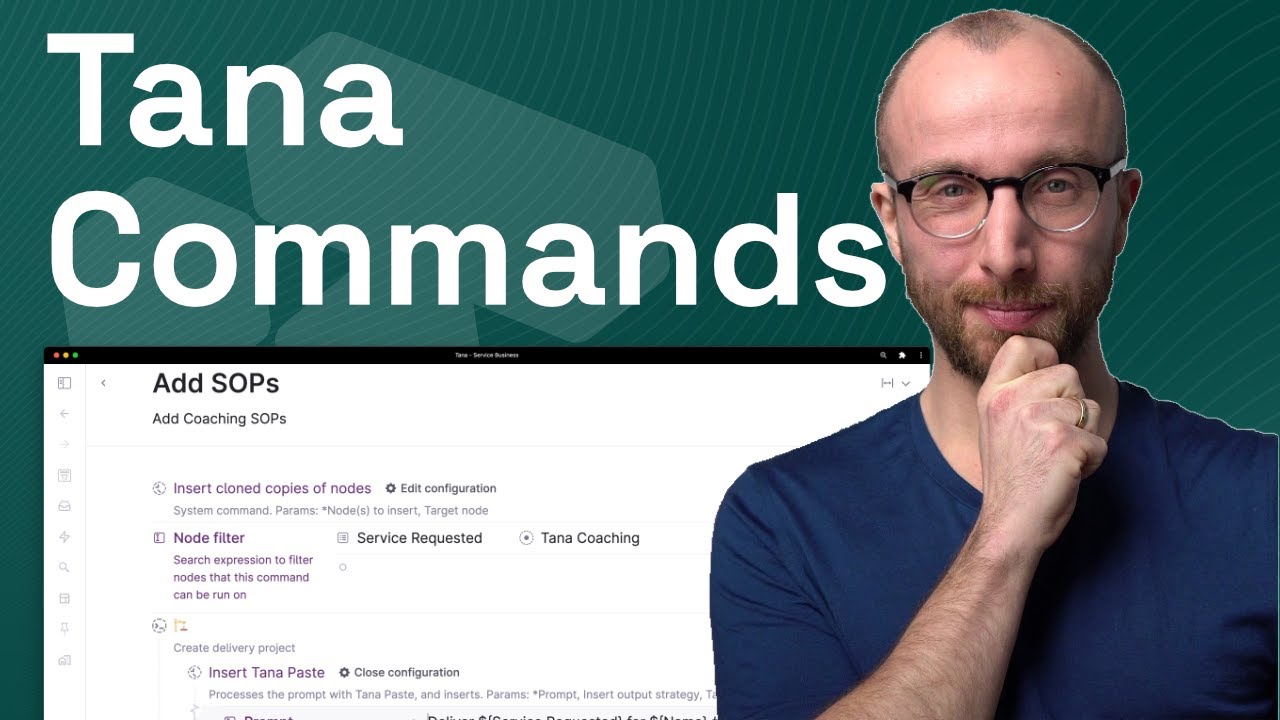
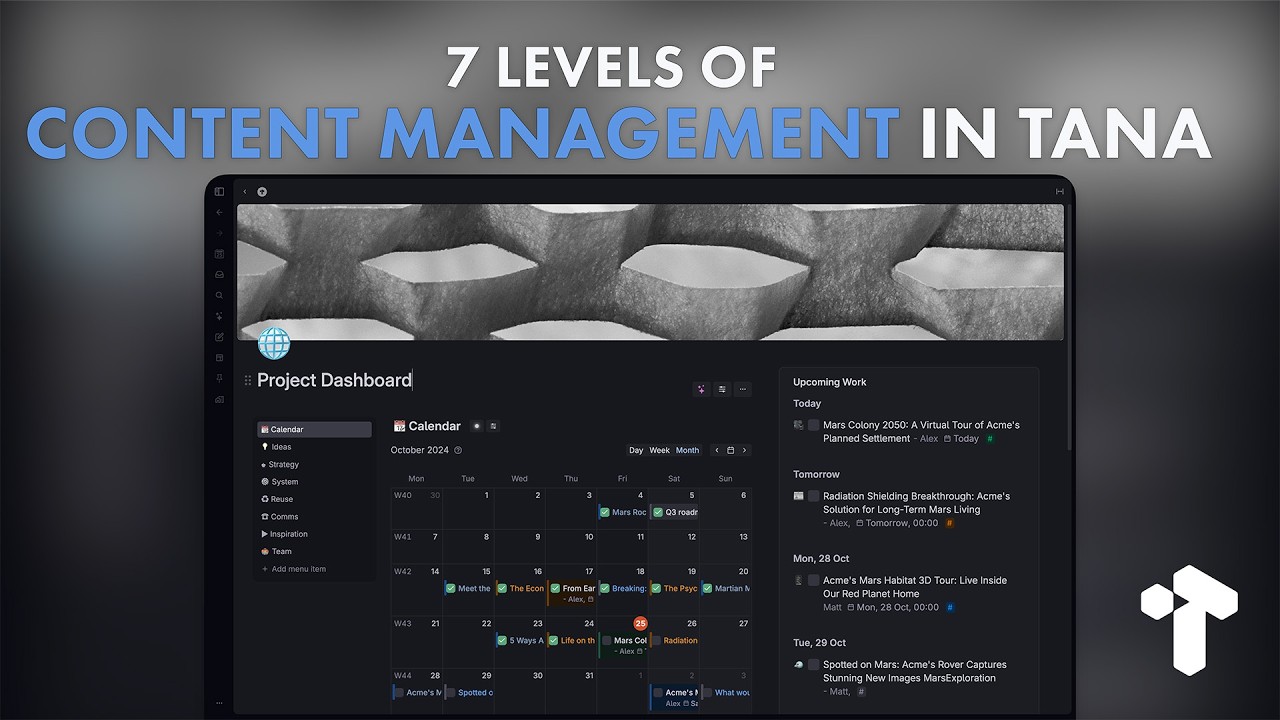
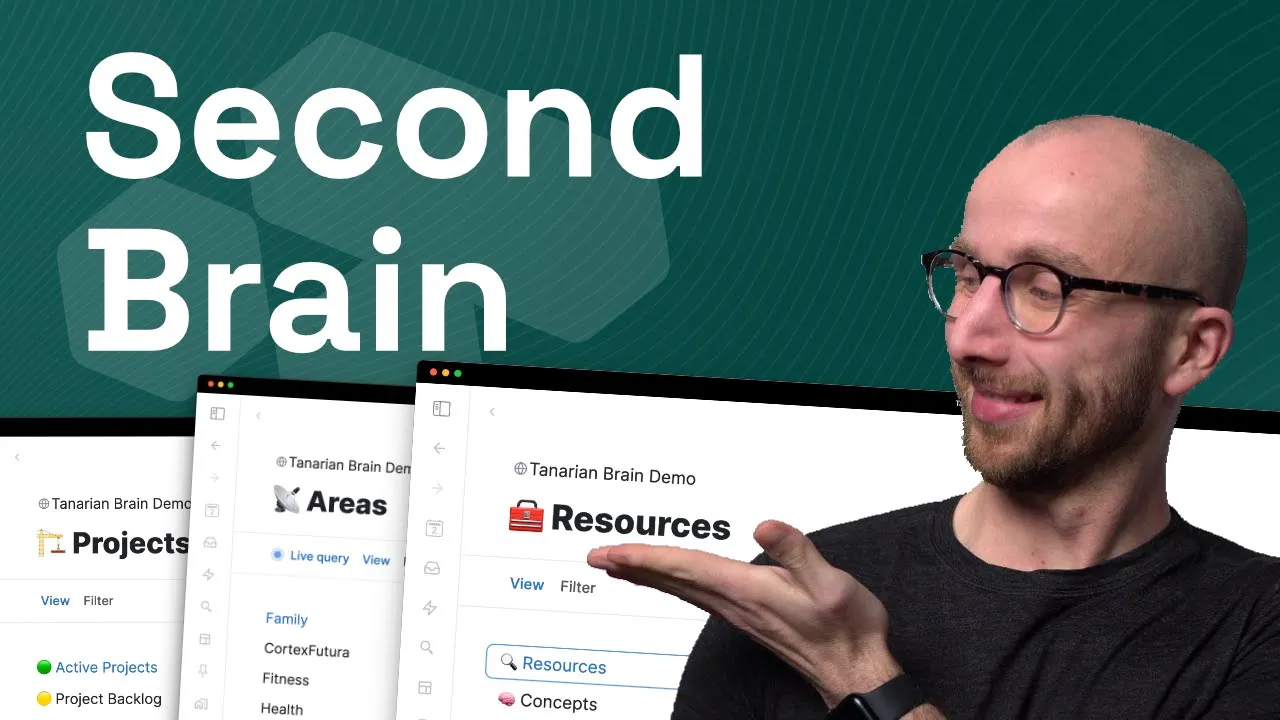
hey and welcome back to Cortex fura Tools in this video I'm going to give you an in-depth look at my complete second brain system inside of Tana this is the system that I've dreamed of for more than 15 years a single place for all of my notes my goals and the projects and tasks to accomplish those goals basically a system to organize my entire life I've used dozens of other not taking apps before and back in the day I even used to hack my own markdown based system where I would manually place all the backlinks
between the notes that I took and then when Tana came along it was like a revelation finally I have a complete system where I can capture all of my notes my ideas my research my tasks I can track all of my projects with all my tasks and thoughts inside of that project I wish I had had this system during my PhD but now I can organize my entire life using Thiago Forte's par system I have a powerful tle cting and I even have a complete GTD system baked into one so in this video I'm going
to give you an in-depth look at every single part of this system from an action oriented point of view that means we're going to look at the actions we would take inside this system from quickly capturing items to doing synthesis and managing our projects the PHD in me also wants to acknowledge all his sources like I would do in Academia so I quickly want to give a shout out to all the people who influenced this system and that you should definitely check out it starts with Nicholas Lumen and his ttle cting system and Zuna irons
Andy matusek and Maggie Appleton for their modern takes on that system Thiago Forte with his immensely popular books building a second brain and power method Joel Chan with his qce process for knowledge synthesis and of course last but very much not least Thomas Frank who with his template ultimate brain for notion gave me sort of a blueprint for how to package all the systems that I had built for myself based on the insights of the people that I just mentioned and how to package it into a single system that I could also share with others
check out ultimate brain at the link down below this video for most of my life I had to juggle multiple apps to implement all the ideas from these people but now I can do all of that inside of Tana now this will be a little bit of a longer video so check out the time stamps over here and below this video so that you can jump around and look at the things that interest you most and that you also can go back and rewatch parts that interest you and that you want to reference and before
we dive in I'll also mentioned that I've turned the full system that you're going to see into a template so if you want a complete done for you second brain system inside Tana that you can just add to your workspace and use right away you can actually get it over at cortex fur. tarian minus brain as you might have guessed from the URL the template is called tarian brain and I'll note right now that you can use the code YouTube which I'm going to put here on the screen for $50 off the list price I'll
have more information about that at the end of the video but for now let's actually dive in because I'm going to give you an in-depth look at every single part of the system so that in case you want to build it yourself you can use my system for inspiration so let's get this show on the road and dive into the template once again the template is called tarian brain and it comes with a bunch of Life searches that you can put into your day super tag and that will give you a daily dashboard of everything
important going on in your life right on the day node in Tana every day so the first thing that I usually do is I open the today's agenda node in the sidebar right and that will allow me to plan my day so let me zoom out here for a second so you can see better how this looks like I open up today's agenda and I see I have one event here that is an all day event right a task that has a date set for today and what I can now do is I can just
drag it down and say okay I'm going to work on this from 3 until 5 for example and with that I already have a chunk of my day blocked off and now I can go to the next step which is to open up the GTD dashboard view so let me zoom in again so you can see that better we now have here a view of everything that is marked as do next right is something that is right now in progress something that I want to focus on the due today shows me the task that I
just scheduled here on the day node right the record T and brain bu guide which I'm doing right now and then we have a live search that lists all overdue tasks so task where the due date is in the past and now I can also go ahead and say okay I'm going to drag and drop this onto to the day node here and I'm going to schedule this and that moves it out of overdue right back into du um and it sets that field so that it shows up here on today's agenda right and that
again is a really easy way to figure out okay how can I um use the time that I have today to go through all of these tasks and if I want a view of what's upcoming I have an upcoming tasks view then that lists all the tasks where the due date is in the future right and right now there's only one thing in here but you can imagine with all the tasks you might have across your project that list could be very long so what you can actually do is you can filter this and then
look for due date today last week this week next week this month next month right and so you can really filter down to see only the next upcoming tasks if you choose to so that's a very easy way to keep on top of your tasks obviously the other thing that is in the template is a life search for a global task inbox and this lists all the tasks that don't have a project set yet or projects that aren't connected to area and that means wherever automatically going to show up here in this Global task inbox
until I fill in until I fill in all the missing information then it's going to move away and I'm going to see it in the context that I need to see it again this is basically no matter where I add things um I can always process them and make sure they go where they need to go so let's actually look at that in Tana of course you can simply add a task by typing command e or contr E on Windows and I can now enter um a task here and it's going to show up on
the day note so this is a task I tag it with task tarian brain and it shows up on my day node here and it shows up here in the global task inbox because I did not set a project in the project field and now I get to do that here in the global task inbox so even when I'm moving really task adding tasks I don't have to spend the time to associate it with a project as I'm listing out tasks I know I can do that later because I will see that task again here
in the task inbox this also will list projects so if I have here release next free template and I make that a project that is going to show up here as well until I connect it to a goal which is connected to an area right so if we make this a goal increase newsletter subscribers it immediately becomes a mismatch and moves out of that Global task inbox because it now has all the missing information that I want so that I can see it again in the right context now having this uh Global quick capture that
t has is really nice right it allows you to add tasks no matter where you are what you're doing and of course you don't have to do that wherever you tag a task it's going to show up here um as well but I want to show you one more magical thing that Tana allows you to do and that's built into tarian brain to have a really smooth workflow Tana lets me record voice notes directly into Tana on the web app but of course you can do that uh through the mobile app as well so let
me quickly record a voice note capture voice right command K capture voice pick up some milk and send off the package for Phil's birthday stop Voice capture right and now I'm going to tag this as a voice note that comes with a transcribe button here right and if I click that the voice note is going to get transcribed and the transcript is going to put into a field transcript now what I can do is I can click this new button that's built into tarium brain if I click that that is going to use AI to
work through the transcript and extract all the tasks in there right and auto tag them as new tasks and as you can see here they show up in the global task inbox immediately so you can always capture voice nodes um and turn them into tasks whenever you want wherever you are in Tana I think that's a quite magical and and very useful um capability next we have priority projects priority projects give you a simple dashboard to really have the most important things that you're working on at any given time ready to see and work through
on your day node right so publishing tarium build guide um this is this video that's important and working on a new course that I'm doing building uh mastering Tana AI so I have these on the day node every every time that I open up the day note and I can see what goal it serves I can see any tasks um that I might have and I can even see previous work if I've done any on this in the form of micro Cycles we're going to talk about that in a bit next we have a view
for current Cycles Cycles are a way to structure your time in longer increments right so we have days weeks months or whatever I like to use 6 week periods the folks at 37 signals have that um as their default planning Horizon basically the way I call these are macro cycles that are connected to halfe increments that I call Super cycles and the idea basically is to have a way to really set a mission right okay that's what I want to do in the next half year and then plan in six week increments okay how do
I actually um get to that mission right you can list goals here um experiments we're going to talk about experiments in just a second as as well and that allows you to have a high level overview of what you're supposed to be working on every day on your day Noe if you want to check and see that your work today is actually connected to your overall larger goals that you're working towards now I just mentioned experiments one thing I find extremely useful and that's why I've built it into the system is to have a way
to track things that I'm changing and experimenting with right too often we start with a plan to do something take a cold shower post six times per week on Twitter or whatever and then we start doing that we fall out of that we don't collect lessons and this is a way to prevent that right so you can tag node with experiment is going to show up here if you set the date range right so this is only going to show you all the experiments that are currently ongoing and have the status running and you can
formulate the hypothesis is say what you're actually going to change and then observe what actually happens and once the experiment is concluded you can see okay did that work did that change did uh waking up at 4:30 or did taking a cold shower um change anything uh in my life so that's also built right into the template if you read a lot I suspect that you might be using readwise As I Am to collect all my highlights and notes from the books and tweets and videos that I'm consuming um every day and tana has a
tight integration with readwise and tarian brain comes with live search that automatically shows you all the sources you've added to readwise and highlighted in the last 3 days I find that extremely useful because it allows me to sort of get a second exposure to the things that I've read um allows me to connect things to my Tana graph and it allows me to think more deeply about the things that interest me and and that I want to spend time with so this live query here pulls in the readwise super tag for any node that was
created in the last 3 days so the world beyond your head is a great book I highly recommend that and so that's going to be put in here and now I can connect it to any Topics in my workspace the author um I can uh put in here and I can look at all the highlights that I've taken in readwise and these I can then also connect with topics I have my fleeting notes here these are Auto tagged from readwise as well and if I don't want to uh write the topics myself and connect these
to My Graph myself tarium brain comes with a AI enabled command get topics that's going to fill this out um by itself and it puts in three useful tags here uh Cooking restaurant industry and the idea of a background jig right that's a really cool concept that I also talk about here in that fleeting note so I can now go in here and copy that over and so if I'm looking for the background jig as an idea um or or topic I will find both the highlight and the fleeting note that I wrote about it
um as well very easily tar brain comes with even more AI commands I can ask the AI how I might apply a lesson that is in a highlight um who might be interested in talking about something and I can also create far analogies which really help in understanding and applying Concepts that you're reading about if you're interested in that check out the video I'm linking above uh where I go in much more detail about far analogies speaking of fleeting notes the final live search that we have in the day super tag and so always on
the Day note is for recent fleeting nodes and this collects all the fleeting nodes added in the last 3 days and that is another way to prompt myself to think more deeply about the things that I'm interested in uh connected to other things come up with new thoughts and a really good way to make my graph and my workspace in Tana more connected which later really helps for synthesis of course that is not all in the sidebar we have even more live searches that give us destinations to go to find the things in our workspace
no matter where they are we talked about Horizons already so this will give you an overview of your halfe plans and of your macro Cycles the macro Cycles are shown as a calendar view which I find quite useful to see as I'm looking at the current date okay where am I right now is there a new one coming up very soon but of course you can always view these as lists um as well or any other view that you might want as I mentioned before there's of course also a powerful para implementation in the template
so here in the sidebar of course we have a view of all the projects that we have active projects are the ones you're working on right now and you can make any project active by selecting the project status in progress we have a bunch of these here uh in the back back log in progress done dropped Sunday maybe projects of course also exist um and here in the sidebar of the projects view uh we have the project backlog and then those that we say we might want to do in the future and we have here
a view of the completed and dropped projects so basically a project archive what you also see here is completed work micro cycles and tasks which you can Group by the project that they belong to in that view if you want to look at what you've done so far that's also what happens if you focus on any project so you have here a view of all the tasks that belong to any uh specific project so you never lose track of what's actually to do and you can collect here previous work and previous work means work sessions
in the sense of a two-hour block where you really focus on that project we're going to talk about that once I'm through with the power system overall so those are projects projects are connected to goals and goals are connected to two areas so we have an area view following the power project area resource archive methodology from Thiago Forte and here we have a view of all the areas that are have set up in this workspace family cortex satura is the business uh fitness health home and finances every area comes with dedicated life searches that lists
all the goals projects and resources and assets connected to that area so the cortex vura area for example has three live goals right now launching tarian brain increasing newsletter subscribers and launching mastering T AI it also has a project dashboard and this shows all the active projects that relate to this area completed projects some they maybe projects and the backlog uh of course as well and then we have resources and assets that are connected to a specific area now I've mentioned goals so let's look at these in more detail we have a goal view here
as well with sub views for current goals accomplished goals dropped goals and goals we failed um and goals as I mentioned are the step in between between a project and an area and I find that really useful even though it is a slight deviation from thiago's original methodology because it really allows me to formulate what am I actually trying to achieve in a larger context because you might have a goal that many projects work towards and so that is what the goal setup does so we have here then for every goal of course a dashboard
with active and completed projects um and here you see publish tarian brain build guide again that is a currently active project that is um connected to the goal of launching tarium brain and here you see then completed projects right so um completing the template setting up the circle community and that's where I find it is useful to to have sort of a step between projects and areas because it allows me to group projects into larger entities which are goals then we have resources um following thiago's methodology and I split resources in three things really the
first one is broader topics right so video editing things that experts do the history of the research University those are broader topics some topics are more specific though they're actually Concepts right so psychology is a concept cognitive flexibility theory is a concept so that's where I like to have like a subcategory of a topic what's interesting is is that um Concepts in tarian brain actually are part of other Concepts if you want to right so cognitive flexibility theory is part of psychology if I go to psychology and here here to Concepts I see that cognitive
flexibility Theory and expertise are part of psychology and that allows me to really build a Knowledge Tree of related Concepts and how they are uh connected and I find that extremely useful for writing and making sense of the world the third category that I have is assets and assets are things like my domain or my MacBook or uh OBS the software with which I'm recording this video and this view um and distinguishing that um allows me to have a quick overview of all the things that I actually using in production and gives me a place
to record settings things um that I need to know to set things up should something break and those sorts of things so that's way that I have like another category that isn't really a resource it's not a concept it's an asset right that's also built directly into the template in the system and then we have archives in Tana archives aren't really as necessary as in a folder based structure um because of the graph nature things sort of go away anyways through the live searches if you uh don't want them in view but for the sake
of completeness we have an archive projects View and that looks for anything that is a project where the project start status is either done or dropped right so things that definitely aren't active um anymore and the same exists for areas and resources and for goals so that's the the mini lesson on para right para allows you to have an overarching concept of an area right under which you then organize all the the projects that you want to drive forward for that area you have resources and these connect to projects you can use these in any
specific project and you can connect projects to these resources um as well now how do you actually do the work that's also something that I've spent quite a while um experimenting with and working with and in tarian brain I give you something that is called a microcycle and a microcycle has a start time and an end time and it is connected to a specific project let me link this to a project launch mastering Tana Ai and it is a way to do interstitial journaling right what am I trying to get done what are the consequences
if I don't get this done how I know that this is complete and what might distract me right the folks at alter working P this uh approach a number of years ago and having those 10 minutes at the beginning really helps focusing getting into Focus then you do nanoc Cycles nanoc Cycles are 30 minute blocks of again start and the end time you record your energy how much you want to do the work and write again down what the goal is and how you will get started and if you do that I promise you you're
going to have a fantastic 2hour session of three nanoc cycles that really drive forward your work you don't have to do this of course but you can if you want and it's baked right into Tiner brain and as I alluded to previously if we go in here now we see in the previous work tab um when we did these microcycles these work sessions on our specific projects that's a really nice way to see how you're making progress on something that you're working on my system also features a tle custom and a tle custom is an
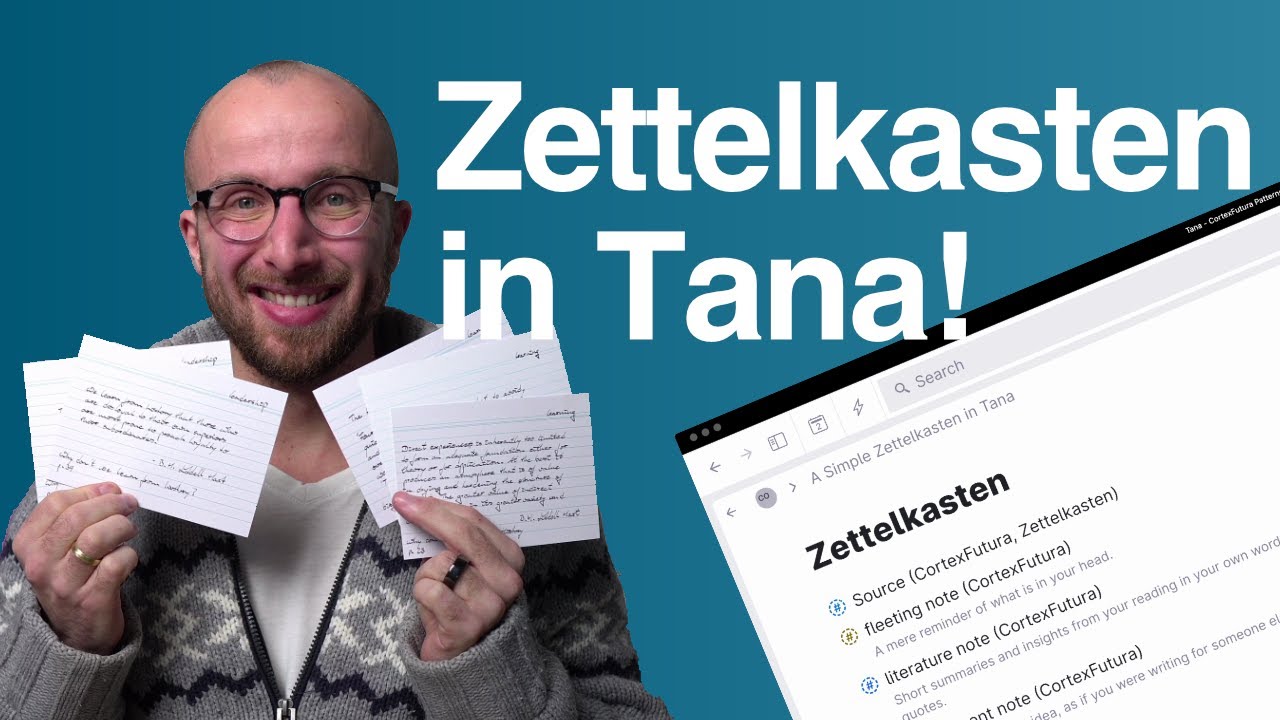
extremely useful way of collecting highlights quotes and thoughts if you will um about those highlights and quotes um I follow the methodology of Sina arens in his book how to take smart notes inspired by Nicholas Lum and settle Casten and what I have here are two types of notes a fleeting note which is just a small thought that came into your head and then permanent notes that are actually formulated out more specifically to collect your thoughts um if if you will so you write loads of fleeting notes smaller number of permanent notes and the permanent
notes are more refined and basically something that you could copy paste into an email to show what you're thinking about a specific thing permanent notes um have related questions and we're going to tackle questions in just a second and then of course they also have topics um or resources in the para poets highlights we've already seen connected to sources um and these show up here so you have a central location where you can look at your highlights and you can uh filter these and insort these to your heart's content um and of course we also
have here a collection of sources this view actually lists all of the different sources tarian brain comes with um I think 20 different types of sources if you want to go that deep obviously books and tweets and podcast episodes but also like patterns and whatever you might want to have uh basically I went through all of zoto's source types and I put them into tarian brain for your use but we also have a bookshelf view um that gives you a central place where you can look at um the things you're currently reading consuming um working
through and then a you for anything that is marked as to read to watch to listen or that is marked as done now let's talk a little bit about deeper analysis right I really like the qce framework from Professor Joel Chan who developed this to help with knowledge synthesis and the way it works in my system is that you mark things as a question and then you go through the things that you're reading and you're looking for claims that are made on a specific um question so for example this is a question that I looked
at during my PhD does access to the internet cause more of government transparency political rights and democracy right the topic it links to is democratization internet penetration and mass mobilization and here in the synthesis material we find related claims and in the literature there's two claims that are sort of competing that internet penetration is a negligible effect on mass mobilization and that higher internet that penetration means greater ability to politically mobilize right if you look at the world today sort of a relevant question to uh to investigate and so having these two related claims here
allows me to collect evidence right evidence that supports any specific claim or that contradicts um a specific claim right and here we have one piece of evidence right that contradicts this specific claim but is in support of this specific claim right and that is a super convenient way to collect and think through things that you might be researching whether you're a researcher or not I think this is a super helpful framework one thing that I've built into my system here is an AI command that automatically provides you sort of counter arguments or counter considerations for
any claim so if we click this button here we get a field counters against claim and then the AI is going to provide us with counters against this specific claim and that I find is really helpful to have a really quick feedback cycle and never get taken in by any particular claim right you always have counterarguments to then uh feed your thinking um if you will for the questions the elves of course um we also have something that I find quite useful that the AI can suggest a research plan for you right so here we
have the question and now the AI is going to go out and coming up with a research plan in Search terms to figure that out right the research plan is uh defining key terms which terms should we Define conducting a literature review identifying relevant data sources it even gives us uh places where we might look so that's a really powerful quick way to get started um with any research question you might have and again I think this is useful whether you're a researcher in the academy a professor or a student but also if you're an
an analyst um in a company or do market research or what have you and then of course with the synthesis material here um as we go to the synthesis phase what we can do is we open this up um on the side we look at uh the related claims and the evidence the related thoughts and then we can put our synthesis here and start writing our particular answer to a given question tag it as a permanent note if you will and then you have um a really nicely formulated process for making sense of the world
all right built in and and ready to go for you now of course we are aren't alone in the world in the universe we don't know but in the world we certainly are not and so tarian brain also comes with a view of looking at U the people in your life right so friends and family you can tag uh someone as a friend as an acquaintance as a colleague or an author authors show up here friends and family with um their birthday if you want to enter it and that makes it really easy to figure
out okay who have I been talking to collect all the uh conversations you've had all in a central place note down gifts for example um really convenient um as well then the experiments view um we talked about already what experiments are for active planned completed and dropped experiments if you want to run these I really like the journal so you can um create journal entries that automatically collect in a central place um and are quite useful and you can Mark things as wins and that brings us to the year in review when you collect something
on a given day as a win or a Miss you're automatically collecting things um to come up later towards the end of the year uh you will have a very easy way of collecting all of these and then saying okay how did my year actually go again all of that built right into um the template itself so that hopefully is a complete overview of M second brain system inside of Tana this is a complete productivity system and now I can do pretty much everything related to not taking planning and taking action inside one system in
Tana now like I said in the beginning of the video I've also turned this into a template so if you want a complete second brain system totally done for you that you can just add to your Tana workspace and start using right away you can get it it's called tarian brain you can get it over at cortex fur / tarian minus brain and I even have a promo going on right now for this video right now you can use the code YouTube for a full $50 off the list price so I think it's a pretty
fair price and for that price you get way more than just the template itself you also get in my opinion well classed beginner guides onboarding tutorials and actual support if you get stuck and have questions and with my beginner tutorials I've put a ton of effort into making them as as comprehensive and easy to understand as possible I have a full tutorial on how to integrate readwise on how to set up your own AI commands and all kinds of other useful stuff so once again if you want a complete second brain system done for you
and ready to use inana right away go over to Cortex future.com tarian minus brain and use YouTube at checkout for full $50 off the purchase price of the template thank you so much for watching if you have any questions I'll be in the comment section down below answering and I'll be back very soon with another video and see you there