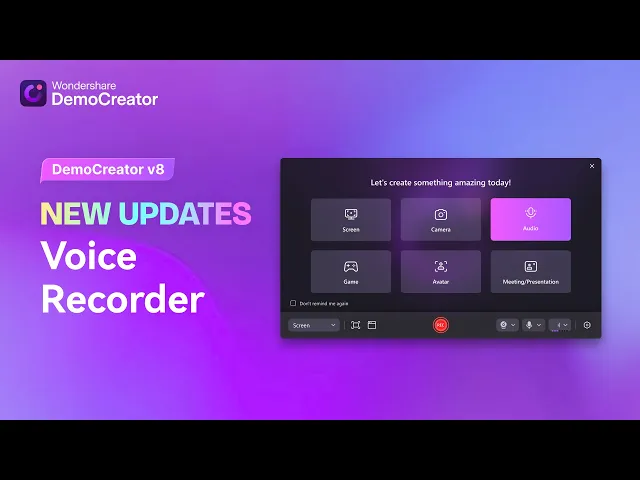
are you looking to record high quality audio from your microphone or your computer hi guys I'm Kai from wondershare demo Creator and today I want to share some exciting news with you and that is that demo creator has released audio recording mode in the latest version now you can easily record your microphone system audio or both together before we get started with today's tutorial be sure that you subscribe to our channel so that you don't miss any of our videos and with that said let's dive into how it works [Music] first things first be sure
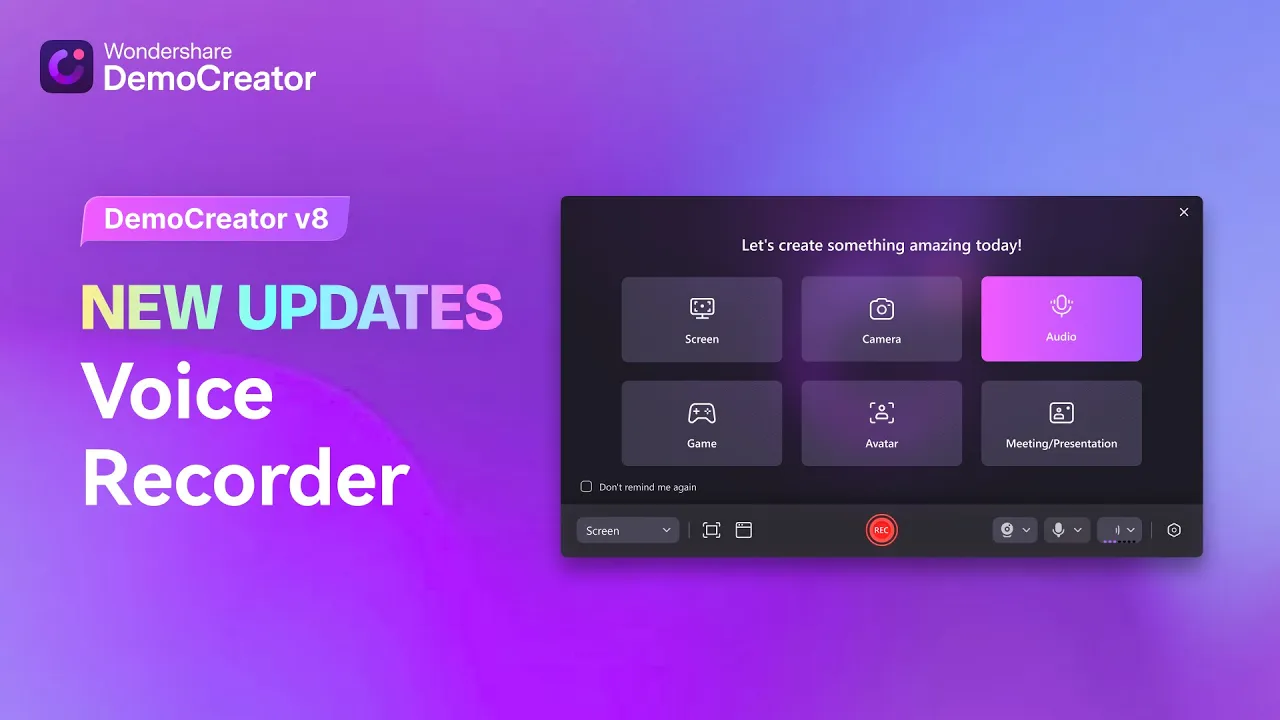
you're using our latest version which is 8.0.5 you can find the free download link in the description box below as I've installed it already let's open demo Creator and enter the video recorder section you'll see the audio recorder click it and you can start recording your voice in audio recording mode you can record using your microphone your computer system audio or both if you want to record only your microphone simply click the speaker icon to mute the system audio similarly if you want to record only the system audio Click the microphone icon to mute the
microphone in the audio recorder you can also use the AI teleprompter to assist you with your voice recording simply inut what you intend to say so for example hi there I'm Kai from wondershare demo Creator Additionally you can use the AI writer in the bottom right corner to enhance your script to rewrite it in different tones such as professional humorous or casual let me choose the humorous tone after a few seconds your a I Rewritten scripts are ready this is cool right once you've configured your settings click the record button and start audio recording you'll
see the audio wave forms being recorded in real time allowing you to monitor the audio levels as you go after you finished recording click the stop button your recorded audio clip will be ready to review you can listen to it to ensure it meets your expectations if everything sounds good click the quick export button to save your recording or select re-record to try again democ creator also offers a variety of audio editing tools to fine-tune your recording if you want to enhance it further click the advanced editing button here you can adjust the volume apply
audio effects like the AI voice changer and AI speech enhancer and even remove background noise to ensure your audio is topnotch for more detailed tutorials check out our previous videos to learn more and just like that you've recorded high quality audio from your microphone or system so thanks for tuning in be sure to subscribe for more tutorials and leave a comment if you have any questions and I will see you in the next video [Music]