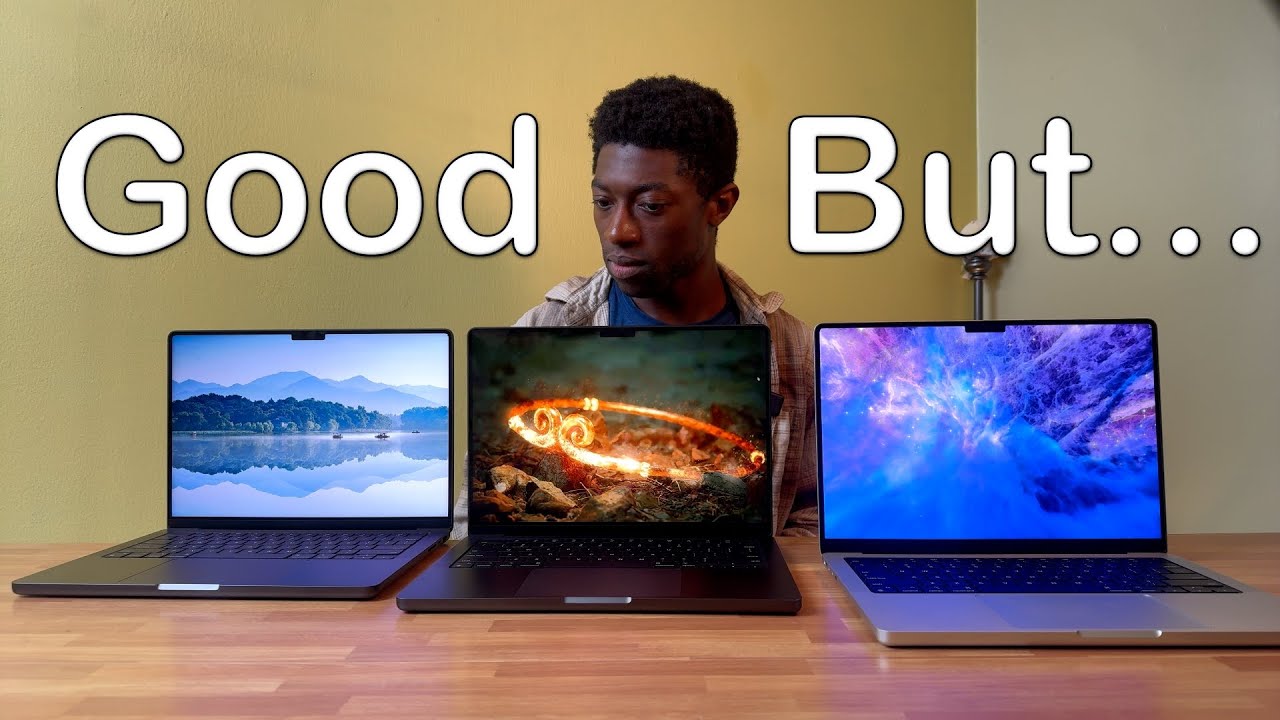
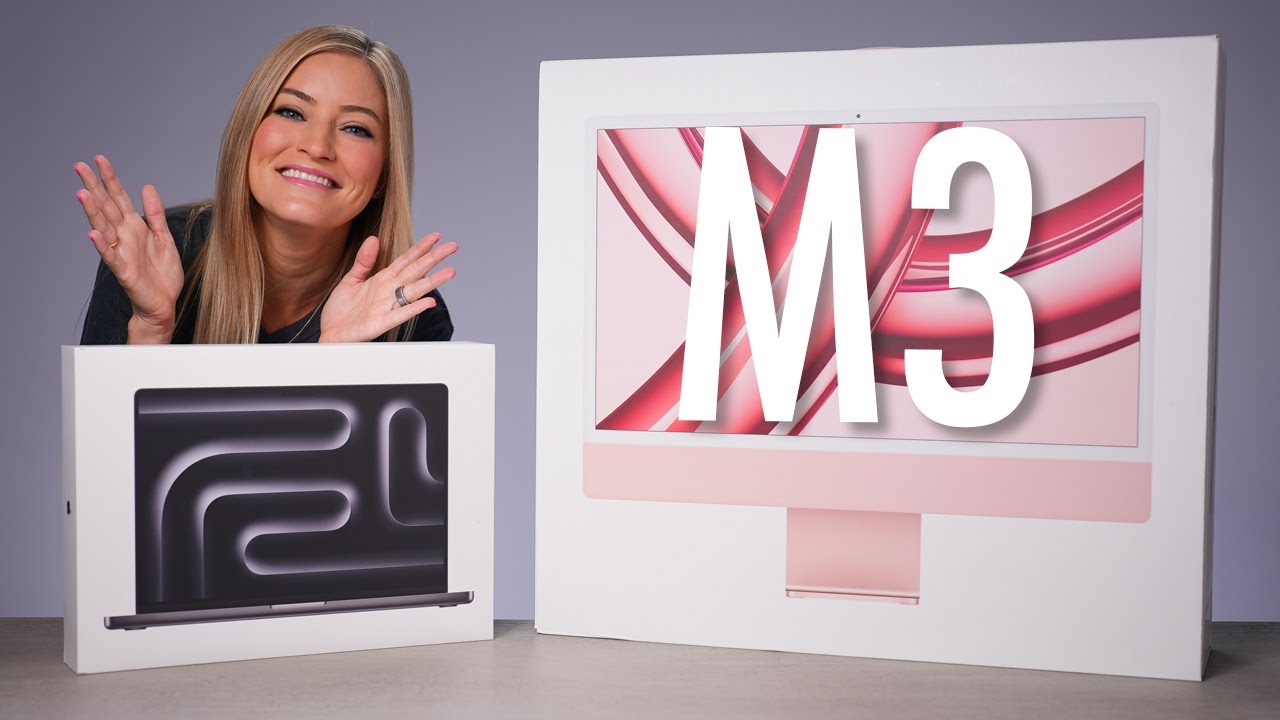
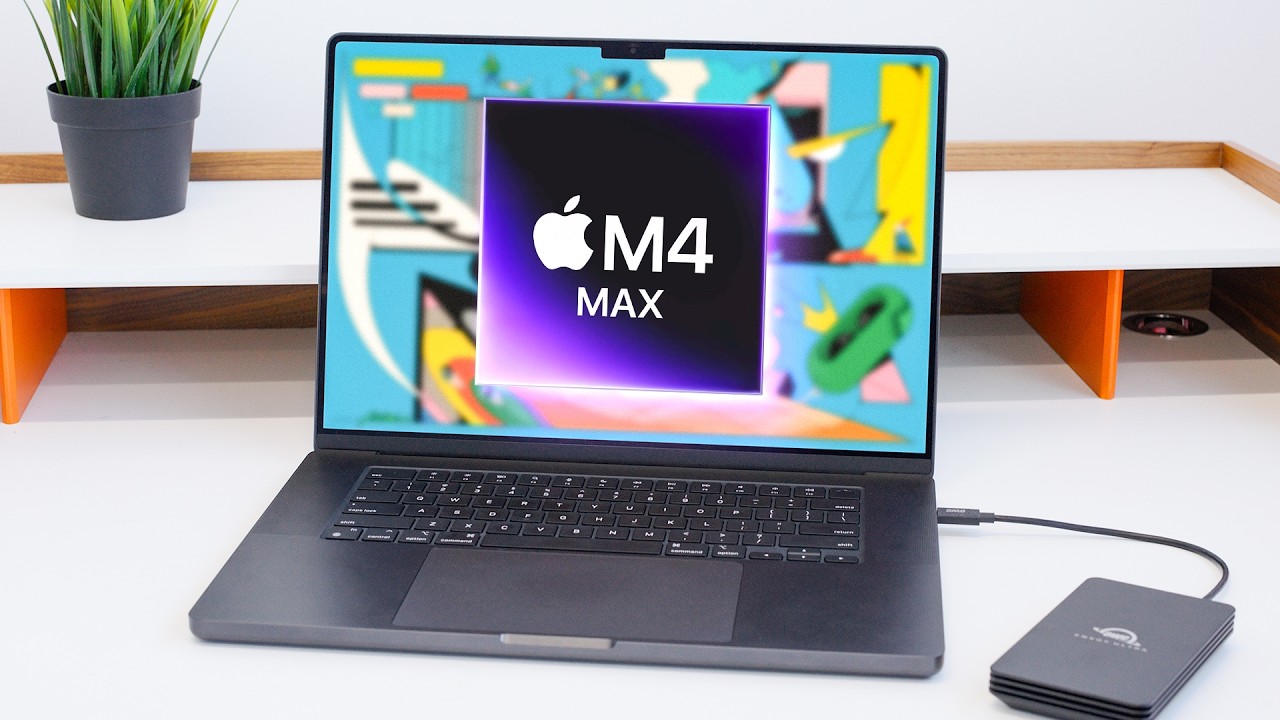
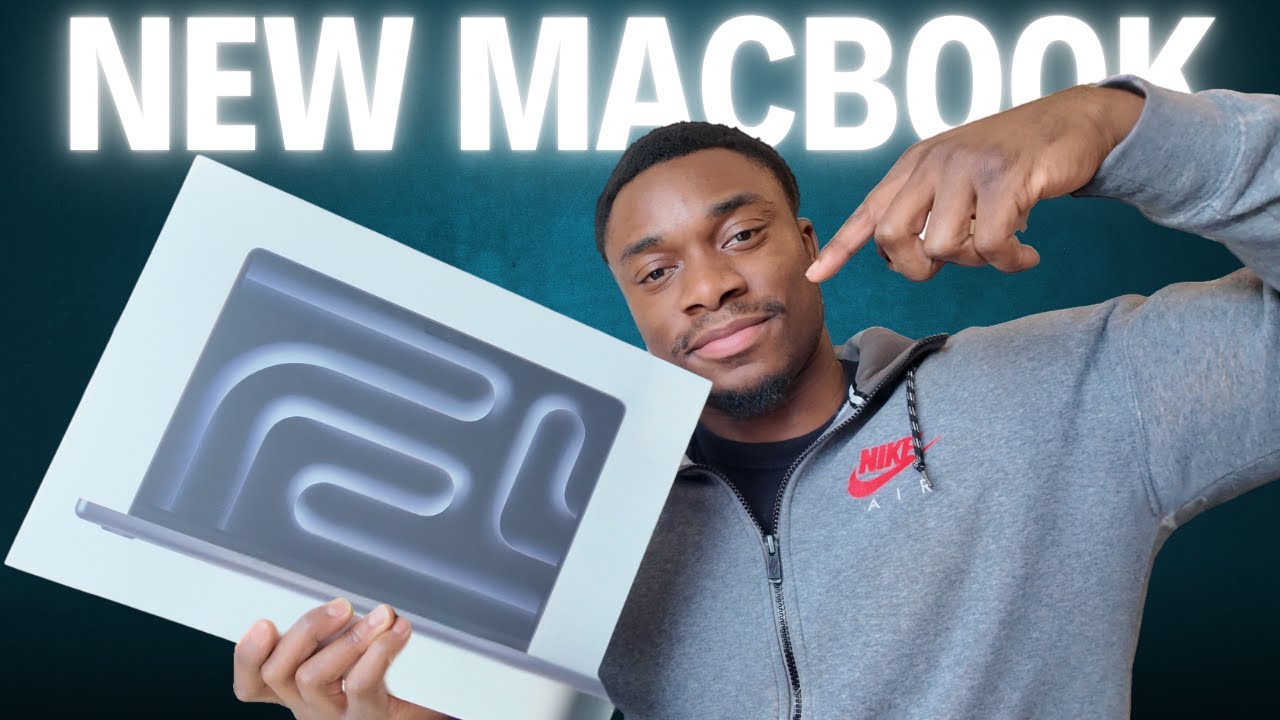
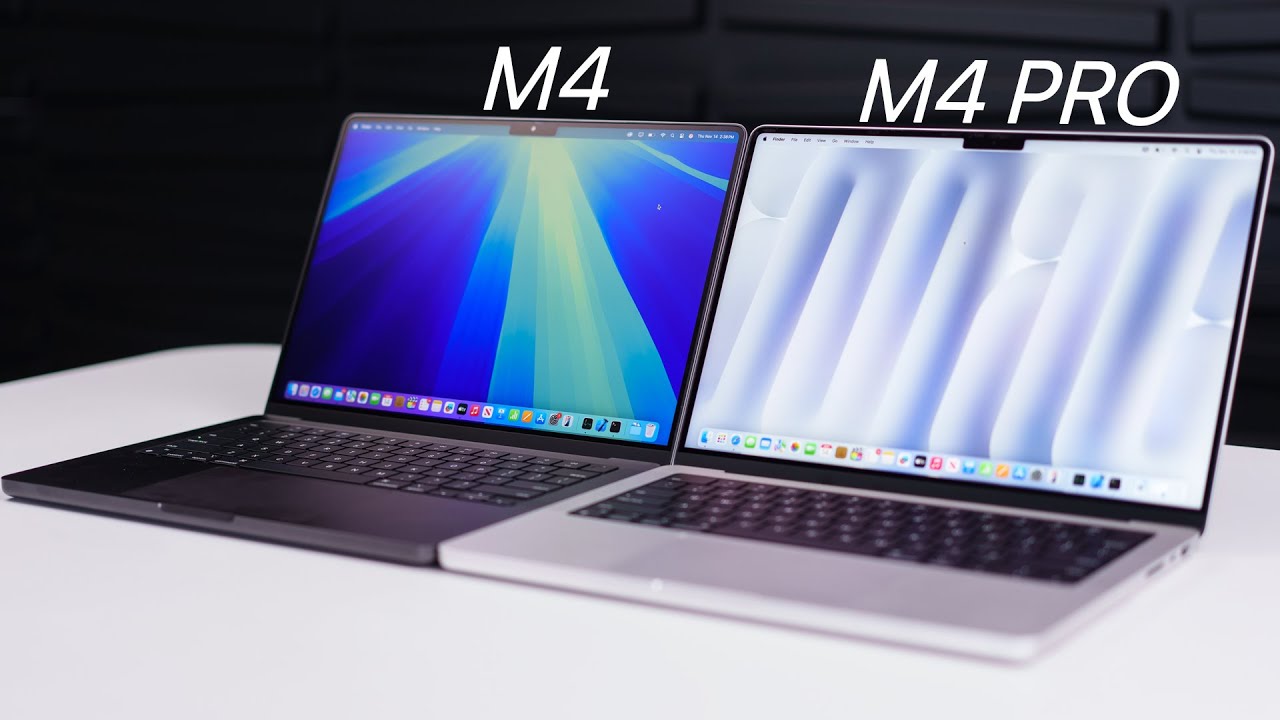
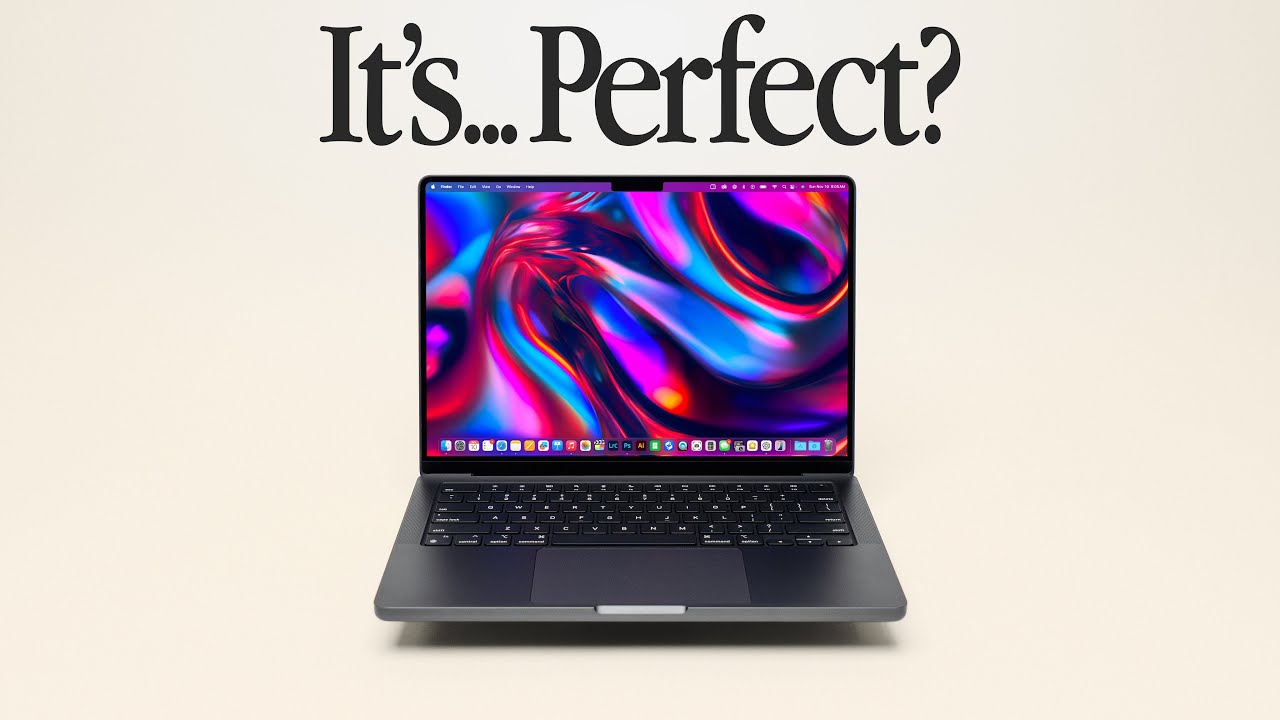
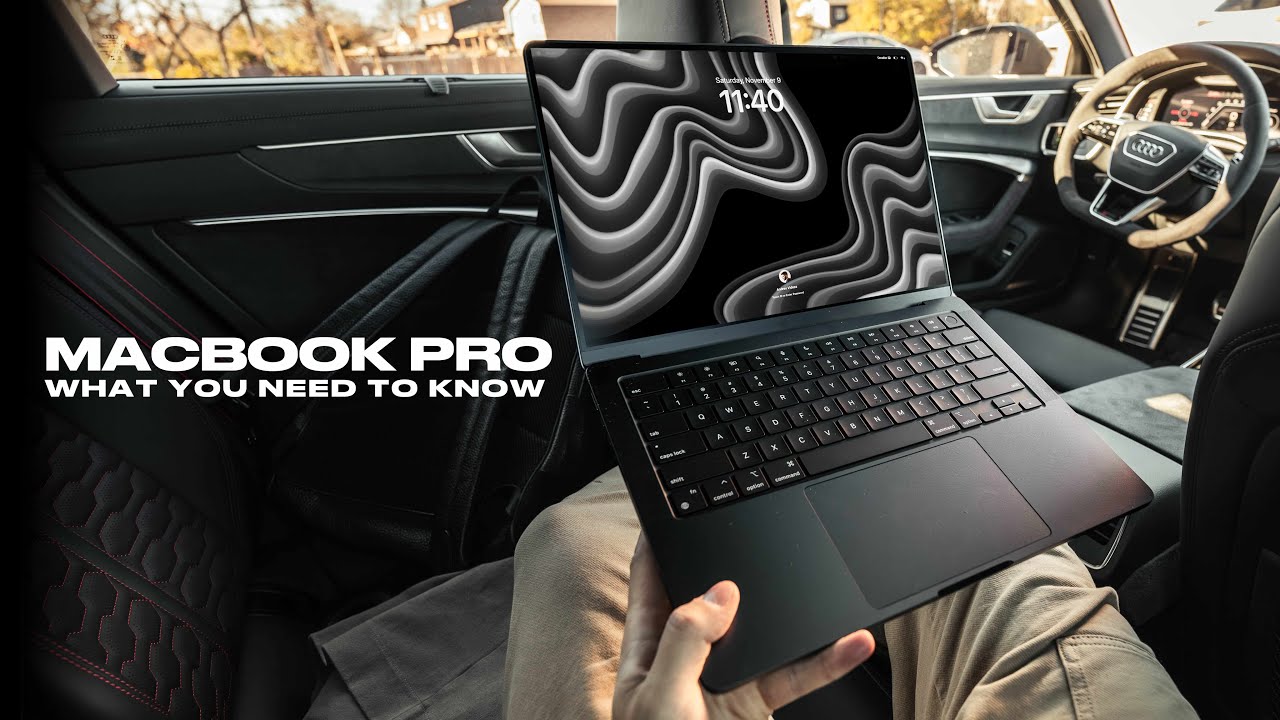
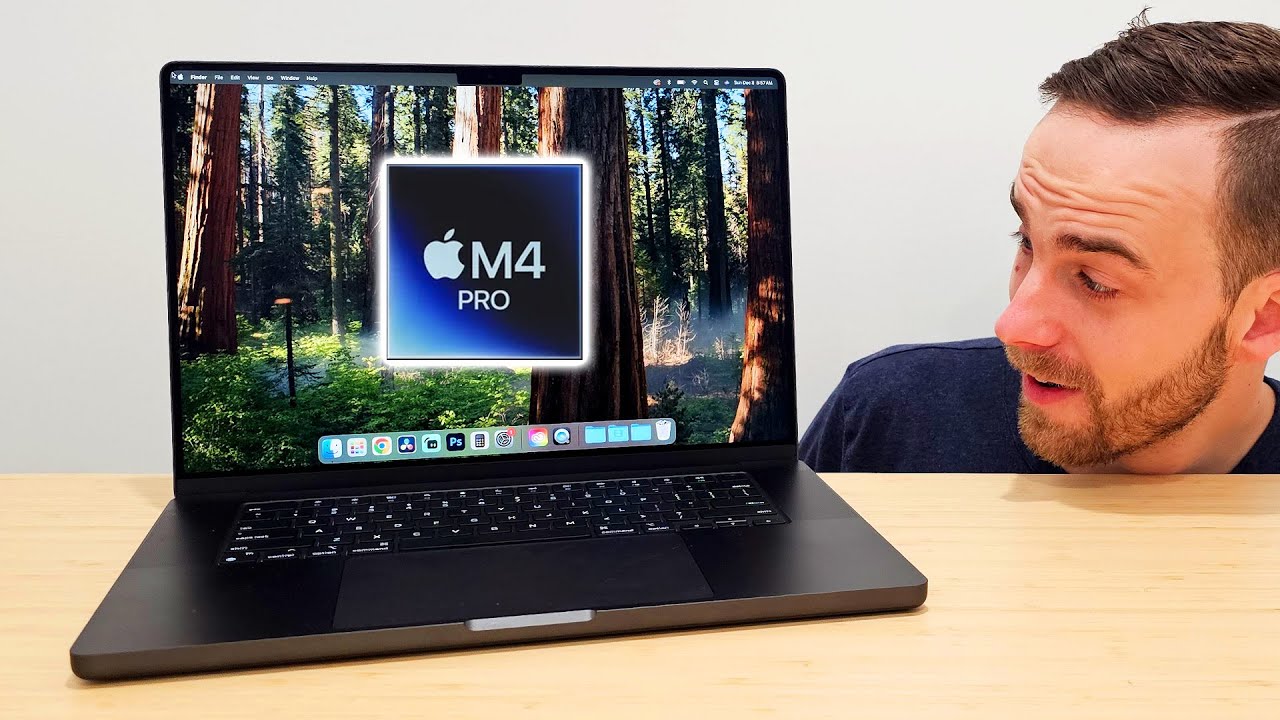
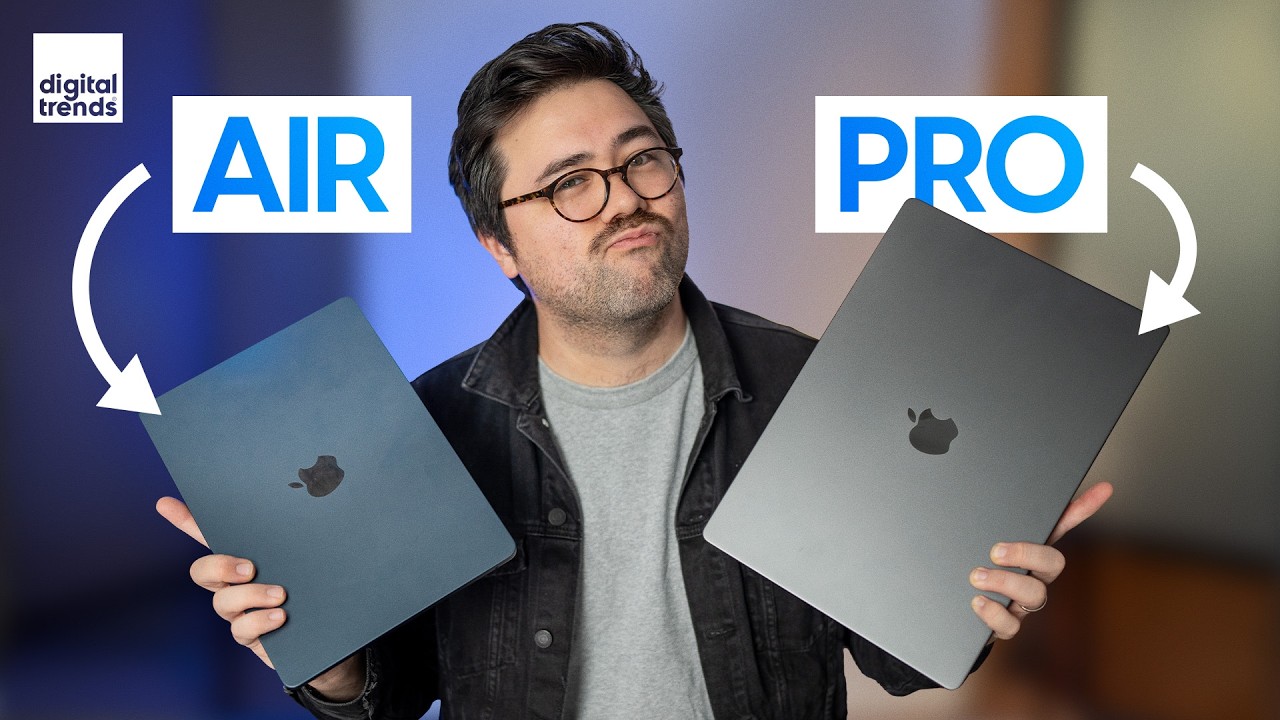
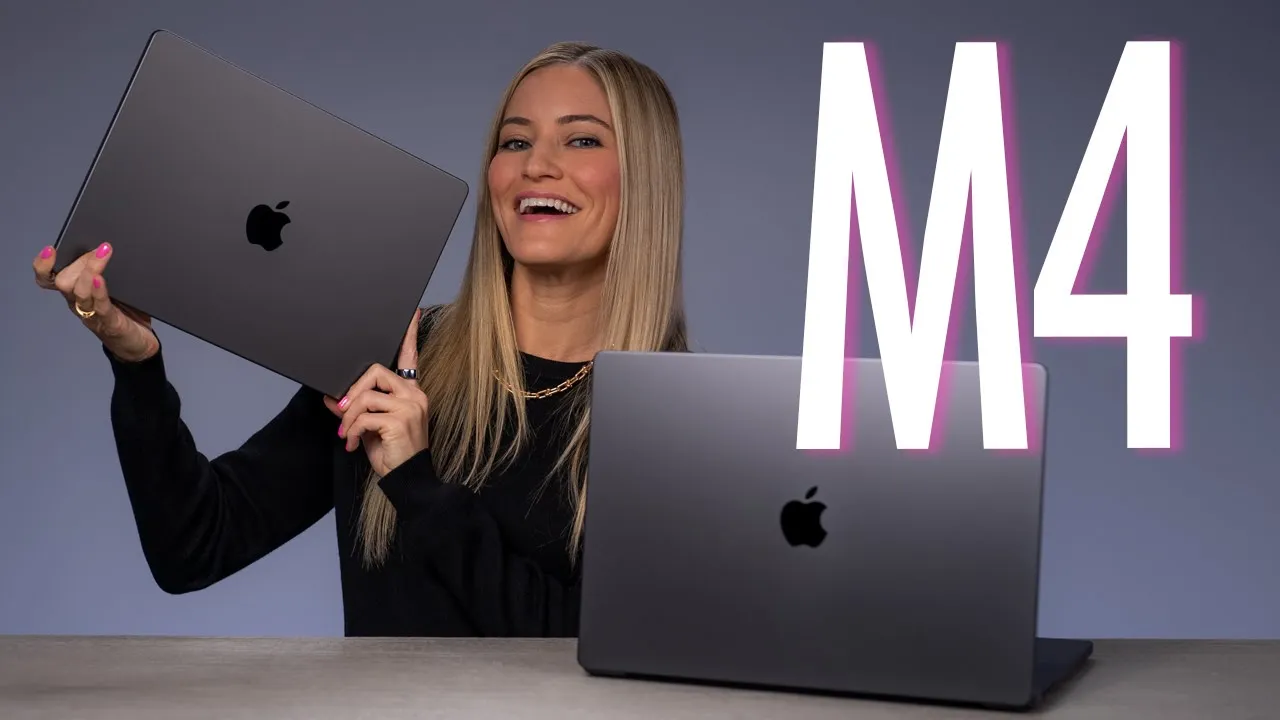
look what we've got the new brand new Macbook Pros these are the M4 editions and I've got two different versions here I've got the 16-in with an M4 Pro chip and the MacBook Pro 14in with a regular M4 now I myself personally spec my version out to the 14in M4 Max version with 128 gigs of RAM and 8 tab of storage which for me is probably actually a little excessive at this point but I cannot wait to check that one out now the thing that I need to tell you you if you're kind of new
to like hey I'm trying to find a new Macbook or I'm trying to find a new computer the M4 chip is the latest and greatest but if you do have an M1 or any of the new Apple silicon chips you are Miles and Miles Ahead of the previous Intel chips like the difference that it has made is so significant that just me telling you or even showing you you're not going to understand until you actually try it out so if you still do have an Intel Mac and you are looking to upgrade this is is
the best time ever I do feel like if you have one of the new Apple silicon chips in your devices you're probably pretty good to go with anything that you would need most likely if you do have an M3 you probably don't need to upgrade to an M4 do you need to no maybe you want to yes these new devices are just so fast and I cannot wait to check them out so let's quit talking and open them up and see what we've got let's start with the 14in oh so this is the 10 core
CPU GPU with 32 gigs of memory and 2 terab and also Nano texture opening a new Macbook oh it smells so good it's just like it's such a magical experience here it is this is the space black so pretty we've also got a space black power cable which I actually forgot that they do color match cuz I really don't use the mag safe cables I know I know we all wanted mag safe to come back and I just don't use it I'm always traveling so I have a USBC cable or I have it docked to
my desk which is already powered so I just I'm sorry mag safe we've got a little charging brick ooh we've got a polishing cloth as well for the Nano texture it is a different type of display so they do recommend that you do of course use one of their microfiber cloths it makes sense oh this Nano texture on a MacBook what oh shoot I'm so excited about this ah I can't wait I love the MacBook it is it is a life-changing device to be able to do so much on this I me the amount of
things that I have thrown at the MacBook 14in over the last several years is pretty impressive okay we'll set you up later we have another one to unbox all right here's the six 16 yes 16 oh wow okay this is a little heavier here it is it's been a while since I've seen the 16-in MacBook it is a beefy beefy laptop I know as soon as I'm going to open this I'm going to miss having a big [Music] display yeah oh and this one's also Nano texture wow this just feels like so much more of
a computer but basically you can get the same specs in both the 14-in will have a little less battery life but for the most part they're pretty much identical which makes it easy to choose do you want a larger display or do you want something a little bit smaller portable and compact I have chosen to go the 14-in route and I do not regret it just look at this Nano texture is freaking fantastic yes we've got our mag safe cable also color matched bigger power brick love to see it there it is so here you
can see the size difference between the 14 and the 16 it's pretty significant it's also a little bit heavier as well so again depending upon what you plan on doing if you travel a lot use English as the main language be the way PR the return key yes yes yes okay let's get these all set up and take them for a spin now if I could only pick one of the three new Macs that just launched it would definitely be the MacBook Pro for me mostly because I am always on the go and I have
an incredible plug- Inplay set up for my MacBooks in my office to three displays and all of my storage drives now to be able to have this much power it just feels like a crime but it is a crime that I am so here for now we have two sizes we've got the 16 and the 14in in three different triip configurations we got the M4 the M4 Pro and the M4 Max and you can also choose from space black and silver and I have both of the space black ones here in the studio with Nano
texture display now one of the most exciting things though is that they now have Thunderbolt 5 for Speed transfers up to 120 gbits a second on the M4 Pro and the M4 Max models this is going to be so amazing for data transfers and editing from externals but I am so stoked OWC has a bunch of Thunderbolt 5 drives that I will definitely be using for my future editing projects there's a total of three Thunderbolt ports an SD card reader an HDMI a MAG safe and a headphone jack and the battery life on these is
just absolutely incredible you can get up to 24 hours I mean that to me is just absolutely wild now obviously if you're doing processor intensive things you're not going to be able to edit on this for 24 hours straight but this will definitely be a huge Improvement there is a new display option like I had mentioned that you can add Nano texture to the glass which I think pretty much in every single video I have said is so awesome it's an additional $150 on the MacBooks but if you do often work in Bright Lights your
windows or outside this is going to be an absolute Game Changer I promise you this was a demo that I really wanted to try out because I'm always outside I'm on the go and with this new Nano texture you can definitely tell the difference between the regular glossy and the nanotexture version I mean there's so many more reflections even just like I can see myself in it like this one nothing it's almost like you're looking at a piece of paper or a painting now when talking about displays this is such an important feature for me
because I love to dock my MacBook with Thunderbolt 5 you'll be able to connect to Thunderbolt 5 docking and hubs with a single cable which will give you instant access to even more high resolution displays PCI expansion external storage and other peripherals I canot wait to get wild with Thunderbolt 5 now I think that my current setup that I have right now that I dock my MacBook m314 in2 is pretty great but now with Thunderbolt 5 I'm going to be able to really kind of like downsize what I've got over here to make it even
more efficient and ah I'm so hyped speaking of setups MacBook Pro with N4 and M4 Pro can drive two external displays by simultaneously supporting full native resolution on the built-in display either through Thunderbolt with up to 6K resolution at 60 HZ or One external display up to 6K resolution at 60 HZ over Thunder and One external display with up to 4K resolution at 144 HZ over HDMI did you get all that now with M4 Max it can simultaneously support full native resolution on the built-in display and up to four external displays up to three external
displays with 6K resolution at 60 HZ over with Thunderbolt and One external display with up to 4K resolution at 144 Hertz over HDMI did you get all of that as well so it's time to start testing these out so I think for this review I'm mostly going to be testing out the 16-in because for my personal device I bought the SPC out 14in so I kind of want to try out what it's like to have a little more screen real estates now when deciding on which one of these to get the best news is that
both of them as far as specs are concerned they're pretty much the same aside from slightly a little less battery life in the 14-inch I mean I cannot say enough great things about the 14in I mean it has been powering my life for the last year and I absolutely love it so first things first we're going to get into some editing so I'm currently working on the project that you are watching right here right now with a lot of 4K and some AK footage from my Sony fx3 and my A1 now editing on this it
is an absolute dream it is so fast there's never any downtime or waiting for things to render it just freaking happens I mean these devices are now getting so good that it's hard for me to even stress test them on things that would normally tax these systems it's a reviewer's Well I wouldn't say it's a reviewer's nightmare it's kind of like a reviewer's dream because it's just almost it's too much this is too much I don't like it's just ah it makes me so happy this 16-in MacBook Pro has the M4 Pro chip and this
allows us to use high power mode in the battery settings to get even more performance when needed so if you're working on a large project that feels like it needs a little extra you can head into the Apple menu if you're in Mac seoa it will be right here in the menu bar which is really nice so for video editing or 3D projects you'll be able to get smoother playback and faster exports in this mode the fans May power on depending if your Mac is connected to power or not really like a little bit of
fan noise is nothing compared to those old school Intel Max that sounded like a space shuttle taking off during every [Music] export so I went to set up the new M4 MacBook how I had my previous M3 and I kind of forgot something since the one that I have to review is not the M4 Max the fully speced out version I'm not able to run my normal setup because I can only do two of these displays plus the MacBook display running at the same time so for the sake of this video we're going to just
be using these two but with the pro Max version I would be able to use my normal setup using all of these displays so I think that is one thing to consider if you do want to run a setup like this with higher-end displays then you're definitely want to go for the M4 Max so we'll just focus on these two for now so using this new scene removal mask it's pretty cool and it's kind of wild because this is 2 8K Clips in between I have my text now I think normally if that was going
to be using this video I would work on my typography a little more but for the sake of this video this is what it looks like and you really didn't have to do anything at all I just dragged the filter right on top of it here it is it just feels like a crime but it is a crime that I am so here for now we have two actually we're going to do this in better quality and here we go to have this much power it just feels like a crime but it is a crime
that I am so here for now we have two sizes we got the 16 that was so great that was even in better quality instead of better performance I'm super impressed this is making me even more excited to get the max version even though this one is perfectly capable to be able to have my third monitor this is going to be an editing dream I am pretty hyped though about getting to spend some time checking out the new Mac OS Sequoia because I am always one that waits to update because I have a ton of
plugins and Final Cut that sometimes are not compatible right away and it drives me just wild trying to get everything working and sinking but so far everything seems to be going very smoothly I've been having such fomo seeing everyone updated to seoa so all right we're here it finally feels safe and I can't wait to really dive in apple intelligence has been pretty much the only thing that Apple has been talking about and finally it has arrived for Mac OS AOA iPad and our lovely iPhones but not all of the features are out yet so
I'm going to show you a couple of the things like summarize which is it's so easy so I have my M4 MacBook Pro script that I wrote and I'm just going to hit this little apple intelligence button I can proofread re I probably should proofread it cuz I wrote this quite quickly and quite sleepily so let's see all of the M okay I've got a few things that it's a little upset 73 changes Oh missing punctuation okay so we're we're doing punctuation and stuff here that's something that I did not even consider when writing this
now I think I might want to change this to be a little more friendly let's do a little friendly read and you can see that it's highlighting everything and it has happens pretty quickly considering there's a lot of text here there's a lot going on look at this the new MacBooks are out and I'm torn between the three oh maybe I should have done this before cuz I think this is better than what I had written oh we have to learn to work with AI not against it I'm going to have to embrace it this
is so long let's summarize it we can do a summary key points a list or a table let's just do key points and there it is it is populated from my script that I wrote I love the notes app it is like my favorite thing ever so the fact that they're still adding cool new features to this is so awesome so for example right now I am inside of the notes app and I'm recording everything that I'm saying and this will now take this recording put it inside of the notes app and also has the
ability to summarize everything that I'm talking about so let's hit stop even though this is only like 15 seconds and let's see what it could do and here's my summary recording audio Notes app summarizing content I mean yeah that's that's pretty much it we also have the new Siri which is located up here so you can type to Siri or you can use your voice find me a recipe to make that includes cookies so you can talk or type to Siri and the chat GPT features are not integrated yet but they will be coming in
a later release so look for that now the other thing that I'm super into this is kind of a Mac OS Sequoia feature is the linking your Mac to your iPhone so you can basically mirror what's on your phone to your Mac we're going to use iPhone mirroring it's just an app that connects directly to it and it is unable okay so um I have a lot of iPhones here so we need to pick the right one I do like that this makes it pretty secure it double checks that you have your phone with you
so that you can unlock it you know unless you're being held hostage I guess you don't have to worry about the other thing that's interesting is you can also get notifications from your phone so this can be a little aggressive if you have a lot of notifications like I tend to and this is also triple secure with the fingerprint to unlock your actual computer so here it is phone mirroring will connect when iPhone is no longer in use okay so we're going to shut my phone it's locked and now it's connecting it's on my computer
so let's see what we've got going on in audible okay I've only got 12 hours left of House of sky and breath only 12 hours yeah I've got some listening to do let's see how my glucose levels are all right we had a little Spike from from dinner but we're we're good we're holding strong let's see what's happening on Tik Tok what's Laura doing okay Lauren is ready for Christmas already it's almost 10:00 you can't tell I'm now scrolling Tik Tok on my phone on my computer and it looks like I need to charge my
phone I usually go to my computer to stop scrolling but now I'm going to be able to be on my computer and scroll at the same time we're all in trouble so you can see right here it says iPhone in use this phone is being used from Justin's MacBook Pro so when we unlock it now disconnects so iPhone mirroring has ended due to iPhone use one of the biggest AI updates is in photos you can now do an enhanced search so you can use your natural language to find images you'll also be able to change
the photographic styles that was something new in the iPhone 16 but up here is what we really want to talk about this is the cleanup tool so with this it's going to identify some things in this image which it's probably going to get a little confused cuz there's so much going on here that it's not really going to be sure what I want to delete but it is going to give me some suggestions and if I don't like those suggestions I can highlight my own things to remove oh it wants me to go away no
I'm staying sorry we're going to remove this tripod though from this [Music] shot gone okay let's remove this from the wall gone let's remove this gone gone should I remove [Music] myself oh gone okay that worked pretty well I'm impressed this feature also works on iOS 18 for iPad and on your iPhone so check it out one of the most exciting fun features isn't out yet but I did get a demo of it at an Apple event here this is image playground so it'll let you create custom images and custom emojis it worked really well
from what I saw so this is going to be so much fun to use when it's out editing photos in Lightroom was such a breeze I opened up a ton of them made a bunch of edits and then appli them to the entire Library it took pretty much no time at all and it felt super smooth so when you think about gaming normally people don't think of Mac first but we are closing in on all of that changing cyberpunk 2077 is officially coming to Mac this is pretty wild because it is such a huge graphic
intense game that it goes to show you that our little Macs here are all grown up I did test out some gaming I played some Resident Evil and stray and it all felt super smooth playback was incredible I also tested it out in high power mode and it's still played back really well I'm not really sure if I could tell a huge difference or not so either way it ran great with the m4's GPU we're getting up to 2x faster R tracing so games that are enabled with r tracing will look even more realistic the
thing that I've been so impressed with is the battery life on these devices and right now I'm playing this video game stray without plugging it in it's on battery it also prioritizes game mode so this is going to allow it to be a more seamless and a smooth experience and everything so far is looking pretty incredible I've been wanting to play this game for a really long time oh it's so cute so this game is actually just in the app store which is pretty cool so it's super easy to download and install there's also the
Apple arcade and there's a ton of games in there as well Center Stage is here this is so cool because not only do we have Center Stage but we also have desk view Hey Bren so I'm testing out out this new camera can you see me moving around yeah is the camera following me yeah y Isn't that cool it's called Center Stage I'm in a Cabinet why are you in the cabinet watch this I can do this thing called desk view can you see my desk wow yeah czy guy behind you who me oh that's
Nathan hi B I had so much fun testing out the new Macbook Pros with M4 these devices are truly becoming so powerful that most of you will never be able to fully even use the entire system to his max performance thank you so much for watching don't forget to like comment and subscribe and I would love to hear what you think about all of the new Mac products that just launched if you want to check out my videos on the new M4 iMac and the M4 Mac Mini be sure to do so as well I'll
see you guys in the next video bye