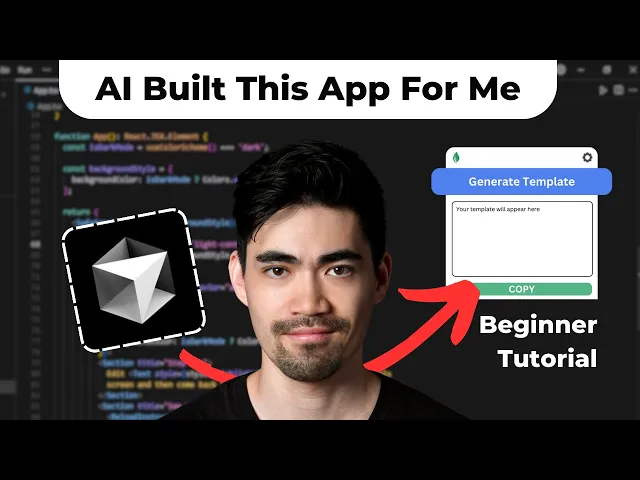
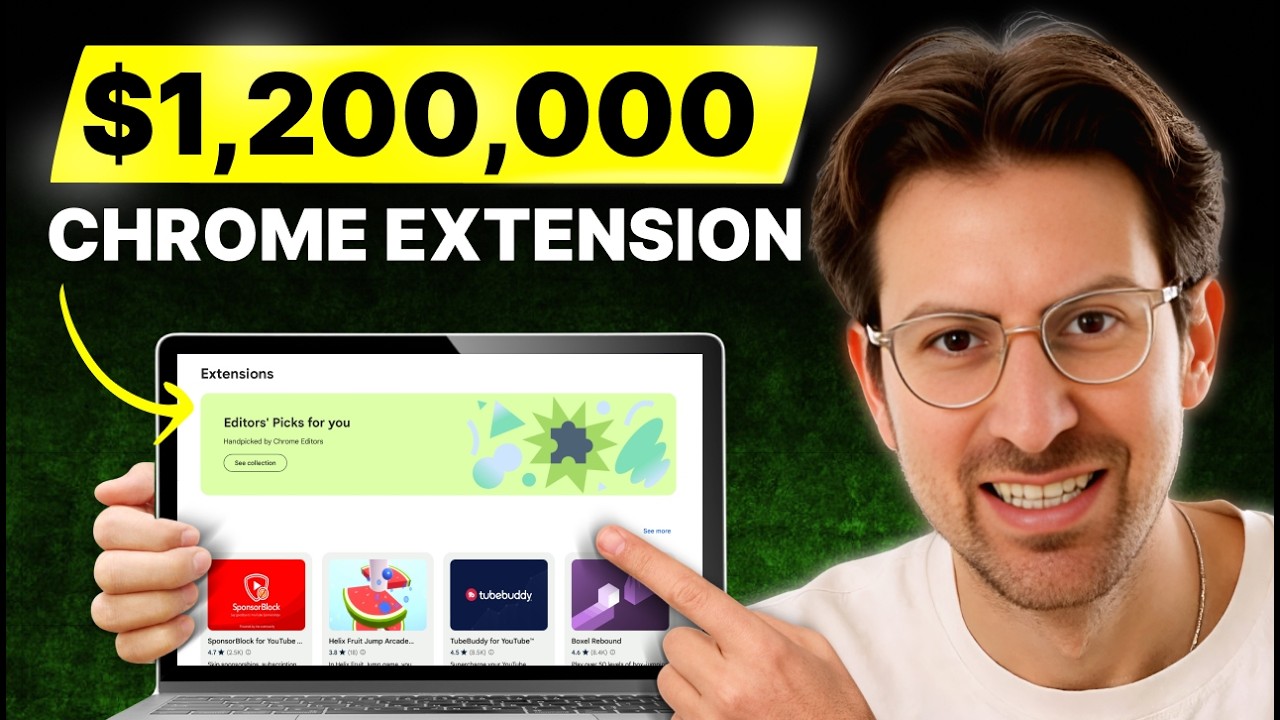
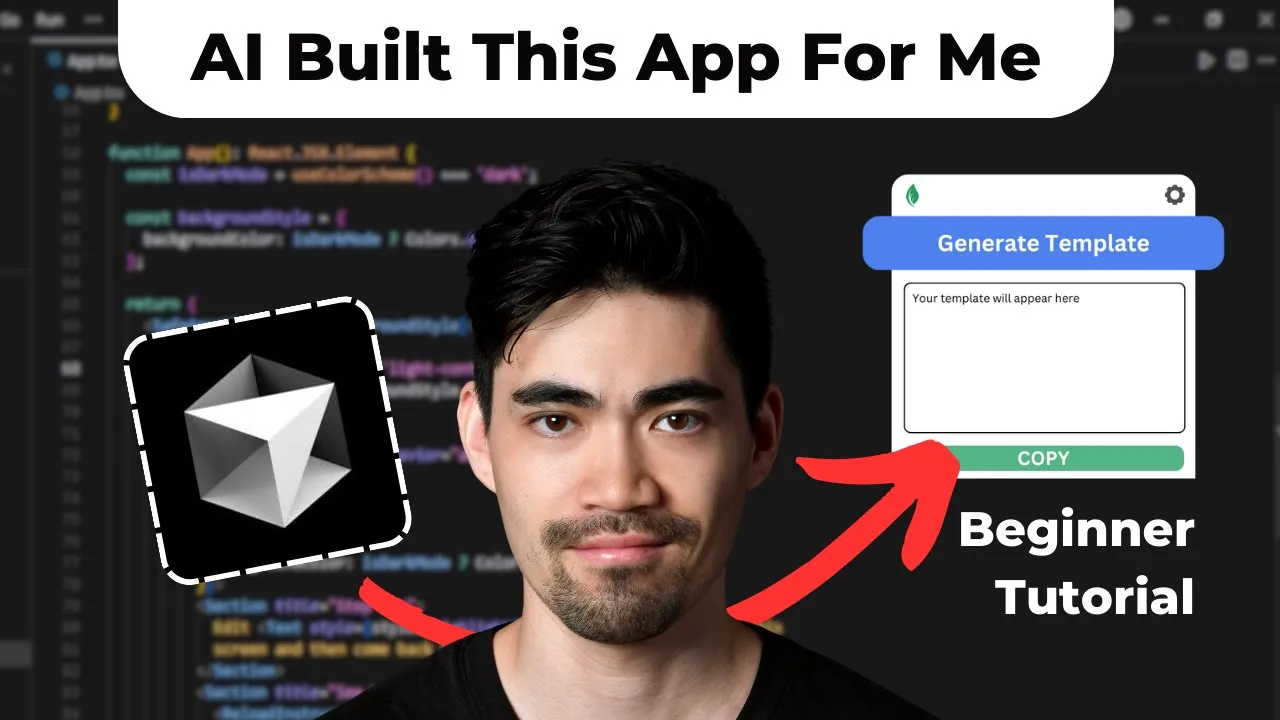
in this video I'll show you step by step how I built this Chrome extension in less than 2 hours using just Ai and an application called cursor all without writing a single line of code I'll walk you through all of the prompts that I used and how I used the AI chat in cursor to write the code for me to then get this working fully functional Chrome extension so if you've ever thought I've had an idea for a Chrome extension for a while but I don't know how to build it and I don't want to
hire a developer to build it this video is for you because now you can just use Ai and build it yourself enjoy this is a quick tutorial on how I created this Chrome extension app this morning on cursor it's a tutorial for beginners so I'm a beginner I literally downloaded cursor this morning and I just started playing with it and I the last time I wrote code was 10 years ago so I forgot everything I don't have a lot of knowledge about programming and I actually didn't write a single line of code in this application
so I'll walk you through my steps and hopefully you can learn something from it all right so after I downloaded cursor basically I created a new folder here on my Mac called project and then another folder which is the the name of the application just called the template Creator and then so that was empty and then I just went into cursor and uh said open folder and basically open that empty folder and then there was nothing inside so it was just like these files were not there there here on the left side you kind of
see your um your files then this is where the actual code is happening and then here on the left you can actually toggle this open this is your AI pane so this is where you actually chat so this is basically your your chat with in this case claw Sonet so the first prompt I wrote to CLA Sonet was I want to create a Chrome extension that one I click a button to reads the tweet on on the page when I have a tweet Post open on Twitter runs the content of that tweet through my custom
prompt using anthropic Cloud which creates a Content template stores the content template so quite simple and it went right ahead in saying yeah great idea and then it started saying which files I need and started writing the code for the files so it wrote one for manifest.json and um this was actually me being a noob uh when I saw this I was I didn't really know what to do uh so I had to I had to ask because the first thing I tried was I just clicked here on apply and then it actually said it
said something like you can't see it now but it said this file doesn't exist or something like that so then I wrote create the Manifest file for me but it didn't actually create it over here uh it just gave me the code again I just wrote it says no file to apply to I guess I have to create it myself can you tell me how so I I'm so beginner that I didn't even know how to create the files here so it told me I just need to go in here and then I can just
uh create a new file and then I can basically type in manifest.json so that's what I did and and I then asked all the files that I need to create uh just give them to me so that I can create them now manually so it gave me all of these and then I just created them okay and then I went back over there where it actually gave me the code and I just clicked apply and then it basically puts that code into the file and when I did that for all of the files that it
suggested I said uh okay I added all the co all the code now how do I test this uh it just gave me instructions how I can test this so basically I had to and this is specific for if you're building Chrome extensions if you're building a web app this is probably different but since this was a Chrome extension what I had to do is I had to go here open chrome. extensions on my on my browser here and then toggle this developer mode and then click load unpacked and then I was able to kind
of load in the the files that I had just created and once that was in I could just it was basically there uh it was in my in my browser and then I yeah went on Twitter and did my first test and of course so I just picked some some tweet of mine and I did a first test and of course it didn't work so I pressed it and then it was just like a tiny white square so nothing really happened just like a tiny white square appeared um so I actually there was some error
before and I yeah I pasted that in and it helped me fix it or was something in there I don't even know what it was I just click apply apply it fixed it and then yeah when I click on the Chrome extension mention the P was just a tiny white square that does nothing okay so help it helped me fix that then the next issue is okay I was just wondering about does it always save these files automatically so I asked okay then I continue testing and what then actually happened was this kind of worked
there was like only a part which said generate template so there was only a button here and when I clicked nothing happened so I told it that then if it fixed that so it's like a bit of a back and forth it doesn't it seems to not get everything right immediately so this will probably happen in the future but right now you still need to kind of do this back and forth and put in the error codes and kind of tell it what's happening and then it'll help you slowly fix it and one of the
problems that can happen sometimes that happened to me a little bit was that keeps on going into errors and it like changes its code and it kind of gets mixed up itself so I eventually managed to get out of it I was getting a few errors and it was telling me need to add logging and then we need to check like what's actually the problem and at some point I don't remember where I need to check again yeah I was I was like getting a bit angry I was like no more like enough of the
logging just think about what the issue is and fix it and then uh and that actually helped so it did fix something yeah then there was a problem with basically the part where it was reading out the tweet and it was talking about like I need it needs to inject some content script into a website or something like that and in my mind I was just like why do you need to do it like that can't you just read the tweet from the HTML that you're seeing like on the browser I basically wrote that and
I said oh yeah you're you're right I can just do it this way and it did that then it worked a couple of other things then didn't work yeah it was It was kind of getting in information from the from the page but it was getting it from the wrong wrong place so what I then did was I said okay how about I go onto the Twitter page and I basically give you the HTML code and tell you like which which part of the text I want and then it told me how to get that
uh HTML code basically right click and then inspect and and go in over here and copy copy over the part that has the text inside so this all looks kind of it looks a bit scary if you don't code but the chat actually does a really good job of walking you through it so yeah then I pasted that in yeah and then at some point all of the bits that I wanted worked I had to enter the anthropic API key so I had to go get my API key entered so that I can uh put
in the The Prompt there and then it was doing something wrong with the with how it communicates with the entropic API so I just suggested like how about I because I was suspecting that it's probably just it probably doesn't have the knowledge of how exactly to communicate with the API in the right way and so I suggested why don't I just go onto the website of the entropic of the docs and basically copy that in for you and then it said yeah that's a good idea and I did that and then it eventually worked and
and got everything right yeah finally when all of that worked it it was basically this functionality that I have here now so all of that worked I also added in this copy to to clipboard button later on in the end and it was was that just it looked really ugly and so what I did then I went onto uh v0 um I also just heard about this or I I heard about it before but I I uh never really actually used it and so this thing is really good at generating UI so I basically typed
in pretty much the same initial prompt like I want the Chrome extension that does this and this and then generated me the UI and and then you can also get the code uh for that UI uh and I pasted that code back into here and basic took that code and transformed it a bit and and just applied that uh stuff onto my onto my Chrome extension yeah that was pretty much pretty much the last step then and then it all worked so all in all I'm not sure how long it exactly took me because I
was started in the morning and then I I brought my kid to to kindergarten and then had a bit of pause and I resumed but all in all probably less than 2 hours yeah but it was really fun it was so cool to to see it working in the end at some point I did I did think like maybe this not is not going to work where it just kept giving me errors and the errors just didn't go away but then somehow it worked I think one of the mistakes that I was making at some
point was it's like always suggesting me this uh this code for the files and then often I was just like really quickly clicking apply apply apply and sometimes for some reason I haven't figured out yet um it's like not automatically applying it to uh the file that it's supposed to be applying to but it's actually applying it to the file that you have here selected and I probably made that mistake a few times and then I messed up my code because of that so I also saw in some videos that people have this button here
that it just says apply to all so then you don't have to click apply for each and every one of these I still need to figure out how to get that but yeah um I'm still learning and just wanted to share what I've learned so far all right hope that helps