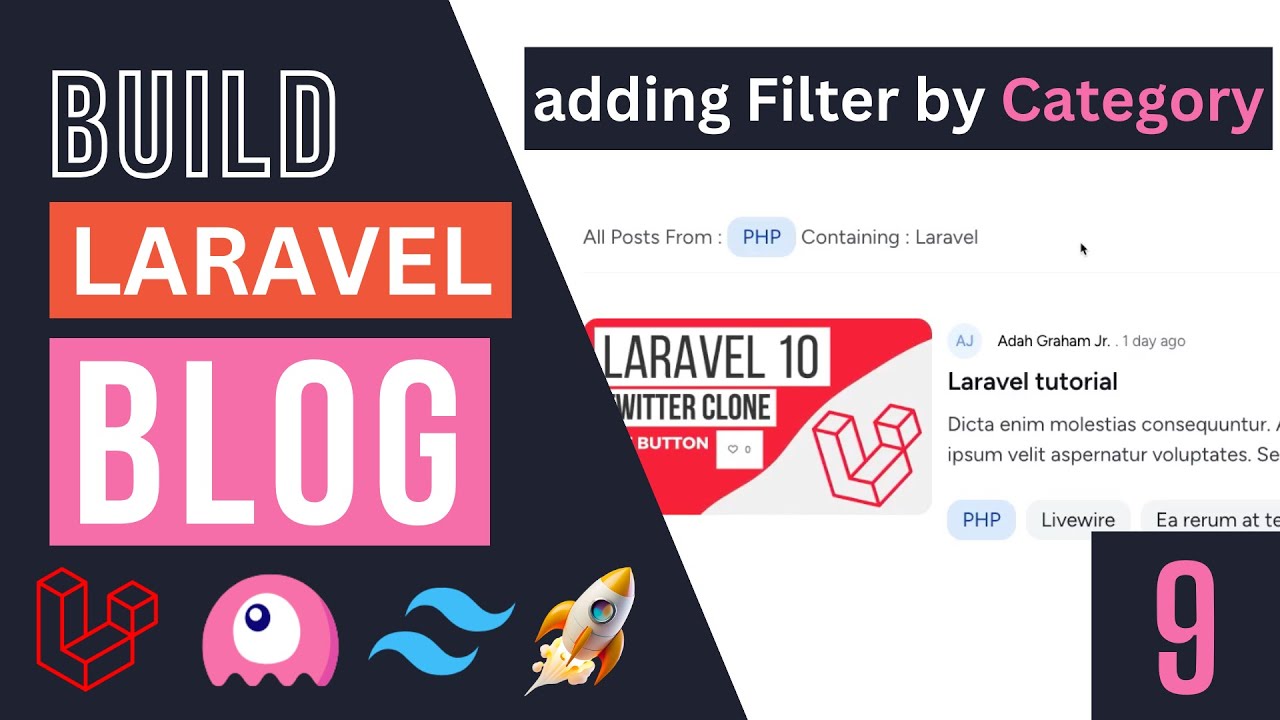
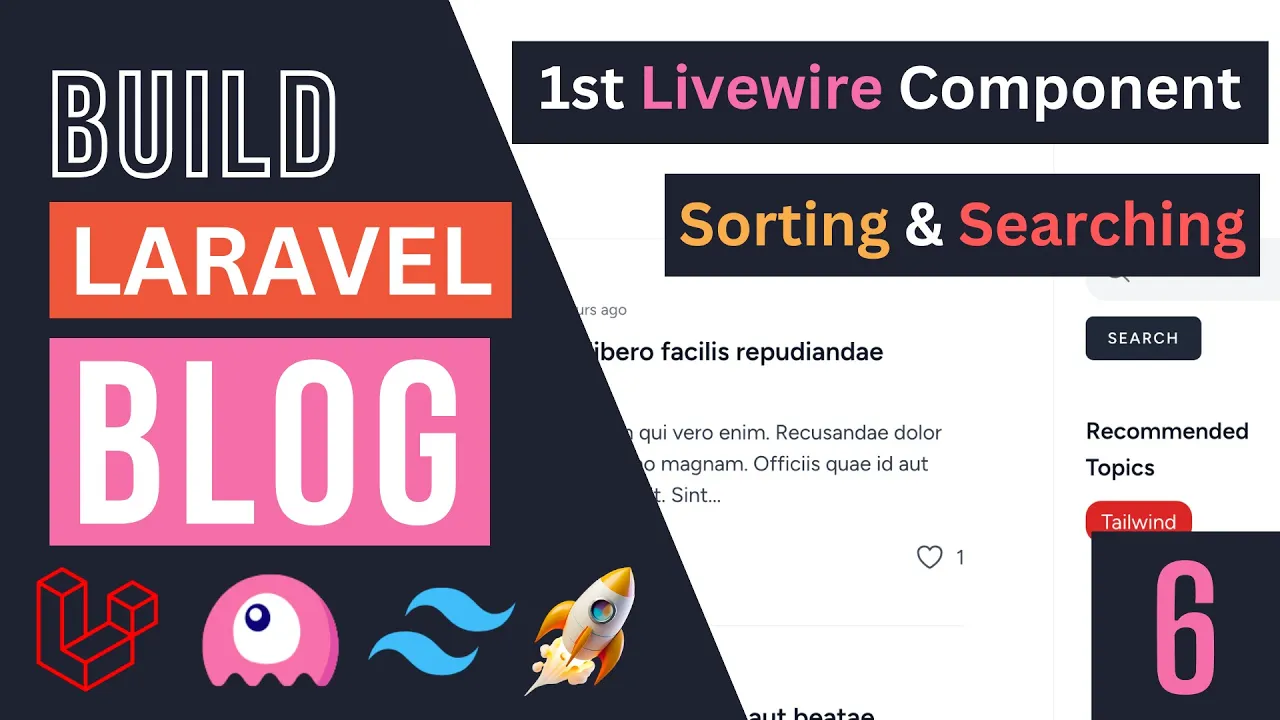
hey guys welcome back today we are going to create our first a library component which is going to be our post list that will display all the posts give us the ability to sort them add pagination also be you know give us the ability to uh search through them and also maybe later on as add the ability to view most popular posts so basically they post with the most number of likes and things like that so let's get started guys first step we need to create our components I'm going to go ahead and type in PHP arts and Livewire make this will this is a command for creating a new library component you can also do make a Livewire both these commands work exactly the same and then you need to pass in the component name I'm going to name mine post list basically it's a list that you know displays post so that's the name let's hit enter and now we should have a new folder inside our View files named Livewire let me close this and now we have a blade file named the post list as well as a PHP file under app Live Wire post list I assume you guys are familiar with the basics of liveware if you're following this course this isn't like a beginners course it's more of a crash course we built something together so if you're not familiar with Livewire I do have a course on live web which you can check out on my channel it's a free course and just search on the channel I will also have it in the description and in the card so now that we have our component let's first actually start off by moving HTML for this post list inside our component blade file okay so let's open up our post index. blade. php and if you guys take a look there's a div for sidebar which is going to be this search bar and the recommended tags so we don't need that phone what we really need is going to be this Dev all right it actually has an idea of posts and it's going to contain all the you know content on the left so I'm going to go ahead and copy that or cut it and move it inside I will post the list okay now you need to make sure that your library component only has one root element so basically if it's something like this this is not allowed needs to only have one root element and I'm going to go ahead and actually get rid of this ID the reason I'm doing that is in case we later on have multiple components on the same page so I want to get rid of all these IDs so now that we have that guys let's go ahead and actually import the component we can do a live wire post list you can also do the same thing using the Livewire directive play directive do something like post list both of these basically the exact same thing is up to you which one you want to use I'm going to use the first method for now so let's do a Reload and it is indeed working it's telling us posts that nothing because it does not exist which is to be expected again we don't have that variable so for now I'm going to comment it and we'll come back to it later on as you can see it is indeed working so now that we have this guys let's open up our PHP file which is going to be post list and actually get the posts showing now there are two main ways of doing this so the first thing is you can pass in your post through this render method the second way is using computed properties now you could technically also use public properties but public properties don't support the result of pagination okay that's not one of the types that it supports so if you're kind of forced to use either render or computed properties I'm going to use computer properties so we're going to go ahead and Define a function name the post and in simple terms computer properties are properties that you define as a function and they also give you the ability to easily cache them okay so I'm going to go ahead and in order to make it a computer property all you have to do is give it an attribute or annotation in PHP with this computed attribute okay so it's going to be inside Live Wire attributes computed and that's it now we have a computer property which is accessible from our blade file so now we can go ahead and return some simple stuff let's say post get and then for now I'm just going to go ahead and maybe take like five posts something like that something simple we'll come back and update this and then now that we have this post computer property we will have access to it inside our bleed file so I'm going to go ahead uncomment this and for computer properties there is one difference you need to add this this beforehand so it's going to be this post instead of posts if you have public Properties or you're passing it to your render method uh you don't need the this okay so that's the main difference of computer properties with the other types of properties so now let's do reload as you guys can see it is indeed working so now that we have this working let's go ahead and actually show some what we really need to show the first we need to get all the published posts so we don't want to show the unpublished ones and then we also need to order it so I'm going to say order by published at and then I'm going to publish it order it descendingly last but not least you also need to paginate so I'm going to say paginate and let's say by default five items per page should be enough now realistically on a real application I probably do something like 10 or 20 but on YouTube I don't want to scroll too much on the videos I'm going to set it to five maybe even three should be okay now it's giving us an error property paginator not found so when you're doing pagination on Livewire you need to go ahead and add a trait of a v-pagination so I'm going to say use with pagination and it should go ahead and fix our error message over here guys as you can see so very nice so now we need to go ahead and show our pagination buttons so very easy to do exactly like how you would do on lovable under our list of posts I'm going to add a new div and I'm going to give it margin y of three basically it's margin on the y-axis and it goes from one to three you know all the way up similar to bootstrap if you guys have used it so in order to show the pagination links we can go ahead and access our posts property and then call a method on it called links okay this is exactly identical to how you would do it on a lot of all so let's do reload as you guys can see we are indeed seeing our links and I think we're getting way too many items per page I don't like the fact that it's a little bit too big so one thing we can do I think is there is a method called on each side I'm not sure actually I could be wrong we could double check that in a second and then let's pass in like one yeah okay now it's a bit smaller now if you add more items per page obviously it's going to shrink but I think now it looks pretty good if you guys prefer it to be a bit simpler one thing you can do is you can go ahead and instead of this paginate do a simple paginate and it will create a two button pagination for you I personally prefer the more complex version so because it shows the number of posts we have so I'm going to revert it back to this one but I'm going to go ahead and add this on each side of one to make it show less uh pages okay very good guy so now that we have our patch initial functionality the next thing we need to implement is our source functionality so let's go ahead and do that and this one is going to be relatively simple all we need is a public property to control the direction of sorting okay so let's see how we can do that I'm going to go open up our post list so we can go ahead and Define a public property of name maybe sort or you can also name it sort there for direction I'm just going to name it sort and by default I'm going to set it to descending okay so whether we are sorting ascendingly or descendingly and now that we have this public property we can actually go ahead and replace this hard-coded descending with the public property so we're going to say this Dot sort and so very simple let's also go ahead and make it stored in our URL so I'm going to give it an annotation of a URL and what this will do guys is later on as we change this we can actually go ahead here and I don't know if you guys can see on the URL I'm going to say sort equals ASC and we can actually control that inside our URL okay and actually as I'm doing that the results are changing just something which is useful so if the user copies the link and they open it up a new page they get the exact same results so now we can actually go ahead and Define a method to change distort so I'm going to go ahead I'm going to go ahead and say public function set sort and we're going to accept a value so this will give us the ability to change the source from our blade file using an action and I'm going to say this dot sort equals sort now there is a bit of a danger over here the user could technically go ahead and pass in some invalid value so I'm going to go ahead and add a simple check so they don't put something other than ascending and descending so we can do an inline if statement and say if sort is descending go ahead and set it to the sending else go ahead and set it to ascending okay so this way the user doesn't have the ability to pass in some random you know value okay and hopefully everything should still work and just to show you guys if for example user goes in and tries to set the sort of test obviously normally we would get an exception so this check prevents the user from passing in some invalid value okay they're kind of limited to only ascending and descending so now that we have this guys on our post post list we can go ahead find these buttons which is the latest and all this button and we can add a wire click to them so I'm going to go ahead and say wire click set sort and then for the latest it's obviously going to be descending and then I'm going to copy the exact same thing for all this and we just need to switch that to ascending okay so let's go ahead and test this out if I click on oldest as you can see it shows from a week ago if I click on latest we get like 26 minutes ago and these posts are just randomly showing up because obviously as days goes by uh we're reaching the published at date and they are being visible okay so yeah very nice so now we have this the next thing we need to fix guys is the active State on the button it looks very ugly right now there is no way of telling whether we are showing latest or oldest so we can go ahead and inside our buttons class at an if statement and check whether or not we're actually sorting by descending and then if we are change the style link so let's go ahead and add an inline if statement and we can say if sort is descending if it is and this is how you do inline statements so you first Define your basically statement you want to check and then this question mark is going to be whatever what should happen if it's true and then you're going to add a colon or double colon for the else statement so if it is true the active state is this one it's going to be a text 900 and then a border right it's a border bottom border Gray so this is going to be the active State and then else which is going to be our kind of inactive state or regular State it's just going to be a text grade of 500.
and I'm not going to touch the P Y which is going to be padding y because it's shown on both cases and now we can go ahead and copy this and add it to our old desk Button as well and instead of sending make it ascending okay guys and that should get the job done now let's go ahead and put this on a new line as well and okay so now this looks a little bit better let's go back let's see if it's working I'm going to click on latest it is indeed working and as I'm updating guys it's also updating the URL so if I go on all this I copy this and I open it on a new tab it is also again showing all this so it's going to be a bit easier for users if they share it or they bookmark it they will get the hopefully the exact same results and it also seems to be working with pagination as well right very good now if you like to reset the pagination to page one when they change the oldest or you know the sort Direction you can do something like this after you change the sort order go ahead and say like this dot reset page okay I don't really think this is necessary I think I like to keep the page we are at but if you like you can go ahead and do this reset page all right guys so now that we have implemented all of this uh the only thing remaining on our post list for now is going to be our search functionality now there are technically two ways of doing this so one way is you can add the search button inside our component right have a post list component now this kind of requires us to actually have the sidebar also inside the component which I don't want to do so if you want you can actually go ahead and do that alternatively you can actually move the search bar to be maybe over here so instead of being on the sidebar you're going to be above the component itself so another method is we can actually have a separate component for the search bar and then pass an event when the search value changes but this would work just fine but the drawback is we're going to be making one extra Network request now I think for a Blog application like this I don't actually care about that extra Network request if you're working on a very critical application the performance is super important maybe you can go ahead and move it inside the component itself or I don't know write some JavaScript or maybe you can do something with ADD points I guess to avoid that extra uh request but I think I don't care really about I don't really care about that on a Blog application it's not going to be super critical I actually prefer it to be kind of separated so we're going to create our own Library component for the search box so let's go ahead and do that and I did talk quite a bit but I just wanted to kind of explain to you guys why we are creating a separate component because most people uh I myself generally if you have a table you put the search box inside the table itself but because our search box in this case is on a completely different component or on a you know it's not connected or it's not inside ever list we need to create a separate component for it now one more thing you can do I didn't mention this you can use the new teleport future however I have found that it has a bug at the moment so if you go back and forth between Pages using wire navigate it will add a bunch of duplicate search boxes so that's a bit annoying so I'm not going to be using teleport as well all of that is also a possible solution so let's go ahead and start off by first creating a library component I'm going to say pitchboard send Livewire make search box and now that we have this guys let's open up the blade file I'm going to move our search box inside of it so let's find our post where is it post index and there should be a search box somewhere over here is over here I'm gonna cut this out and I'm gonna put it inside actually I'm gonna replace it with search box okay so let's format this and now that we have this we can go ahead and actually include this Library component so I'm going to delete the search box inside index. blade hopefully it will delete and now we can say Live Wire search box very nice so if we reload we should be able to see our search box hopefully and it's telling us search box is not defined why is that did I make a typo somewhere I have I named this search box oh my god so let's go and fix that quickly I'm going to rename this to uh search box we also need to update our PHP file search box good so now that we have fixed that we also need to fix it over here and get it rid of that a and hopefully it should work still having issues is saying because the name is already in use how is that even possible oh yeah I also need to update the class name so let's do search box now it's working very well so now that we have this fixed guys on our search box we need a public property to control the search value and then we're going to basically whenever we update it send the dispatch request and then receive that request on our post list so let's go ahead here we can go ahead and create a public property of search just like this and by default you can set it to maybe empty it's up to us and then inside the search box we can go ahead and do something like wire model search now if you want the value to kind of update as we type in we can go ahead and do wiremodel. live and then maybe do something like debounce maybe 300 milliseconds now this will cause one issue it is going to send a lot of requests so I probably will later on change this to have a search button so the user can tell us when they want to search and this will minimize the number of requests be made but for now let's keep this in in case some of you prefer this functionality and then in order to actually pass in or update our input box that the search value has changed so if you have a button obviously it's very easy you just add a wire click but what if you don't have a button so we can use hooks hook events and the way they work is we can go ahead and say public function updated search so this is a method it's part of the Live Wire Hooks and let me show you guys this on the documentation actually so if you go on the library website take a look at documentation there is a section on life cycle hooks and you can use these hooks to be notified when you know some sort of update or event happens on your component so there's actually one for updated and this is executed whenever some property is updated as you can see called after updating a property and you can also do it for single property so let's look at an example updating let's go down so something similar to this so update it and then your property name so this is this function will be executed whenever your property of name username is updated right so we can use that to send or dispatch an event so let's go ahead and use the exact same technique here we can say updated search and if the search value got updated we can go ahead and say this dot dispatch this will go ahead and dispatch basically an alpine.