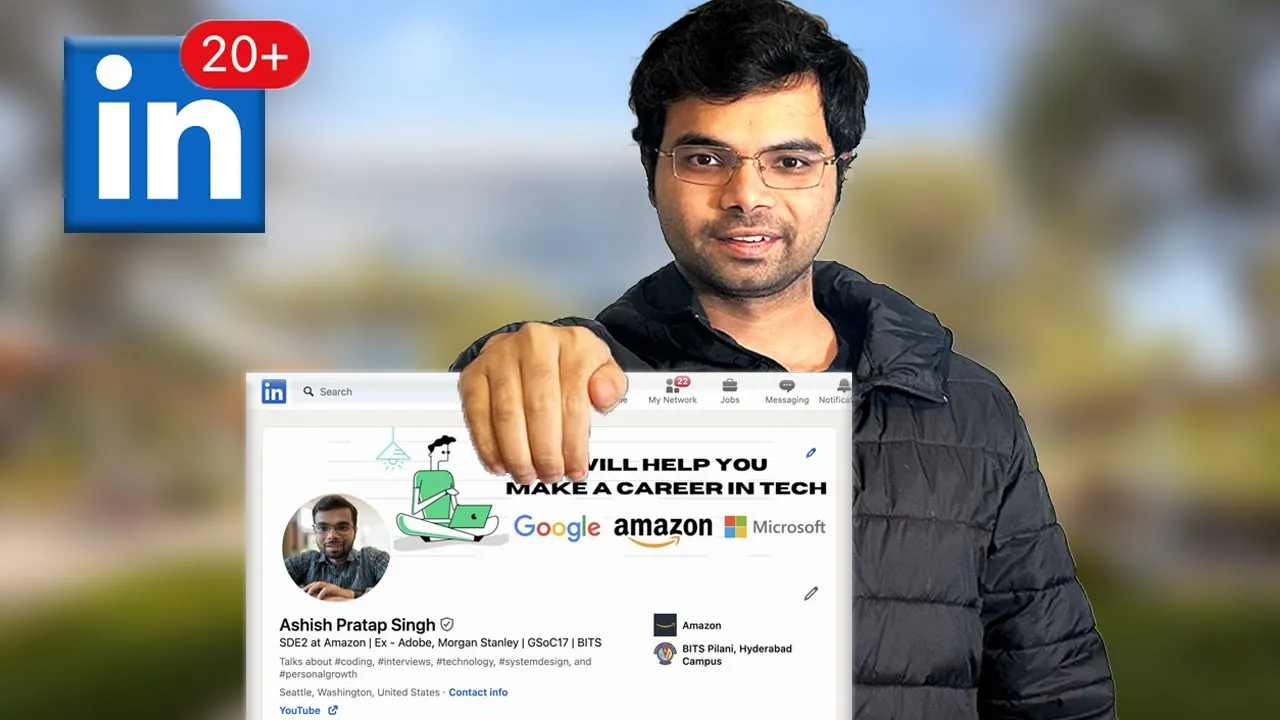
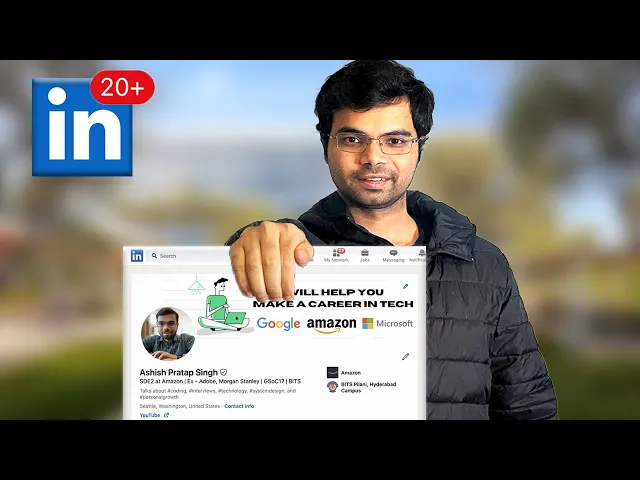
optimizing my LinkedIn profile significant increased the number of times I was contacted by the recruiters it helped me receive interview calls at companies like Amazon Google Microsoft Uber meta and Linkedin itself in this video I will sh 12 tips to help you optimize your LinkedIn profile the best part is that most of these tips can be implemented within a few hours improving your LinkedIn profile is one of the best things you can do during your job search process recruiters are actively searching for candidates on LinkedIn so having an impress in LinkedIn profile can attract more
attention and and increase your chances of receiving interview calls Hello friends welcome back to my channel if you are new here my name is AIS and I create videos on coding interviews system design and carrier tips let's get into it tip number one how do LinkedIn updates you don't want to annoy your connections by flooding them with notifications every time you make changes to your LinkedIn profile that's why it's a good idea to turn off profile updates here is how you can do it click on settings and privacy navigate to visibility section go to visibility
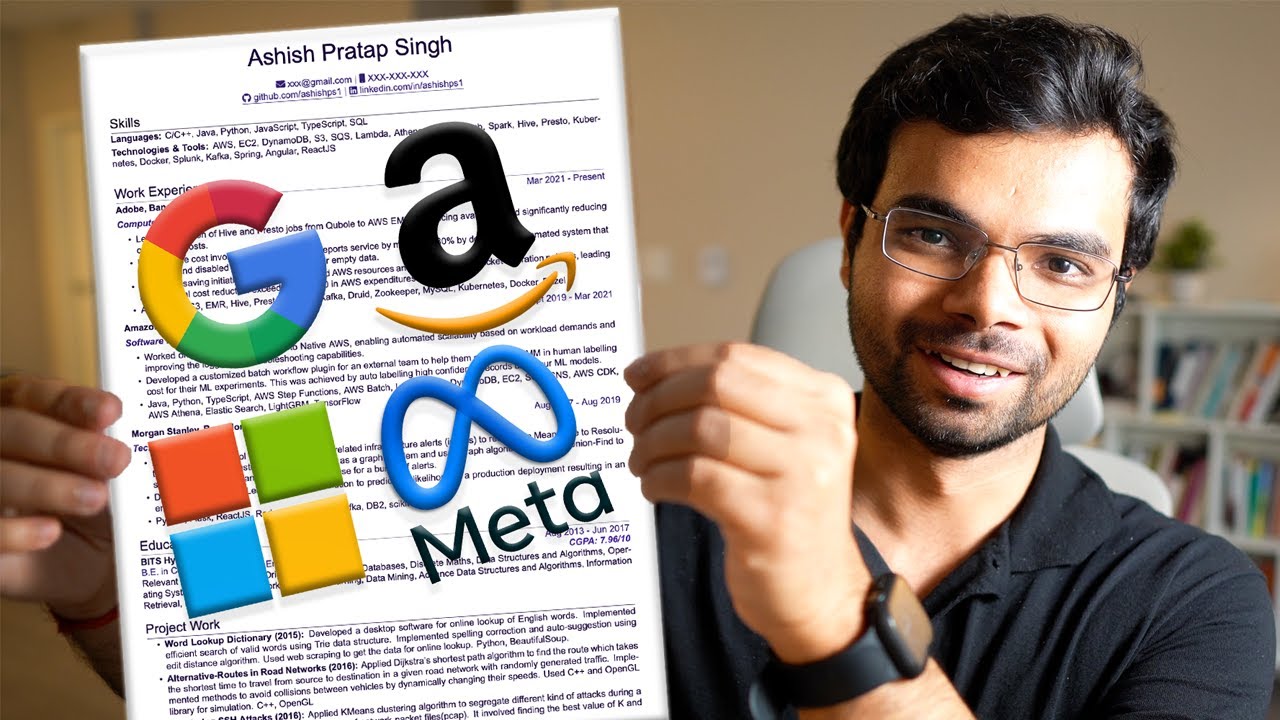
of your LinkedIn Activity Click on share profile updates with your network and turn this option off tip number two customize your LinkedIn URL the default URL to your LinkedIn profile may not be very readable it is recommended to change it to something that includes your name there are two reasons why you should do this first it makes it easier to add it to your resume resumes that include link to your LinkedIn profile has a 71% better chance of hearing back from recruiters so you want that URL to make sense if you want to learn how
to create a great resume I have made a separate video you can check out and second your U actually plays a role in the search engine optimization or SEO of your profile helping it rank better when someone Googles your name changing it is super easy go to your profile page on the right side click on this pencil icon under the edit your custom URL click again on this pencil icon in the text box customize your LinkedIn profile to include your name for me it's my first name followed by the First characters of my middle name
and the last name I had to add a one here because acps was already taken by some other user after customizing your url click on Save button tip number three choose a professional profile picture LinkedIn is a professional platform and your profile picture should reflect that choose a recent head shot where your face is clearly visible and you are smiling if you already have photos in your phone and don't want to take new ones that's all right simply head to this website called pfp maker upload your recent photo and it will generate several professional looking
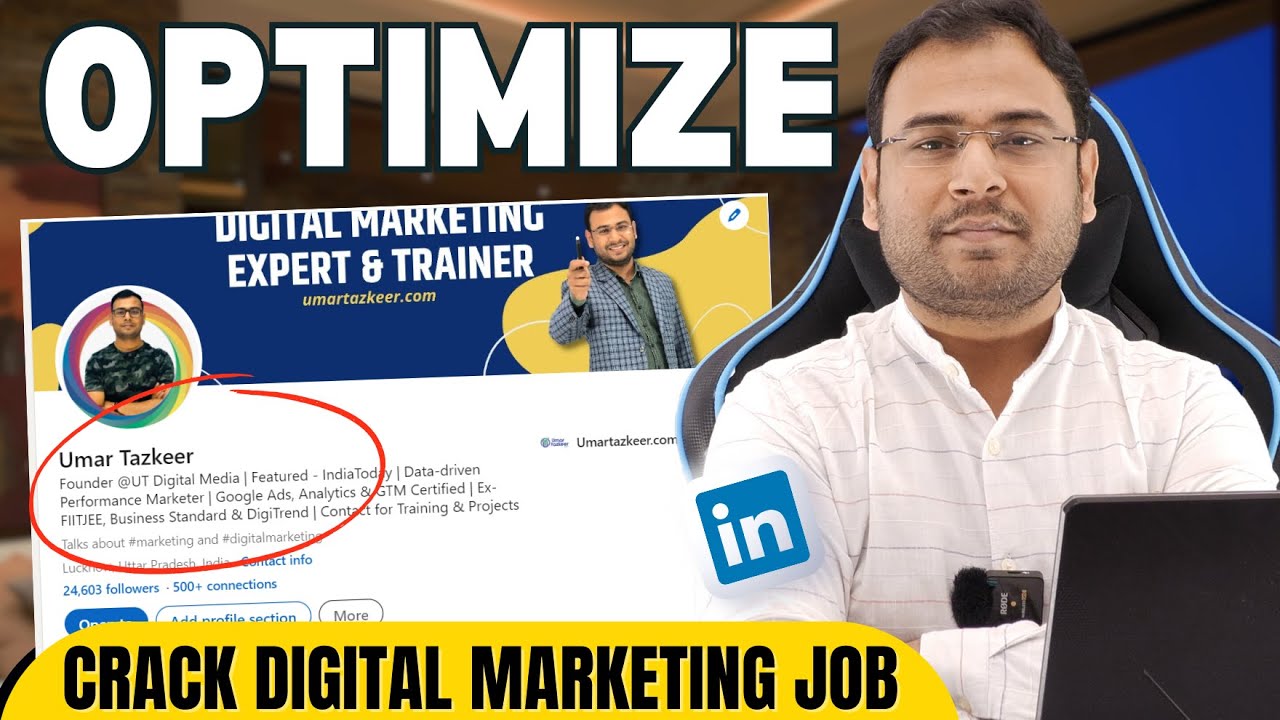
options for you to choose from it tip number four write an engaging headline the single most important thing in your LinkedIn profile is the headline because it is one of the first things people see when they come across your profile so make sure you spend time optimizing it here are few tips to improve your headline make your headline a single sentence that includes your job title and the value you bring to potential employers keep it concise and informative by including your current job title key skills and the area of expertise avoid using generic phrase or
Bud words like motivated skilled or rockar provide specific details about your role and the Technologies you specialize in follow a template like role a skill interest and value proposition here are a few examples if you are a student you can write something like pursuing computer science at ABC followed by JavaScript node.js followed by B development if you're a working professional make it concise and informative something like data scientist at AB followed by python pytorch followed by helping hospitals reduce their ml training costs another example is experience full stack software engineer followed by python react followed
by increasing website performance and user engagement tip number five write a compelling about section with keywords optimizing your about section with relevant keywords can boost your ranking and visibility to recruiters just like Google search LinkedIn search also realize on keywords to determine search results and your about section is an ideal place to include these keywords so how can you find these keywords start by reviewing 5 to 10 job descriptions for the role you are interested in copy and paste the job descriptions into a document then select all the text in the document and paste it
into a word cloud generator I provided a link to a free wordcloud generator you can use by analyzing the wordcloud you can easily identify the keywords that appear most frequently in your about section aim to write three to four concise paragraphs that reflect your professional Journey here is a template you can use introduce yourself briefly mentioning your years of experience roles you have Leed and Technologies you have worked with based on the keywords you identified from the wordcloud generator second write a compelling summary that highlights your skills experience and career goals use numbers and data
to demonstrate your impact and third conclude by stating the types of opportunities you are looking for by following this template and incorporating relevant keywords you can optimize your about section to attract the attention of recruiters tip number six is skills and endorsements matter adding relevant skills can greatly enhance your LinkedIn profile because LinkedIn ranks you based on the skills you put you might say skills are so easy to add I can add hundreds of them in Just 2 minutes but according to LinkedIn only skills that have at least one endorsement will be counted and you
need five of those to fully utilize your skill section go back to word cloud pick five skills based on the job you are looking for and add them to a LinkedIn profile then reach out to colleagues friends family or classmates and ask them to endorse you on these skills and to get at least five endorsements for each skill examples of skills you can include our programming languages your work with Frameworks and tools you have used and Technologies you have experienced with tip number seven leverage your feature section many people overlook this section but it can
make a positive impression on recruiters or anyone going over your profile this is where you can highlight the most significant work you have done if you have a portfolio website or developed an app made an open source contribution wrote an article made a LinkedIn post or any other achievement you are proud of you can add the links here if you look at my featured section I have added link to my GitHub which contains repositories I have created to help people prepare for Tech interviews after that I have added links to some of my LinkedIn post
which got high number of likes tip number eight fill your experience and education section list your work experience starting with your most recent position add your role and location write bullet points to describe the projects you you have worked on quantify your contributions by using metrics and data to Showcase your impact after each work experience include the relevant Technologies and keywords that you have worked with if you have any Publications part-time jobs or volunteer work you can add those here for example I was a mentor at scaler Academy for 11 months and I have added
it here after that add your education history including your college and Meer adding your grade here is optional highlight the course work you studied tip number nine showcase your projects and certificates if you done personal projects or contributed to open source projects showcase them in the project section of your profile provide links to your code repositories describe your role in the projects challenges you faced and solutions you implemented you can add relevant certificates in the license and certification section for example I finish these certification courses from udity and corsera and I've added it here and
request recommendations from former colleagues supervisors or clients these testimonials can add credibility to your profile tip number 10 expand your network LinkedIn is a professional platform so connect with people in your field including recruiters software engineers and professionals at companies you are interested in follow thought leaders in your field if you come across an interesting article share it with your network a strong Network can help you discover more job opportunities don't hesitate to ask for referrals getting a referral significantly improves your chances of getting interview calls not everyone you ask will respond and that's okay
instead of simply asking for a referral do your homework visit carrier space of the company you are interested in and find three to four relevant job links that match your profile after that reach out to your LinkedIn Network and ask them to refer you tip number 11 create content if you want to create more opportunities for yourself one of the best methods is to create valuable content on LinkedIn by valuable I mean content that adds value to other people's lives inspires them and helps them improve a single post has the potential to reach more people
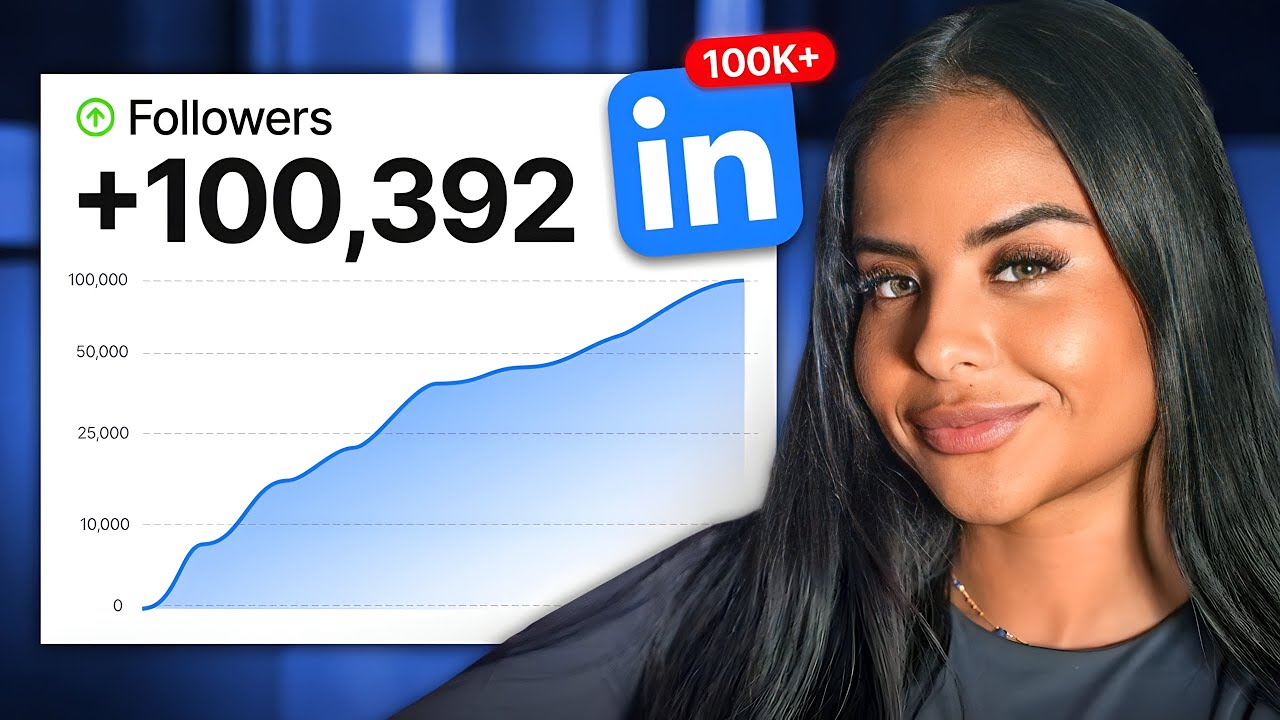
than your entire network of connections this increased visibility can bring in more opportunities for example after a few months of sharing content on LinkedIn I had around 8,000 followers and then one of my post went viral receiving over 18,000 likes surpassing the number of likes on all my other post combined currently I have more than 100K followers and I achieved this by consistently creating valuable content since I started creating content the number of profile visits has significantly increased and I also appear more frequently in searches tip number 12 stay updated regularly update your profile as
you gain new skills or experience if you're looking for new job turn on the open to work feature to signal to recruit that you are actively looking for job opportunities you can also specify the types of roles and locations you are interested in by implementing these tips you can significantly boost your visibility to recruiters and hiring managers I hope you found this video informative if you enjoyed it please consider subscribing for more videos like this feel free to leave any questions you have in the comment section thanks for watching and I look forward to seeing
you in the next one


![How to make linkedin profile better | Referrals | Profile Building | Jobs search [2023]](https://img.youtube.com/vi/I17XCak_Suc/maxresdefault.jpg)