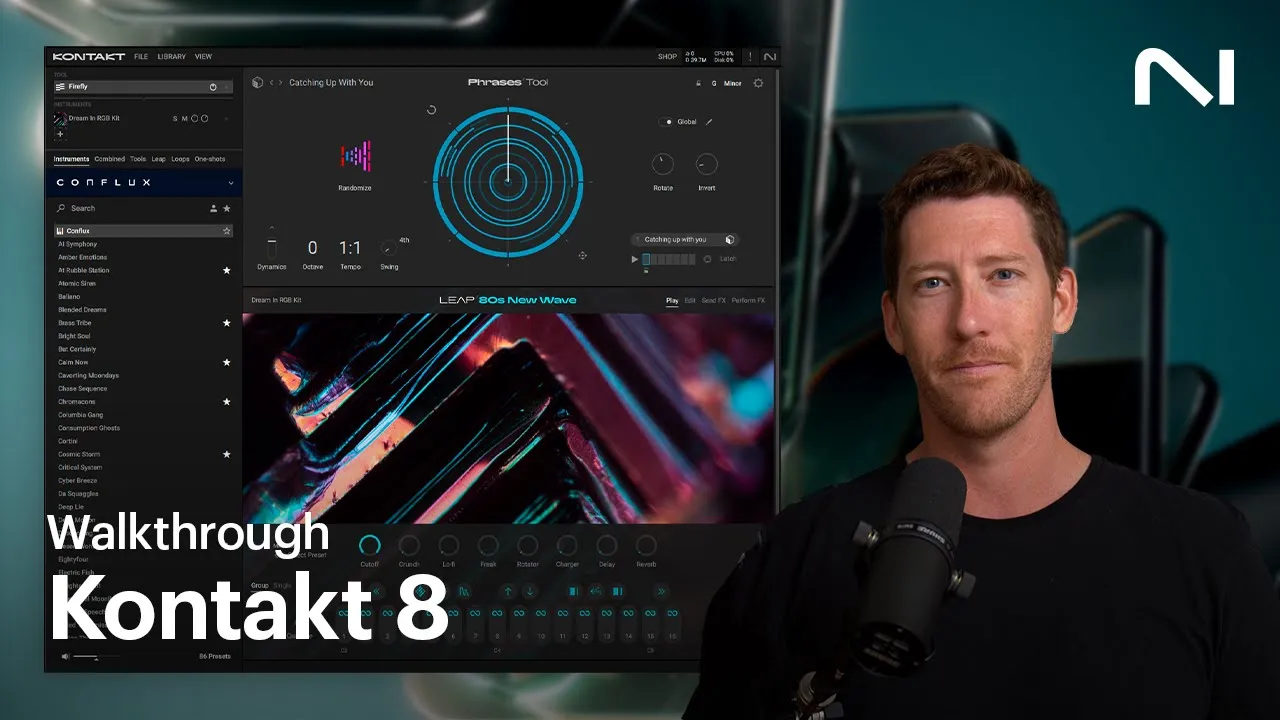
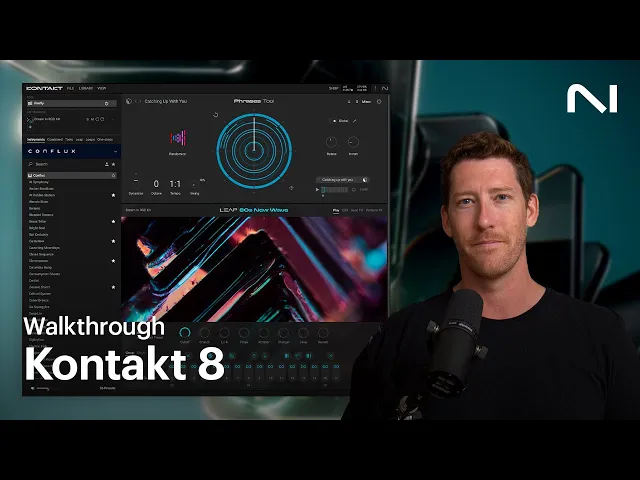
[Music] What's going on, everyone? Brian here from Native Instruments. I'm excited to share with you a groundbreaking version of one of the most widely used tools in music: introducing Kontakt 8.
Kontakt is the world's leading sampling platform, powering a huge range of NI instruments, thousands of officially licensed third-party products, and endless indie libraries. Kontakt 8 introduces new features that transform the way of controlling and playing back sounds and enhances the music production workflow on multiple levels. In this walkthrough, we'll talk about all the new features.
This includes the new browser in the main view, accessing your loops and one-shots from expansions, combined presets, as well as the new Kontakt tools like chords, phrases, and Leap. Let's get into it. Kontakt 8 introduces additional ways to find instruments, as well as a few new features which are accessible here.
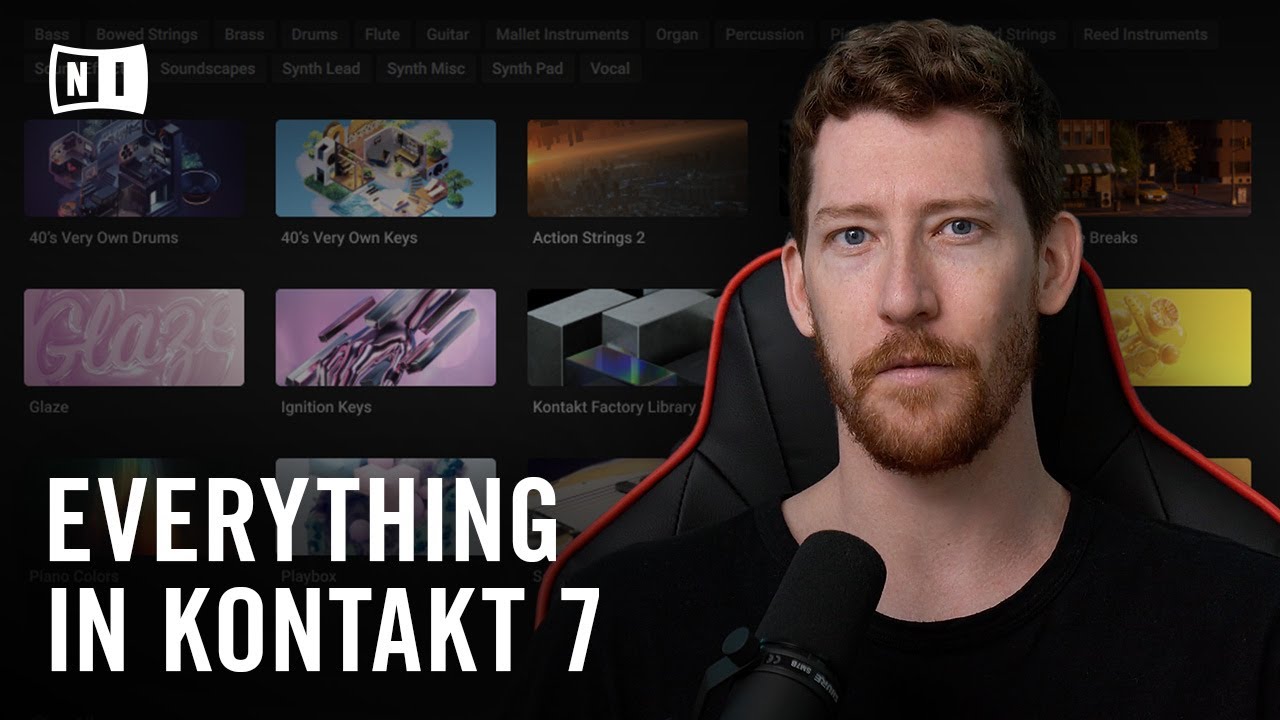
These tabs give you access to your instruments, combined presets, loops, and one-shots from expansions, and also new features like tools and Leap, which we'll cover shortly. Let's get back to instruments. The instrument tab is where you can browse all of the instruments installed on your computer that are playable through Kontakt.
The filters below help you find the type of sound that you're looking for. The brand filter shows you the names of other brands or companies that have created Kontakt instruments. There are hundreds of instrument developers who have chosen the Kontakt platform to create instruments, such as Audio Imperia, Orchestral Tools, Heavyocity, and many, many more.
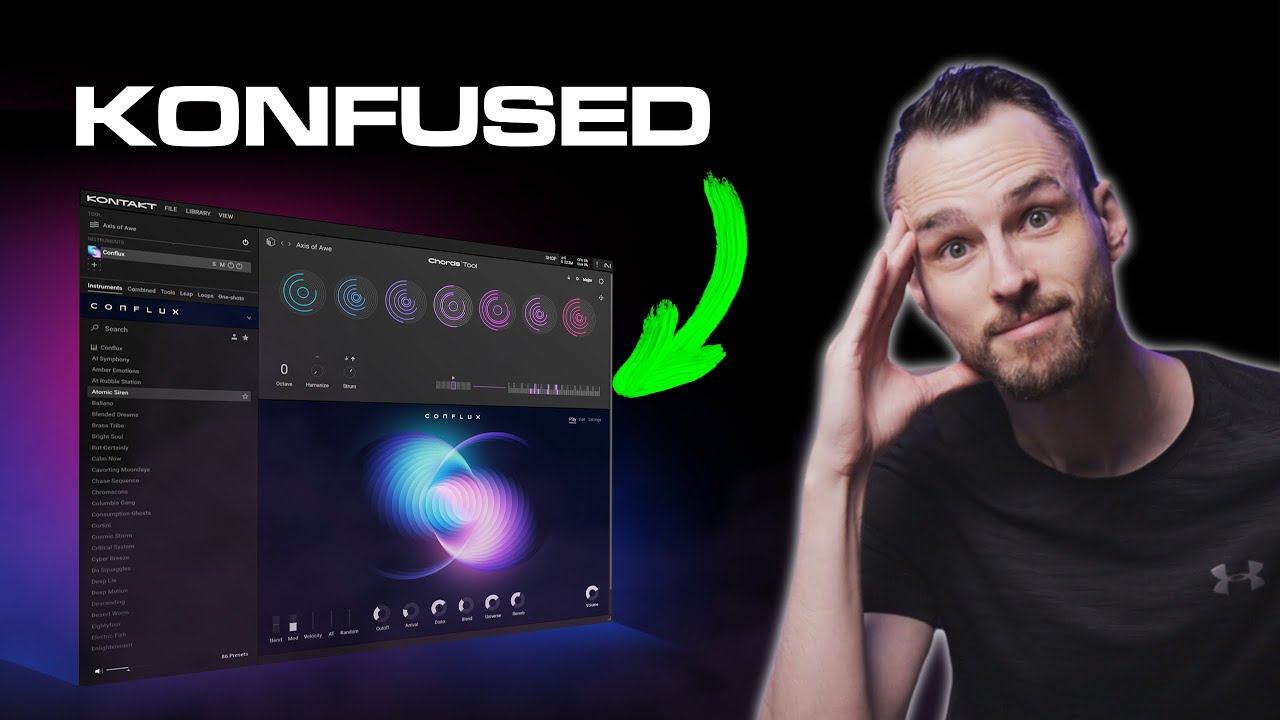
Let's select Native Instruments and then bass. Let's load the new instrument Conflux, which is a new hybrid instrument that uses enhanced wavetable features. We'll get into this instrument later, so we'll just load this preset.
You'll notice once it's loaded, we have a new browser here. This browser gives you quick access to all of the presets available within this instrument. You can search for a specific preset, view your favorites or custom presets, or if you want an entirely new instrument, just click here, and you can access all of your Kontakt libraries.
Being able to access your instruments and sounds in this browser keeps you in the flow without having to go back and forth between the instrument and the library. [Music] Have you ever loaded a really cool sound but are faced with writer's block and have no idea what to play with this sound? Kontakt 8 introduces tools that can be used to enhance your music or spark inspiration.
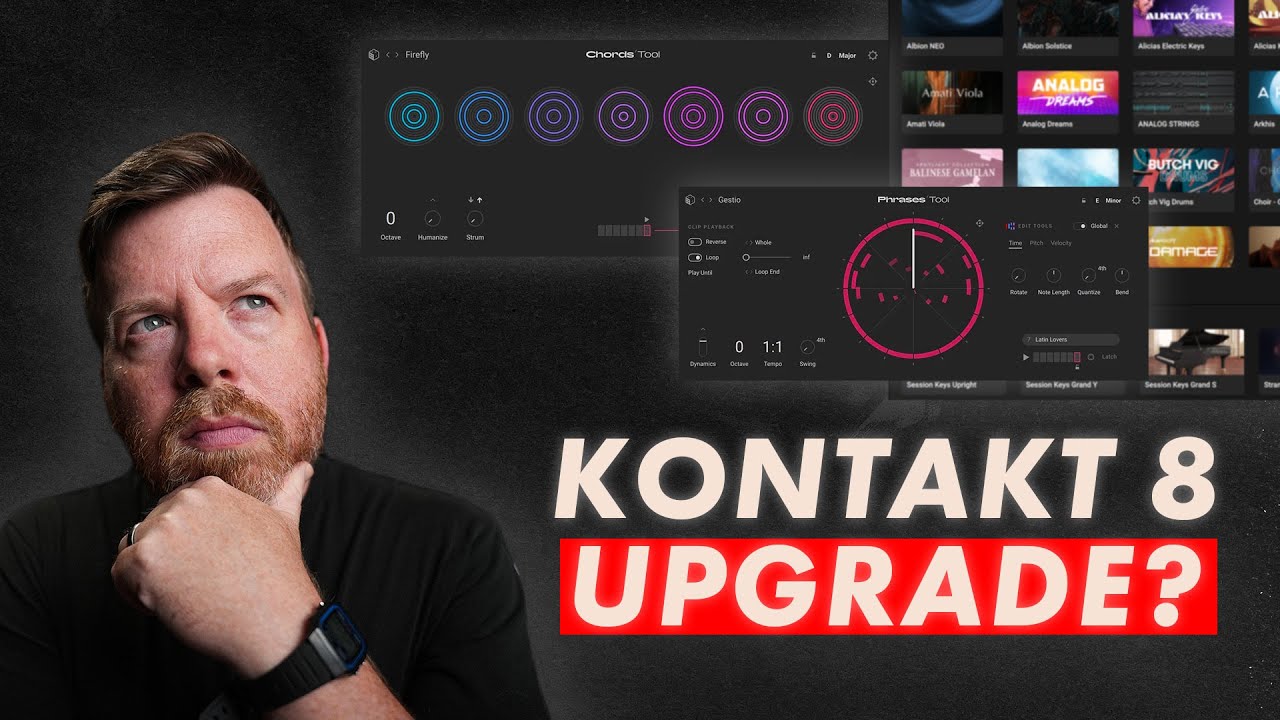
The names of the tools speak for themselves. Chords can help create and inspire chord progressions, while phrases help you generate melodic phrases. The chords tool comes with more than 100 chord sets, and the phrases tool offers more than 100 melodic phrases set in different genres, styles, and types.
They both have unique features that make it easy to create your own ideas. Let's start with chords. The chords tool is a fun, creative, and easy way to play great-sounding chord progressions.
I have this sound loaded, and I want to use chords for a chord progression. This list is all of the different chord progression presets. Let's load this one.
The seven circles above represent the seven chords in the progression, which can be played using the white keys. Every octave starting on C is going to be playing the same seven chords, just an octave higher or lower. [Music] Clicking the chord preset name brings up the browser, where you can filter by genre, type, style, and set.
Or if you don't know what you're looking for, just roll the dice, and a random preset will be loaded. [Music] Let's randomize the chord presets and also change the instrument that we're using. [Music] [Music] If there's a specific key or scale that you want, clicking here lets you select different options.
If you click the lock icon, this locks in the key, so when you're randomizing, all of the chords will be in that key. [Music] Hovering your mouse over one of the circles reveals additional options. You can randomize each chord slot independently, browse for single chords, or even record your own chords to create a custom chord progression.
Just click record and then play the chord that you want. Then click the next slot record button and play another. We'll do this a few more times, and now if I play it back, this is my own custom chord progression.
[Music] To create more movement within the chords, we have strum and humanize. Increasing the strum value will lengthen the time between each note, and you can either have it strummed up or strummed down. [Music] Humanize humanizes the playing, making it sound more natural.
[Music] You can customize this setting more by changing the timing, changing the velocity of each note, or even skipping certain notes. [Music] If you want to use the MIDI for another instrument, you can drag the MIDI of each chord, or all seven independently, into your DAW. [Music] In the settings, there are a few options.
One option is to turn on or off chord names. This is a great way to learn chords and different progressions. [Music] Playable range is what notes on the keyboard trigger the chords.
By default, it's set to C1 to C4, because depending on the sound that you're using, playing a dense chord with low notes can just make it sound muddy. Currently, we're set on simple, but in advanced, the lower octave selects the chords in the set, and the other keys are the playable range. [Music] [Music] Let's load up a new sound and load phrases.
Triggering different phrases is just like the chords tool: each white key launches a new phrase. [Music] [Music] You can use the phrase browser to select different styles, or use randomize to select one for you. [Music] [Music] You can also change the root note and the key in the upper right to create different variations of the phrase.
We have a handful of controls: rotate will rotate all of the notes, so it plays back from a different starting point; invert changes which notes play the parts of the phrase. You can adjust the length of the phrase, add swing, change the tempo, or control dynamics, which can be controlled by the mod wheel, velocity, or a combo of both. [Music] If you ever need to reset the phrase back to its original setting, just click the reset icon here.
The global switch determines if certain functions, like randomize, affect all of the phrase slots or just one. When I click randomize, the rotate and invert knobs change for all of the slots. If I turn off global, only the two knobs on the current phrase are changed.
This comes into play with the editor tools as well. By clicking the pencil here, this brings up additional phrase editing options, such as time, pitch, and velocity, and clip playback. When global is enabled, I can randomize the editing options, and it affects every slot.
[Music] If it's disabled, it's just the currently selected phrase. [Music] If you want to make additional edits to the phrase or use the MIDI for another instrument, you can also drag it into your DAW. [Music] One of the most powerful features of Kontakt is the ability to combine multiple instruments.
The Combined tab gives you a separate area to find these layered sounds. Just like instruments, you can filter by brand, sound type, or character. Combined presets are indicated by the three horizontal lines in the presets list.
In Combined, there's also this option: "Show Tool Enhanced Only. " These are combined presets that utilize either the Chords or the Phrase tool, which are indicated by the note and horizontal lines. [Music] The instrument that's currently loaded is called Conflux, which is a new hybrid instrument.
Conflux offers real-time sound manipulation powered by wavetable synthesis, including the coveted original PPG wavetable. This gives you unmatched modulation capabilities, enabling you to overcome certain limitations with sampling. Let's listen to a few more examples of Conflux.
[Music] With combined presets, you're not just limited to a tool and an instrument. What you can do is double-click the plus sign here, and then you can add any Kontakt library you have installed on your computer. I can load up something like 40's Very Own Keys, and then I can keep adding more instruments.
They don't just have to be from Native Instruments; they can be from any Kontakt library on your computer. [Music] You can mute or solo instruments, adjust panning and volume, or change the order of them. [Music] Let's add Jacob Collier Audience Choir and then also Metropolis Ark 5 by Orchestral Tools.
[Music] [Music] Let's listen to a few more examples. [Music] A new type of player within Kontakt is called Leap. Leap is where you can find curated expansions that come with kits allowing you to play exciting combinations of loops and samples, and use its sample engine to create even your own kits.
It's essentially a sampler inside of a sampler. Many of the features in Leap were accessible under the hood in Kontakt, but we've brought them to the front in an easy and playable way. This is great for overcoming writer's block or adding to an existing track.
Clicking the Leap tab shows you all of your installed expansions. Each expansion covers a certain genre, sound, mood, or type of instrument to inspire your productions or add some of that special sound to them, with many more to come. [Music] Using a Leap expansion is super easy, yet it has a ton of powerful tools for customization.
Each kit is pre-loaded with 16 sounds, all in key, and the white keys represent the 16 slots for playback. [Music] [Music] [Music] You can set different quantize values, so when you trigger multiple samples, they'll be triggering on beat. Just note that you'll need to begin playback in your project in order for quantize to be enabled.
[Music] The black keys are different types of performance effects that you can use. All of these parameters can be changed by clicking Perform FX, or change which key and effect it's assigned to. [Music] In addition to the performance effects, each kit has eight macro knobs for applying additional effects.
There's also a global effect send for delay and reverb, which you can adjust here. While in group mode, each key will trigger a different sample. If I click Single or the piano icon below a slot, it now lets me play it on the keyboard.
[Music] [Music] I can have it in scale mode, so I'm always playing in whatever key I have set below. [Music] The real fun with Leap is being able to create your own kits, and now in Kontakt 8, you can access all of your expansions by clicking either Loops or One-shots. This shows me all of the loops or one-shots within my expansions.
Just like instruments, I can filter for sound type or character. Leap also lets you create your own kits, so I can drag any of these loops or one-shots from the browser directly into Leap to create something. Let's create our own kit.
I'll first create a new Leap kit, and then go to Loops in my list. I can select any expansion. Let's find a drum loop, just select it and drag it into any of the slots.
Now we see a ton of editing options for this particular sample. This page can always be accessed with the Edit button here. The Engine tab is for the settings of the engine or playback of the sample.
Select options for playback like Classic, Melody, or Beats, or choose if you want the sample to play only when you hold the key or latch when pressing a key starts it and pressing it again stops. The window above lets you see the waveform of the loop or one-shot. You can adjust the start and end points, as well as the loop points for further refinement.
There's also a visible grid, so you can see how things line up. You can also turn on or off Snap so the loop points or sample start/stop is snapped to the grid. Under the Sound tab, this is where you can manipulate the sound: adjust filter types and settings, attack and release, or if you want this sample to be affected by the delay or reverb amounts.
Take this creativity one step further and combine tools like Chords and Phrases with Leap. [Music] As you can see, in Kontakt 8, there are tons of new tools to help spark creativity and improve your workflow. Give it a try for yourself at Native Instruments.
com, and thanks for watching.

![I Replaced ALL my ADOBE APPS with these [free or cheaper] Alternatives!](https://img.youtube.com/vi/5EfqHg49kMk/maxresdefault.jpg)