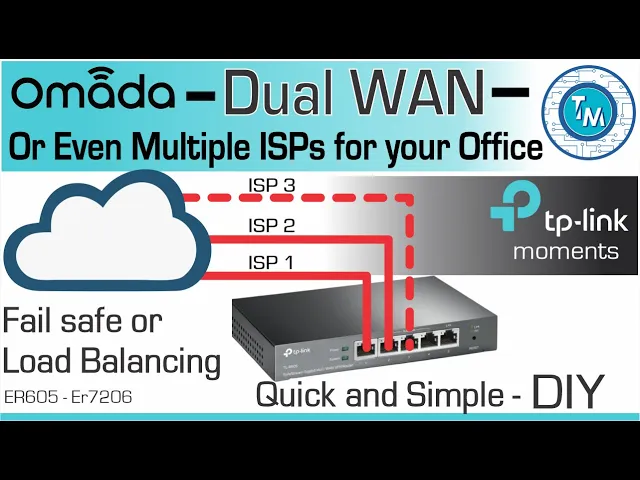
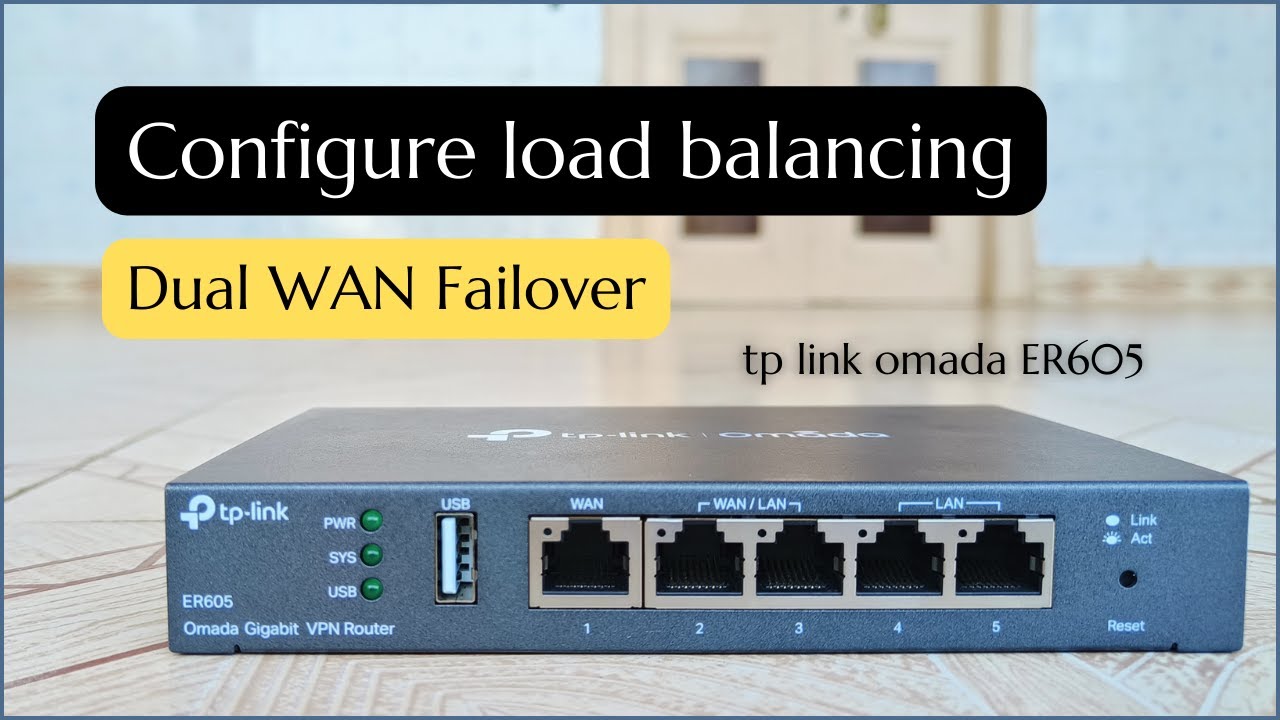
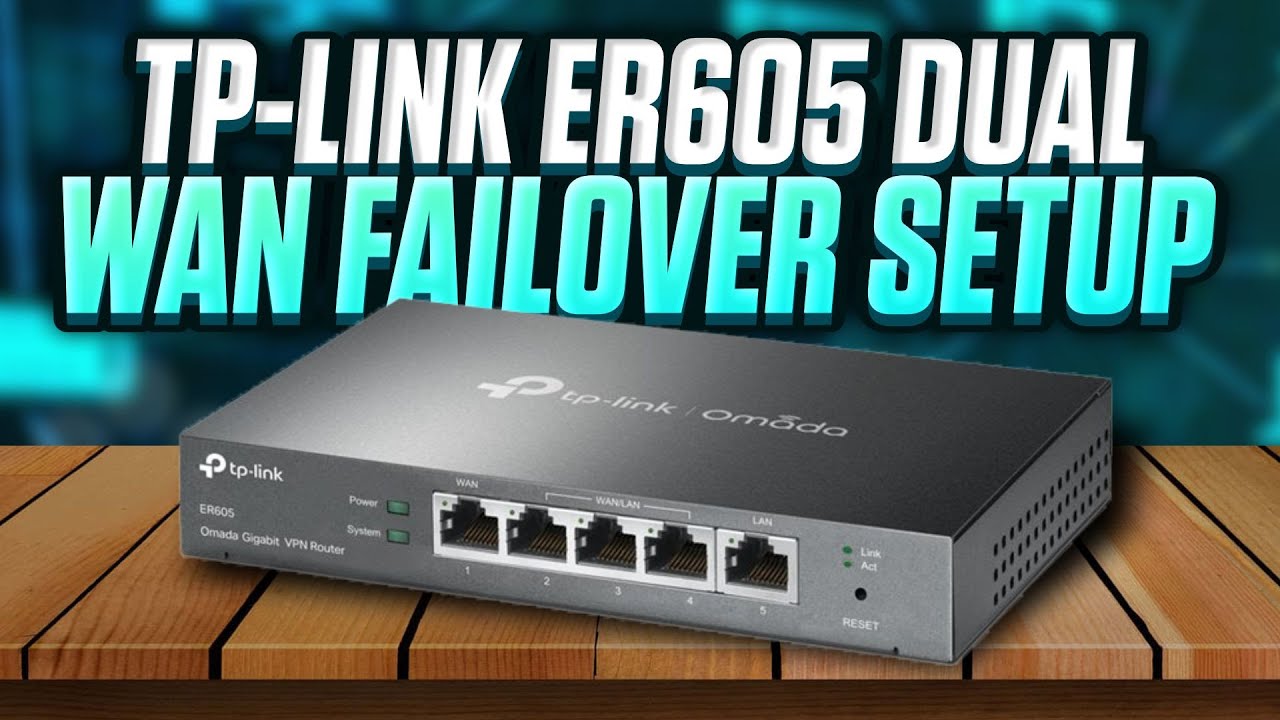
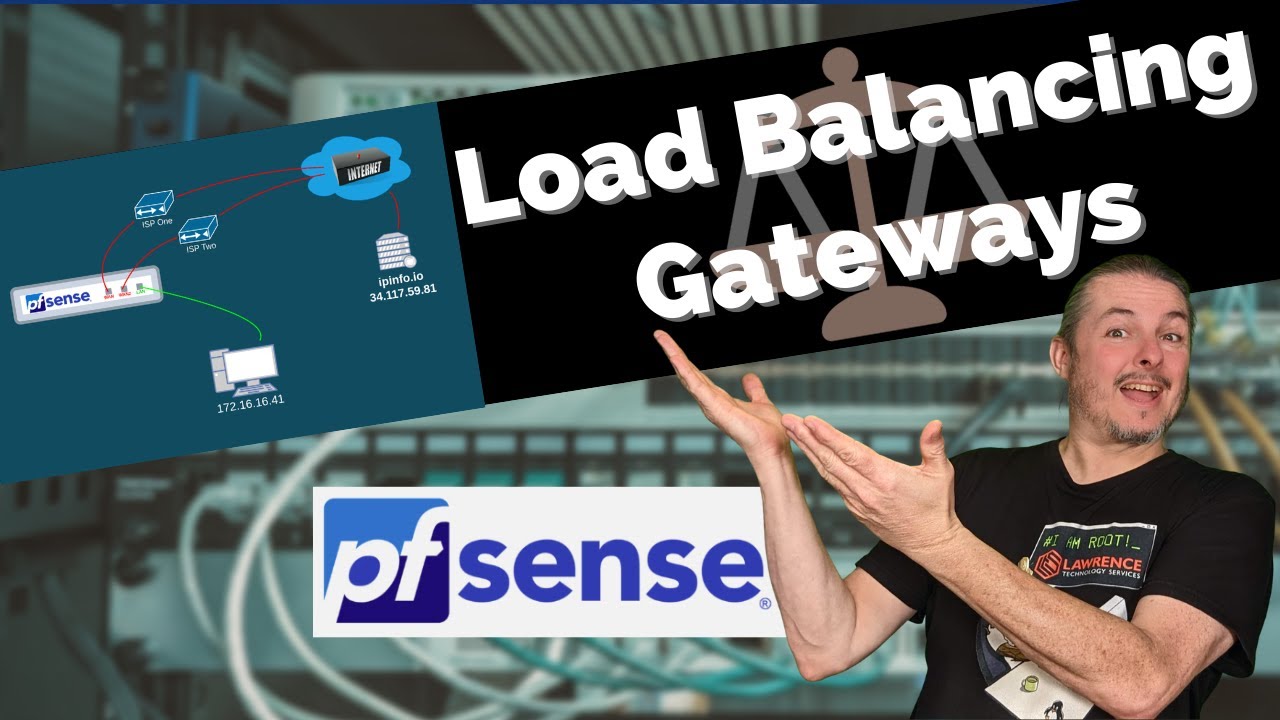
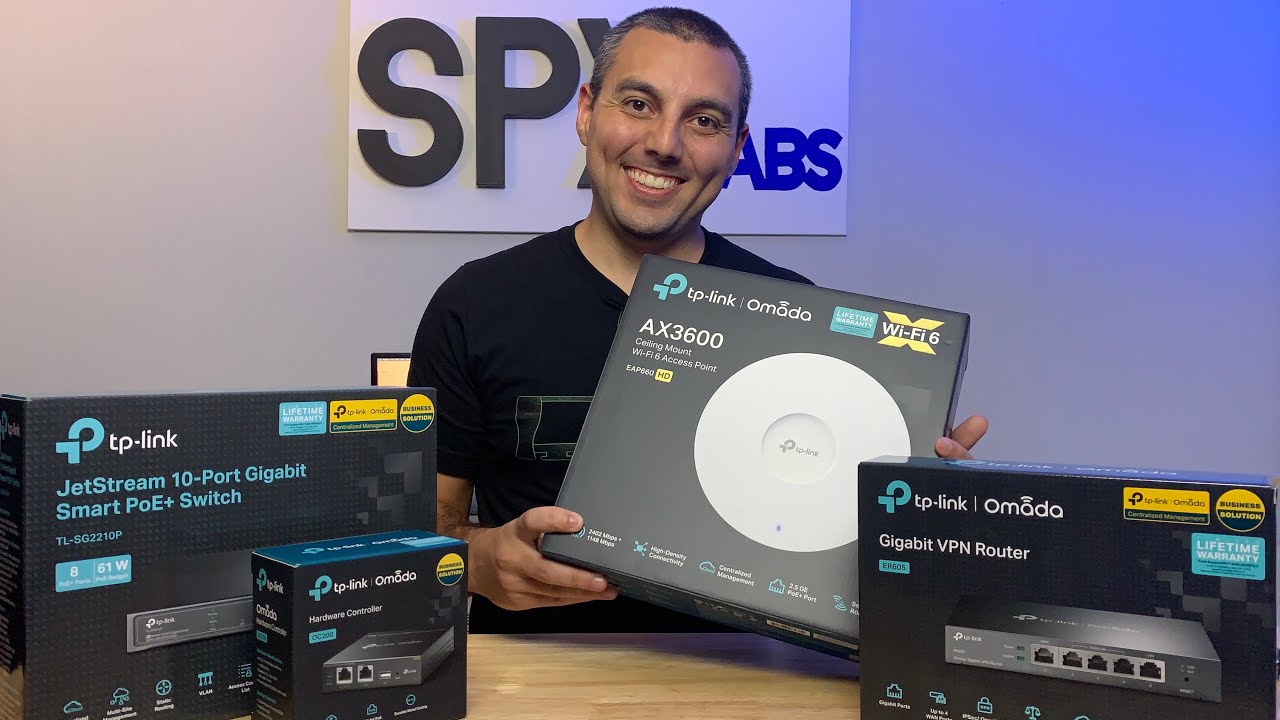
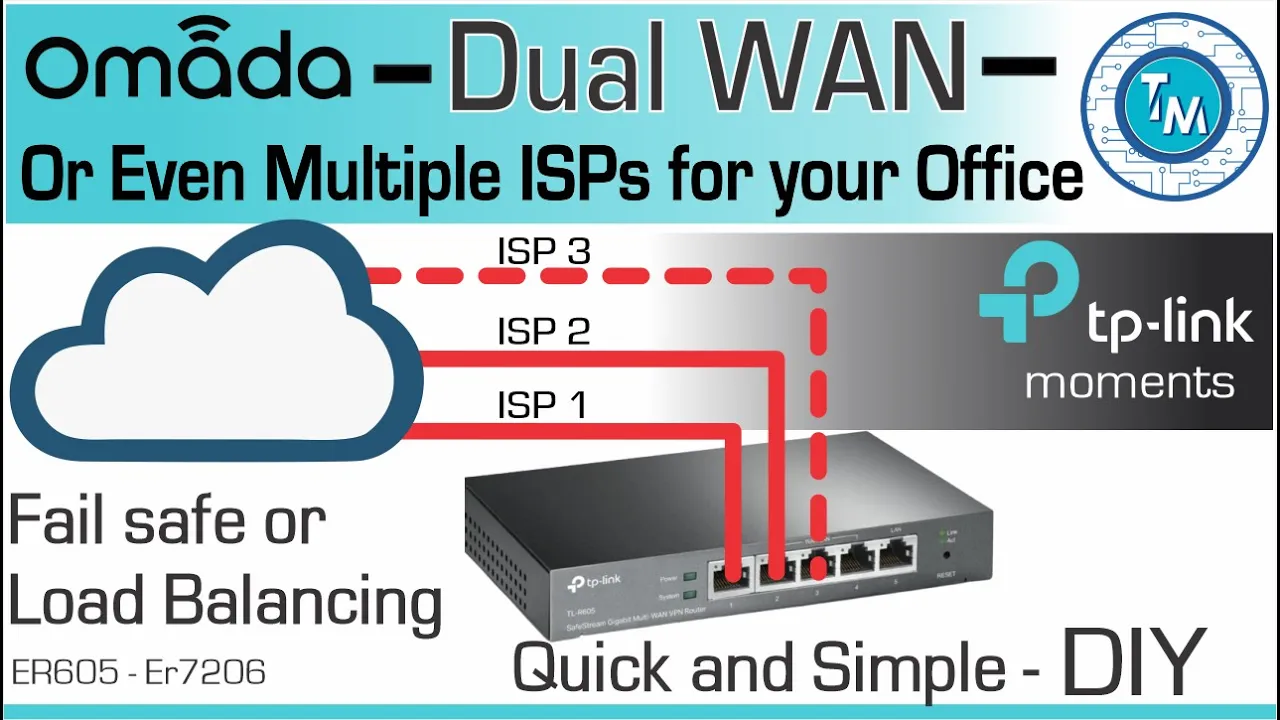
hello everyone welcome back to technology moments my name is alan and once again we're watching a video regarding that great functionality of dual or multiple wands that most routers have nowadays this feature ensures the availability of cloud networking resources especially when having access to the internet on our enterprise networks is so important consistent with all this and just as we were able to prove it with our videos related to vpn and interoffice secure connections this procedure as we'll see in a few moments just could not be easier exactly as we did a few months back
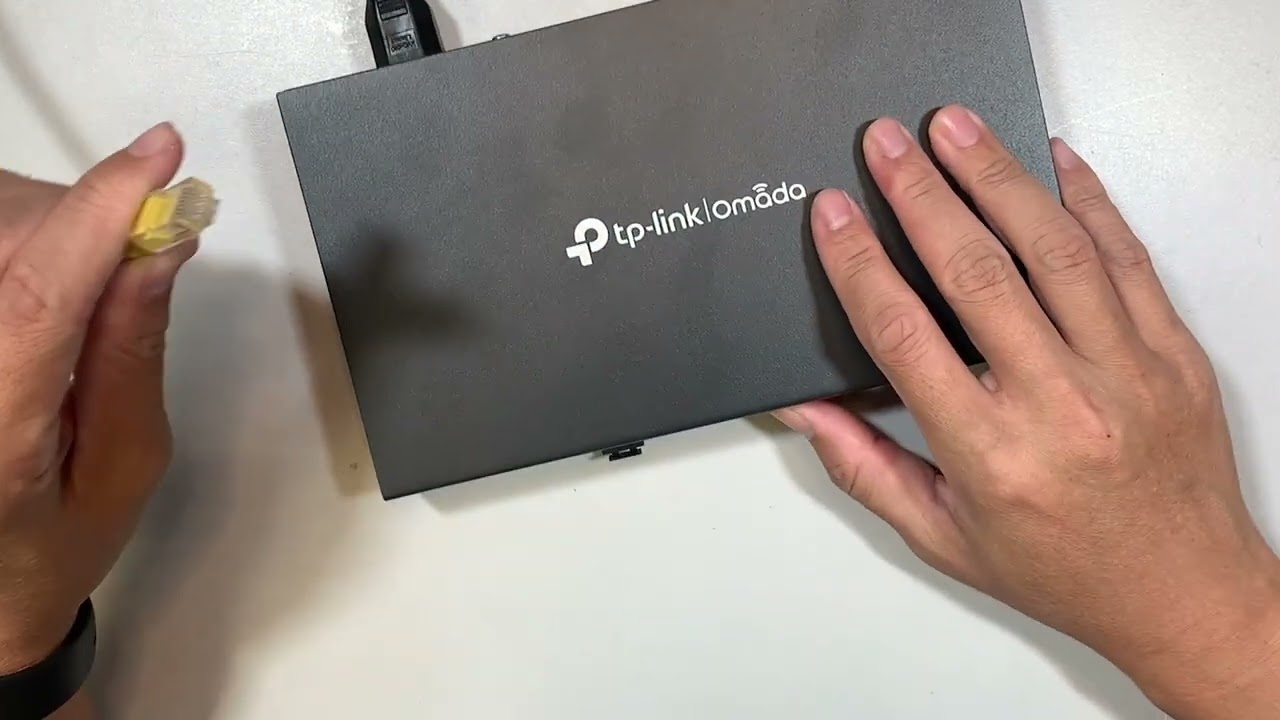
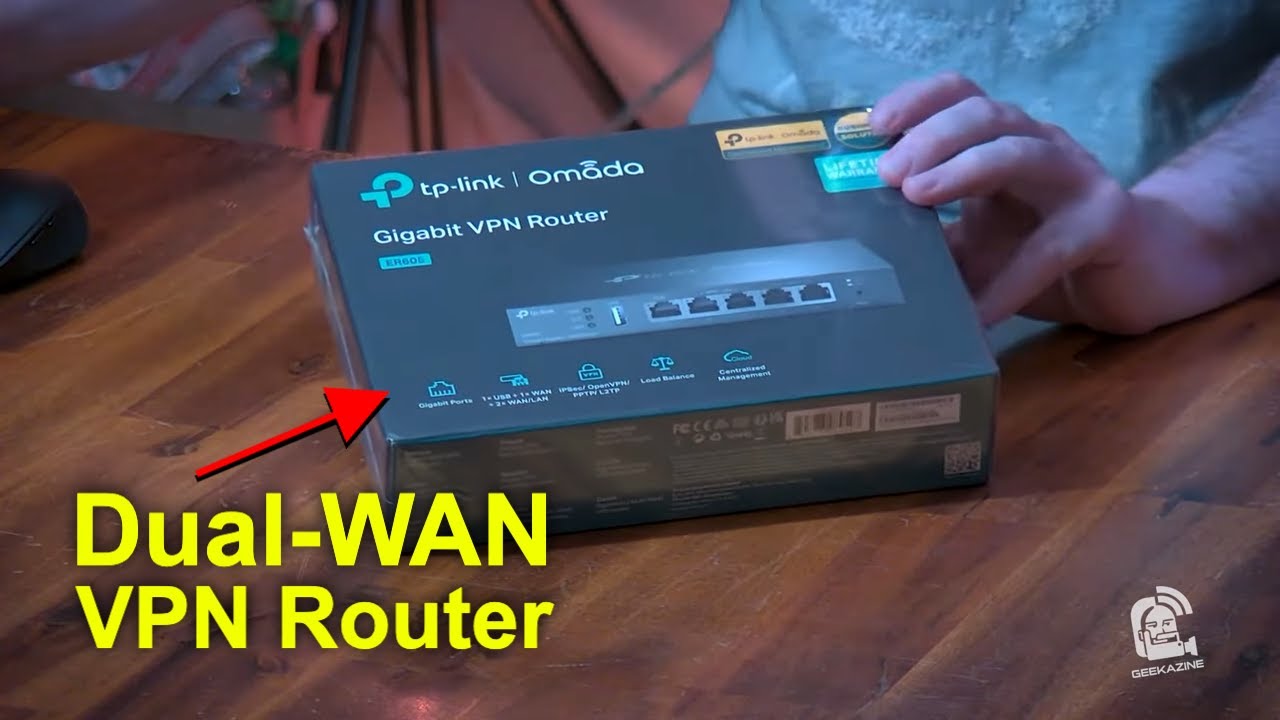
with our unified gateway such as the unified dream machine pro we're gonna do basically the same with omada network controlled er series routers there are many reasons for having wired internet access and i would spend this whole video defending the everlasting need of wired networking this router does not only support multiple internet want connections but one of them is intended to be used with usb wireless network modems of course i would make sure my specific model is completely compatible first we can always choose of course from many alternatives to convert such wireless networks to wired
rj45s but that is not the topic of this video this usb port for those of you who might be wondering does not work for tethering using your cell phone yes as dummy as it seems i tried it anyway sounds like they should implement it especially with 5g networks growing everywhere first i have prepared a scenario in which we have one wired internet connection and one wireless internet connection being converted to a wired connection nothing fancy but very useful so basically i can have a dual internet connection for our premises i'm also going to use ping
plotter a tool that i have used for many years in order to have my internet access monitored on a big screen it has proven to be worth the investment also available as a perpetual license something that we encourage software providers to do to configure dual win uh with euromatter router is as simple as opening your managing console navigating to your wired connections then when and activate as many providers as you're planning on using in our case just two first we're gonna do it with a load balancing feature active and then we're gonna use the fail
save feature which in this case is known as backup once we have it configured and the router has provisioned let's see what happens when one of your isp fails you'll be able to very easily tell if there has been a problem with one of your isps if once a connection fails there is a small internet blackout that lasts for about 10 seconds it is not exactly like it it's dividing the internet connection in half but it works more like it chooses from the isps and routes internet access through one connection depending on the client this
means that there may be many situations for internet blackout even in load balancing if my computer is one of the ones connected or routed through that interface you can see that my secondary isp has a very poor latency or quality of the connection and this graph will stay that way for as long as that isp is the active one providing us with the service this 4g or 5g option is what many people may consider or choose as a secondary internet connection when even having one isp is already a big deal another experiment that we made
was swapping the physical connections and even though they were both in dhcp client mode a reboot of the router was necessary as there was not an easy way to re-establish connectivity something important to note it would have been interesting to have the router analyze which one of the connection is better and switch between the two of them of course if we wanted to as for example when we reconnect the primary wan with a very poor wand connection it switches back to that main connection even when it is a very low quality connection it is very
easy to tell when your router chooses one or the other connection as you can see this 10 second blackout or you will just start to see this particular behavior in connectivity as we remember from the unifi dream machine such fallback is pretty much the same there are alternatives that for us have worked very well such as a load balancing or the way you want to give to each isp in terms of traffic no reboot is necessary every time you make one of these changes it'll just provision the router and continue working when service normalizes you'll
see your internet connection will give you a steady graph and you'll notice everything has gone back to normal either in load balancing or failed save or a stippling call set link backup dual isps are must in today's enterprise networking as every day we rely more and more in cloud-based systems and offline time is always perceived as money being lost thanks for watching this video another dedicated to the omada enterprise grade hardware which by the way up to now we have liked very much and has stood up to every task we've proposed don't forget to like
this video and subscribe to our channel see you next time [Music] [Music] you