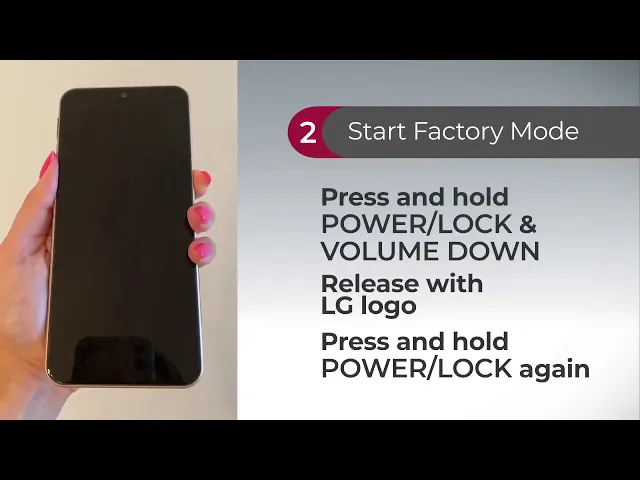
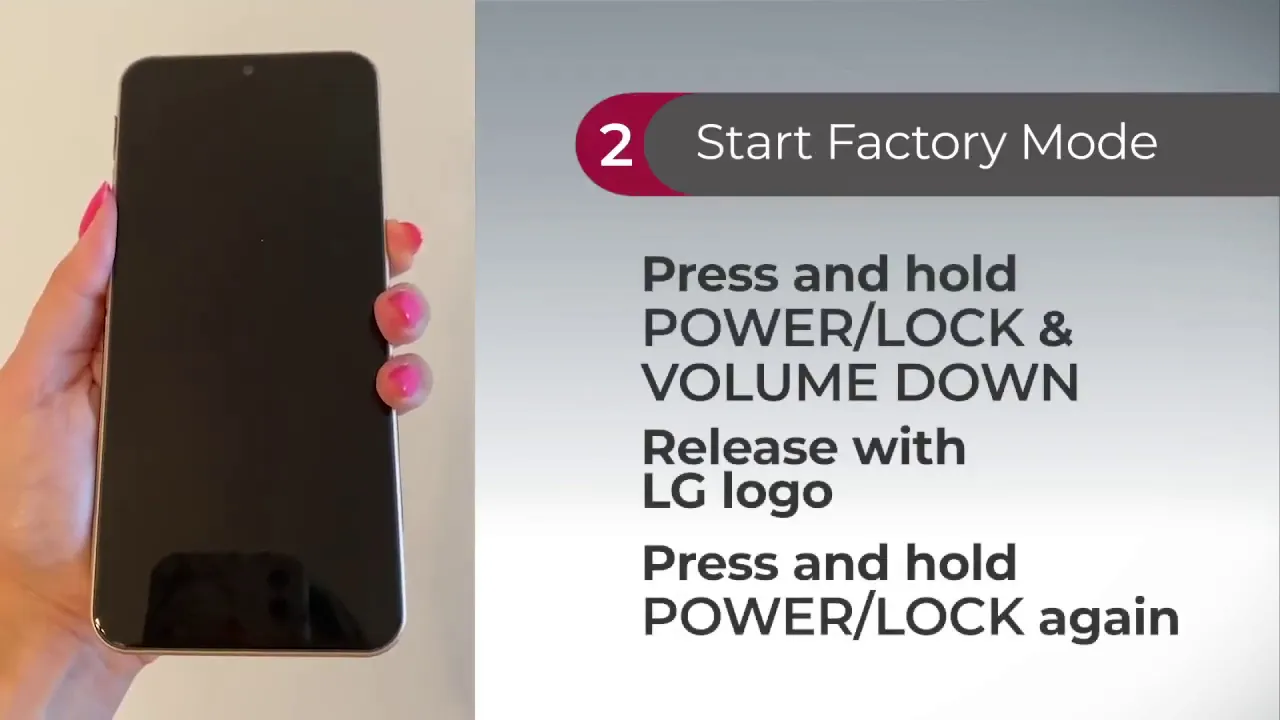
[Music] performing a factory data reset deletes the data from your phone and restores your device to factory settings to backup your phone first visit our website to learn more information to begin turn the phone off press and hold the following keys at the same time the volume down key and the power lock key on the sides of your phone release the power lock key only when the lg logo is displayed then immediately press and hold the power lock key again release all keys when the factory data reset screen is displayed use the volume down key
to navigate to factory data reset press the power lock key to confirm the reset or to cancel the reset select continue power up the reset may take a few moments before you see the setup wizard once you see the setup wizard continue setting up your phone