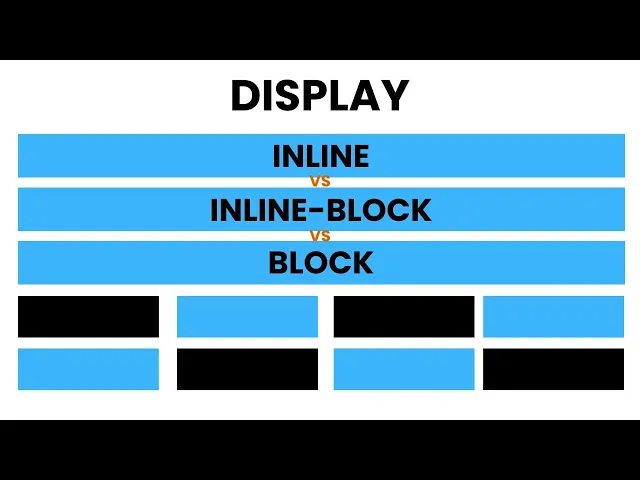
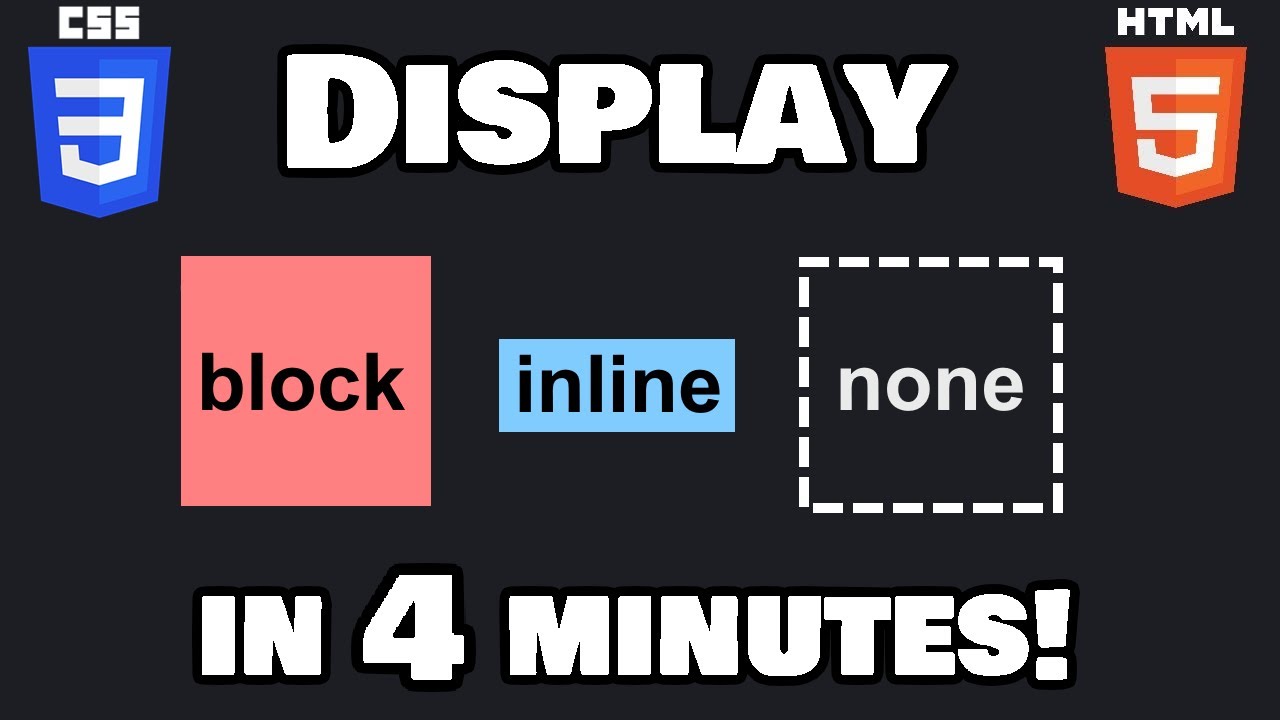
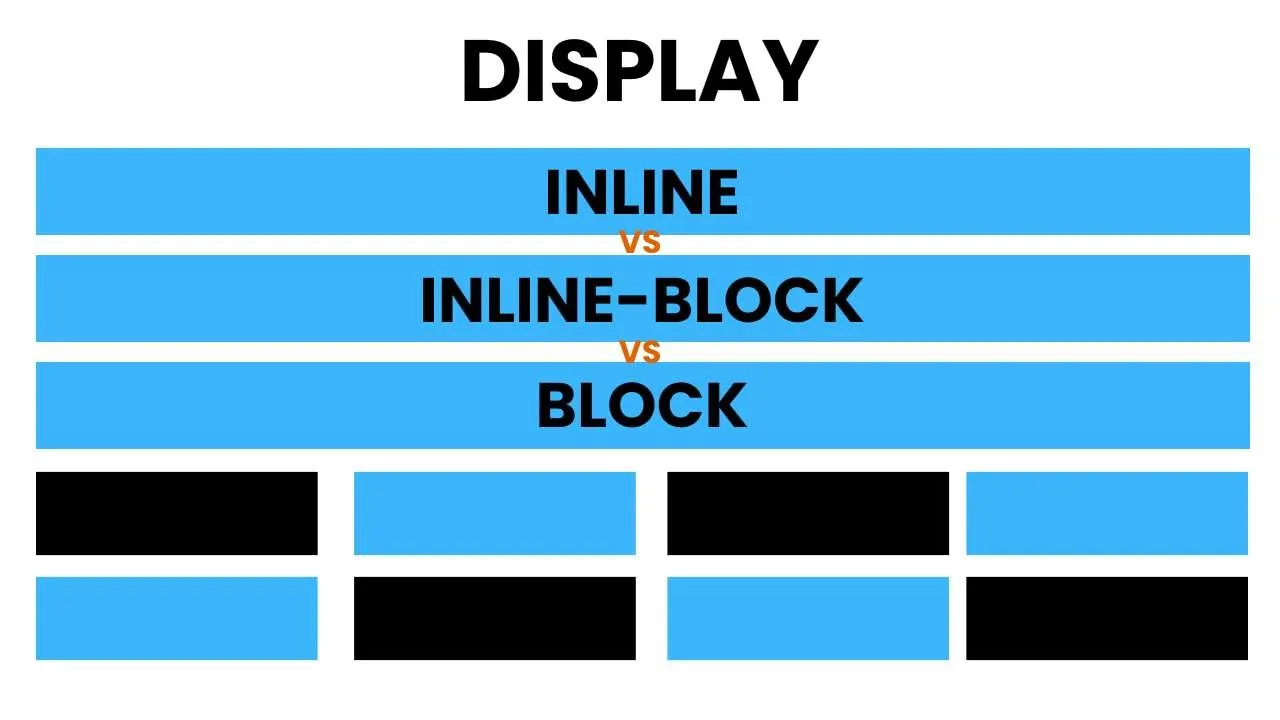
Hello friends welcome back to my YouTube channel copykatram this is RAM and today I have brought another video for you in this video we will discuss in details about the display properties value that is inline inline blog and block so without any further delay let's begin so what is displaying line whenever you say display inline 2 an element you will be not allowed to set height and width and that element is generally going to be treated like and text inside a body so let's see an example so inside the body here I am going to
create and div and going to set it a class that will be called as display inline and inside the div here I am going to type some text so that we can check it on the browser so here I am typing display inline and going to set this display inline class some properties inside the style.css so here I am going to say display inline so let's save and refresh so right now on the browser you can see the text display inline and in the elements and inside the inspector you can see the div element rendered
and here is the class that I have set that is display inline on the right side you can see these CSS properties still that I have added so it have display inline so let me try to add some High to it so I am setting height 150 pixel with two handed pixel and a background color to be red save refresh so right now you can see that the background cloud has been applied but if you check over here right if you check here height and width both are disabled and here is your message that is
shown by the browser that same display inline property prevents width from having an effect try setting display to something other than inline that means you cannot set height and width to display inline element and another thing you need to notice over here with related to the margin and panic so let me set here margin of 50 pixel and the padding of 20 pixel you will notice a weird thing about this so let me refresh it as soon as I refresh you will notice that it got some some of the padding but the padding is only
applied only to the three set that's left right and bottom but has ignored to the top and the same thing has been happened with the margin the margin has been applied to the left right bottom but not applied to the top so this is the weird thing about the display inline that it ignored margin top and padding top why this display inline block generally when you say display inline block to an element from that moment you are allowed to set height and width even it going to consider the margin talk padding top so it is
not going to restitute to apply any other CSS properties to it and the another thing about the display inline block is that it put all the inline block element in horizontal line so let's see an example so here I am first going to create a div again and here I am going to set a class that will be called display inline block and again I inside digital.css I am going to set some properties like display inline inline blog and again as I told you that now you can set height so here I am setting height
of 150 pixel and width of 200 pixel and to see the changes that height and width accepted by the element or not here I am going to set background color of green so let's save and check so right now you can see the div here is the div element that has been rendered on the browser and here is the CSS properties that I have applied to it so right now you can see that the height and width had been accepted by it so whatever pixel you want you can set to it and another thing is
that even if you try to set margin of 5 pixel or padding of 20 pixel is going to accept all this so to understand this let me put some content inside the div elements so here I am going to set display inline block let's save and refresh so right now you can see that the padding has been applied so padding of 20 pixel has been applied as well as the margin is margin of 5 pixel is also applied in all the side inline block is not going to restrict you to use any other CSS properties
like it was happening with the display inline and another thing about the display inline block that I was told you that if you use the multiple display inline block element it's going to put them on the horizontal axis so here now I have used the four inline block element so let's save and refresh so right now you can see the all the four all the four element on the horizontal axis what is display block display inline block display block share the same features the only difference between them is inline block is set horizontally whereas display
blocks set every element to a new row so let's see an example for that again I am going to create a div I'm going to set a class that will be called as display clock and inside it here again I am going to set some text that we will display block and again I am going to set it inside the style.css file so here I am going to set display block I'm going to set width of 150 pixel height 150 pixel and the background color to red so as I told you that display blocks share
the same features as the display inline block so display block also is going to accept width height and margin and padding all the other stuff so let us save and see the example so as soon as I refresh then you will be able to see the block element so the block element have the height width and the background color everything has been accepted even though if you try to add margin you're going to accept this even how if you would going to add padding it going to accept this so let me save and refresh another
thing is that that I told you that the main difference between display block and display inline block is that every time you create a new element with the display block is going to render the element to a new line or in a new row so let us create multiple display block elements so for that here I am going to paste it multiple times so save and refresh so right now you can see that each element has been created in a new row even though it have many space on the right side so this is the
main difference between display inline block and block another thing about the display block is that even though if you do not set any width to the display block it it's going to occupy horizontally all the space of the viewport so right now you can see that as I have removed the width it have occupied the horizontal the horizontally space of the viewport hope I was able to explain you the differences between different value of the display properties if you really like the video do not forget to like the video subscribe the channel and share this
video with your friends thank you