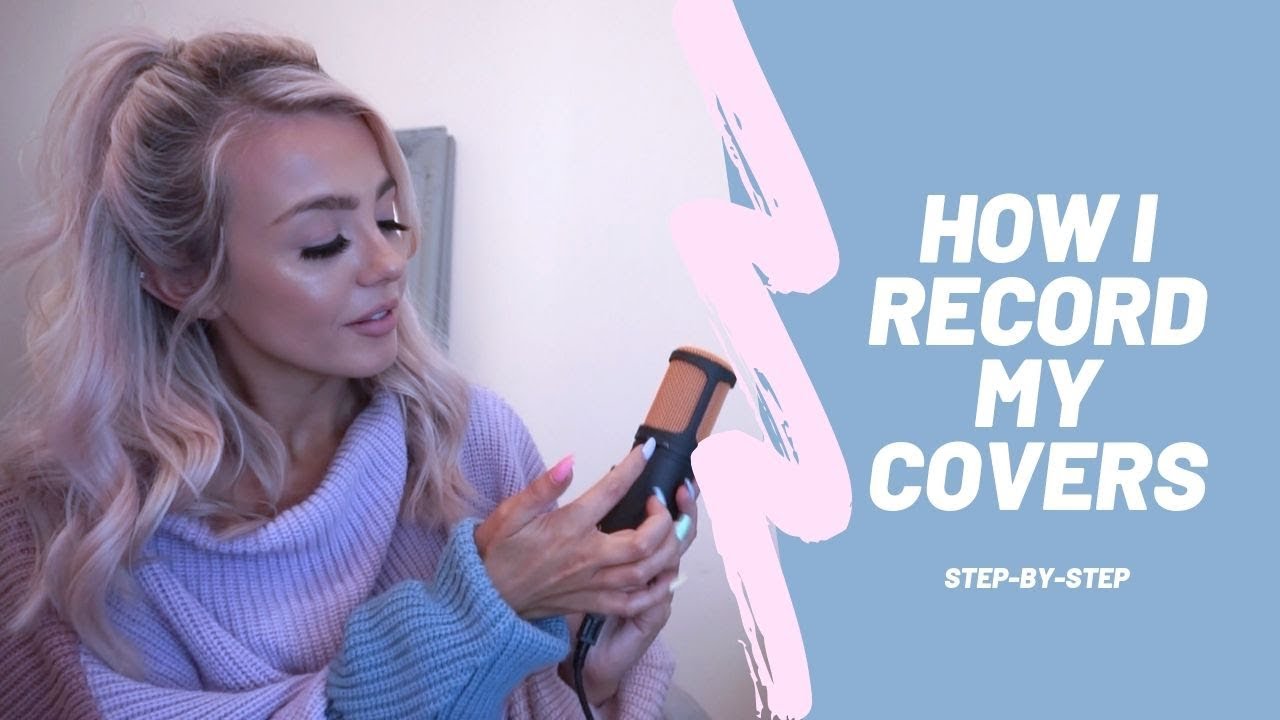
[Music] so you have a really cool idea a song you want to sing or record you want to put it online for everyone to see but you don't know how to do it like any of it you don't even know where to start and you've looked all over but you're so confused about it all sounds a little something like you yup that's me well look no further you're at the right place so sit tight grab a drink and notepad and let's get into it shall we [Music] when it comes to recording covers or music to
post online being familiar with your equipment is everything so it really does depend on what you're doing though your equipment is going to vary so you could be trying to post a cover on youtube or you could be posting a song on spotify whatever it is i'll help you through it and i got you recording a cover could be as casual or as complex and fancy as you want it to be depending on whatever your taste is from no budget recording from your 2010 ipod to full-on cameras from every angle lights backup dancers whatever floats
your goat but before we get to the backup dancers let's just break it down to the basics so first things first you're gonna need whatever it is you're going to record yourself with whether that be your ipod touch or your phone or your camera to capture your pores in 4k even better and maybe this is where the equipment list stops for you because you're not trying to get any new equipment but if you got the moola maybe you got a job or maybe you're like 2014 me who saved every single dollar and refused to spend
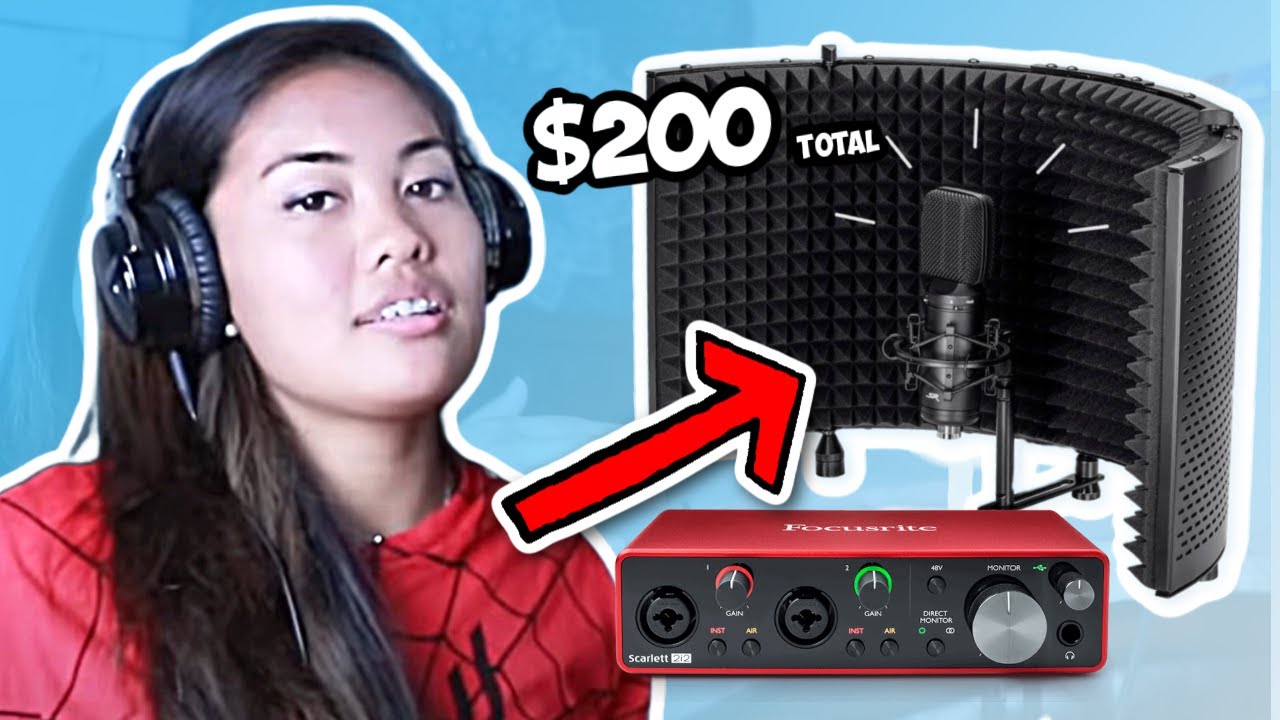
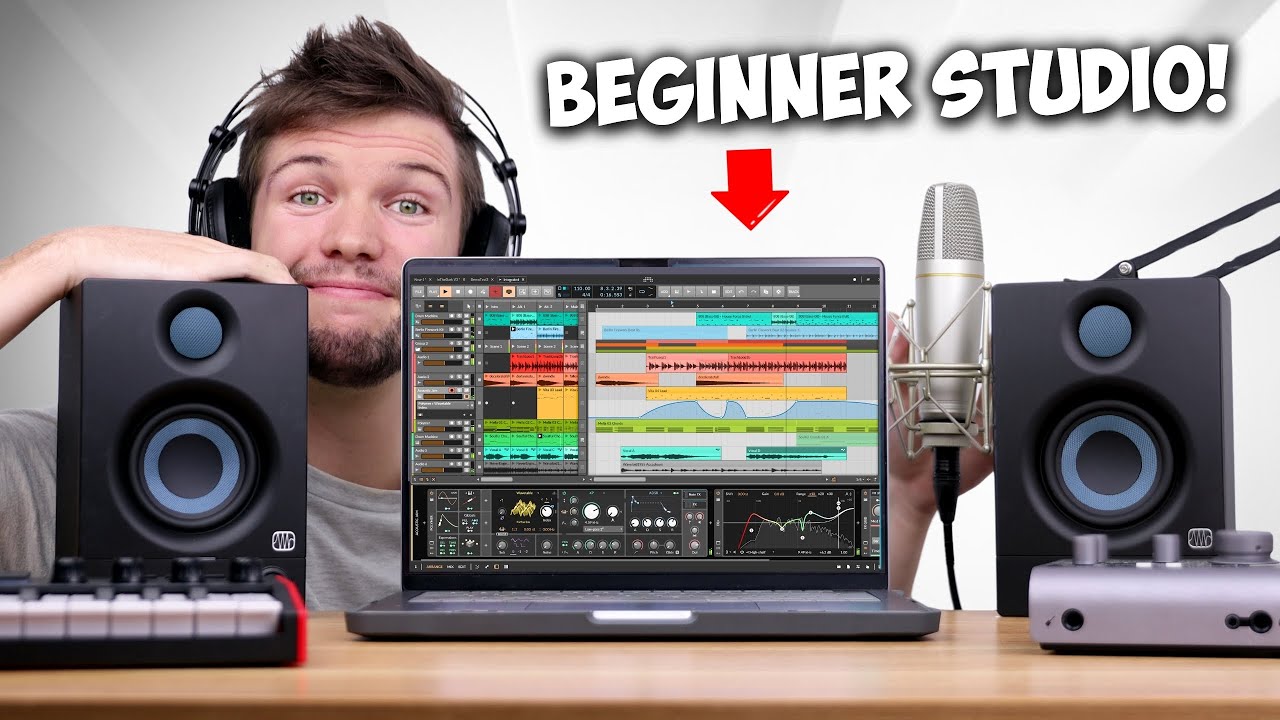
it on anything so that she could afford equipment you know to each their own then the next few things would be a great investment for you next on the list is a mic to capture your crisp and clean vocals so there are loads to choose from at different price points so make sure to do your research and figure out which one works best for your budget so here are some budget mics i'll have them pop up on the screen right now and i'll also link them in the description below so make sure to check that
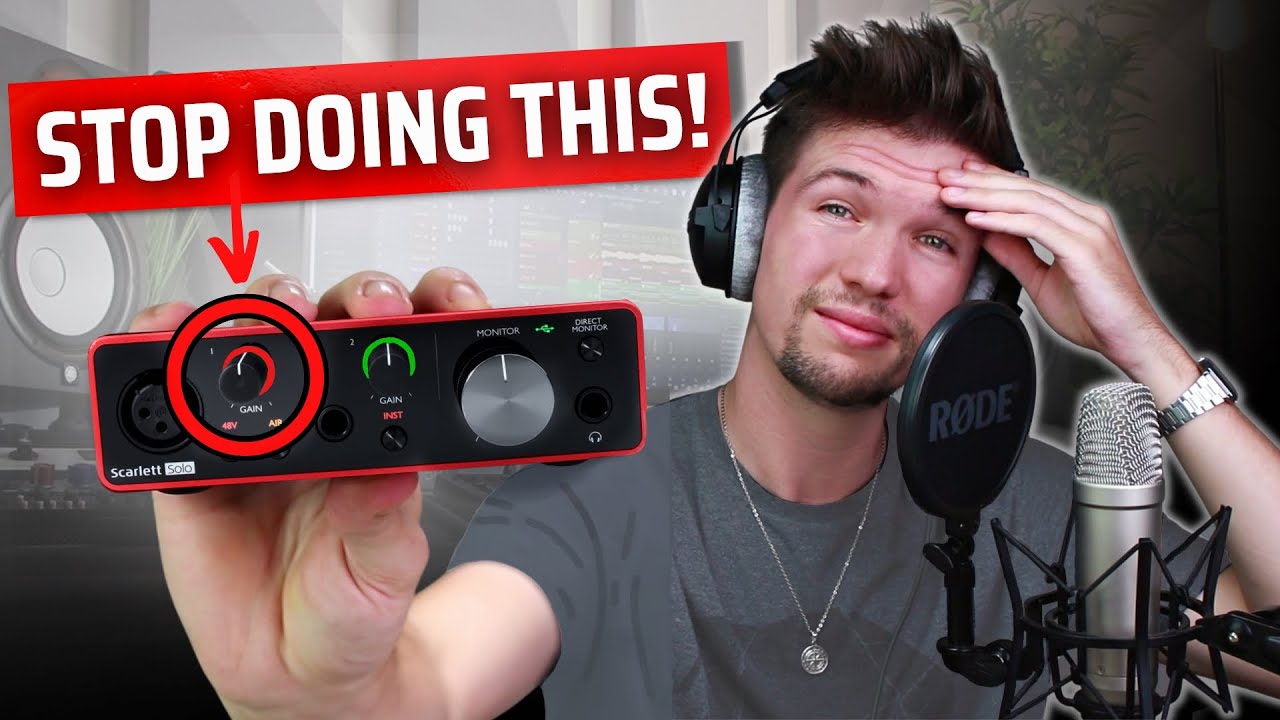
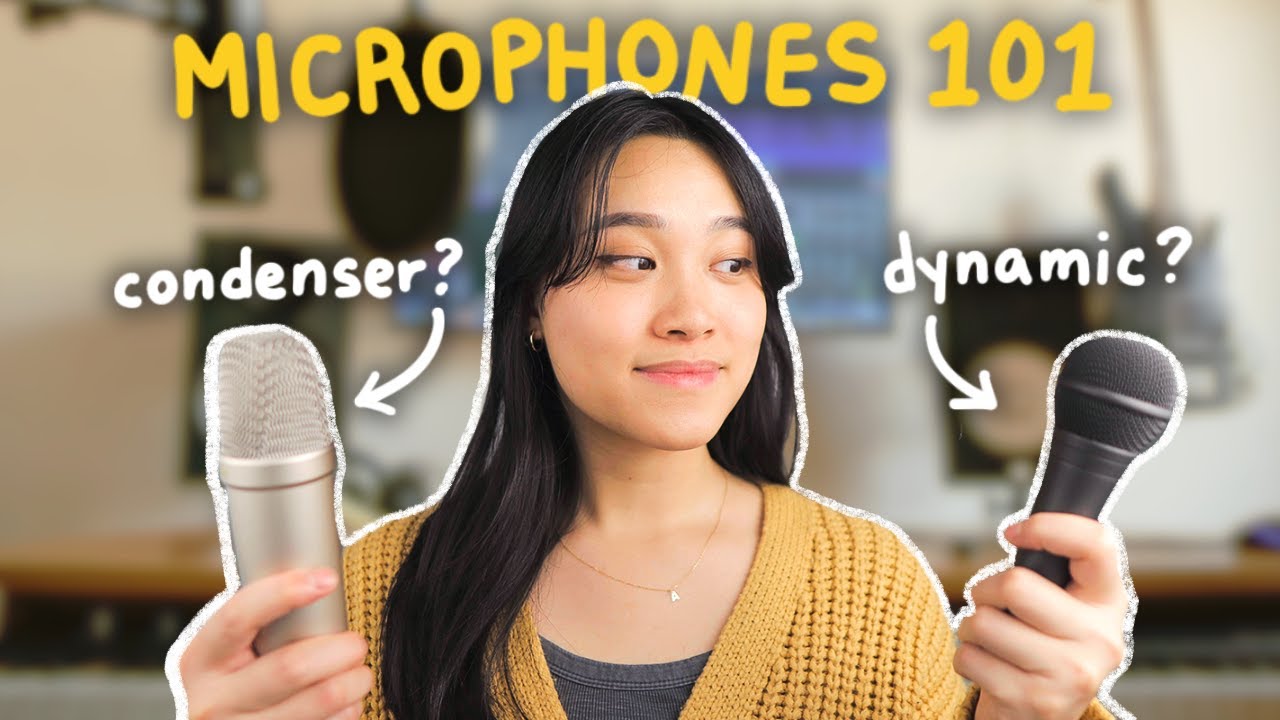
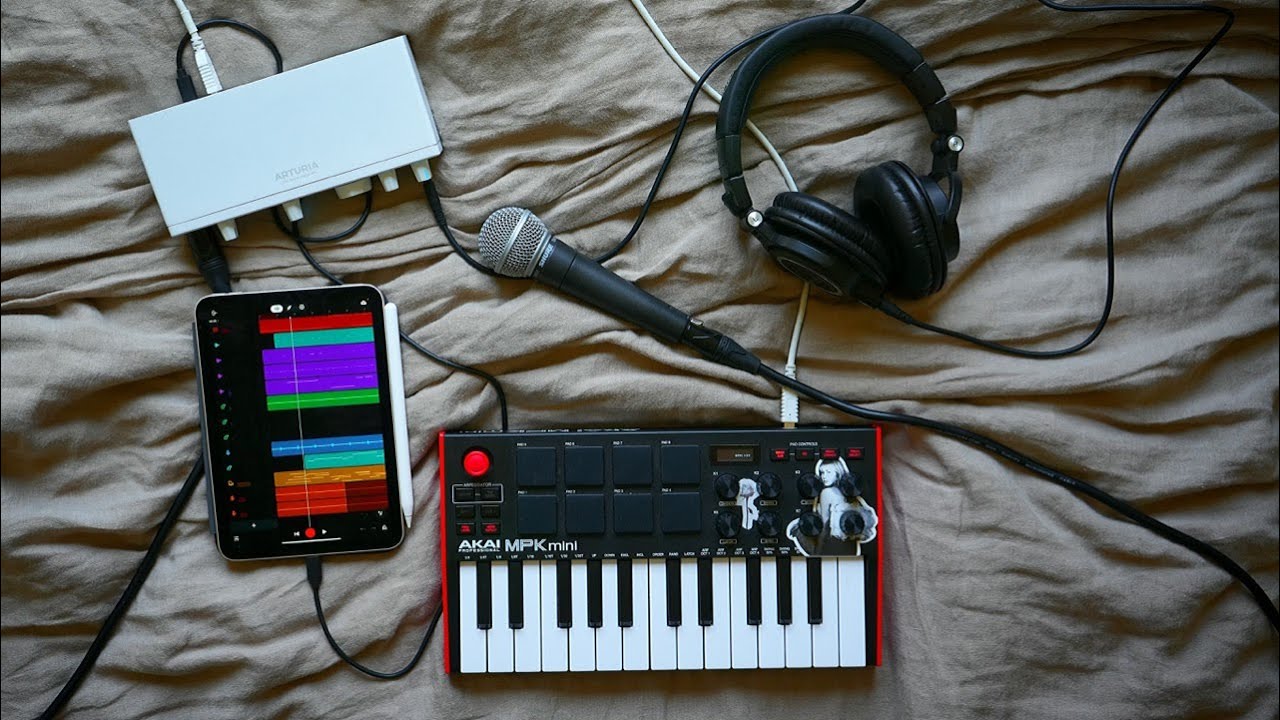
out for those of you who are just starting off which i know a lot of you guys are i'd recommend maybe starting off with the usb mic because setup is super easy it's literally just a usb from the mic plugged into your computer but for higher sound quality i'd recommend using a condenser mic which has a whole different setup but i'll explain that it's super easy trust me a condenser mic setup is a condenser microphone plugged into an audio interface using an xlr cable which is then plugged into a computer usually via usb simple and
if you're not sure what audio interface does it simply converts microphone and instrument signals into a format that your computer recognizes so basically a middleman that translates everything or like if you're from an immigrant family than that one kid who translates everything for their parents because they can't speak english depending on the type of interface that you have you can record different types of audio in many different ways so if your audio interface has multiple mic preamps and you can plug in multiple mics to record at the same time or if you have designated inputs
for instruments you can plug in your guitar your bass or your synth or digital piano you can do all that or plug it into a mixing console and record multiple instruments at the same time and here are some budget interfaces that you can start off with and of course i'll be linking them in the description below now that you have all the equipment that you need the next step is recording finally and if you're recording straight from your camera and you're not using a mic then this wouldn't apply to you but if you're using a
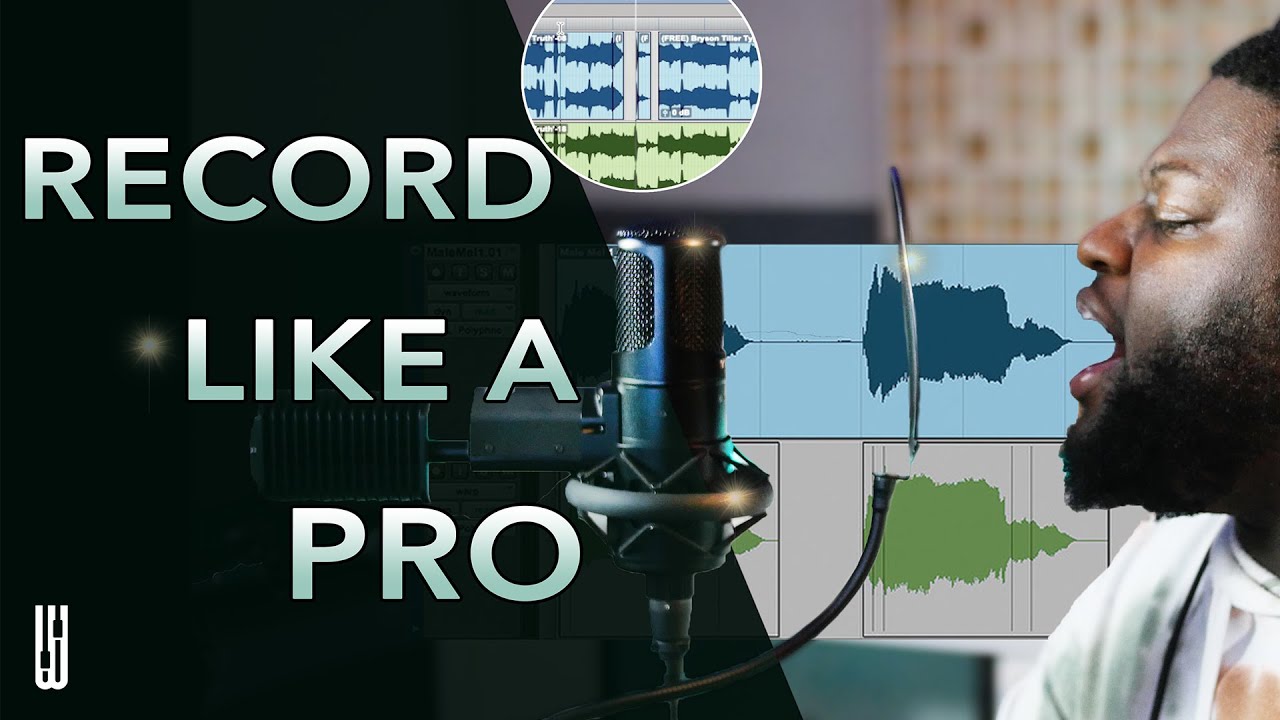
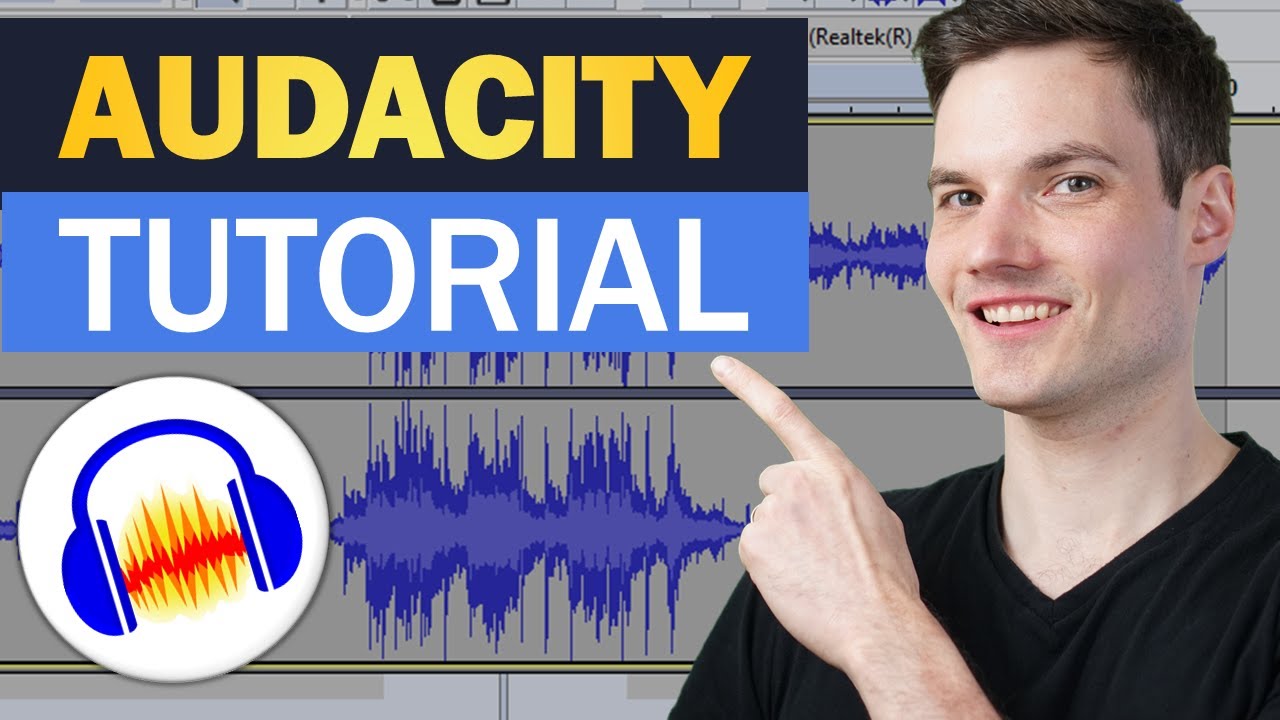
mic then you're going to have to record separate audio and here's how first you're going to need an application or a program or a doll to record your vocals or your instruments back in the day i used to use audacity which is this free program that you can download online it's available for mac pc and linux and it's free and if you guys are just beginning and you guys aren't trying to edit too much to your vocals or anything i'd say go for this or if you guys are looking to invest into a better doll
there's logic pro x there's fl studio ableton pro tools list goes on currently i use logic pro x so i'm going to jump straight into teaching you guys how to work with the basics hi i'm in logic right now and i'm about to open up the new project so we're going to go straight into selecting audio because i'm going to be recording vocals make sure that your input and output is correct and then we can press create and we're going to make sure that our audio interface is plugged in we can select on preferences audio
and when we look into input devices i have mine right here selected and we can go straight into recording so make sure that your interface is plugged in turned on and we can just go straight into pressing the record button that's right here or we can press r so let's say we have a guitar that we want to record while singing for this cover we can select a new track it's like guitar or bass my input is input two outputs correct and create and there we can select r to record both audios and then whenever
we're ready we can just select the red button to record all right [Music] oh baby tell me now that you have your audio and your video recorded you can sync them up using final cut you can use imovie maybe you have an app on your phone that you want to do this all on do whatever works for you but after that you can go straight onto youtube and upload your video or you can take that audio and upload it onto some streaming platform and you're pretty much done and that's it for today's video i hope
you guys enjoyed it i know it's very basic and it's only covering very like beginner entry-level things but this is for beginners so hopefully this is helpful for you guys um if you guys have any questions make sure to leave them down below i'll make sure to read the comments and get to you guys as soon as i can so thanks so much for watching and until next time bye [Music] you
![How To Record + Mix Vocals In Bandlab [IOS/Android]](https://img.youtube.com/vi/0uWwIMCs_08/maxresdefault.jpg)