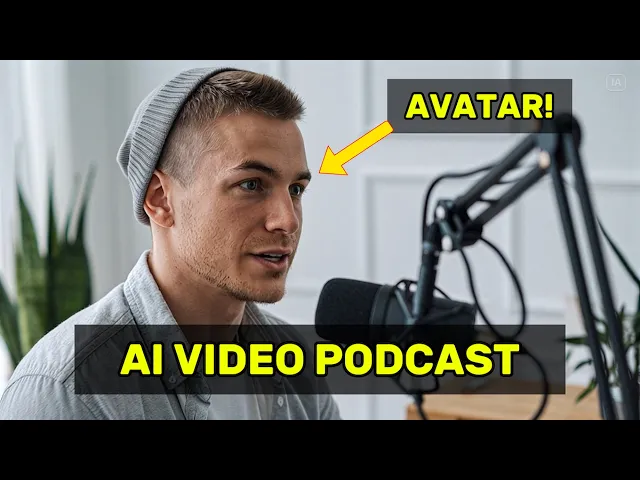
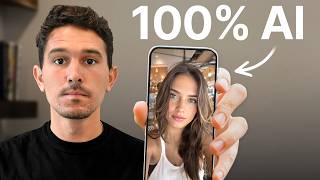
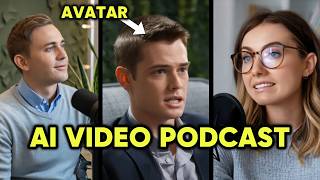
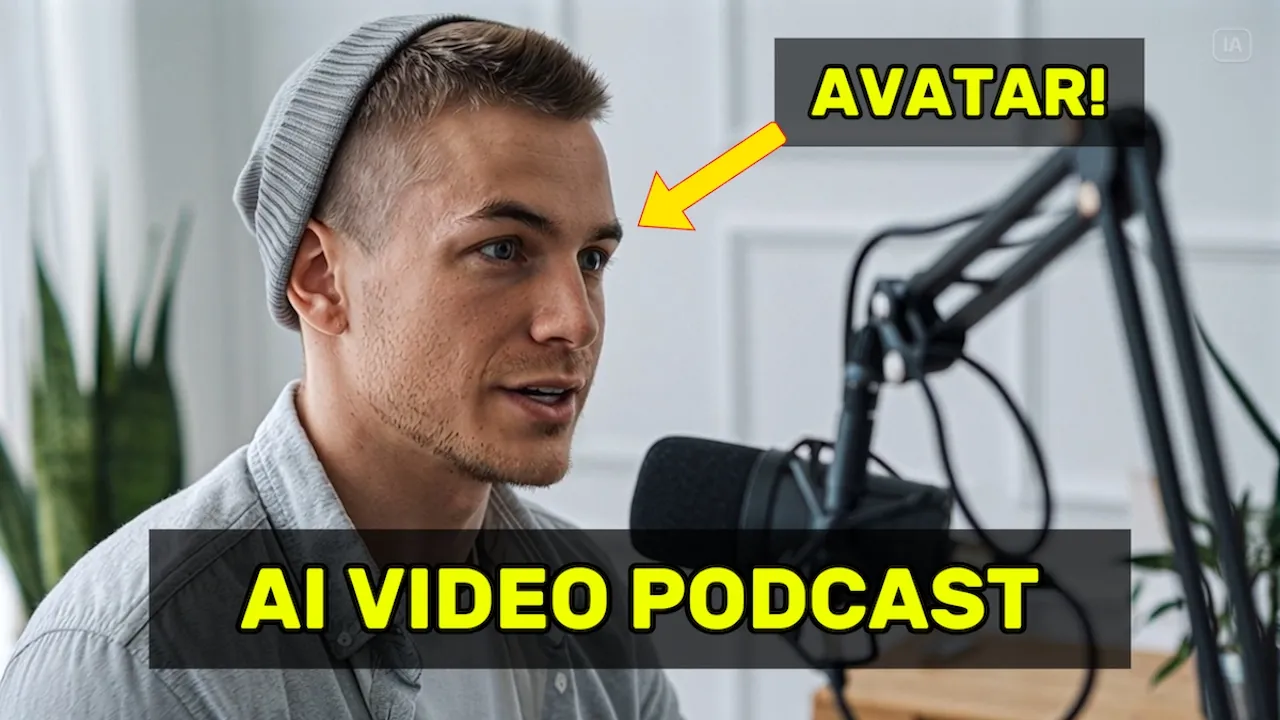
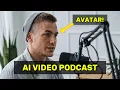
Just look at me. I bet you cannot tell if I am real or not. You can now create super realistic AI podcast videos with avatars in just a few seconds.
And they look even better than in my last tutorial. You can create amazing stuff with this. So, fasten your virtual seat belts.
Now, you can create these in three ways, which I'm going to explain to you in this video. The first one is using Drmeina, which is a new AI generator from Caput. It's more for advanced users I would say and takes a bit longer.
The second way is faster, beginnerfriendly and completely automatic using my website called Revlon which has just launched by the way. And the third way is using Hedra or Lemon Slice which are kind of in the middle here. But let's start with a Dina way.
So first of all you go to Dina. At the top you can see the image generator, the video generator and the AI avatar generator. You go to the AI avatar generator and click lip sync.
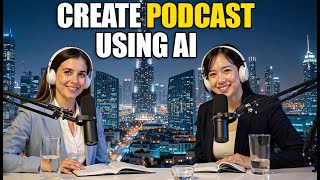
This is where the avatar videos are created. And in order to use this for podcast clips, the very first thing you need is two images of your speakers. For example, these two.
I created them with idiogram using the prompt attractive young man or woman in clean podcast setting. I also tried Google Imagin which gave me pretty good results too. You can even make your character a doctor or an athlete for example.
Think about what your audience likes and what you want to use the podcast clips for. Of course, you can also use your own face in case you already have a podcast yourself and just one video material for it. You can use vertical or horizontal format for the images.
It might be useful to use horizontal only first because you can turn horizontal videos into vertical ones afterwards and that will be cheaper later on. Also, make sure the background of the character images looks similar, otherwise it will look a bit off. And after you have your two speaker images, the next thing you need is your podcast script.
I would start with a short one because making longer podcast videos takes very long, unless you're using a service like Revlin. So, I've generated a script in Chat GPT with this prompt. Can you give me a 25-se secondond long script for a funny podcast clip with two speakers?
It also has to have a very strong hook to catch the attention of the audience. You can change the script as you like. For example, you make them talk about a product which you're selling on Tik Tok shop in order to make a promo clip.
Now, once you have the text and the images, you head over to Dina's AI avatar generator. You upload the image of the first character here and then paste the first segment of the first speaker into Dina. In case of my script, it would be all right.
Serious question. If you pour the milk before the cereal, are you a psychopath? After you have entered the text, you can also select the voice or alternatively upload your own audio file.
If you want to upload your own audio file, you can use 11 Labs, for example, to generate an AI voice. Make sure the voice fits the avatar. All right, serious question.
If you pour the milk before the cereal, are you a psychopath? But it can also be funny sometimes to use completely weird combinations. Are you a psychopath?
Try not to use copyrighted material as well as that might get detected on Dina. Each generation in Dumina is currently kept to 15 seconds. So you have to do multiple runs.
Then you press generate. Now it generates your video of the first text segment. So you have to repeat this process with all segments for both characters.
Each generation costs credits, so you will at least need the basic plan, which is $17 at the moment. The AI avatar generator takes roughly 5 to 10 minutes per video, but you can do multiple videos at the same time. And after you've done this, you have all the single generated video parts of your podcast clip.
Now you have to download them all and edit them together using a video editing software like Cap Cut, for example, and you paste the clips in one by one, alternating between both speakers according to your script. And then what I like to do is add subtitles and maybe some B-roll. for example, a video of a product in case you want to use it as an ad.
Then you export it and let's take a look at the final result before I show you how you can do all of this a lot faster. All right, serious question. If you pour the milk before the cereal, are you a psychopath?
Oh, 100%. That's like putting your socks on after your shoes, who even does that? It's chaos.
It's like starting a text with K instead of okay. Pure violence. Yeah, I knew a guy in college who did this.
We stopped inviting him places. I really don't need that energy in my life. That's how super villains are born.
If you're listening right now and you pour milk first, seek help immediately. It's truly amazing where AI has come. Now, let's go to Reblin, which I built as an AI podcast video generator.
So, you can generate these clips fast and easy without any knowledge necessary. First, you go to rev. co.
Then, you sign up on our page, and you can do this with Google, for example. Then you go to the create tab in the navigation bar and you start by selecting your video orientation. So either portrait or landscape mode.
You select the first speaker and the voice. This is what my voice would sound like on Rebel. And then the second speaker and the second voice.
Then you paste in your script. Make sure it's in the correct format. For example, from chat GBT.
And then you can preview how it sounds and make adjustments if necessary. I've always had sleeping problems all my life. Then you confirm and hit generate.
No editing, no other work necessary. After some time, the result will appear in your library where you can download it and use it as you wish. I've always had sleeping problems all my life, but recently I found out that magnesium is a game changer for me.
Oh, really? Which one are you using? I tried magnesium oxide, but it always upsets my stomach.
I've been using this one called Marvelous Magnesium. It is very easy on your stomach, and they have a promo giving you 20% off right now. We will constantly add more features like custom avatars or automatic subtitles so you can let us know how we can make this even better.
And right now you can test it completely for free for 7 days plus 30% off the first month with code Revlin 30. So be fast and enjoy. But now moving on to the last way and that is another AI video generator called Hedra and their new model character 3.
The process is pretty much the same as with Dina. You paste in your image and your text and generate it. The quality is a bit less good than Drmel.
I'm so happy to see you. And the same thing applies to Lemon Slice, which also lets you upload your image and text and then create solid quality clips. Bro, this protein shake literally turned me from a skinny guy into a gym rat.
It is truly amazing. But again, you need to create all the clips separately and then stitch them together, which might take some time. So, you really have to make sure which one is the best for you.
But regardless of the tool you use, here are a few extra tips to really level up your podcast clips. Number one, use strong hooks. The first three seconds matter the most.
So start your clips with something funny, shocking, or highly relatable to grab attention instantly. Second, test different styles. Try different avatars, tones, and scripts.
You might be surprised which combo goes viral. Number three, engage with your audience. Maybe make the clips end with thought-provoking questions like, "Which side are you on?
" to boost comments and interaction. Four, use B-roll, quick cuts, product shots, even emojis or reaction clips. It makes your video more dynamic and boosts watch time.
Captions also do wonders sometimes. Five, strong ending, call to action, maybe a question, or maybe, and that's a sneaky technique, integrate a mistake on purpose to stir up some controversy. The ending will have an emotional imprint on your audience because people remember the final moments of a video most which is called recency effect.
And ideally giving your viewer a feeling that their time was valued and the story or message that you told was worth it. So you can inspire them to take action like subscribing, sharing, buying, etc. Thanks so much for watching and happy creating.