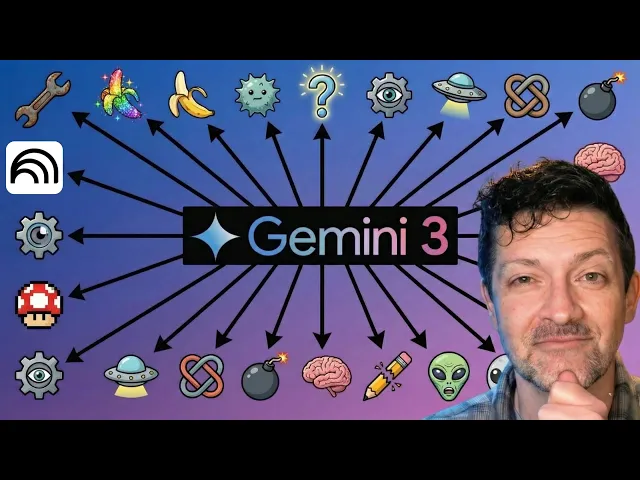
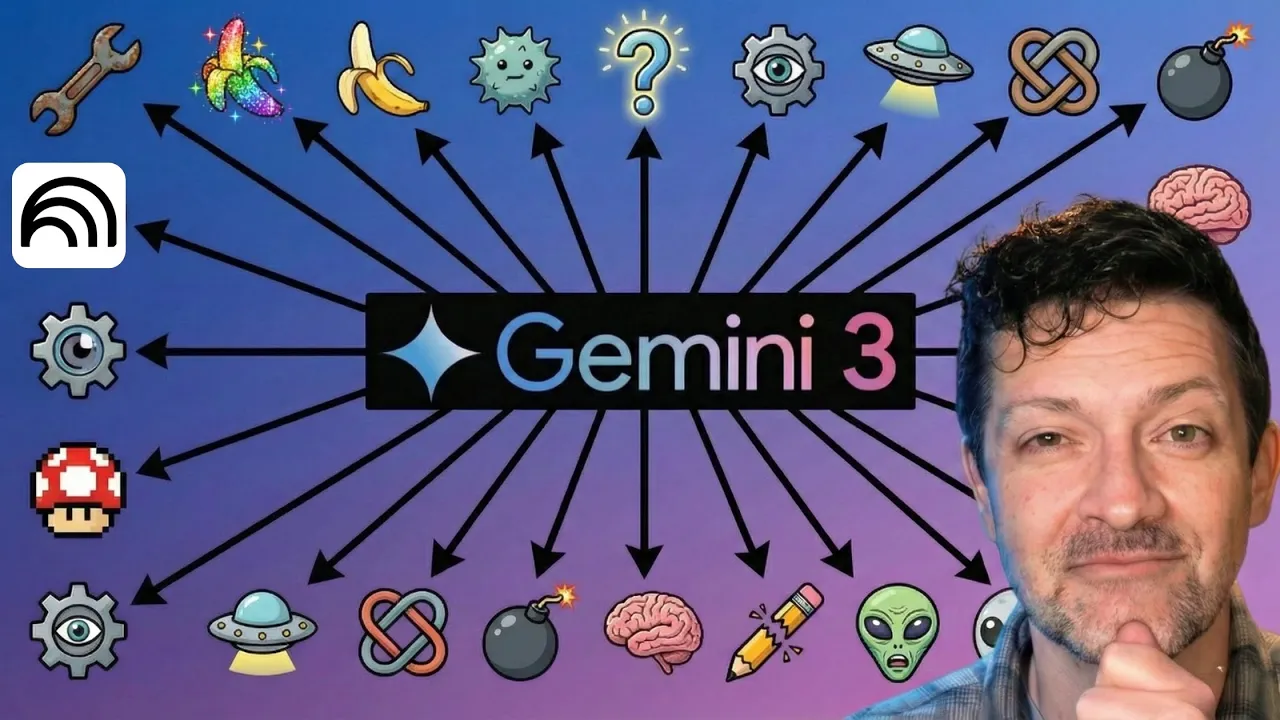
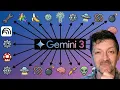
Google has over 30 AI tools right now. And in my AI coaching calls, even some of the most experienced people are struggling with the same confusion. Which tool to use for what, which ones overlap, let alone how the whole ecosystem fits together.
It's like watching somebody trying to hammer a nail with the back of a saw. You don't need to master all of them. Most you can ignore, but there are a few gems hiding in plain sight.
In the next few minutes, I'll walk you through every single one, organized into these seven categories, so you know exactly what exists and what's worth your time. Gemini is obviously at the core of the Google text stack, but what most people don't realize is where it really shines is in its deep research ability. It's much better than chat GPT or Claude when performing deep research.
I've got a video all about that that I'll link to in the description. Gemini Advanced is the paid version which unlocks the 1 million token context window, which is a massive working memory, and that's really where the power is when it comes to Gemini. It's obviously available online, but also in the mobile app where you can speak to it.
Although, it's not quite caught up to chat GPT when you're actually speaking to it, but almost everybody in the world is using it by default because it's also powering the AI overviews that are showing up inside of Google search now with almost every search. Now, getting into the Swiss Army knives category with Notebook LM. Everybody seems to love Notebook LM because of the content it creates.
that famously came out with the ability to create podcasts, but it can now do infographics and video and pretty much every sort of content you can imagine. And don't get me wrong, that's awesome. But the reason I love Notebook LM more than anything else is that it is the only tool that I know of that is fully grounded in all of the sources that you put in.
This is a major problem with other large language models. You upload information and it will often times reference that information, but it might look to its training data or the internet or other places to find supplemental information and that can cause hallucinations and other problems. Also in the Swiss Army knife category are the Gemini gems.
You can find them right here. And these are basically the assistants or agents that are powered by Gemini. There's a ton of things you can do with them.
I've created many videos about these which I'll link to, but I use them to create proposals, to do quarterly planning, all sorts of things. If you're unfamiliar with gems, definitely that's a one on the list to check out and master. Also in this Swiss Army knife category is Opel.
Opel is an automation tool where you can connect these different modules to automate more complex workflows. It's comparable to Naden, Make. com, or Zapier.
What I love about Opal is the simplicity. It's not trying to do everything. So therefore, it can do a few things really, really well.
I've got a video all about that. I also want to mention that I've got a cheat sheet for this video. And while I've tried to keep this video very short and concise, this cheat sheet goes way in depth to each one of these tools with many different prompts for each one, especially geared towards freelancers, solopreneurs, and other types of knowledge workers.
So, if you want to support this channel, check it out. There's a link in the description. When you join my Patreon, you get access to this and over 165 other cheat sheets just like it instantly.
Both Notebook LM and Opel started as an experiment inside of Google Labs. And if you take one thing away from this video, it's go check out labs. google.
This is a fantastic place to see all of the different things that they offer, all the tools that they are experimenting with. We're going to come back to this in just a second, but before that, I want to jump into Google's developer tools. Google AI Studio is probably the place I see the most confusion around.
And it's probably because of the way that this tool has evolved. It started as a place where developers can go and test the different tools that Google is rolling out, but it's sort of morphed into a place where non-developers are going to experiment with these tools as well. In some ways, it allows you to access the different tools better than Gemini directly.
But it's important to note that you can't use this yet to build full complex pieces of software. It's more of a place to build prototypes and experiment. There's a lot to this super important tool and the cheat sheet goes way deeper into the best use cases for it.
Other developer tools include Firebase Studio where you actually can begin to build complex software. There's also Google's anti-gravity which is basically Google's answer to cursor. There's Jules which allows you to delegate different coding tasks and it can run in the background to achieve those.
There's Stitch which is dedicated to website designs and front-end UI. There's also Gemini code assistant as well as Gemini CLI which are two tools that allow developers to access Gemini in the terminal and whatever uh other AI tools that the developer prefers such as these idees like VS Code or Cursor. All that's to say after I've done a ton of experimentation if you're serious about building complex code the best way to do that is with cursor and claude currently.
Now, that could change and it probably will change as Google has a massive tailwind and is making great progress, but currently that's my recommendation for coding. All right, back to Google Labs. This is one of my favorite places to keep an eye on what Google is rolling out.
Right now, they are featuring this Pimelli, which is a very cool tool that scans you or your clients websites and automatically creates a business DNA, which is sort of a brand voice, a brand vibe for whatever you're trying to market. Then it creates some really impressive social media posts with images and copy based on what it finds on your website. That's just one of a ton of different things Google is currently experimenting with.
This mixboard is another really cool way to do mood boards. There's some learning apps in here. And there's one called Disco that I've got my eye on, especially this Gen Tabs, which turns the tabs you have open into a custom interactive app.
This looks really cool. I'm going to link to this explainer video in the description as well. Next, let's jump into Google's creative and media tools.
Nano Banana shocked the world as being the first AI tool that you could actually not only generate images, but manipulate them and edit them as well. Specifically, this unlocked character consistency, which was a real problem before. Google's V3 shocked the world, not only in its ability to create really highquality video, but also adding that dialogue and allimportant audio to the videos as well.
Nobody had done that before. This combination of character consistency along with highquality video is now what's allowing people to create full films using AI. If you're really serious about that stuff, you want to check out a website called th.
ai. This is a much more professional way to work with these types of tools. And along those lines, freepick.
com is another place you can access those tools and pump them through different workthrows very easily. I'm not sponsored by either of those tools. They're just the ones that I use frequently.
If you wanted to stay entirely inside the Google ecosystem, you can experiment with a tool called Flow, which will allow you to do similar things. There's also Imagine 4, which is another image generation tool, but not as good as Nano Banana. So, that one has fallen by the wayside quite a lot.
There's Whisk and Whisk Animate that might be good for rapid creative exploration. There's also Music AI Sandbox, which is still in its early days, but if you're a musician, you might want to keep your eye on that. Now into the miscellaneous section.
There are a few very small AI models that Google has rolled out. These are called Gemini Nano, Project Astra, and Gemma. These can be useful if you're experimenting with things like Raspberry Pi or building different iPhone apps because they can run locally on small machines.
Of course, now Gemini is embedded in Google's workspace with Gmail, Docs, Sheets, and Slides, all with fairly different functionality. So, make sure to keep experimenting with that as that continues to improve. It's also running behind the scenes in almost all of your Google apps such as maps, photos, YouTube.
There's a tool called Lens that is used for enhanced visual understanding. And of course, Gemini on Android is a system level assistant that is now replacing Google Assistant. So, for my quick recap, if there's one takeaway, go make sure to check out labs.
google. Click around in there. It's inevitable that the next big thing from Google is going to emerge from that.
Secondly, get a handle on Google AI Studio and all of the different advanced things you can build in here. If you're doing anything creative, check out foul. ai or free pick, which will allow you to access Nano Banana and V3.
Do a lot of really cool things with those that you can't do just inside of Gemini. And of course, if you haven't experimented heavily with both Gemini's Deep Research and Notebook LM, those should be number one on your list. I've got tons and tons of notes about all of this inside of the cheat sheet.
remember that and over 165 others are all immediately available to anybody who joins my Patreon. There's a link in the description there. I also run a handful of calls each month, group calls.
If you have questions about any of this stuff, check those out. And while we're on the topic of Google Deep Research, I've got a video right here all about mastering that. I think it's the most profitable AI skill currently.
So, check that video out. I will see you over there. Make your dreams come true.