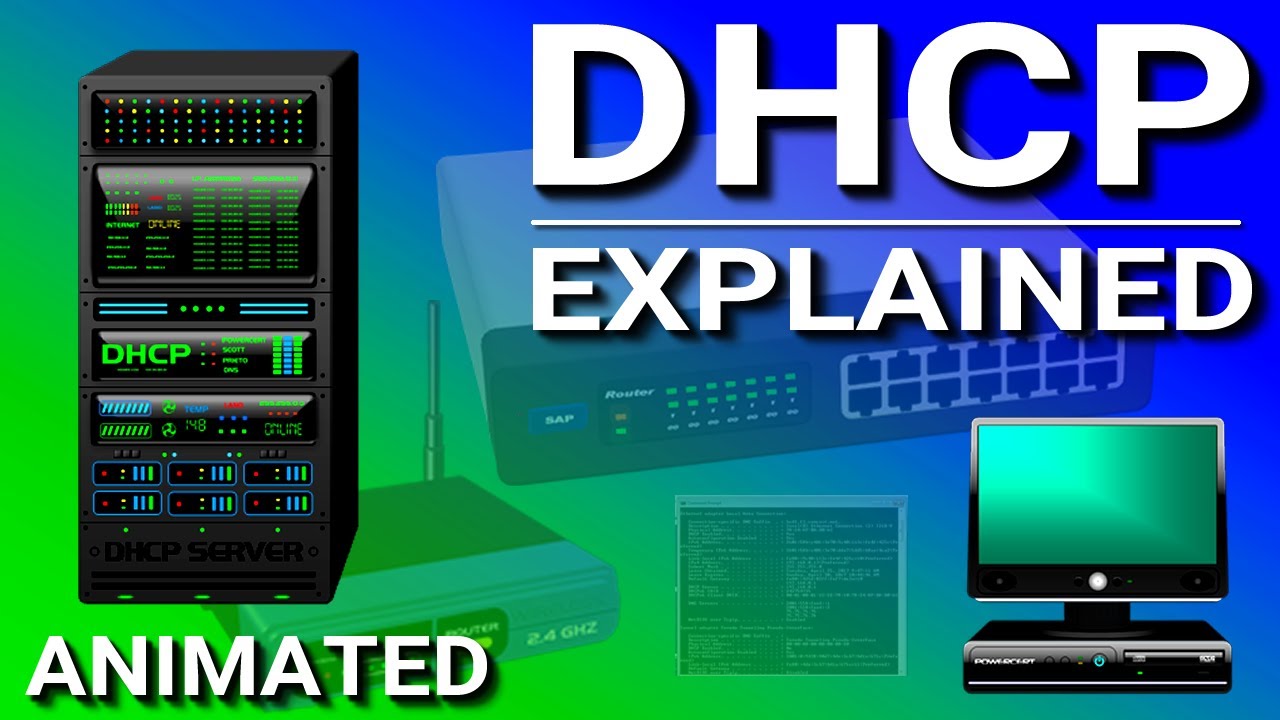
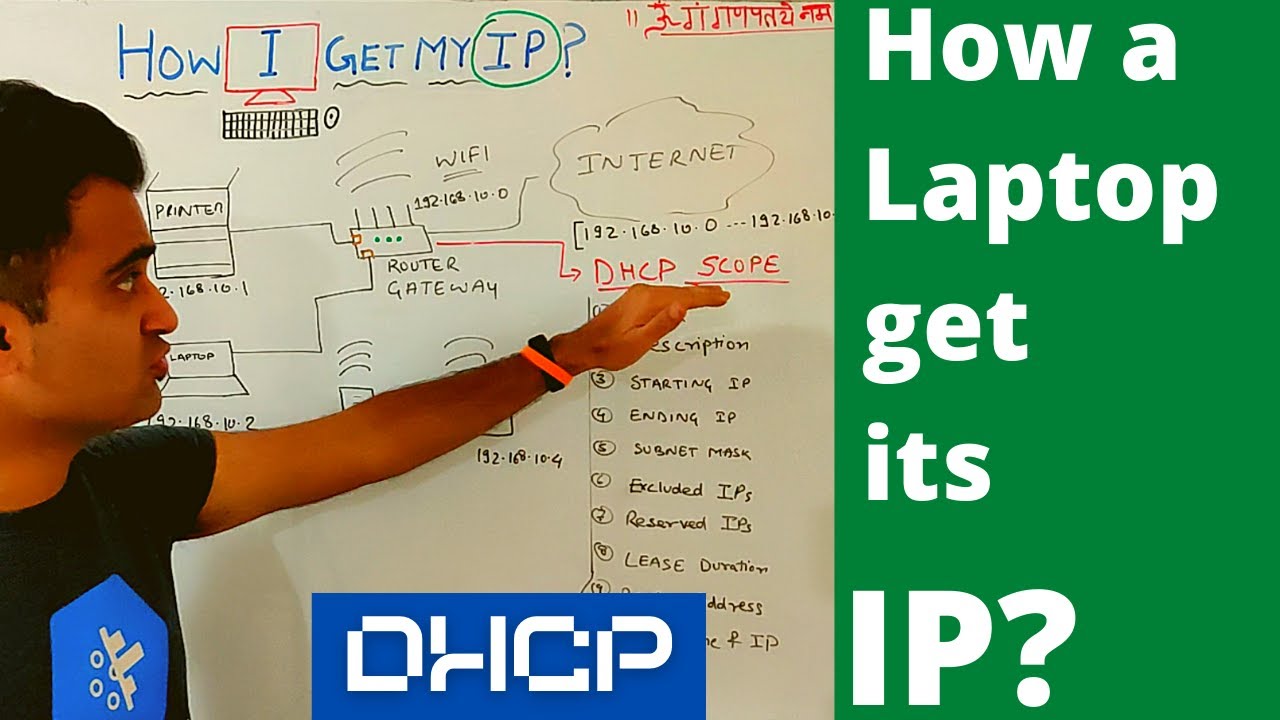
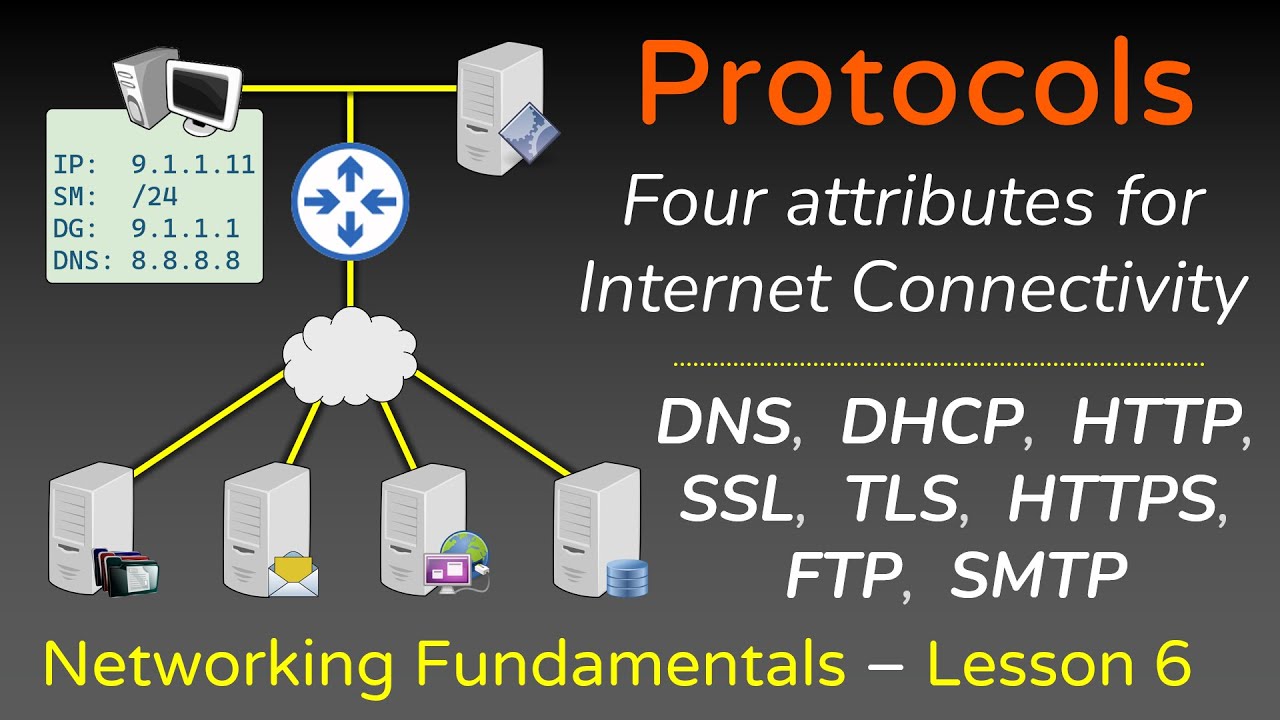
hey what's up guys Welcome To Sir Bros in this video we're going to be looking at [Music] DHCP so DHCP is one of those things that we all take for granted every single day if one day DHCP just got up and left wow we'd be pretty okay so first off some points on DHCP DHCP stands for dynamic host configuration protocol its goal is to assign unique IP addresses to our hosts it also provides other network addresses such as the subnet mask the default gateway and the DNS address it comes in two flavors it comes as
a client and as a server right let's see an example here's our Network we have two PCS a switch and a router for our computers to work over the network they need an IP address not just any IP address that address has to be unique on the network otherwise data goes to host a when it should actually be to host B host a doesn't know what the is going on and the whole thing becomes a mess we could assign these addresses manually we only have two PCS so it wouldn't be hard it wouldn't be a
big problem but imagine if you had 200 plus PCS yeah we really don't want to be doing that so how does DHCP sort this out each computer will run a DHCP client and this will allow the computer to ask for an IP address somewhere on the network there will be a DHCP server this is where the IP addresses are managed DHCP servers can be ran on routers or servers at home it's likely built into your router but in an Enterprise Network is likely handled by a server so when you turn your PC on if it
doesn't have an address it looks for a DHCP server it just shouts out to everyone hoping somewhere on the network there is a DHCP server this is a broadcast message all of the other devices get this message look at it and drop it this is step one called DHCP discover step two DHCP offer when the DHCP server gets the message he says cool bro I've got some IP addresses how about this one it then sends the offer to the host if more than one offer is given the host will choose the first one it receives
step three DH CP request the host says awesome I'll take it and sends the request to the DHCP server step four DHCP acknowledgement the DHCP sends the IP address to the host along with the subnet mask the default gateway and the DNS server the DHCP server keeps a record of all the least IP addresses and their least times when the DHCP server gives out an address it gives it a lease time the lease time is a time period where the host will need to renew its address otherwise it will return back to the available pool
of addresses ready to be dished out to other hosts this stops IP address is being wasted any time you throw a computer out or just unplug it okay so study notes the most important thing to remember here is this is a general overview of how DHCP Works different vendors and different DHCP settings and scenarios can slightly change these specifics but the overall concept Remains the Same so the four steps DHCP discover looks for a DHCP server DHCP offer the DHCP server offers an address to the host DHCP request the host requests to lease that address
DHCP acknowledgement the DHCP server sends the IP address to the host DHCP uses UDP ports the client will use port 68 and the server will use port 6 67 again life without DHCP isn't worth thinking about pretty much everyone uses it every single day without giving it a second thought if you like this video and you want more make sure you let us know by giving us a thumbs up commenting and subscribing we're not mind readers so let us know that's it for DHCP thank you for watching