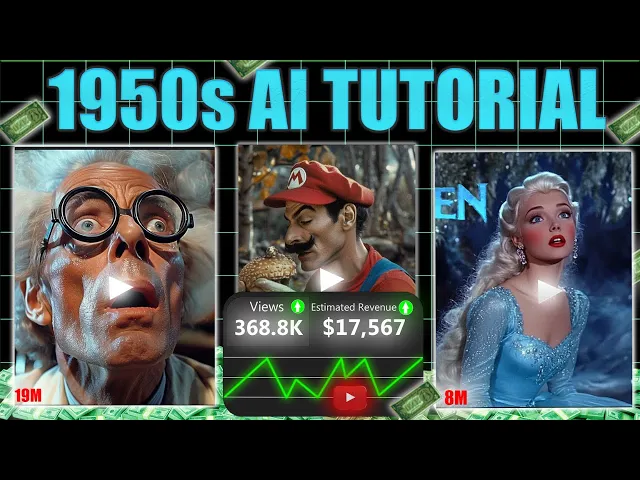
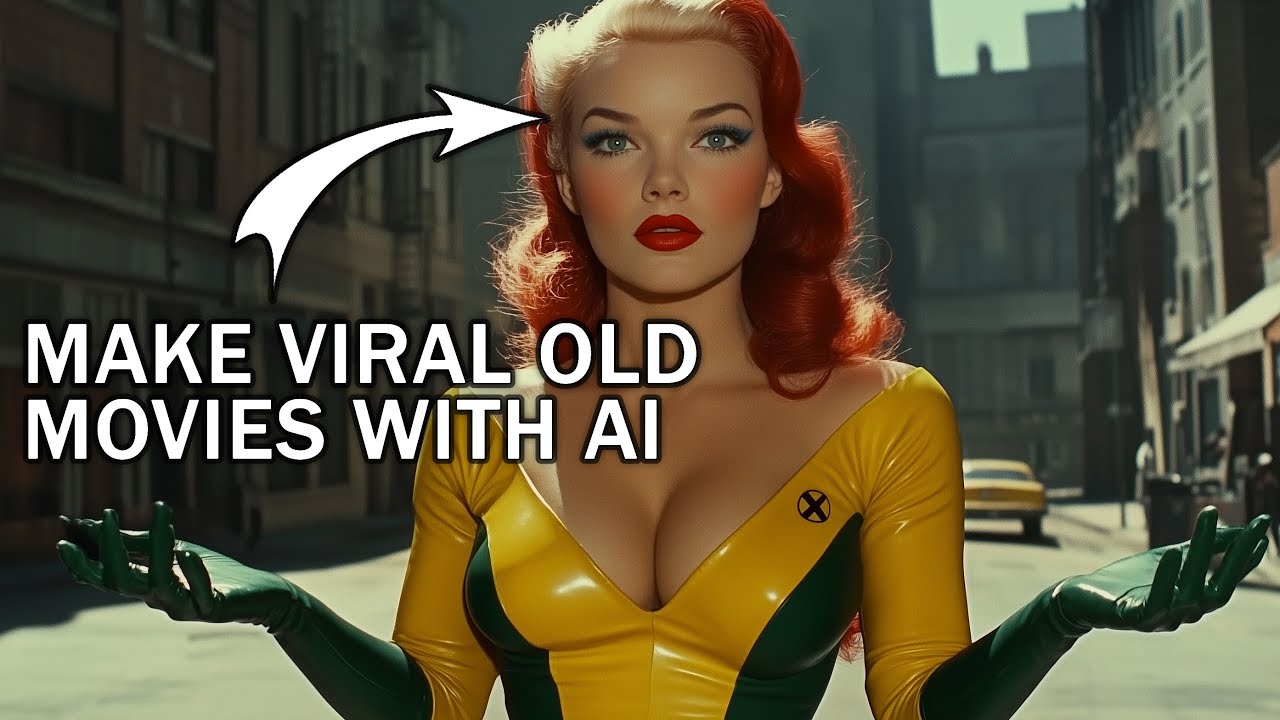
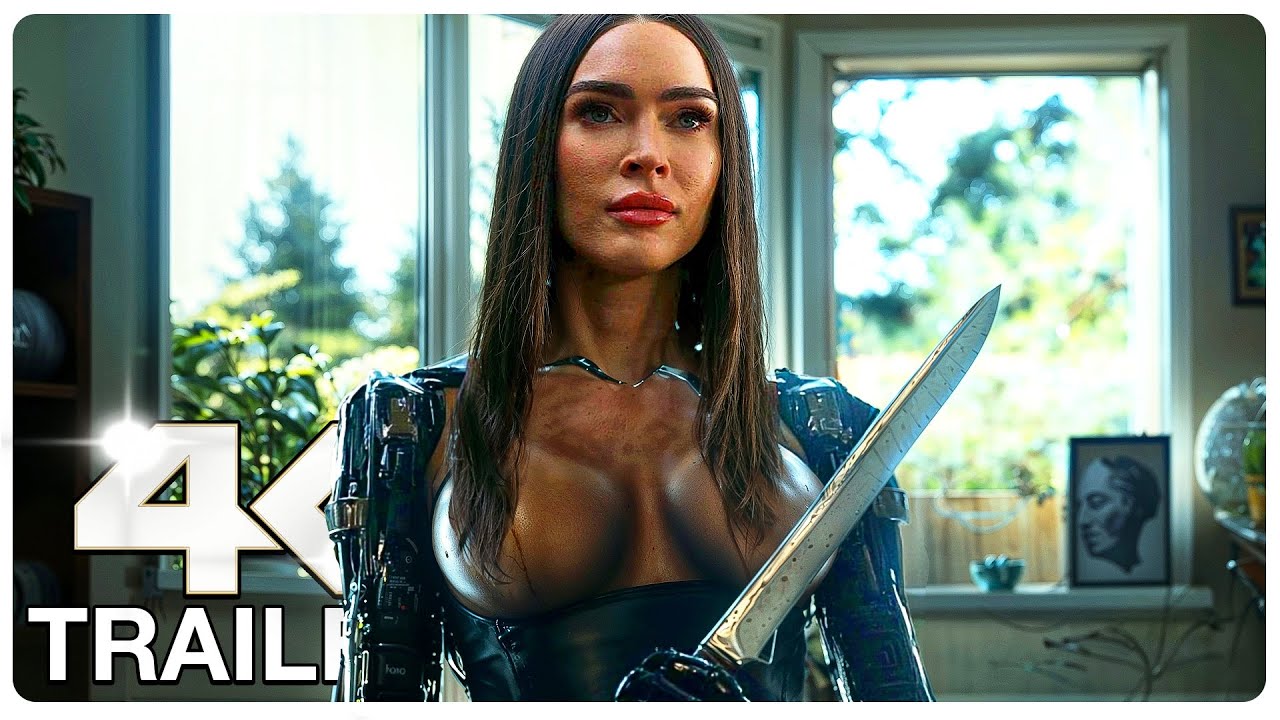
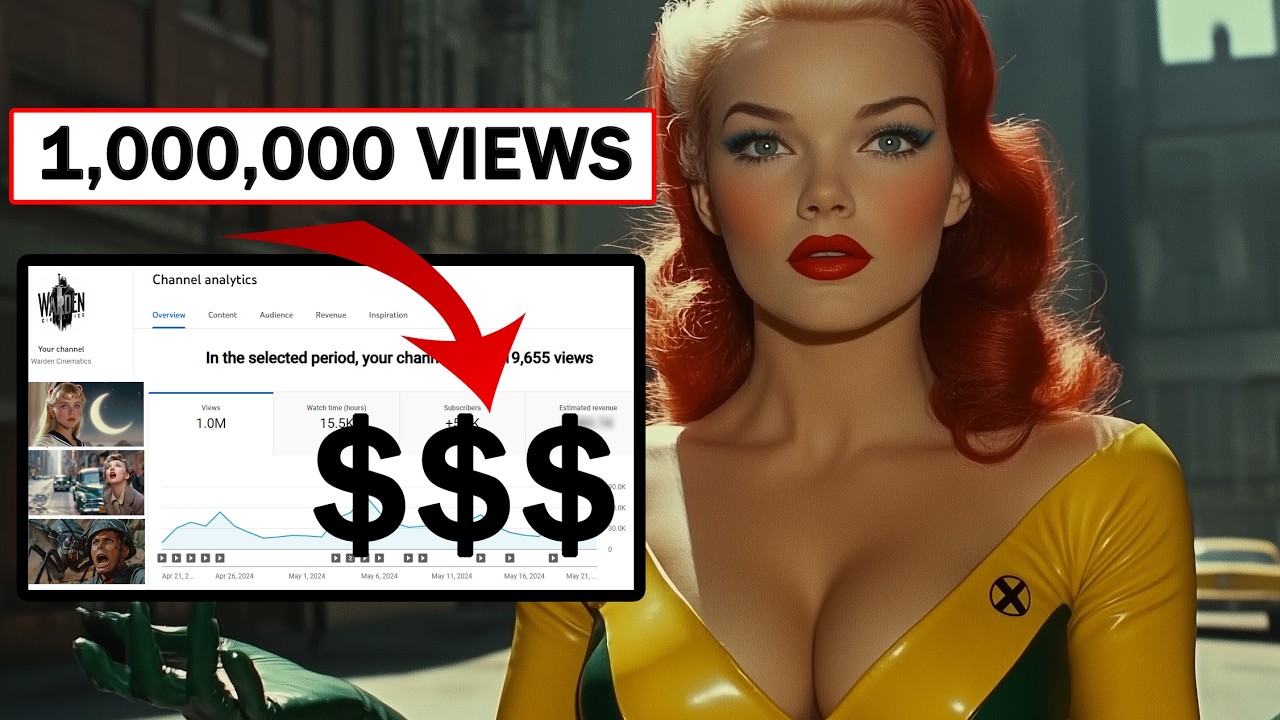
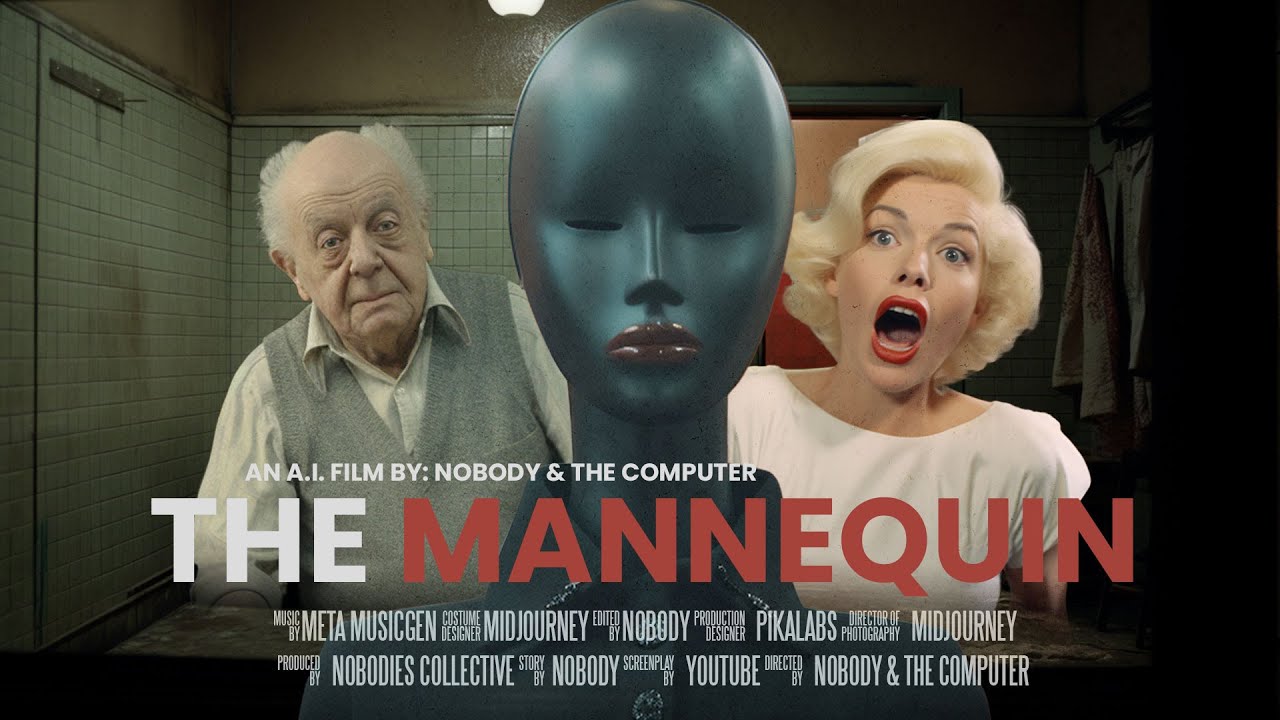
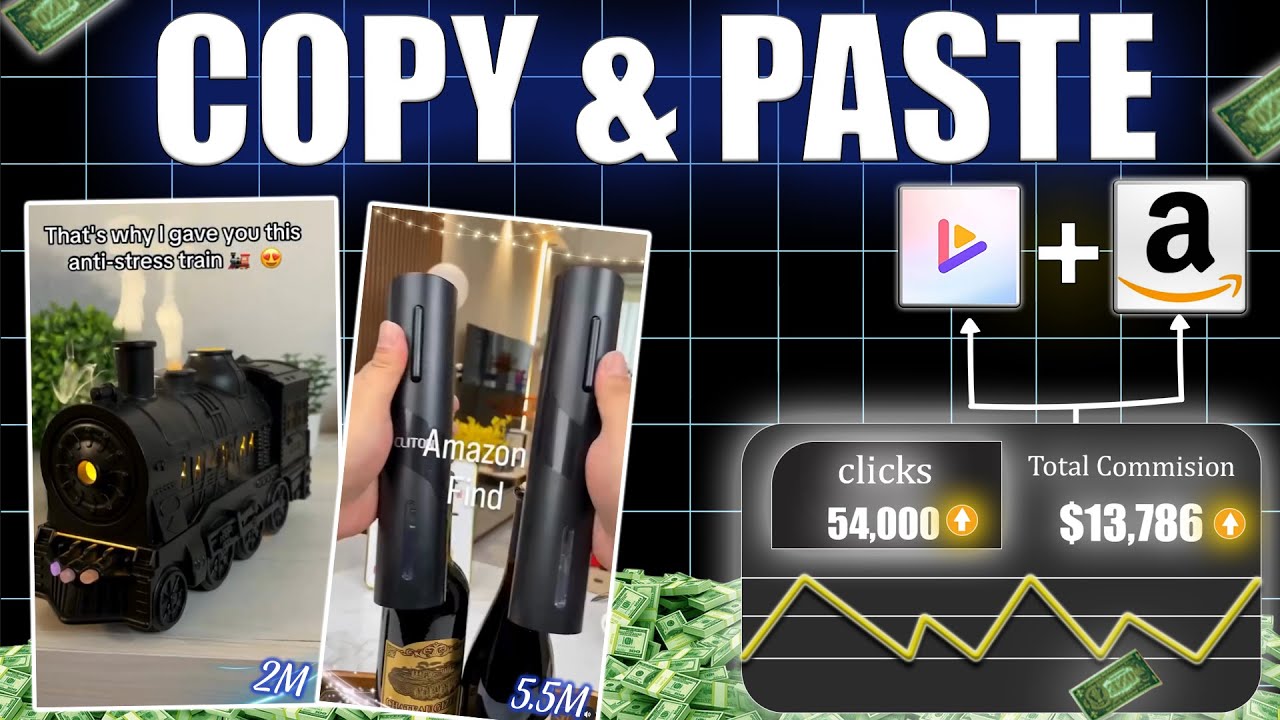
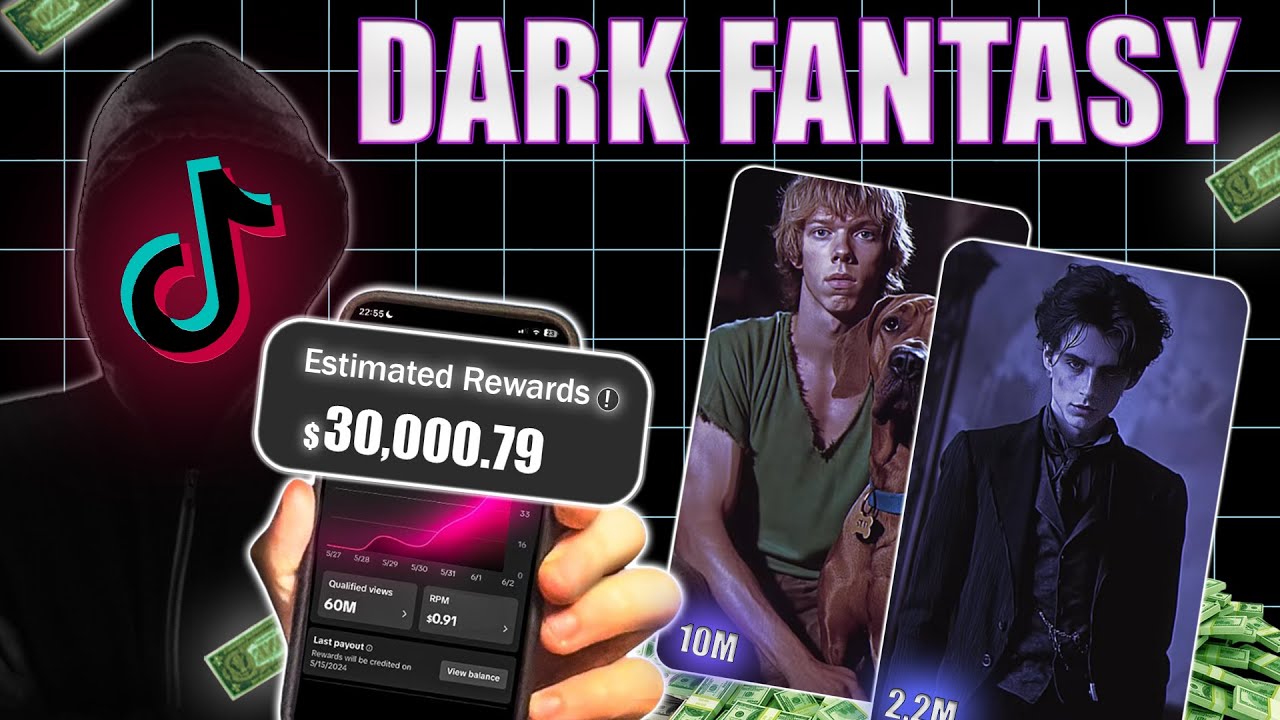
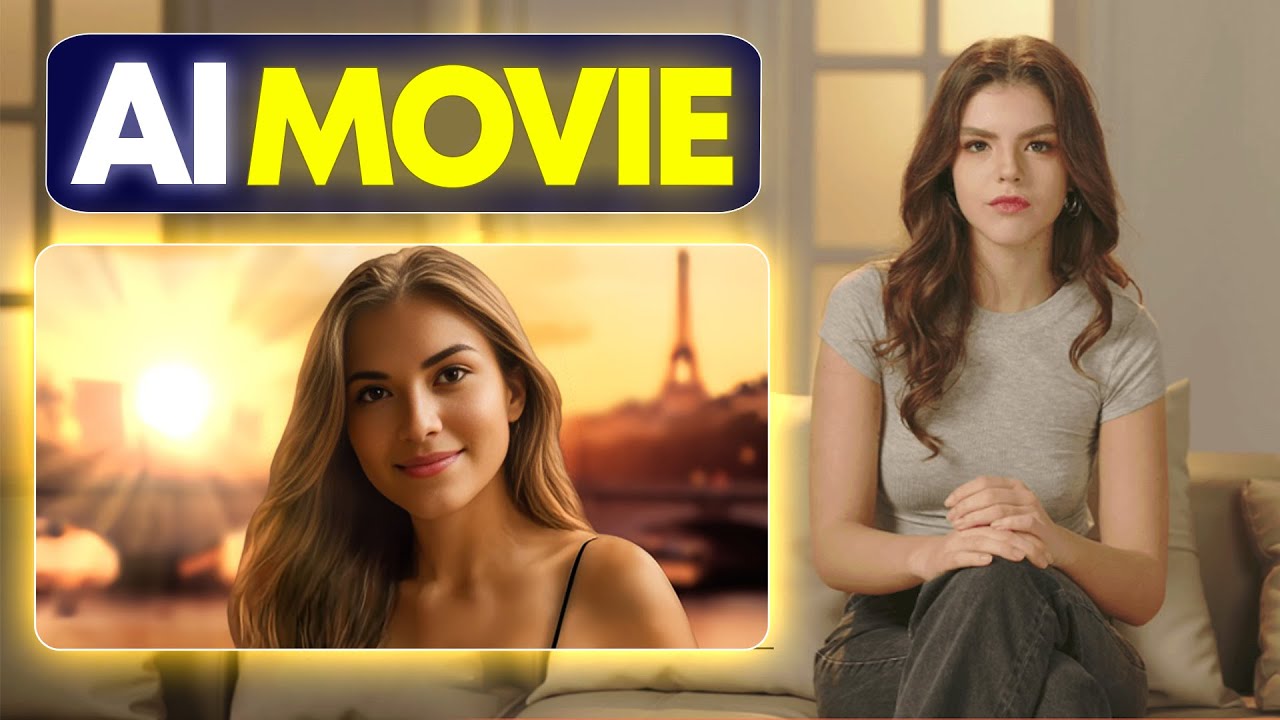
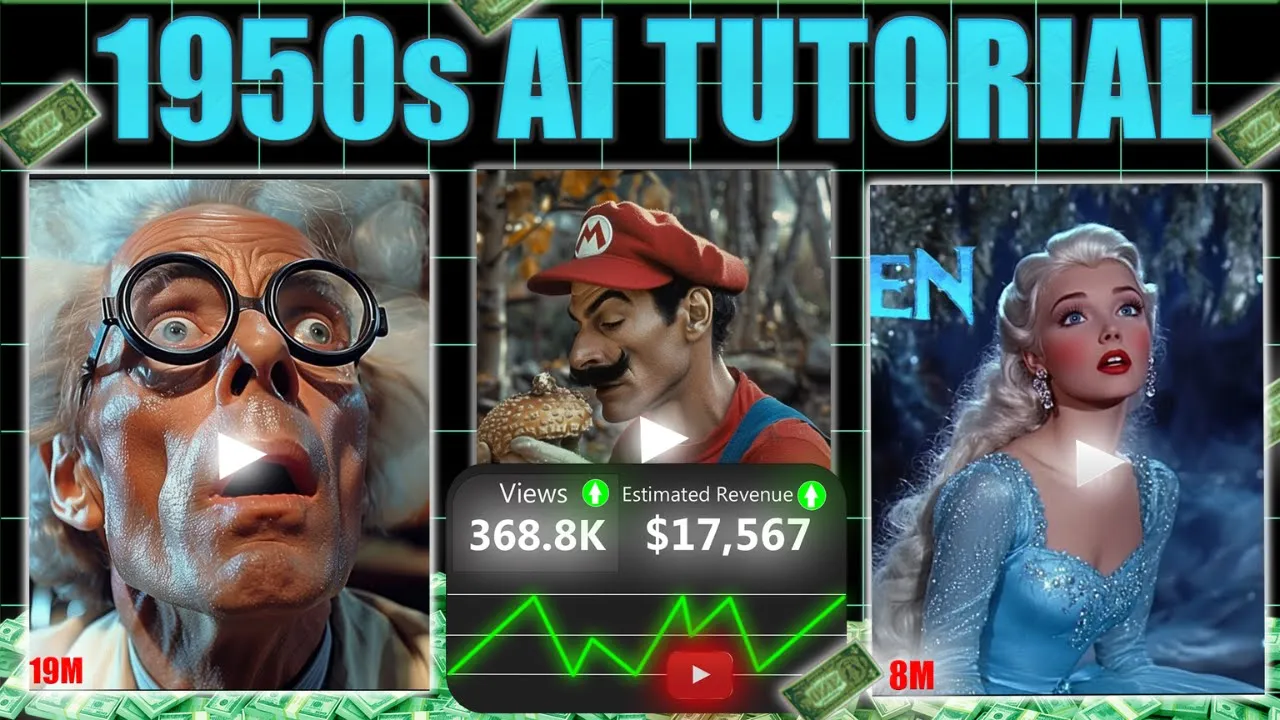
making money online is one of the best ways to Achieve Financial Freedom and YouTube automation is the easiest way to do it with a low budget today I'm revealing a game-changing niche with no competition take a look at this faceless Channel creating movie trailers in the 1950s super Panavision 70 style using AI let's see how much this channel earned in the last 28 days it's around $115,000 and the total earnings are huge trust me you can do this too in the same Niche and become the next big YouTuber in this space I created this whole
video entirely with AI tools welcome to a magical land of ice and snow meet Elsa the Snow Queen she can make ice and snow which is beautiful but also a little scary because she is afraid of her powers Elsa stays alone in a big ice palace on a mountain leaving her kingdom stuck in a Long Winter but her brave sister Anna will not give up on her with the help of a strong Mountain Man his loyal reindeer Sven and a funny snowman named Olaf Anna goes on a journey to find Elsa and bring back summer
together they face cold winds tricky paths and a big secret that could change everything I'll take you step by step through writing a script making prompts for visuals creating those visuals doing a radio style voice over and editing everything so let's not waste any time and jump right into the tutorial first head over to chat GPT and pick a movie let's ask for name names of popular Disney films there are many options and I'm choosing Frozen the next step is to create a script use this prompt write a voiceover narration for a Frozen trailer as
if it were made in the 1950s highlighting characters like Elsa Anna Olaf Kristoff and Sven you can search on Google for a list of characters from specific movie and paste their names here to make the script better you you can always ask chat GPT to add a bit of humor suspense or romance based on your video's theme let your imagination run free and chat GPT will help make your ideas a reality now let's put our script into a Google doc I'll also include each prompt and the tools will use in this tutorial in a document
that you can find in the description the next step is to generate the voice over for this using 11 Labs don't skip any part I'll show you a specific voice that's perfect for this script go to the library tab you'll find many voices in different categories but I recommend choosing the one named Harrison deep and cinematic add it to the voice lab then copy the script and paste it there generate the voice over for each paragraph and download it the next step is to create prompts we'll use these to tell a textto video AI what
scenes to generate for our video go back to chat GPT and ask for 40w prompts for each detailed scene make sure the visuals reflect the style of 1950 50s super Panavision 70 awesome we have our prompts ready now we need a reliable textto video AI That's free but still delivers highquality videos we'll be using Minx because it's our best option for consistent characters it's completely free offers unlimited video generation and doesn't require sign up just go to their website and start making your videos next copy the prompt from chat GPT and paste it here it
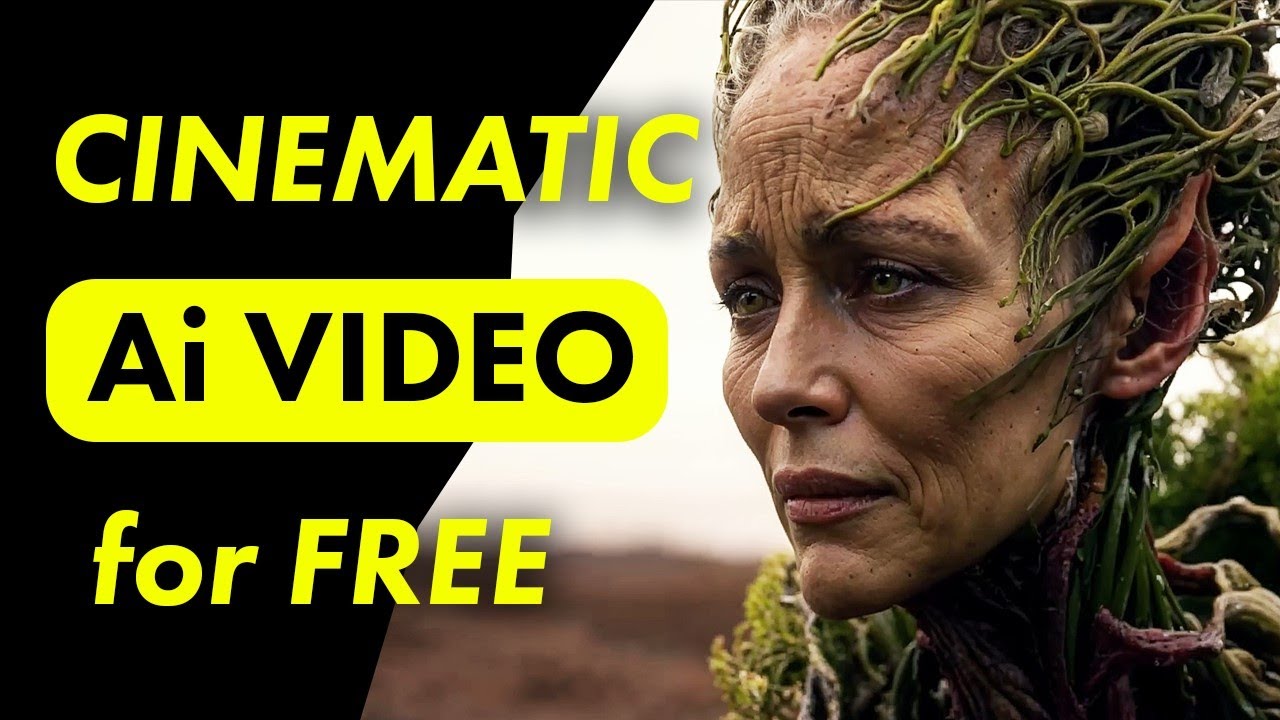
may take time so open the website in different browsers to speed up the process I've noticed that the website server is less busy between 4:00 a.m. and 700 a.m. these are the best times to generate videos quickly considering it's free the tool does a pretty decent and impressive job since Frozen is a cartoon style movie we can make the characters more realistic by using celebrity names let's consider replacing Elsa with an Australian actress for a more human touch it took me half an hour to generate the visuals now let's download what we need for our
[Music] project now we need a few more elements we've generated the voiceover from 11 Labs but for our 1950s super Panavision 70 trailers a radio style voice will be more engaging check out one of their videos to see what I mean get ready for The Ultimate Showdown where Heroes villains and legends Collide in one epic battle to adjust the voice to a radio style we need to open a new project in Premiere Pro import the the voiceover and place it on the timeline next go to effects search for parametric equalizer and add it to the
voiceover on the right side click edit and set the preset to oldtime radio after that search for single band compressor click edit change the preset to voice thickener and set the output gain to 16 DB that's it now go to file click on export and then media since we only need the audio file disable the video Tab and Export it our radio style voice over is ready now let's move on to creating and selecting the right music you can discover some excellent copyright free music on the internet YouTube or pixabay if you want custom AI
generated Tunes head toso and provide a song description you can also ask chat GPT for ideas on background music titles they offer a free tier that allows you to create around 10 songs daily to try out their AI before any payment is required once you found the perfect track download it and keep it handy for the video editing process now let's make things easier for the editing process by organizing everything into one folder you'll need to gather all your materials animations voice over and background music into a single folder let's move on to the editing
phase of our tutorial for this we'll use cap cut which is a great choice because its free tier gives us access to plenty of transitions animations and effects Begin by starting a new project and importing all your assets next click on modify and make sure to choose the 16 to9 aspect ratio to get that classic widescreen look for your video next drop the voice over onto the timeline and crank the influence all the way up after that drag in the background music we got from sunno then crop and adjust it to fit now it's time
to start importing all the visuals those videos we generated for an easier workflow I suggest labeling the scenes based on chat GPT sequence which helps you import them faster [Music] with all your scenes imported the next step is to adjust each clip to align with the voice over you can either crop the clips or tweak their speed to make sure they sync up with the narration every scene should transition smoothly with the changes in the voice over [Music] now let's bring in some transitions these will help your scenes shift smoothly and keep viewers engaged I'm
using Basic Black fade and mixed transitions to maintain a seamless look simple as best no need for anything complex here I'm going to speed up this part so you don't get bored watching it next up let's add some sound effects import them across all your Clips don't underestimate their impact sound effects can make up over 20% of your video's performance by by bringing each scene to life and boosting The viewer's Experience next let's add a Vintage Film dust overlay which you can download from YouTube place it over the video then remove the background by enabling
the chroma key finally duplicate it across the entire video for a consistent effect next we'll make some adjustments click on the clip and tweak the temperature settings also add a fade to each clip adjusting it to where it looks best don't overdo it just apply effects where they're needed [Music] we don't need to add captions but as you can see there's a watermark on each clip that we need to remove for this we will use a free tool let's go ahead and Export the video from cap cut to remove the watermark we'll use an online
Watermark Remover upload the video select the watermark area using the box tool and press apply after the watermark disappears click save and Export the video now let's boost our video quality by upscaling it to 4K we'll use a free tool called cap cut video upscaler just upload your video wait a moment click upscale then hit export to download it that's it for this video creation chapter I've walked you through everything you need to create a 1950s super Panavision Style video If you enjoyed this tutorial hit the like button and subscribe for more join me on
Discord for personal guidance see you in the next video