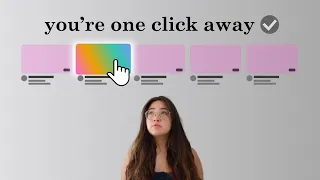
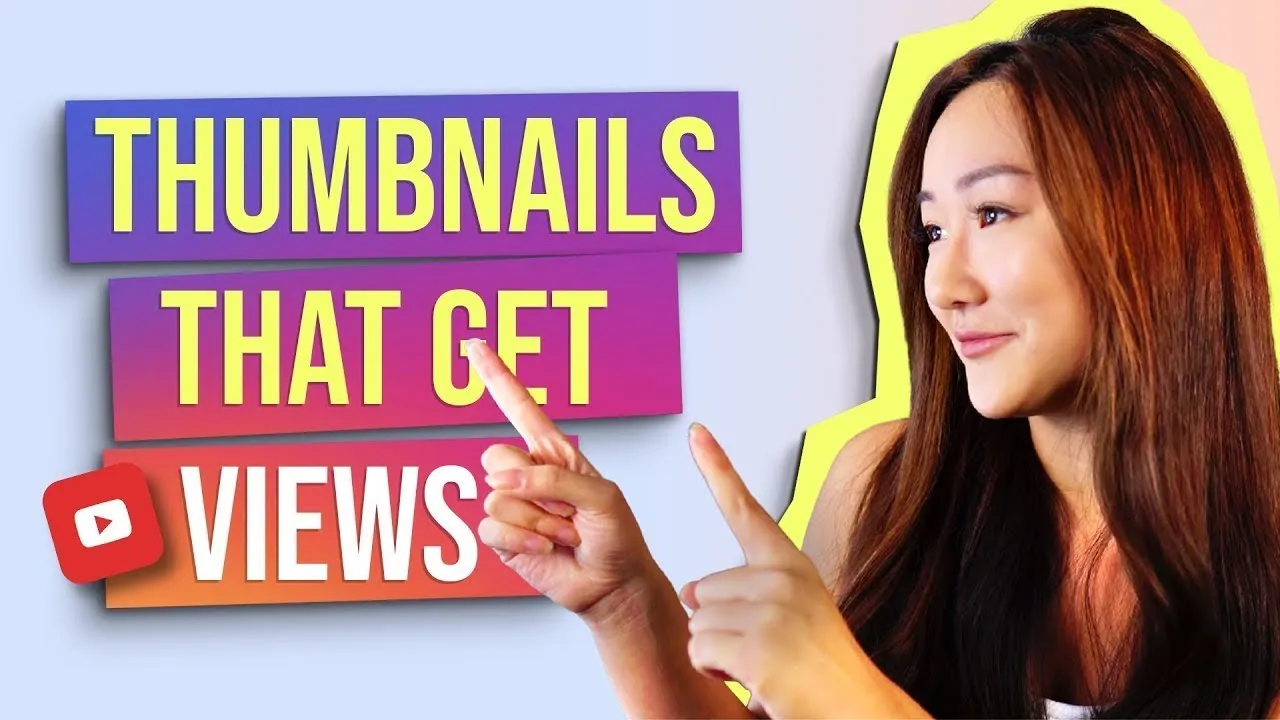
What is up everyone. Welcome back to my channel, the best place for new coaches, content creators and entrepreneurs. Now in today's video I want to talk about YouTube, but specifically I really want to zone in and focus in on thumbnails.
Now here on my channel, I've talked about with thumbnails before, but I don't think I have a dedicated videos specifically for thumbnails. So here it is not only this, I also know that a lot of you guys have DMD me about how I do my thumbnails and everything like that and I'm a firm believer of the saying of you know, instead of giving a man a fish, you teach him how to fish instead. So that's why in today's video I'm actually going to share with you the top five golden rules that my team and I follow when it comes to creating awesome thumbnails for my channel.
And I hope by sharing this framework or sharing these rules with you, you're going to be able to replicate the same results onto your channel so that you can really optimize those thumbnails and get more views and more clicks onto your videos. That's why if you're interested in all of that, then stick around because this video is going to be pretty damn good. Now before we dive in though, we do have some important shout outs that are in order, so let's get right into it.
Before we dive into this week's awesome video, we want to shout out the comment and YouTube channel of the week. Thank you so much for these kinds of messages onto last week's video. Not only this, we also want to shout out the Instagram story and profile of the week as well.
Thank you again for shouting out our videos. Now if you're watching this and you're wondering how can I get featured in the next video, it's very simple. Number one, you could either leave a comment below on this video or you can take a picture of this video and share it with your audience on Instagram.
Just don't forget to tag me now with that out of the way, let's just dive right into this week's video. All right, so the first golden rule that I personally like to follow when it comes to creating thumbnails for my videos is to show my face. Now, earlier on a year ago or way over a year ago when I started my channel, I actually experimented with this.
I wanted to understand if showing my face and my thumbnails would convert better or if using stock photos that I find on Unsplash or something like that would perform better. And it turns out that when I tried to put a stock photo into my thumbnails, I didn't get many views. But the moment that I actually turned it back into my face, I got way more views.
And I think that the reason why is because a lot of people still like to consume content on YouTube because it still feels human and it still feels real. It doesn't feel overly commercialized. And when you start using stock photos or images that don't show your face or anything like that, it takes away that human element in it.
Your video. Now, obviously this might depend on the niche that you're in, but in my particular niche, me having a personal brand and me having an educational channel showing my face proved to be really important. Now, to help you out a little bit more with this because I know what it feels like to just freeze and not know what pose to do for your thumbnails, especially if you do a lot of videos.
So I'm going to share with you the six universal human emotions that I like to follow when I'm thinking about what to create for my thumbnails, especially when I need to show my face. Number one, happiness. Number two, sadness.
Number three, surprise number four, fear. Number five, disgust and number six, anger. Now that I've shown you the six universal human emotions, I really hope that I can add a lot more variety at to your thumbnails, but not only this and speaking of variety.
If you are someone like me who does a lot of sit down videos, I can also understand that it can be kind of boring to constantly screenshot a part of your video and turn that into a thumbnail, especially if your background doesn't change a lot. That's why a little hack for you is you can use a free tool called remove background. Here's the link and what you can actually do is you can take your photo, put it onto this website and it's actually going to help you automatically remove the background so that you can put any other background in the back.
That's going to allow you to also create more variety in your thumbnails, especially if you do sit down videos just like me. All right, so now that you've mastered the art of showing your face and removing the background and all the different expressions that you can do, the next thing that I like to follow when it comes to creating my thumbnails is to make sure that we're not using a fancy fonts. Now you'll notice here on my channel that when we create most of our thumbnails, we add text.
And the reason why we like to add text is because I'm more of an educational channel. I'm more of a sit down and talking style type of channel and therefore it's important for me to add texts because people can clearly see what my video is all about. Not only this, personally for me, when I'm scrolling through the YouTube feed, I'm always paying attention to the thumbnails over the titles and that's why if the thumbnail actually has text on it, it gives me a clear idea of what the video is about, which will give me more inclination to actually click on it and view it.
So that's the philosophy behind why I personally like to add text onto my videos. But when it comes to adding texts, we always, always avoid fancy fonts. And I know that fancy fonts are beautiful.
They look amazing on a website, for example, these funds right here or these fonts right here. But the thing that you got to realize is that even though these fonts look really great on Pinterest or your website or your blog, they convert terribly on YouTube and the reason why, especially on a small screen like mobile, these fancier fonts tend to be very, very hard to read and that's why no matter how beautiful a font is, we personally won't choose them for our thumbnails and instead we'll offer very simple, very clean and very bold fonts such as Oswald Bay, best new Montserrat, Poppins. These are personally my favorite fonts to use for my thumbnails.
That's why if you are someone who's considering to put text into your thumbnails, definitely make sure that you are avoiding fancy fonts because it's simply not going to convert for you. No. Once you've chosen a bold font for your thumbnails, the next thing that you want to consider if you are adding texts to your thumbnails is to keep it simple.
I personally have a rule of thumb now that no text should be over four words. Now obviously on my channel I've had thumbnails that have way more than four words and still performed, but now a days. I really like to keep things streamlined and I try my very best to make it less than four words and the reason for this is again, on mobile, when you're thinking about looking at thumbnails on mobile, the more texts that you have, the less you're able to stretch out that text be bigger on your thumbnails.
And so when you have only four words, let's say, it's going to be a lot easier to enlarge that and to create more of an impact onto your thumbnail. Now before I dive into the next golden rule that I have for you, I actually want to give you a bonus tip when it comes to adding text to your thumbnails because I know a lot of you guys might hesitate on what exactly to put in your thumbnail when it comes to the texts. Now I follow one of the following two options.
Option one is I say it like it is. I literally use my text to explain exactly what my viewers are going to get from my video. If I am creating a video on my Instagram strategy for 2020 then my title is going to be Instagram strategy for 2020 I personally like being straightforward in my videos so that people can expect the exact content that they assume that they were going to get from looking at the thumbnail alone.
Now on the other hand for some of my other videos and I don't do this often, is you can choose the option where you do more of a clickbait title and this is where you don't really give everything away and maybe you put, you know one or two words that's really going to evoke a reaction or curiosity from your audience, for example, like this. Now, these are also really effective in order to create an emotional response from your viewers. Now it's just up to you to just test the following two options.
There is no right or wrong and see what performs better on your channel. For me personally, I like to be straightforward, but for you you might want to evoke a more stronger emotional reaction with your thumbnails. Then I like to, so yeah.
Now moving onto the fourth golden rule that I like to follow when it comes to creating thumbnails is to keep everything on the right hand side. And this is a tip that I've actually shared a lot of times here on my channel, but I'm saying it officially and on the record in this specific video here because this video is dedicated to them nails. And the reason why is once you've chosen your font, once you've chosen, you know what exactly you're going to write as the text in your thumbnail and you actually have your face.
I personally want to make sure that my text or whatever is the most important that I want people to read stays on the right hand side. And the reason why is because on the left hand side, there are tons of icons from YouTube that ended up covering that side on the feed. And so that's why for me knowing this, I make sure that the most important pieces of information that I like to have on my thumbnail stay on the right side so that it doesn't get covered up.
Now onto the last golden rule when it comes to creating thumbnails and that is make it big, and this is something that I've pretty much mentioned throughout this video, but I cannot emphasize it enough that your thumbnails gotta be big. And I'm not saying that the size it needs to be big, like the actual dimensions of the thumbnail because everyone's thumbnails dimensions are the same, but I'm saying that the elements in your thumbnail needs to be large enough so that someone who's standing maybe five feet away from the computer can still see it. And I cannot emphasize this enough.
I've worked with clients, I've worked with students, I've seen people, someone else before, and people still don't understand that it's so important that the elements that you're putting in your thumbnails is large enough for someone to actually see it on mobile or see it when they're walking by their computer and all of that. Because the thing is is that things might look big on Canva when you have it at 100% or even 50% largeness. But when you actually shrink it down into a YouTube feed, it actually is microscopic and that's why it's so important that you actually consider this when you're creating some nails.
And again this ties back to why with you're adding text, have less words or if you're showing your face, make sure you're actually really showing your face in the video so that people can see you and everything like that. Don't bother putting small microscopic text or don't bother putting tiny emojis cause it's just going to look like a speck on mobile and even oftentimes on desktop. Now to help you guys out to make sure that your thumbnail elements are large enough to be optimized for YouTube is what you can do is you can go on Canva and before you download your thumbnail, just shrink it.
Just make it 10% so that you can truly see whether or not the things are standing out to you, even if your thumbnail is shrunken down to 10% so that's something that I personally like to do. You don't have to use Canva, you can use something else, but I hope that that little hack helps you. Anyways, guys, so far in this video you learned my five golden rules that my team and I follow when it comes to creating all of our thumbnails in our channel.
Make sure you comment below and let me know if you learn something new or if you have other golden rules that you like to follow. Definitely share the knowledge now while you wait for next week's video, make sure that you also check out these two videos that I have right here as well. I love to talk about social media marketing, coaching, entrepreneurship, and all that good stuff.
So again, make sure you check out these two awesome videos as well. As always, guys, I appreciate you. I hope you guys have a great day, a great week, and a great life, and I will see you in the next video.
Bye guys. And good luck with your YouTube thumbnails.