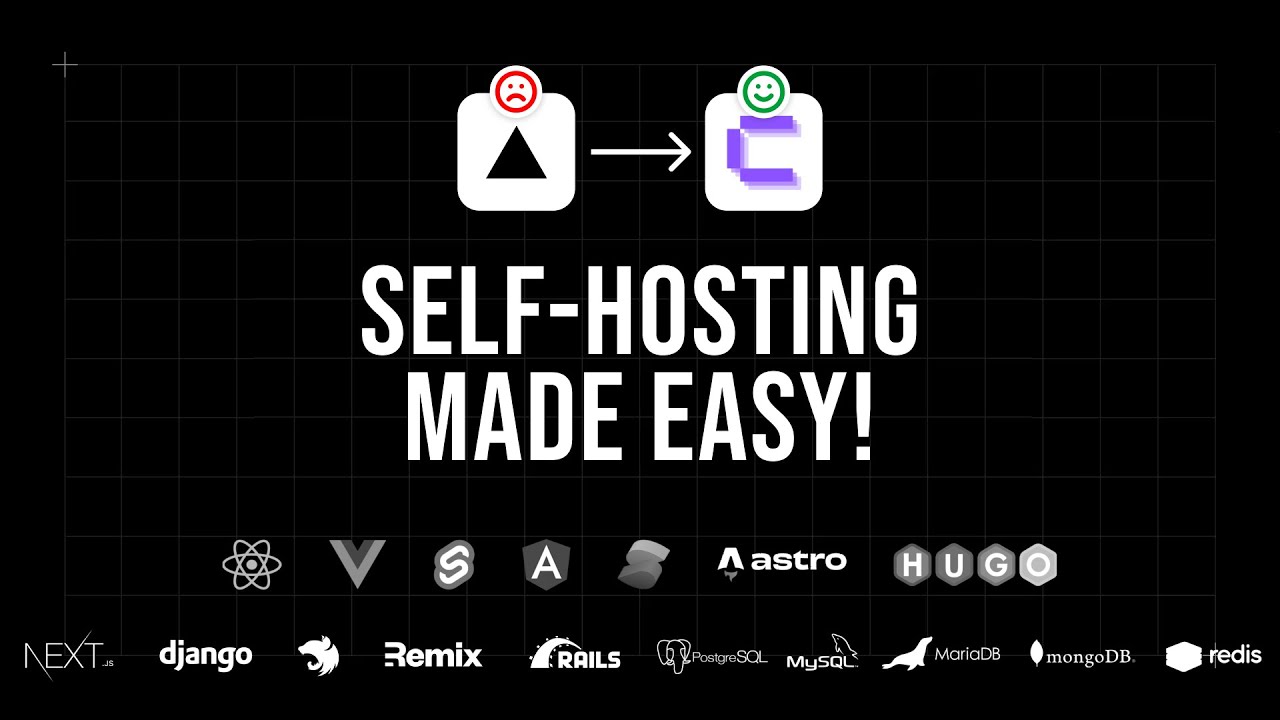
so whenever I talk about hosting people always seem to comment and say I should try out coolify and that is what I managed to do in my spare time is I checked out coolify I spun up a VPS I installed it and I was able to host one of my nextjs applications using it so this video is going to be more of a walkthrough of how you can do this yourself and kind of see how easy it is to get running if that's something that you want to do you go over here to selfhosted it's
free to use from what I understand and all you need to do is copy this Cur command after you copy this curl command you need a VPS so if you were to host one on digital Ocean or AWS ec2 or wherever else basically go and create a droplet so if you are going to self-host bufi you need to go down here and understand that there's a minimum requirements for how big your server has to be so in this case it says I need two CPUs at least 2 gbt of memory and at least 30 GB
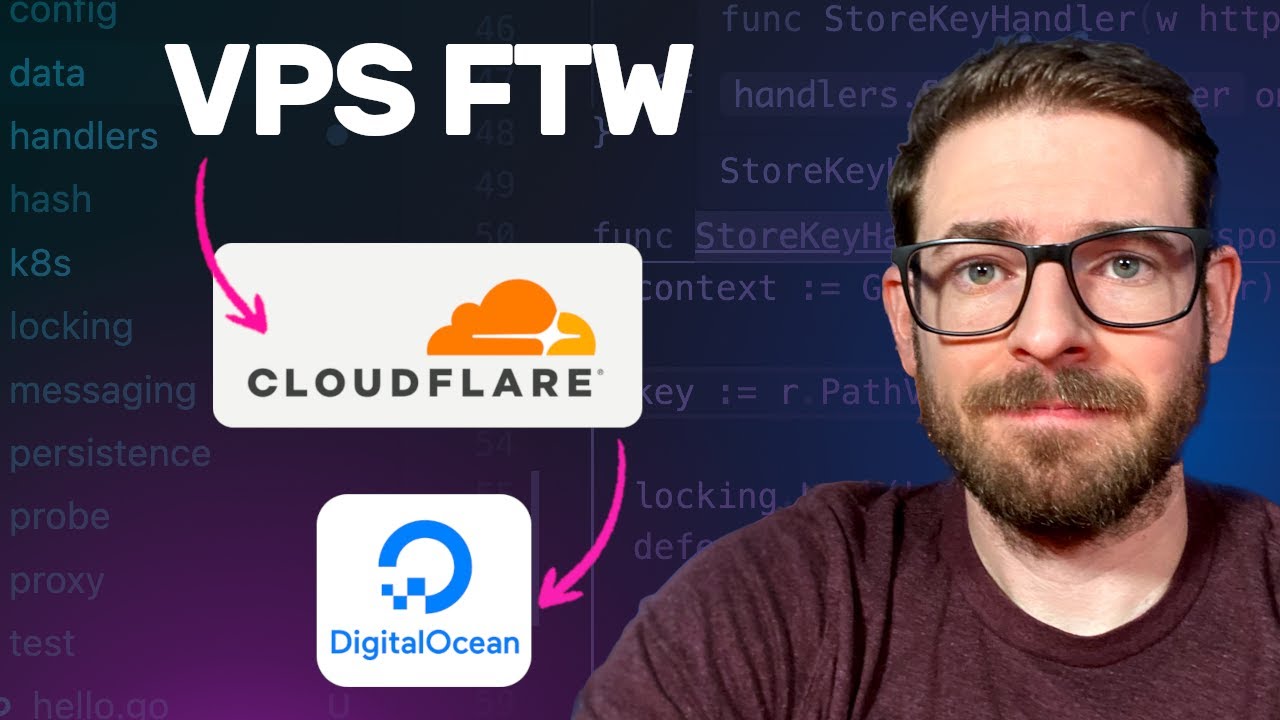
of storage and the reason need all this is because it's actually going to build your containers and host them on either your current VPS or you can actually have remote VPS hooked in to coolify so going to digital ocean which is one service I like using just for like VPS stuff let's go and create this box here it's 24 a month has 4 GB of memory and it has 80 GB of disk space I'm go and just create this droplet so now that the VPS is set up let's try to SSH into it here we
go and it looks like we are currently in it it does say the system is still booting up so maybe let's just wait a couple more uh seconds but in the meantime let's go back to coolify and let's grab this Cur command here so if you copy this and I'll go ahead and run this on that VPS here and this is going to basically download and install kifi now for some reason I had to run this three times before to actually like started installing the packages I needed maybe the machine was still booting up and
installing stuff so that could be it all right so I think about 2 3 minutes this was done installing and now you can actually go to your machine over here let's just go ahead and go to that IP for 8,000 and it's going to ask you to set this up I'm just going to go ahead and put some uh basic information in here and this is the information that you'll need to basically get into this box and configure stuff this will take you through a walk through if you want to um but we're no scrub
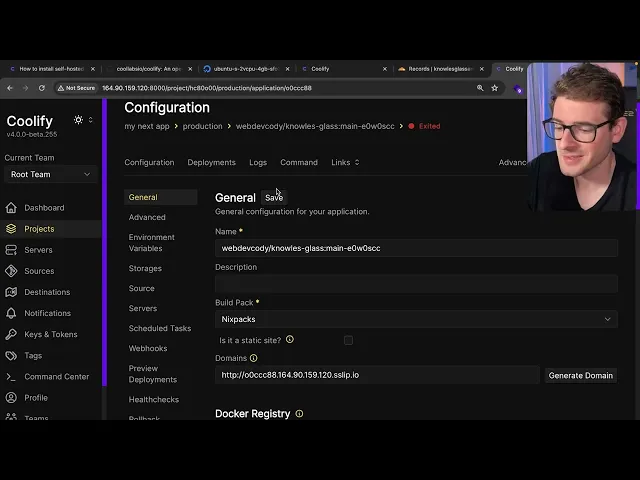
so I'm going to go ahead and skip the onboarding let's go right into the coolify dashboard so this is the coolify dashboard it has the ability to go in here you can create projects you can set up remote servers if you want to and you can have multiple servers that you're kind of managing from this dashboard from what I understand in our case we are using a local host deployment so we're going to be hosting the same nextjs application that's running pfy but let's click project and I'm going to go ahead and just add in
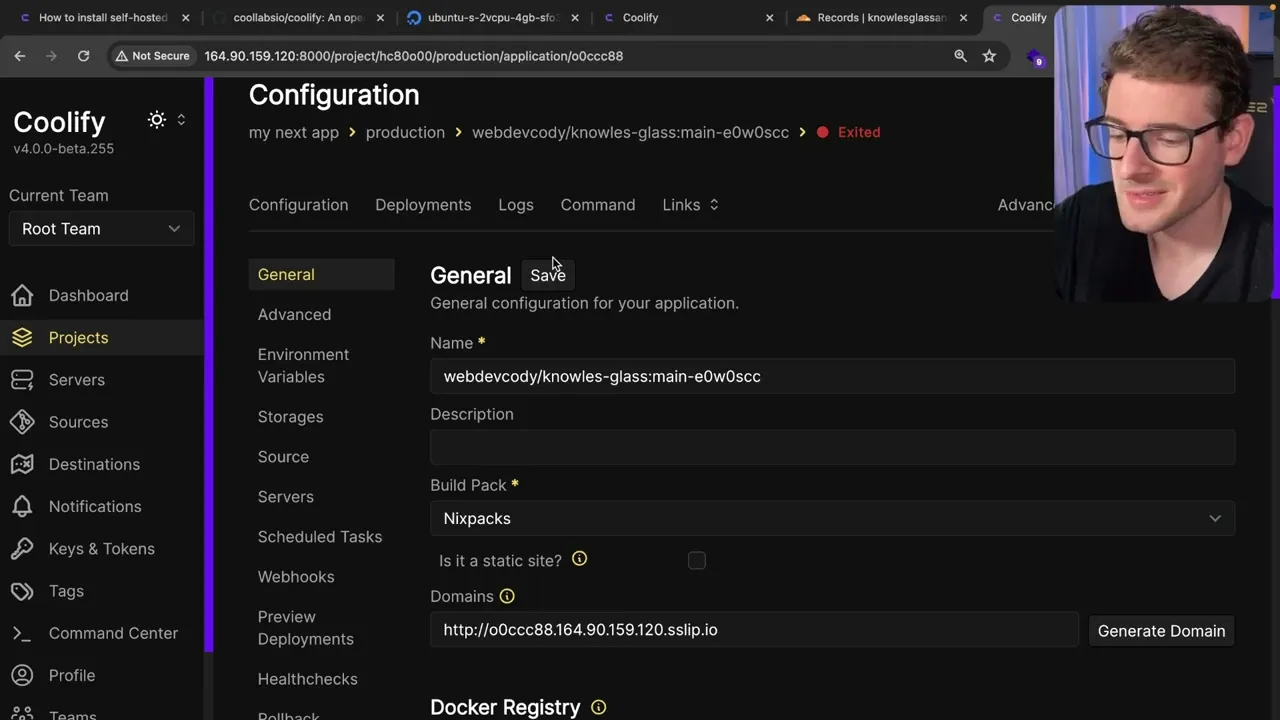
a project here I'm going to go ahead just say my next app click continue go over here to settings I'm going to add a resource and then we are going to go up to the top and I'm going to say public repository so here I'm going to go ahead and just select my Local Host service um again destination I'll select this one and now we're going to put the location to my GitHub repo so I'm going to say I'm going to paste this in I'm going to click check repository button and then I'm going to
go ahead and say continue now luckily this uses NYX packs which is like uh an open-source deployment Library that's provided by Railway which is another service I like using the deployment next apps so it looks like coolify uses something that's from Railway to figure out how to build and deploy your applications so now that we have this we have a project setup that we can start configuring now in our case I want to point a real domain to our box so I'm going to go to my clown flare account and I'm going to edit this
and point it to that machine that we just spun up I'm going to make sure the proxy is set to off for this example and then the domain is going to be called my app okay so just go and save that and so my domain is pointing to cloudflare and I'm pointing cloudflare the subdomain of my app to this VPS that I just spun up over here so now that I done that I can go back to the coolify and I can put a comma here and I'm going to put that my app dot uh
whatever it was and then down here at the bottom um this is a little bug you do have to reclick this so that your domain gets added to like the the C D and traffic configuration but let's just go ahead and click deploy so that is going to grab your code from your public git repo it's going to start building it using the Nyx packs Library I just talked about and you'll see it start building up your container and you know building your next application doing mpm install and at some point it's going to create
a Docker image and then that is going to start running on whatever server you picked during those initial setup phases and by the way why this is deploying you can go to deployments here and you can see a previous list of everything that you've deployed right now it's still building but I'm assuming it should finished up here in a couple of seconds all right and so now it tells us that everything was successfully deployed let's verify so if I go over here to links I should be able to click on my domain just go ahead
and load that again there you go so this is a onepage site I helped build for a friend of my wife and that's what's being currently deployed on kify yeah so that's about it that's my overview of using kify if you wanted a nice way to manage your VPS let's say you bought a nice powerful VPS and you want to wait to manage all your applications to get those deployed out you can check out coolify I think there's ability to add like databases directly so if I wanted to come in here and add like a
MySQL uh database or like a reddest database you can do that and just kind of walk through that process and that'll deploy out a a database for you without you having to do much work so that's the overview hope you guys enjoy read through the documentations and um yeah other than that have a good day and happy coding