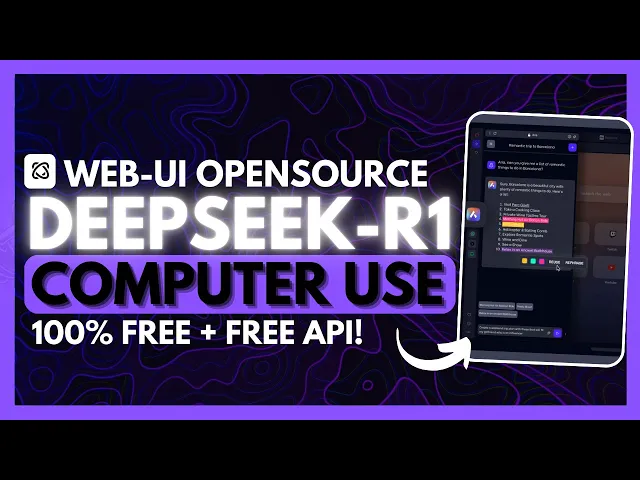
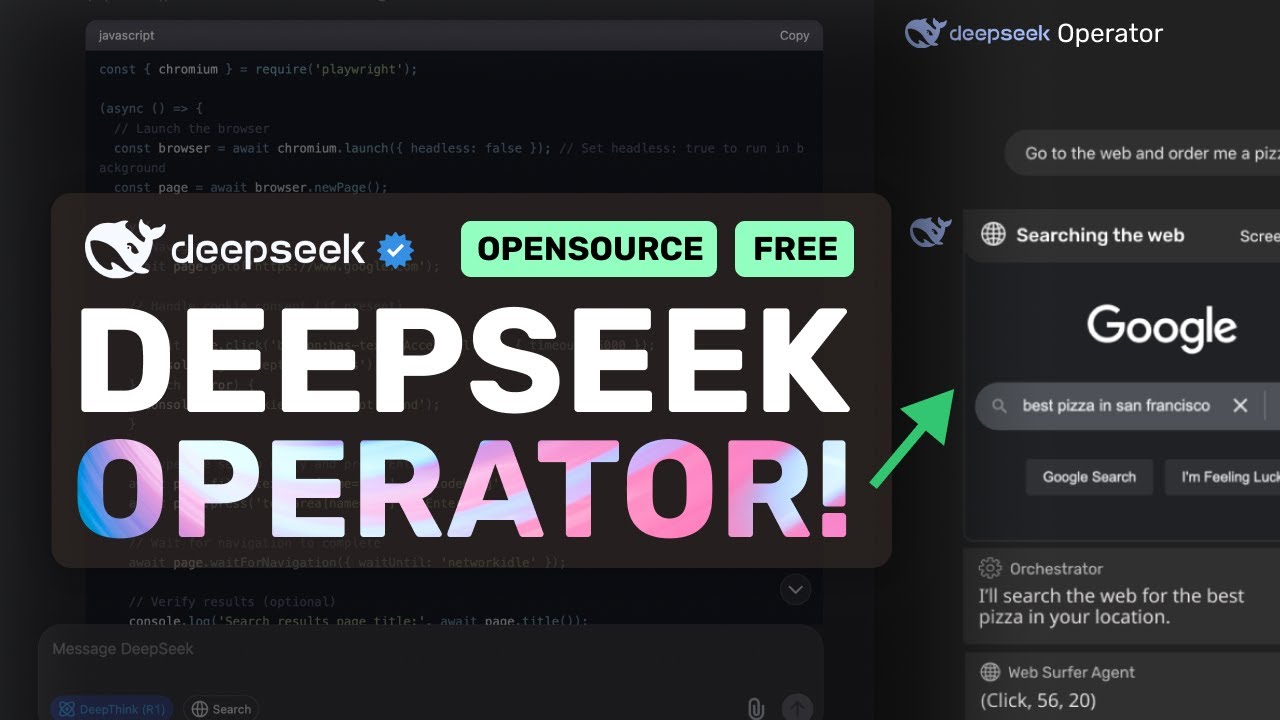
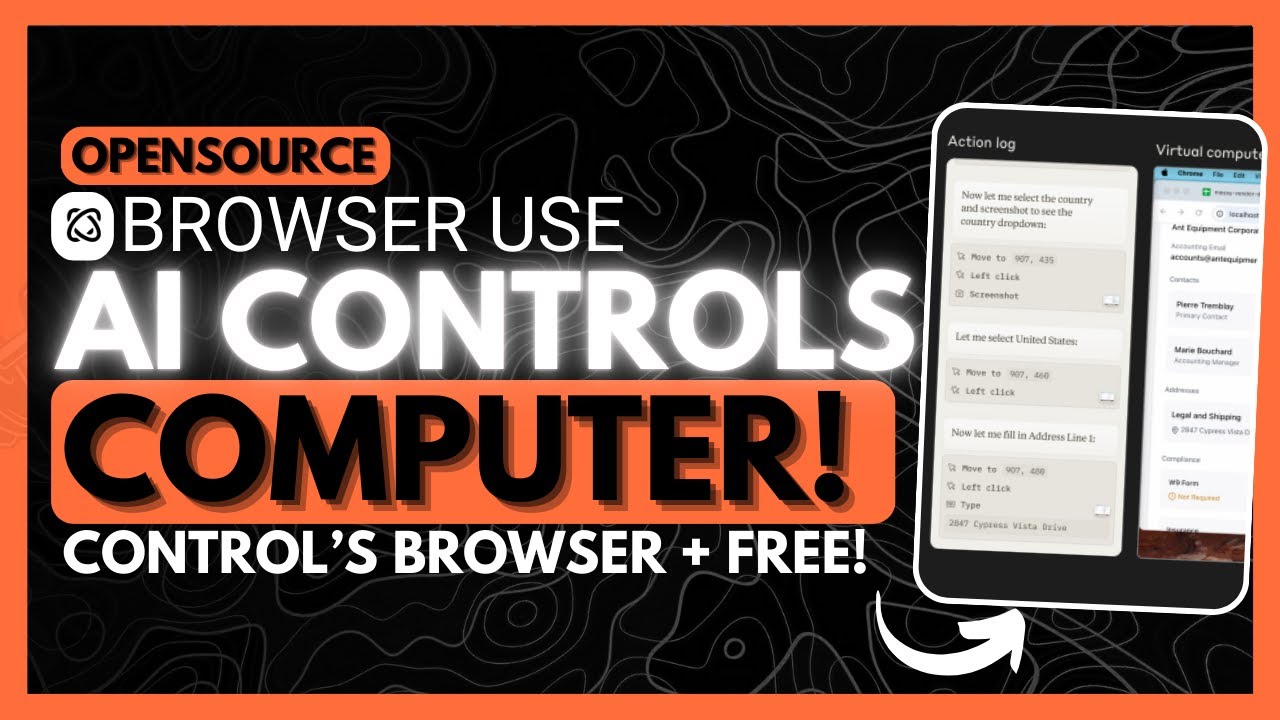
the last two weeks have been packed with exciting new releases in the open- source field first we saw the release of browser use which is a groundbreaking tool for automating practically every web based task and it's completely open- Source it features a userfriendly web interface and it outshines traditional web automation agents with an impressive 89 percentage in terms of its accuracy on the web agent accuracy Benchmark it allows you to automate nearly any web based task and there's a possibility to even automate desktop task with prompts not only is it self-correcting meaning it can dynamically handle errrors but it can also support any large langage model including local models like llama 3. 3 or deep seek version 3 now speaking of deep seek the team made waves this week and as you saw from my recent videos they released a new model called The Deep seek R1 which is an open-source large language model that outperforms proprietary models like open eyes gpc4 om as well as anthropics claw 3. 5 Sonet on nearly every benchmark test it's fully open- sourced and it has a distilled version which is available for local installation making it even more accessible for smaller grade computers now it's a major step forward but now what you can do is that you can use this with the browser use framework so this way you can combine its exceptional reasoning capabilities of the model with this new web automation process within browser use and together they basically stand out for an amazing open- Source automation tool that you can get started with today just take a look at this example of the deep seek R1 with browser use in action in this case it's working on tweeting out a post with the Deep seek tagged now in this case it is something that will think before it basically works on responding on performing an action because this is a reasoning model which takes the right steps to accurately perform the action which means that with the new R1 model with browser use you're going to get more accurate and detailed responses and execution before we get started I got a huge new update this is where I've launched a new newsletter this is something that's going to be sent out on a weekly basis and essentially going to be updating you on the latest AI advancements comparison of different large language models AI news as well as ranking different AI agents so definitely go ahead and subscribe to this cuz you don't want to miss out on free AI news now this is just a side note but what's funny is that open AI just released their operator this past week as well which is a new web-based agent a part of the open AI site of tools but the only thing is is that this is something that costs $200 a month which is a part of their Pro Plan subscription so they have been basically gatekeeping this behind a payall whereas browser use is something that is open source and completely for free and the great thing with browser use is is that it actually shows the entire web page not just the visible uh screen that you see right now and it connects directly to your real browser where there's no login needed and it can even be integrated into your own application for real automation so you can see that there's a lot of benefits of using the browser you use over something like the operator which was just something that was released this week so now let's get started and showcase how you can install this what you'll need to do first is have the prerequisites fulfilled you need to to make sure that you have git installed to help you clone the repository locally onto your computer you'll need python as a programming language you'll need UV to set your environment variables as well as playright and vs code once you have these prerequisites fulfilled go ahead over to the browser use webui GitHub repository once you are here scroll all the way to the top click on this green button copy this link to the clipboard and then you can scroll back down here and then I want you to open up command prompt once you have opened this up type get clone and then paste in the link and in this case since I have it already installed I'm going to go over to the web UI directory but for your case if you don't have it installed it's going to start off by cloning the repository within your command prompt once that is done just follow through with the same command which is CD web UI once that is done you can scroll back down to this section and what you want to do first is you want to activate your python environment so go ahead and set this up this is going to start your environment once it has been created then go ahead and activate the environment with this following command if you're on Windows but if you're on Linux or Mac OS you would want to use the source command then you can go ahead and install the package for browser use which is this uh pip install browser use but you want to make sure you do that within uh the environment so go ahead and copy this if you're following through with my commands so in this case we're going to go ahead and paste this into our Command Prompt it's going to go ahead and in install all the necessary requirements and once that is done we're going to again need to install playright so once this is finished we're going to then install play right so it looks like it's installed so we're going to go ahead and then install play right then you can simply go ahead and run the web UI with this python command so go ahead and copy this go back into your command prompt and paste this in and click enter this will start this up within your Local Host with this port so this will take a couple seconds but then you will will be able to access the web UI of browser use within your browser and there we go we have the browser use web UI on our local web browser so now what we can do is you can configure the agent settings you can also configure your llm configuration within this tab over here you have the browser settings you have the ability to run the agent over here and you can also have it so that it could record your interactions on the web with the agent as well as getting results over here so let's go ahead and run an agent now here's the most important part now if you're going to be wanting to use the Deep seek model you're not going to be able to find it within the model name tab over here you're going to need to go over to AMA and you're going to need to then install the Deep seek model with AMA and then you're going to be able to find the R1 model over here and this is actually going to be better for you cuz then you can have it locally so that you can use it for other sorts of tasks and you won't even need to pay for for any API cost but there is a way to configure it so that it uses the Deep seek Reasoner API but you would need to configure it within the API environment settings but in this case I believe it's easier if you just go ahead and install it and most computers will be able to install the different distilled models that deep seek provides for the R1 just to Showcase how you can install the Deep seek model locally you can install this with AMA so first things first you need to make sure you have that installed for your operating system once you have that installed go over to the model card for deep seek R1 once you are here you can then install based off the different distilled models so you have it from 1.
5 all the way to 671b obviously no one's going to be able to run these two so you would want to go for something like 14b as well as 30 32b depending on the requirements that are there for this to handle on your computer and you can obviously search this online to see which one works but say if you want to install the 14 billion parameter one you can go ahead copy this make make sure you have Ama running in the back so go ahead and open up AMA then go over to your command prompt and once you have that opened up go ahead and paste this in and click enter this will start installing this 14 billion parameter model but I'm going to go ahead and install the 32b so I was actually just playing around with it and in this case I had the Deep seek model go ahead and search open AI within Google and this was something that was capable of doing pretty quickly it took approximately 20 seconds for us uh for this task to be completed and in this case it was able to search up open Ai and it was able to also execute this task quite quickly by going ahead and clicking on the open a link as well let's now have the Deep seek R1 go over and find me the cheapest flights from New York to Moscow so let's go ahead and run this agent and have it execute this task I truly love the Deep seek R1 model in this case it was able to use its thinking model to process this query even further in this case it was able to use its deep analytics to find the cheapest price for a flight from New York to Russia and you can see how many steps it took as well as how many times it thought to itself to execute this task let's just see this agent in action you can see that it is on trip. com and it's sourcing flights from New York to Moscow which is in Russia it's then searching through different dates that is going to be able to Showcase which date is going to be the cheapest and then it's going to find me the exact flight with the round trip so let's see this as it goes towards finding the cheapest flight and you can see right now it is sorting it through the lowest price to the highest price and it was able to find something within the range of 1,200 now it's truly amazing how it was able to find the cheapest price which was around 1,200 now I have been searching even on trip.