So, hello guys, welcome back to my YouTube channel. In this video, I'll be showing you how to create another Apple ID if you already have one. So, the first thing you can do is simply head over to any of your browsers.
Let's say Safari — I’m using Safari in this case. Simply search for icloud. com, which will redirect you to its official page.
Once you're on the page, what you need to do is simply click on the "Sign In" button. After clicking the "Sign In" button, you will be asked if you want to use a different ID or continue with the existing one. Simply click on "Use a Different ID," which will redirect you to this page.
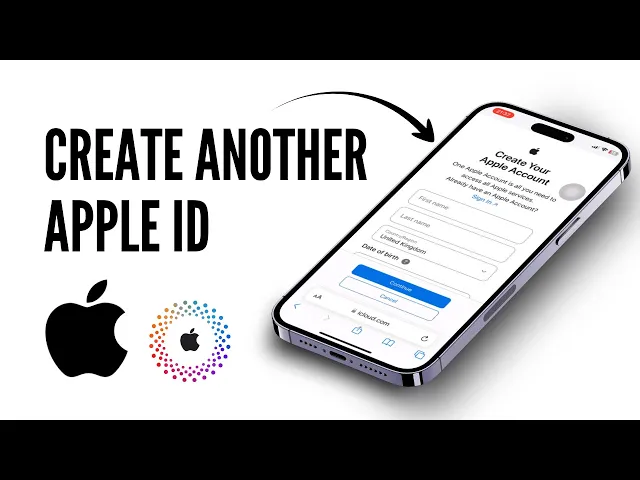
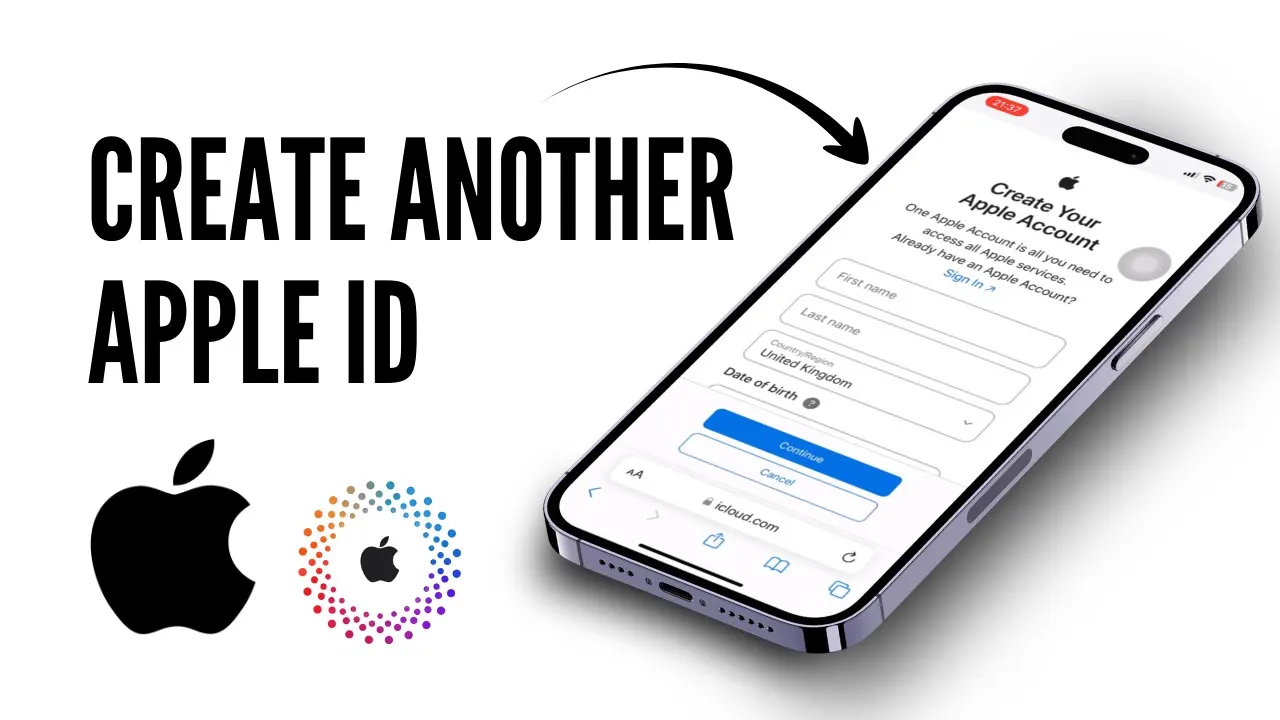
You will now see the "Create Apple Account" option, so simply click on it. Let me show you once again. Once you click on "Create Apple Account," you'll be taken to this page where you'll have to enter all your personal details like your first name, full last name, password, Gmail, country, and phone number.
It will also ask you to verify with a text message or phone call. After doing all of that, you will be asked to enter the verification code or CAPTCHA code. Once you enter it, simply scroll all the way down and make sure you've filled out every single detail correctly.
Once you've done that, simply click on "Continue. " So, that’s it, guys! That is exactly how you can easily create another Apple ID if you already have one.
You just basically have to re-login with your newly created Apple ID account by signing out from the existing one. Hope this video was helpful. Don't forget to like and subscribe to the channel.