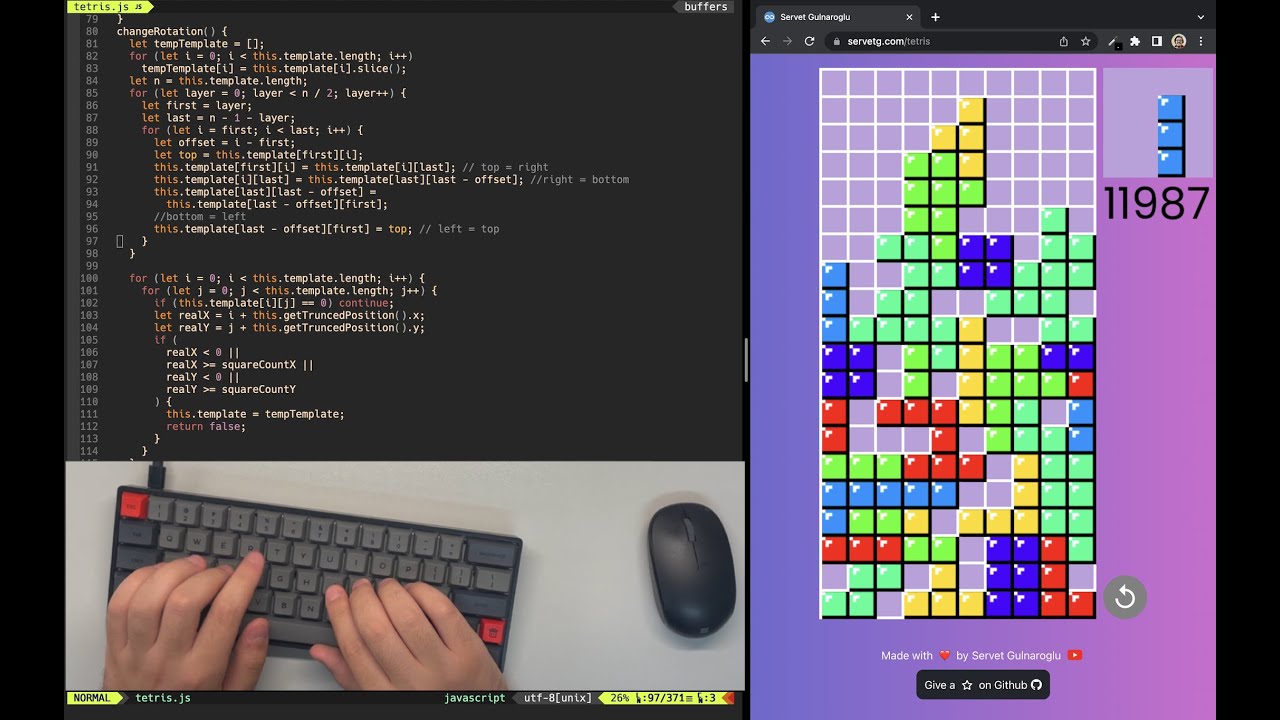
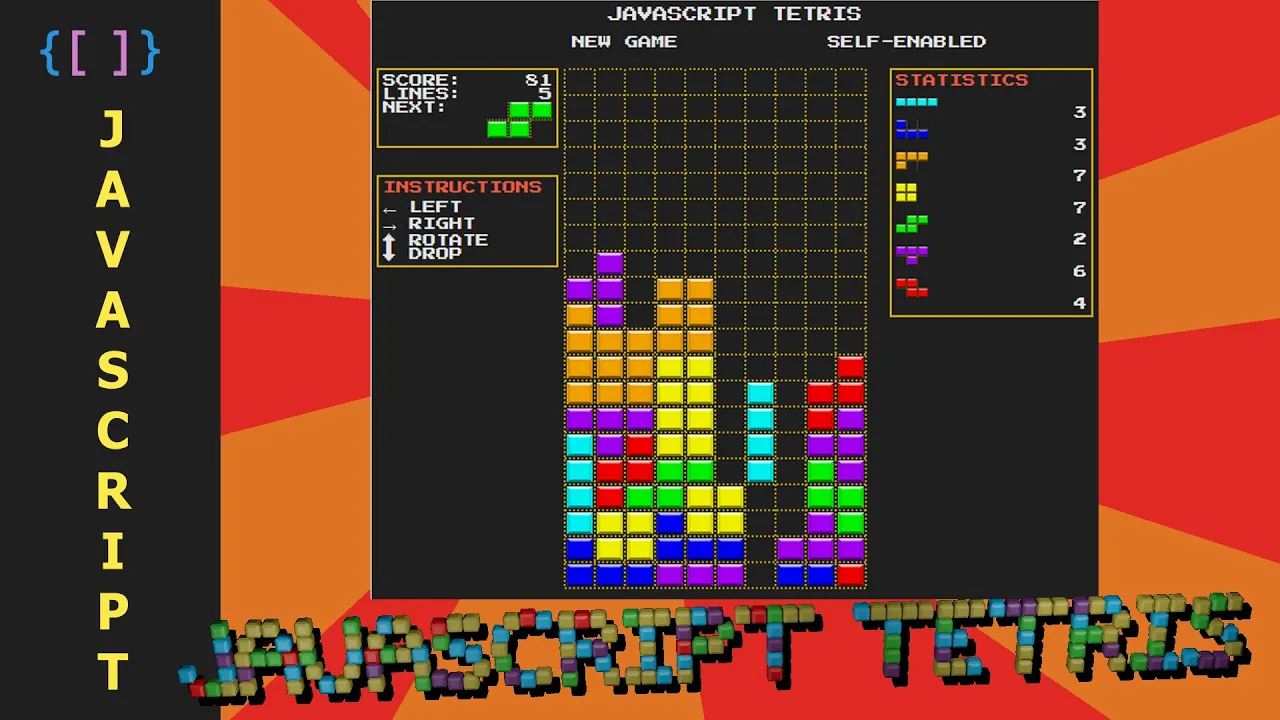
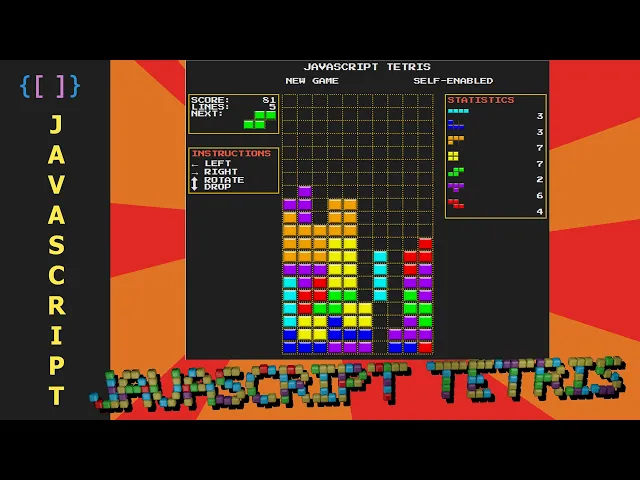
hello everyone this is my JavaScript Tetris it was not as difficult to make as I thought it would be um and I will give you a brief look into how I made it starting with the interface then the constants are used and then the logic of the game you will you will notice that it makes sense and it's not that complicated this is the interface I used grids for the layout Google fonts for for the font and everything is hard coded as you can see except the board to create the boards and you simply create
a table element and into that table you insert several rows and into those rows you insert several cells I included an ID for each cell which I didn't use at the end but that's all you need to do and finally append the table into the uh corresponding div and now to the variables and constants that we need we need a two-dimensional array to represent the board we have a state self-play between self-played mode which I have not done if the game is running the score how many lines the next tetramino or or the name of
the figure and the statistics and now let's talk about the two-dimensional array that represents the board I use the strings there's many other ways to do it empty strings for the empty spaces and uh characters representing the colors of the occupied spaces and they use lowercase letters for those that are static meaning they yeah they are already at the bottom and the uppercase letters for the active the terminal meaning the one that's in free fall so we need a couple more constants for the program for example an array with the characters that represent the colors
for example B for blue o for orange and so on uh I used another one which is almost the same but has the name of the images for the figures and finally uh an array with objects representing the coordinates for each the terminal when it's placed uh at the top of the board okay for the game to work we need a couple of listeners so we know when the user presses a key at the keyboard so we are adding the key down event listener here and also we want to know when the user clicks on
a new game and in the future when they activate the self-plated mode once we have that we can move on to the game logic here is where I think things will make sense so whenever the user clicks on a new game what we will need to do is stop any previous games we will look into the interval in a little bit we will hide the game over uh signal or pop-up we have to reset all the statistics to zero we will create a new board we will select a new randomized the terminal and we will
place that the terminal into the board we will increase the statistics without new to terminal so that it's displayed for from the beginning and we will select the next tetramino uh here just places some debris at the bottom we can remove the ad if we want we will set the running state to true because the game is running and we will finally render the board we will look into the render board later on because it will convert an array from this into this it's it only inserts an image that was the initialization of the game
and now into the interval as you know the interval will execute this code every few milliseconds so the the game Flow is this and if the game is running we will check if there's an active tetromenon meaning that there is a figure in free fall if that's the case we will lower it one place so that's pretty simple if there is no active tetramino um we want to check if we can place a new tetramino because if a new determino cannot be placed it means the game is over because everything is over crowded so we
will display the game over pop-up and we will stop the the game but if we can get a new to terminal we will add a new tetromino we will increase the statistics for the terminals of course and we will select the next terminal using random tetramino and we will increase the score and giving one point very new to terminal per neutral terminal placed in the board and finally uh after the end of the turn we want to know if there are completed lines so we can increase the score this method in gives 10 points per
line and we also include increase the lines statistic we finally render the board so that we can see what happened into the board array and this is a clear interval just in case that if the game is not running it also stops and to the end with the game logic we need the user to be able to interact with the game and here at first glance you will see that it is very simple logic because if the game is running whenever the left key is pressed we will move the the terminal to the left if
the right we will move it to the right if the op key is pressed we will we will rotate the terminal and I did this was a little tricky yeah uh but if we if the user presses the down key we will drop the tetramino this was the trickiest part I think the the drop uh method and when we drop a piece of course we want to know if there were completed lines so so we can increase the score and the lines statistics and finally we render the board once more with that we have finished
the game logic and to keep the video uh short I will give you a glimpse of the methods or functions that I have created in a separate file I called leave it's kind of a separation of concerns that's where all the functions like mob left rotate and render World lib uh so let's move into that for example this is what the function render board does first we we want to know if there's uh a completed line and this is a simple function you you want to check a complete row if it's filled with characters so
that means it's a complete line so we will want to clear that line and move everything down one place one location and the next we will want to check every Square clear it and if the board has a character meaning it's not empty we will go on to place an image in that location so that we can see a figure there and finally we will want to update the state and statistics and the scores and now let's see the move left and the more bright functions and they are very simple okay we only have to
validate if the piece can move to the left or the right we we just have to check if uh in this case to the left that means minus one position it's not occupied or it's within boundaries and if we can move we we only have to do a board data in the -1 Position will equal to the board data into this position so that um Square by square we move all the parts of that Domino to the left and moving to the right it's pretty much the same except instead of minus one it's plus one
I guess I could have done just one function and just somehow change the operation there because they are almost identical but I didn't because there's slight differences into the boundaries now let's check out the rotate function uh did this was a little trickier for me but in the end it was not that complicated um so let's see first we want to get a mini board it's what uh is it's the array that encapsulate the active the terminal and we will try to rotate that so the um the trick here is that the inward for or
the nested four will go into the outward index of the array so that we will be inverting uh columns into rows and we are starting from the bottom as you can see here so it will make this conversion as you can see and the after we have rotated the mini board or the activity throw menu we want to know if it's not in occupied space and if it's within boundaries if all that works out we will want to uh return the information information into our board data okay let's leave the drop function out of this
video it was a little more complicated than the rotate function but you have the idea so far so we are just moving uh the activator terminal uh all the way to the bottom and see how far we can place it within boundaries and checking that it doesn't overlap with any other static tetraminos so I think that's all of course if you want to check um all the code for yourselves you can visit um my GitHub repo and also GitHub Pages if you want to test the game yourselves it it works as you can see I
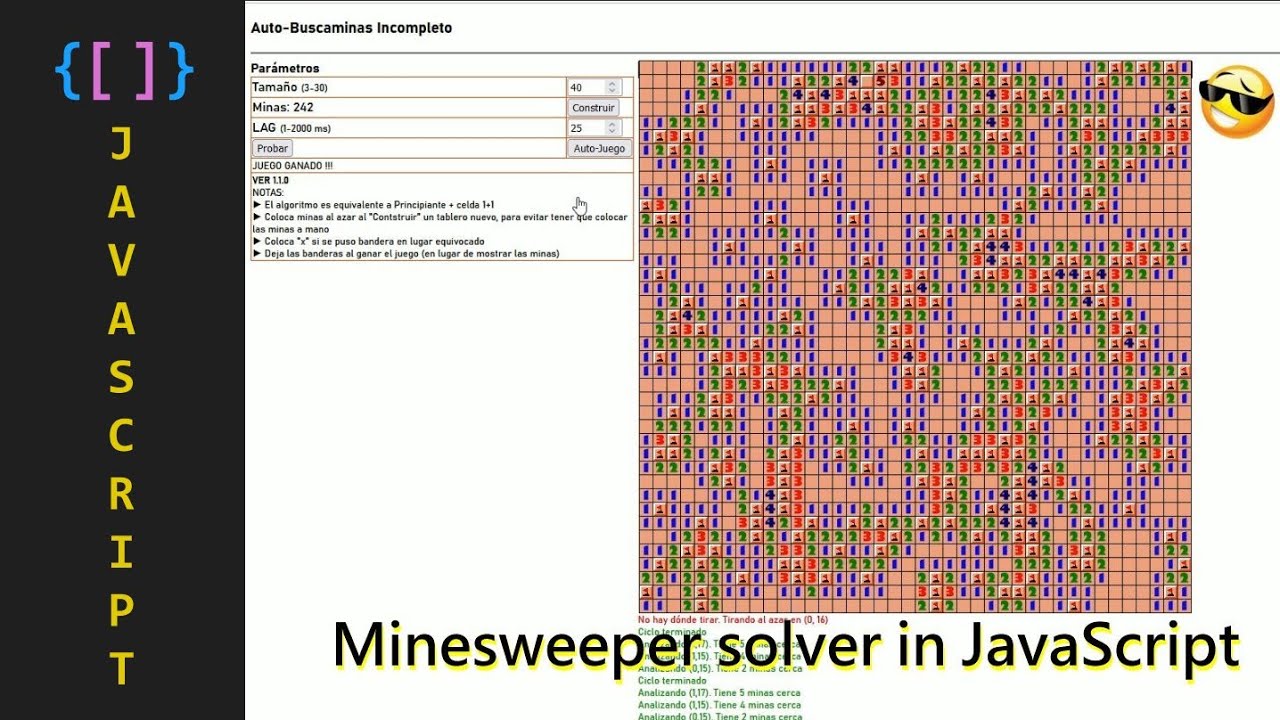
think there's a couple of of exceptions but they don't prevent the game to for working from working so I I haven't checked into those just yet and maybe later on I will um program the self-play the part so I will try to make an algorithm that place itself um I have done this with the Minesweeper game I I called the mine sweeper and then I made an algorithm that solves it because it looks cool I will leave the link to that video in the description as well so that's all for for now see you [Music]
thank you foreign


![Tetris.com - 2,663,598 [Former WR]](https://img.youtube.com/vi/deXxex53QNk/maxresdefault.jpg)