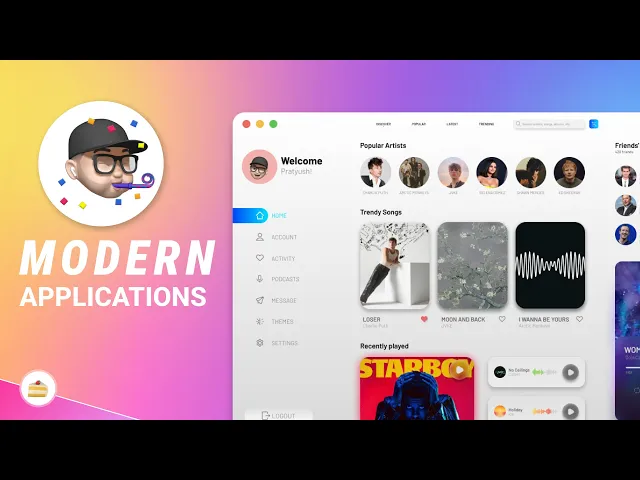
introducing pent a tool that converts your figma designs into TK based applications in just a few clicks this is me pram from props slite and let's get [Music] started first things first head over to the link in the description to download pyen it's available for both Windows and Mac OS once you've downloaded the appropriate file simply extract it and run the execute table to install pyen on your system it's super easy and doesn't require any complicated setup now if you don't already have a figma account you'll need to create one just head to figma docomomo
to use once your account is set up you can create a new figma design file I've already made a simple design here which will convert into TK inter code using pyen before you use pyen there are a few things you need to know about formatting Your figma Design so it's compatible with TK enter in figma naming your elements is important pen uses these names to map figma elements to TK inter widgets here are some examples for a button name the figma element button for a text input name it text box and for multiple line text
area use text area it's simple but critical for an accurate code conversion all right now let's move on to the required inputs for pyen you'll need two things a personal access token from figma and the URL of your figma file to get your personal access token log into your figma account go to settings scroll down to the accounts Tab and you'll see the option to generate a new token copy it and keep it somewhere safe as you'll need it for pent for the file URL just click the share button in the top right of your
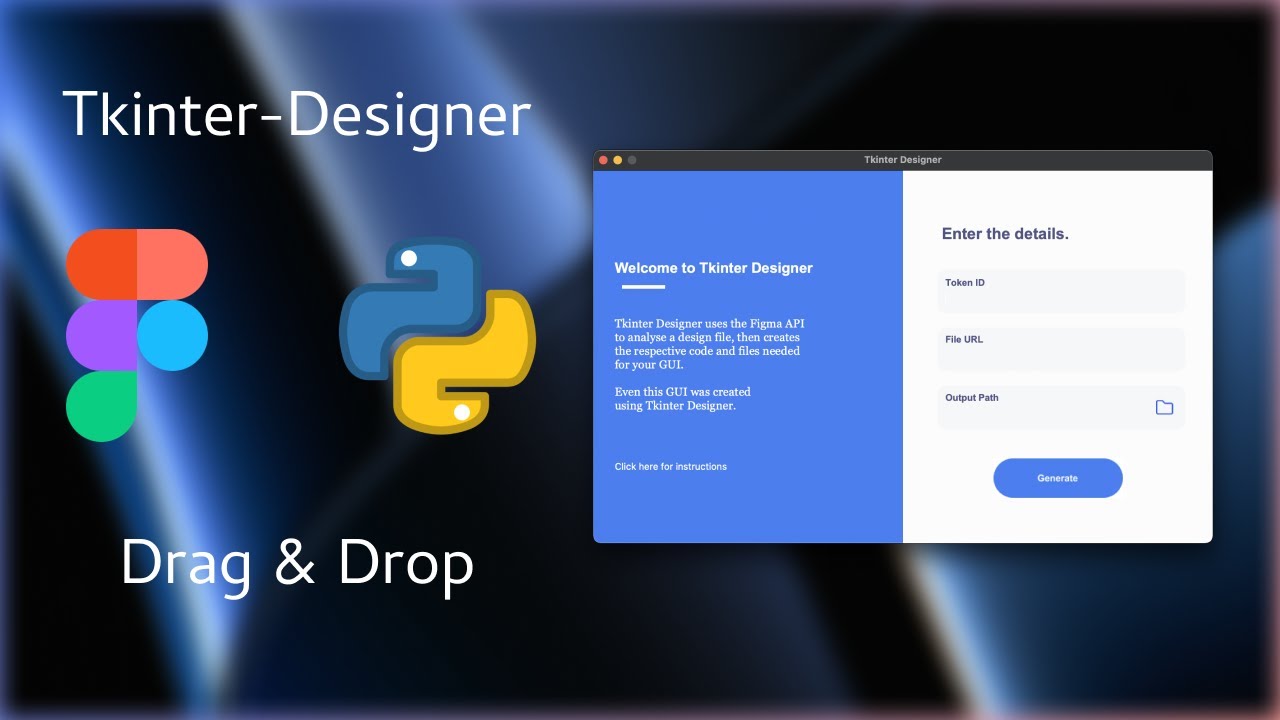
figma file and hit the copy link easy as that now let's open pyen this is what the interface looks like in the first field paste your personal access token in the second paste your figma file link then choose where you want the generated TK enter code to be saved [Music] now all you have to do is Click generate and pison will take care of the rest once Pyon has finished your code will be saved in a folder called build let's take a quick look at the code this is the TK code pyen generated from a
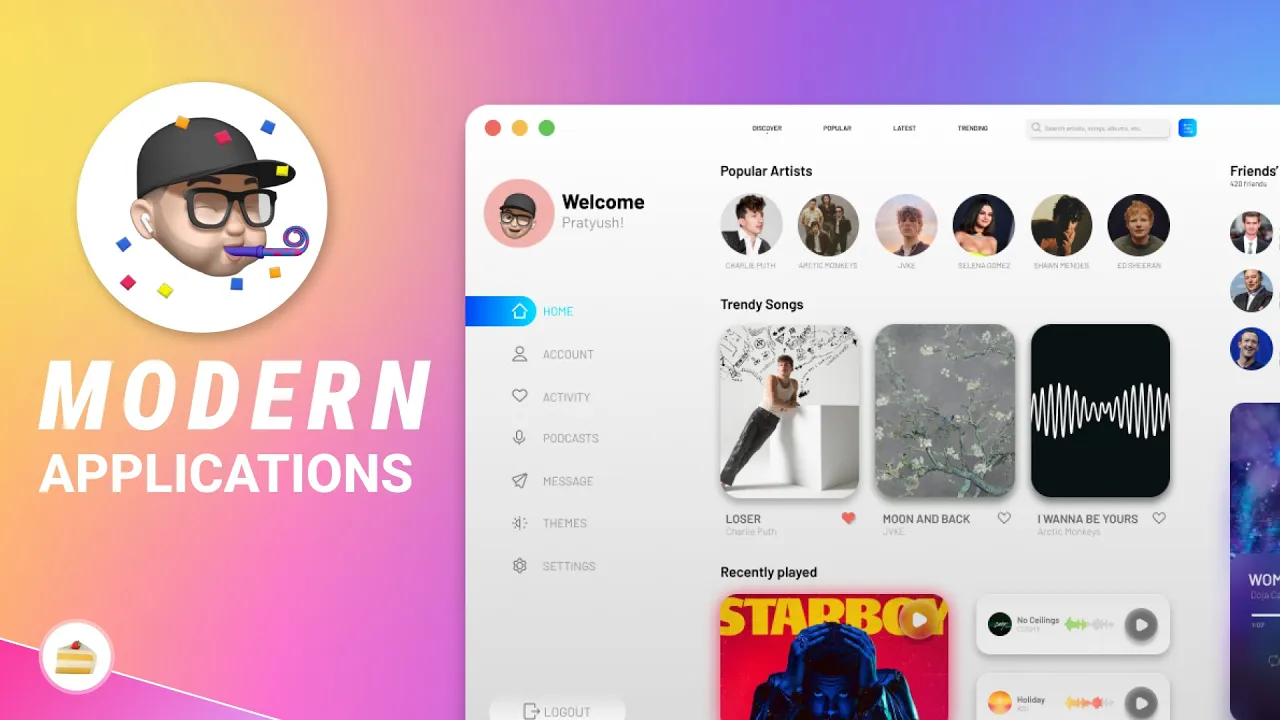
figma design it includes all the buttons text fields and layouts we created no boiler plate no hazle just pure python now let's run the python file to see the application in action as you can see our figma design has been turned into a fully functional TK GUI application it's responsive accurate and ready for further customization and that's it for this tutorial with pyen you can now transform your figma designs into fully functional python applications in just minutes if you want to generate code using AI then you simply can use our gumroad page and you will
get a license file for that which you can use to write your own code thank you for watching make sure to subscribe the channel goodbye peace [Music]