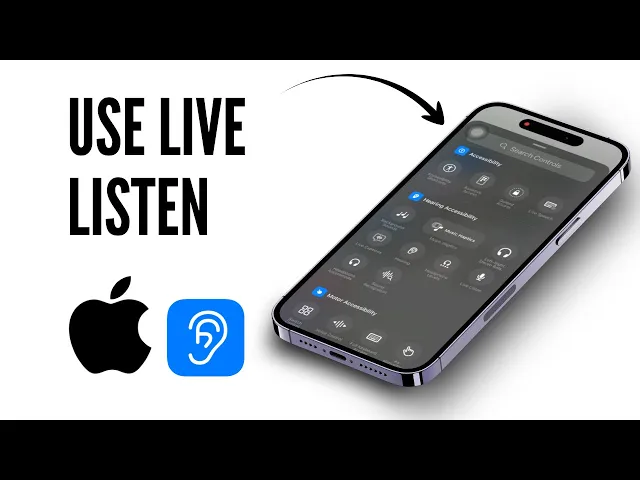
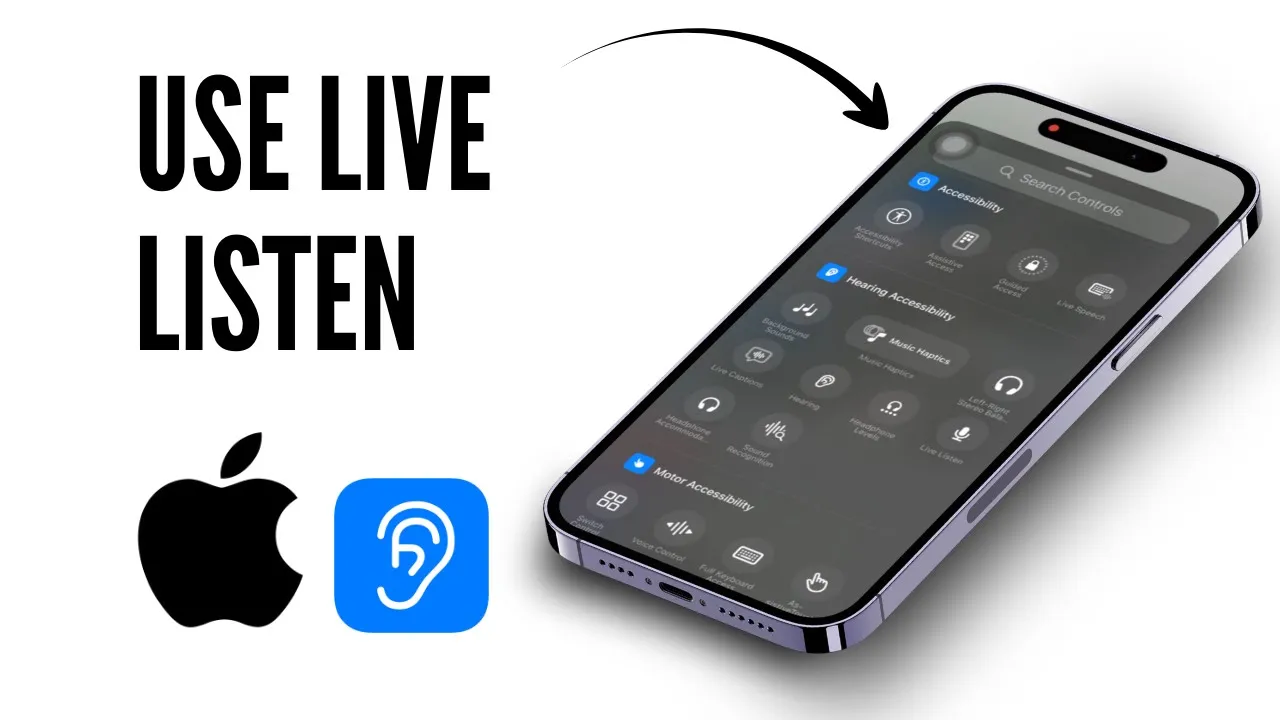
Hello guys, and welcome back to another tutorial video. In today's video, I'll teach you how to use Live Listen on iPhone. So, without any further ado, let's dive right into it.
To enable Live Listen on your iPhone, it's a really simple step. All you need to do is add an option called "Hearing" to your Control Panel. To do that, open up your Settings.
After you open up your Settings, you’ll need to open up Control Center. Scroll down until you find Control Center. It's right here.
Tap on it. Right there, you can access your Control Center. As it says right here, you can access it by simply swiping from the top.
After you do that, if you're below iOS 18, you'll have to customize it using this section right here. Otherwise, you can just swipe from your Control Panel. Tap on the plus icon on the top left.
There, you'll see an option that says "Add a Control. " Tap on "Add Control. " From here, you will need to choose an option called "Hearing.
" Find the Hearing option. It should be around here. If you don't find it, search for it.
Simply search for "Hearing. " This is the one that I'm talking about. Just import it here.
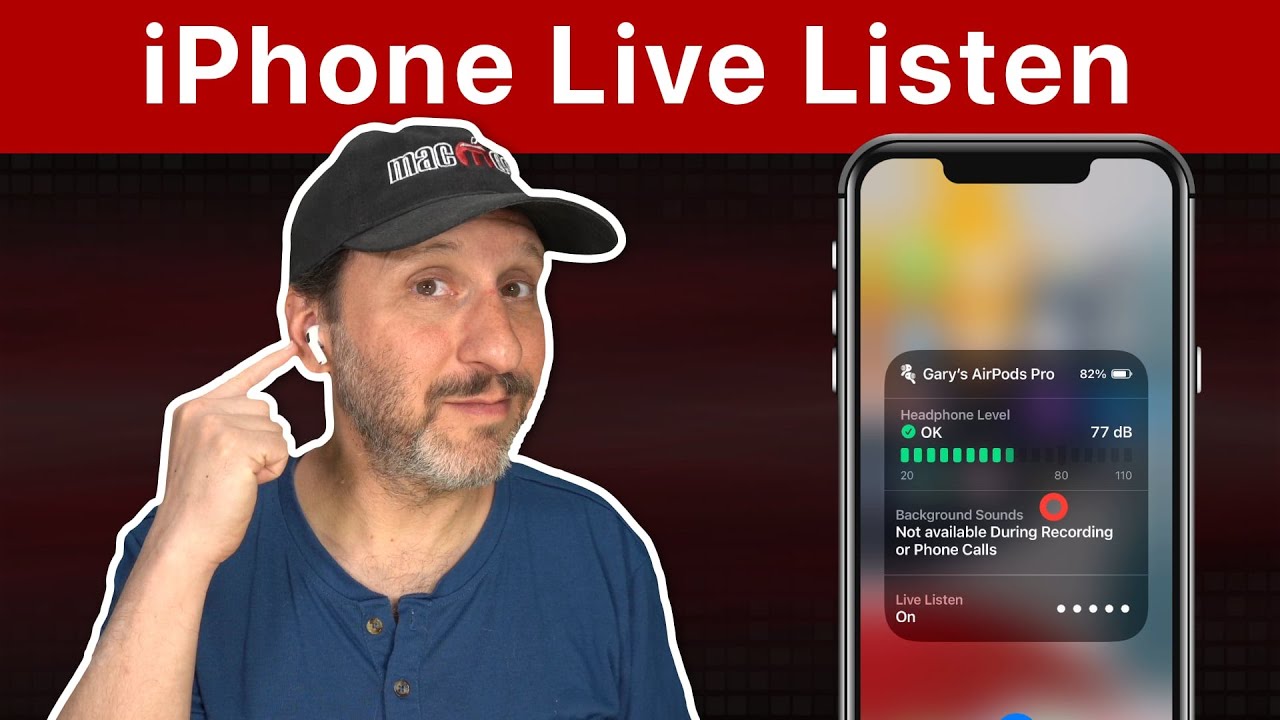
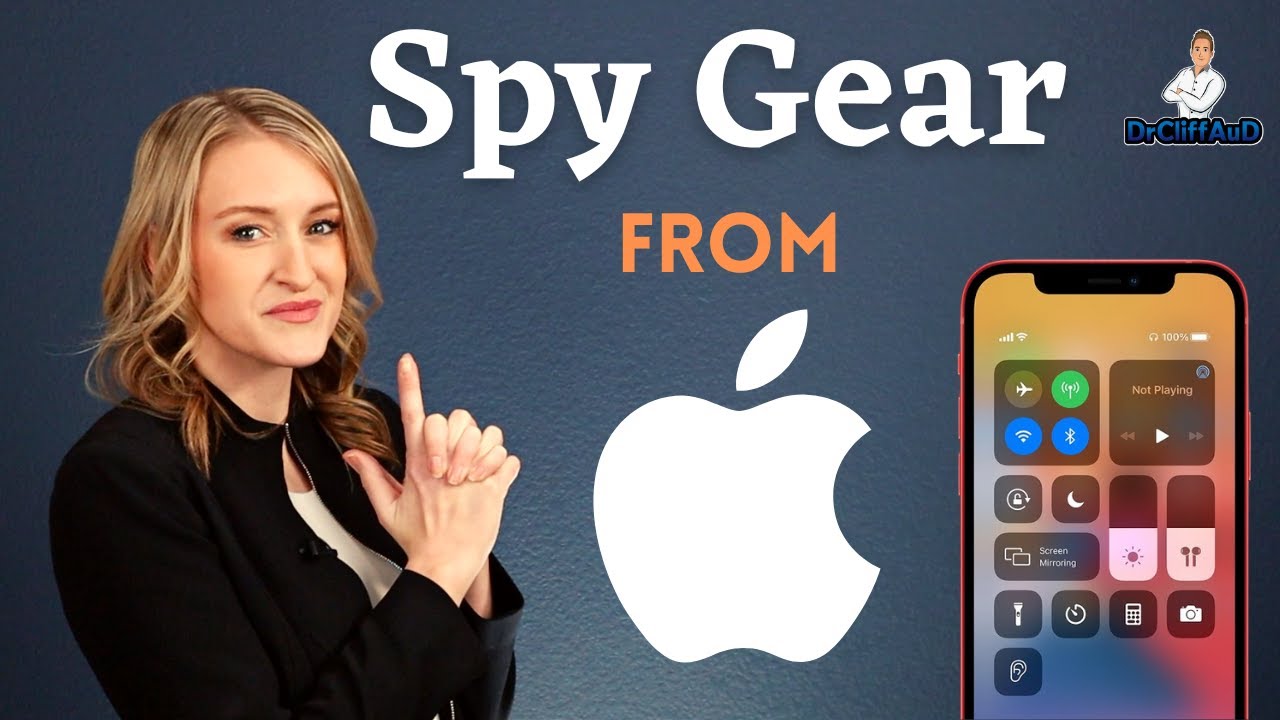
As you can see, it is now there. Now, you can swipe up, and you have "Hearing. " To enable Live Listen, all you need to do is turn this on.
Just tap on "iPhone. " After you do that, you will see the "Live Listen" option as well. Tap on that, and it should start working.
And that is how you use Live Listen on iPhone. Thanks for watching! Stay tuned for more.
Bye-bye, take care!