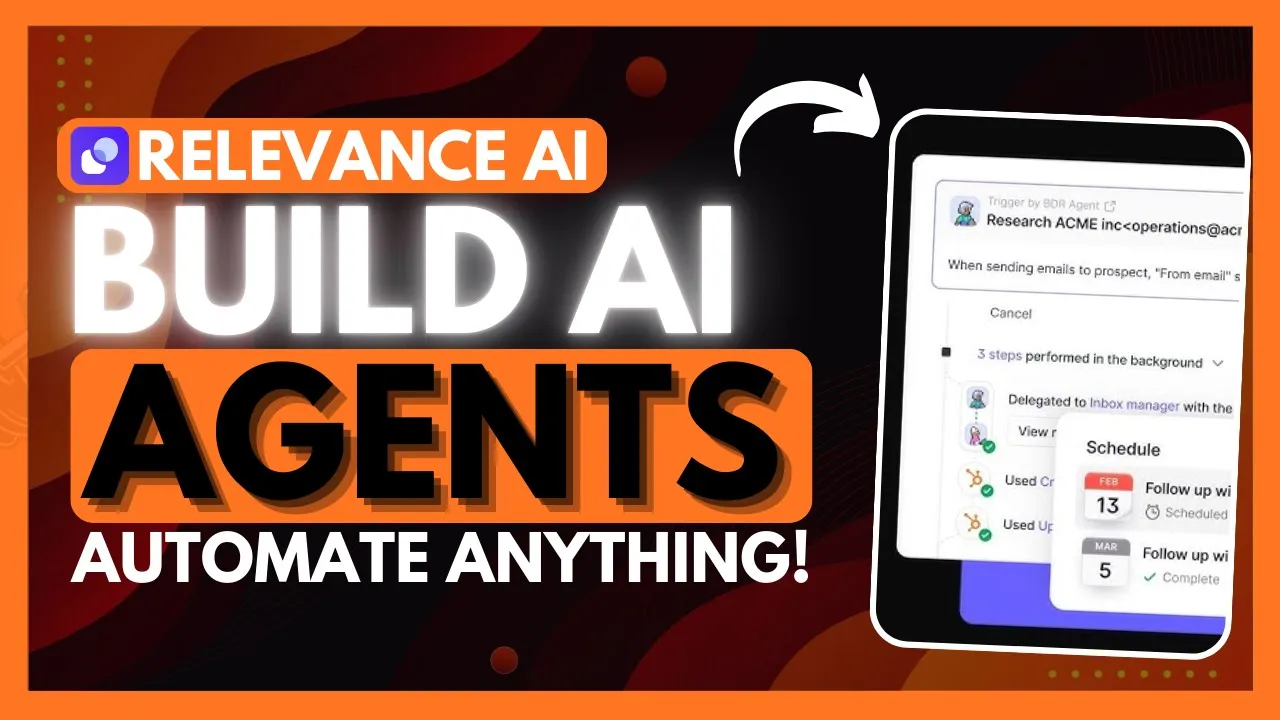
on this channel we've explored multiple multi- Asian Frameworks that automate tasks using AI for instance metag GPT assigns different roles to gpts creating a collaborative entity for tackling complex tasks we've also seen this with autogen a framework that builds and facilitates cooperation amongst multiple AI agents the only catch with these Frameworks is that they require coding to configure and deploy which can be timec consuming and demands a certain level of technical skill well don't worry today I'm going to be introducing relevance AI a platform that lets you easily build a team of AI agents with
memory to automate tasks without any coding it simplifies the process of automating collaborative work assigning specialized agents to different roles plus you can deploy these agents seamlessly through Integrations with third party apps like Gmail or spreadsheets today I'm going to be showcasing how you can use relevance AI an easy no code platform that makes it simple to automate your workflow with the team of AI agents now you may be wondering what is a team of AI agents or what is this multi-agent system well it's basically a group of autonomous intelligent agents that collaborate to achieve
common goals each agent has a specific capability and expertise and they communicate and coordinate with each other now this operates with decentralized control and data and the system's Global Behavior emerges from local interactions amongst the agents and this is something that relevance AI has been able to accomplish with their platform so now that we know what relevance AI is capable of doing let's get started for free by clicking on this button which will take you to the sign up page this is where you can sign up with your email account or with a Google account
so go ahead and sign up so once you have signed up you'll then be sent over to the main dashboard of relevance AI now essentially what I'm going to be doing is building an AI agent and I'm going to be assigning it various tools uploading my own knowledge base as well as having various Integrations linked to it so that I can automate a certain type of task now I'm going to be turning this agent into an agent team which is going to be a multi-agent system and that's the thing that I had mentioned previously I
want to take a look at the templates that have been already made for us these are already made templates that you can actually clone so that you don't have to create your own agent from scratch so meaning if there is a particular area you want to automate with AI agents such as operations you can deploy these readymade templates that have been created by the relevancy AI team as well as by various community members now we've seen Agent templates but we also have tool templates now for the people who do not know what tools are they're
basically going to give ability to use Tex stacks the way you would want the AI agents to use and essentially these are templates that have been created or pre-built for various Integrations such as the ability to extract data from a PDF you also have the ability to run SQL on relevance data and so many other different types of pre-built tools that you can readily adopt for your automation I also recommend that you reference their documentation cuz it is quite in- depth and it'll showcase all the functionalities of relevance AI but in this case now what
we're going to be doing is creating our AI agent from scratch so simply click on create agent and this is where you're going to be describing your agent's functionalities so what I'm going to be doing with this particular agent is having it so that it's configured to be a customer service agent which will be answering inquiries that will be sent to me and I'm going to have it so that there's going to be a team of these different agents that's going to automate my customer service now what I'm going to do next is is going
over to the agent instructions and I'm going to be providing a couple of core instructions as to how the agent should behave so I simply got Chad gbt to create a core instruction list with a role and a task as well as a couple of important notes now you can mark down the format and look at that so now that we have given it core instructions we can utilize the flow Builder which is a simple drag and drop UI to essentially build out your automation or your AI agent so in this case we're going to
have it so that there's a starting point and from here we're going to be providing an instruction so that it is going to receive messages from customer inquiries via Gmail we're then going to have it so that we're going to add two separate conditional noes this is where one condition is set that if the message is about a question it'll then utilize the AI agent to answer the question but if it doesn't pertain any sort of question it's going to then conclude the note which is then going to send it to another section of this
flow but say if it is a question I added an instruction where I said check the knowledge table using check for answers now you can set particular type of tools and abilities within the connected resources section this is a great way for you to give your AI agent capabilities to perform various sorts of actions such as checking for answers adding human answer to knowledge and in the same manner you can also provideed abilities where you can enable task labels you can schedule messages as well as having it so that it can escalate to humans you
can even have it so that there's sub agents within your agent flow meaning that you can have pre-built agents already such as the tools or the templates ready so that you can deploy them within this major flow that you've created so that it can automate various sections and that's where the idea of an AI agent team comes in so back to our flow now now now if it is a question there's another condition that it should check the knowledge table using the tool which is check for answers and if it is an answer that exists
it's going to then go through the next funnel which is where it's going to try to send an answer back to the customer but safe it doesn't pertain anything about an answer it's going to then escalate to a human to basically execute that remaining task which is then going to send an email to you to basically forward to the customer but in this case see if it does pertain an answer it's going to then send it to the customer and if we do get a response back from the customer such as thanks so much it
will then send an endstate message where it's going to send the endstate message that we've set as a tool where it's going to answer the query and send this message afterwards but now if we are to go back to the flow Builder and if it doesn't uh if the customer doesn't actually respond back it's going to schedule another feedback form to the customer and at the end it's also going to send another feedback form to this customer after they receive the end State message so now that we have this flow built we're going to save
the changes and we're going to go further and showcase what you can actually do with this agent so what we're going to do now is set up a trigger to do so we're going to have to go back into our agent profile and set up the trigger with the integration of Gmail this is where we're going to have it so that the AI agent can reference our email so that it can then proceed with this flow next for we're going to upload our knowledge base in which it can reference different sorts of questions to basically
provide an answer for our inquiries so let's create a table in which we're going to upload or basically format a couple of our questions that customers might have so I've uploaded a common list of questions that people tend to ask about my channel and I've provided a lengthy answer to it so now that we have our knowledge based link to our agent we can then proceed forward and showcase how you can utilize it now after your knowledge base has been set what you need to configure now is the send answer to customer section this is
where you're going to need to have it so that this tool is going to be capable of sending answers through your Gmail so open up the tool Builder and this is where you can set this up by having it so that you can set up your Gmail ID and have it so that it's connected to send emails back with your Gmail account so let's test this out I'm going to go ahead and send an email to this email address that we have linked to our customer service agent and we're going to test out to see
if it's going to be able to receive this answer so in a couple of seconds we should see an email pop up which I just sent from another email address and now what we're going to do is we're going to go back into our dashboard for our customer agent and you can see right away that it has already added the task which it just received from our email address and you can see the exact flow that I used to send this answer which is generated with the help of AI and if you are to go
back to our email address we will be able to see the new message that has been sent back to the person who inquired about world of AI you can see that it references the person's name it generates the content as well as referencing the context that we've uploaded through the knowledge base to answer that question of what world of AI is it also States the name of our customer service agent and that's practically how I was able to automate the simple question answer during workflow and just like how I built a customer service agent you
can add multiple sub agents so that you can automate the full process meaning that you can have it so that the email is sent but then it could have it so that it could record what sort of emails are sent to certain people and then you can have that information or data sent to an Excel sheet and you can configure this with the tools that haven't already pre-built so this is the capability that you get with relevance cuz this way you're going to be able to deploy a team of AI agents that can handle and
Carry Out various tasks and that's practically for relevance AI this is a great platform where you can build an AI agent Workforce that can practically automate various things with so many different types of Integrations and it gives you the flexibility to customize and enable various areas so I'll leave all the links that I use in today's video in the description below make sure you take a look at the patreon page so that you can access our private Discord follow me on Twitter a great way for you to stay up to date with the latest and
news and lastly make sure you guys subscribe turn on notification Bell like this video and check out our previous videos so you can stay up to date with whatever is happening in the world of AI but with that thought guys have an amazing day spread positivity and I'll see you guys fairly shortly peace out f











![🔥 Build & Deploy an A.I. SaaS Business for $5 in Under 30 Minutes! [Full Tutorial] 🤯🚀](https://img.youtube.com/vi/ZxnpwnsTQJE/maxresdefault.jpg)