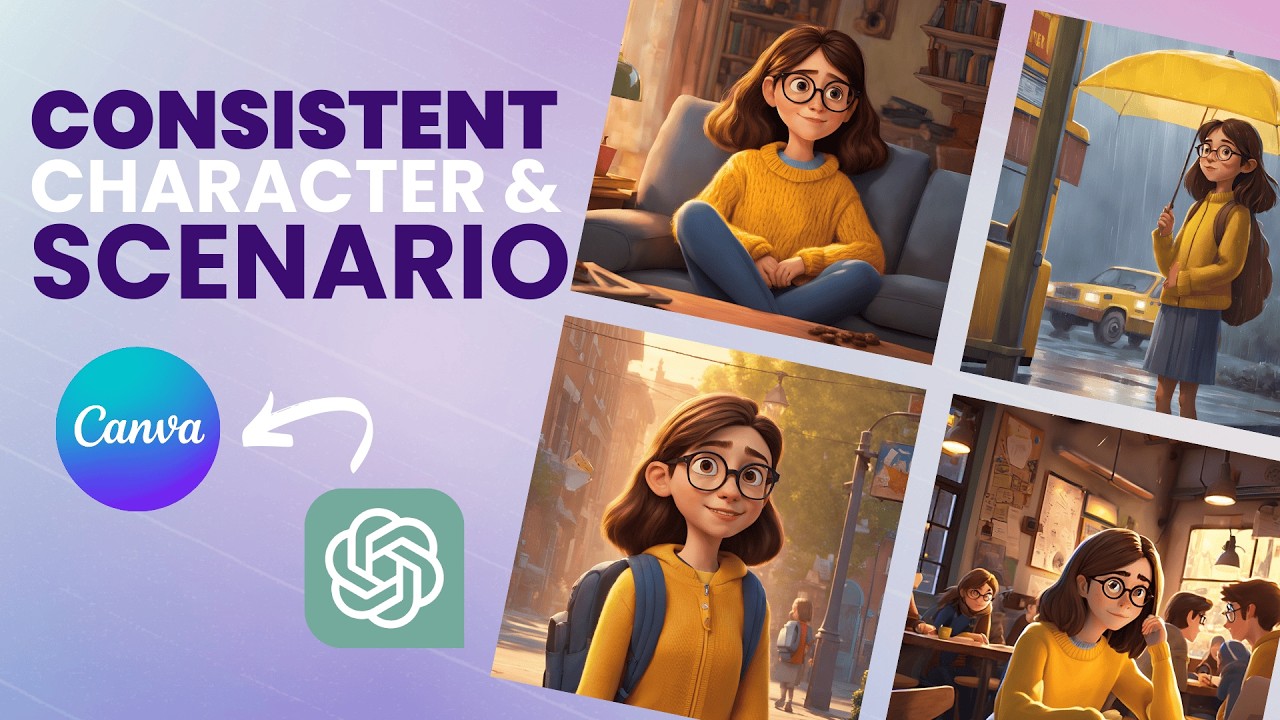
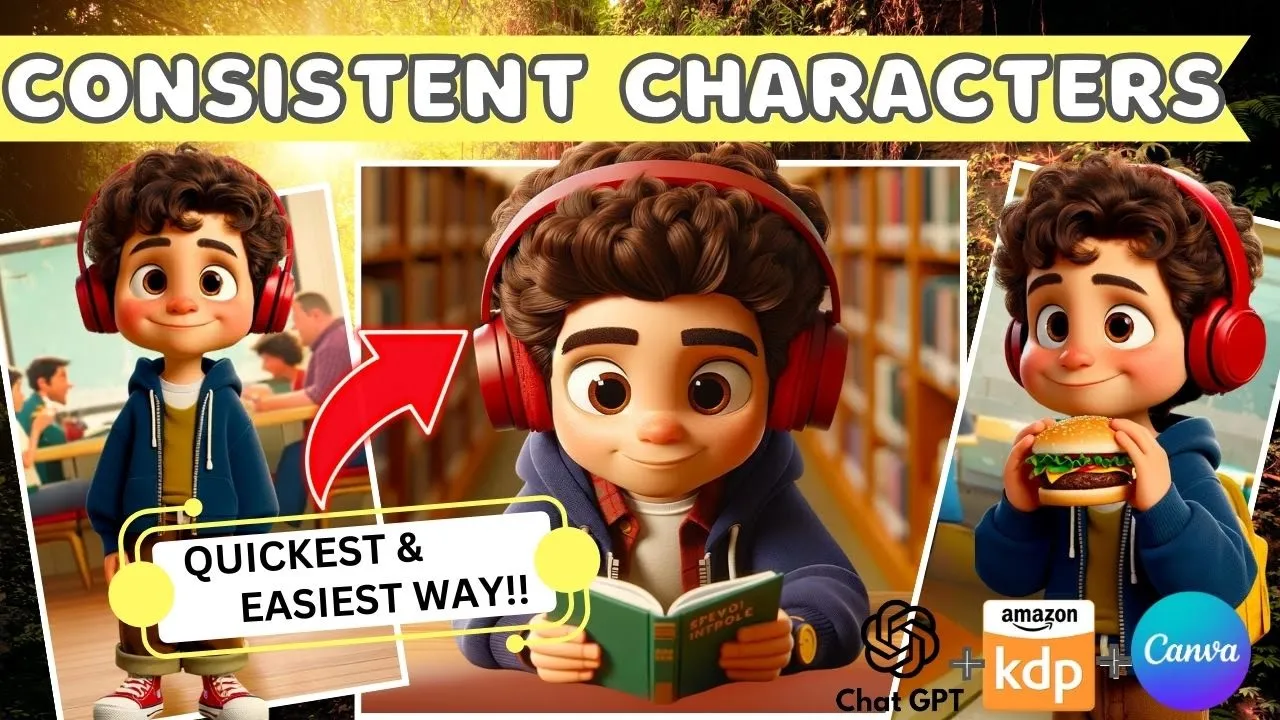
[Music] in today's video I'm going to show you one of the quickest easiest and most reliable ways to create consistent characters for your children's story book if you're interested in creating a story book of your own and struggling with creating consistent characters then this video is definitely for you so to get started you want to hop on to chat GPT if you're ready have an account you can click login if not you'll need to sign up for an account so you would want to upgrade to chat gp4 which will cost around $2 per month but
it is a really really good option if you're serious about creating a story book using consistent characters because this is one of the easiest most uncomplicated ways I've seen where we can create very consistent characters once you have chat GPT for up and running what you want to do is go to explore gpts on the side panel right here click on that and we want to search public gpts so the one we're trying to search for is consistent character GPT which is this one right here and want to click on that and now we're ready
to go to start creating our consistent characters to get started you want to click on the button down here which says click here to start creating character designs once we start clicking on that chat GPT is going to ask us a series of questions to help us build out the character that we want so the first question here is whether our character is going to be a male or female in our case I think I'm going to create a female now it's asking us for a name for this character so I'm going to say Jenny
and now the chat bot is asking us to share some specifics about Jenny that would include age the country of origin her hairstyle outfit and any other specific characteristics that we want this character to have so in my case I want Jenny to be 5 years sold cute little girl from Canada with brown shoulder length hair and bangs wearing big pink headphones plain red hoodie black pants and brown ankle height boots so let's see so now it's asking us what type of image want them to generate in terms of the style of image I would
say for a children's story book I would either go with Pixar Animation or the 2D flat illustration in this case let's try out Pixar Animation and so what should I vary in each image whether it's just the expression the action which is what they're doing I think in my case it would be both of the above so I would say expression and action as well so what expression or action would you like for Jenny in the first image so I'm going to say let's keep it simple for the first image I'll have Jenny standing up
looking forward with a big happy smile this looks great okay so there we have Jenny right there now we're going to try to get Jenny to do something different now what different variation of variable should we apply in the next image of Jenny while keep keep her character consistent we will have her sitting down and reading a book let's try that that is really good so you'll see that it is still pretty consistent the only thing I notice is that the eye color is a little bit different from the above but overall like the clothing
and everything and the headphones they're very consistent and you can tell that it is pretty much the same character and now what we can do is let's have her running with her hands up in the air with a very happy and excited expression let's try this this looks great and now let's try a fourth one what do we want Jenny to be doing let's try something harder and see if they're able to generate that for us let's have Jenny riding on a pony let's see if that works and that is pretty good I think the
one mistake I made was that I didn't specify the eye color and I think I could have probably been more descriptive with my boots whether they were laces or not and I think that would basically help eliminate the issues that we see and there are very minor issues between some of these photos where this version had brown eyes and this one has more of a greenish color and then the boots these ones have laces I think most of them have laces with the exception of this one so I think by incorporating that into my original
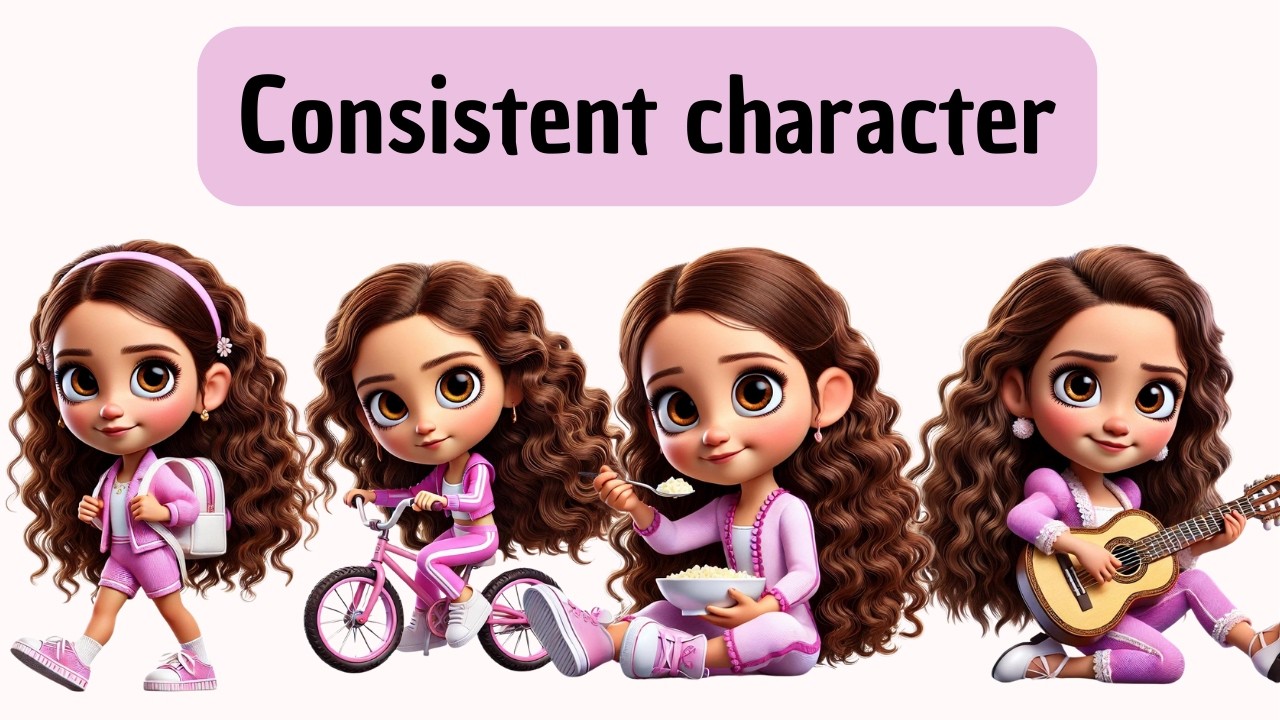
promp here when they were asking us to provide some details about Jenny's features I could have probably added brown eyes and also Brown ankle height boot with laces and that would have eliminated these inconsistencies but overall I think this is actually really really amazing if you look at it they all like consistent characters just doing very different things and it is so easy to create there was no need to do anything with seed numbers or upload a bunch of other images it is really just answering the questions that are prompted by chat GPT and they
automatically created these images so now what you want to do is to download all the images that we had created in this case we had created four but you can create more if you'd like and the other thing I should mention is when chat GPT creates the images they usually create four and then once they created four they'll ask you to override some of the previous ones if you create any more so what I would usually do is just download the previous ones that I had created and then just allow them to over write them
after so once we've downloaded all the images The Next Step you want to take is to upscale these images just because you want them to be at the best quality possible before you use them for your story books so the tool I'm going to be using today is up scales it's a free tool that allow you to upscale the images let's try uploading one of my images so you can choose two times or four times in my case I'm just going to do two times and we're going to click download see okay so that's done
and you basically do the same thing for all of your images so once you've upscaled all of the images they're now ready for us to use in our story book and in the next step I'm going to show you how to incorporate them into a story book with a different background using canva so once you get to canva the first thing you want to do is upload the images that we had just created as you can see I have already uploaded the four on my end but if you haven't already done so you can just
click on upload files and upload your images and so for illustration purposes let's say I want to use this one to create a scene for the story within canva obviously you can pick a background you go to elements and let's say you know I want a library background let's say I could use this one or alternatively you could also create a background from mid Journeys or any other AI generator so you could describe the background that you want and create that way I've actually picked a few backgrounds that I'm going to use for illustration purposes
already so I'm actually going to use those but just wanted to say that there are multiple options for you to use from a backgrounds perspective so here I have already created a background image that I want want to use for the scene that I'm creating so let's hop on back to uploads where I can find my images and I want to pick this one like she's reading in the library I'm going to click on edit photo because first you need to remove the background and this is really simple within canva all you need to do
is go to background remover click on it and it automatically removes the background for you flawlessly so now all you have to do is adjust it where you want to position the girl can really be anywhere you want just make sure it's proportionate to the background and then let's say you know we want to create a second one this one's in the park so I think this one would be quite suitable for kind of running across the park similarly we go to edit photos background remover and there we go again we want to make sure
it's proportionate there we go and then I can add text and we can adjust the size so let's say Jenny runs across the park excitedly to see her friends and that could be one scene within your story book change it to let's say white I'm going to move it to either the bottom or the top we align it differently and there we go that's one page and you can also add other things within canva right if you want her to have you know a dog you can also add that you just want to make sure
that the style of the animation is consistent with the animation you have here yeah it doesn't really suit but you know just as an example you can add other things to the scene so it might take some searching around or I'll turn into you could use the same chat GPT program we used earlier to create the dog image as well then that way you'll make sure it's kind of like that Pixar Animation style and that's really it I hope you enjoyed this tutorial and you found it useful and I can't wait to hear about all
the story books that you will be creating if you enjoyed this video and found it helpful please don't forget to subscribe so you won't miss out on my other videos I'll see you next time
![[The NO Prompt Method] MULTIPLE Consistent Characters with Custom GPT & DALL-E](https://img.youtube.com/vi/C2DPGWVii_Y/maxresdefault.jpg)