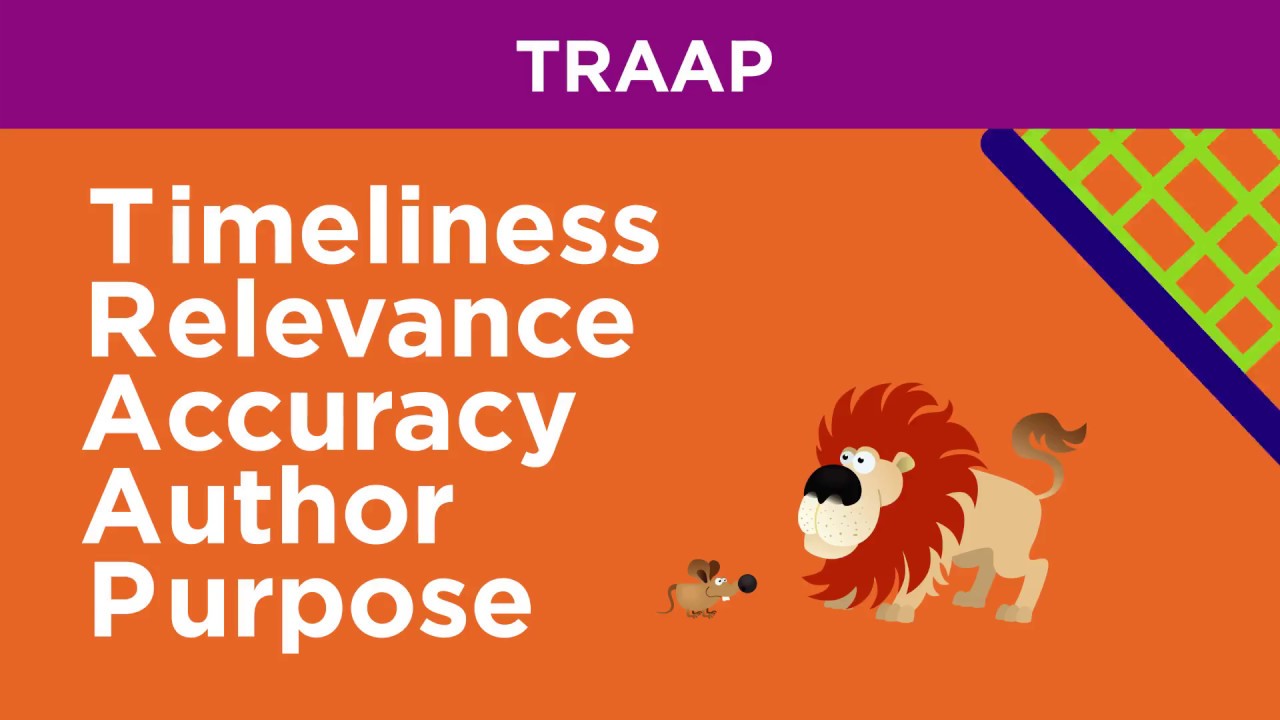
The CRAP Test for evaluating websites. What is CRAP? CRAP is an easy to remember acronym for the steps you need to follow when deciding whether or not the information on a website is credible or valid.
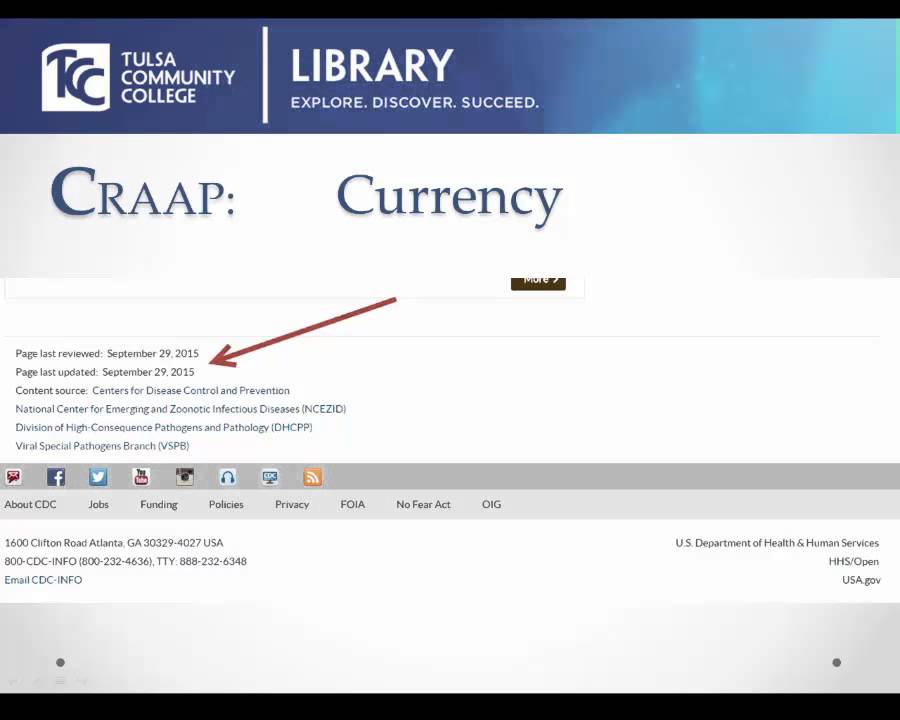
CRAP stands for Currency, Reliability, Authority, and Purpose So what does that mean? Let’s start with… Currency How recent is the information? Look for a date on the article.
You can usually find it near the title or author name. Sometimes the date is at the bottom of the article. If you can’t find a date there try looking at the URL.
Often on news sites or blogs the URL will be formatted to include the year, month, and day that a specific article was posted. How recently has the website been updated? To see how recently a website has been updated try looking at the very bottom of the page in the footer area.
Usually there will be a year or range of years showing how long the site has existed. If the site is no longer being updated you will be able to see what year the site owner ceased to update. Another way to check this is to click on the links on the page.
Are they functional? If not then that’s a pretty good indication the site is no longer active and the information it contains may not be accurate. Is it current enough for your topic?
Think about your topic. Is it in a field that changes drastically over time like science? Your answer will decide how current your sources need to be.
For example, if you were writing a paper on the solar system and you got your information from a website that was last updated in 2005 you might have a section on the planet Pluto but if your information was current you would know that Pluto was downgraded to a dwarf planet in 2006. Next we have… Reliability What kind of information is included in the resource? Pay attention to the type of information the author is providing.
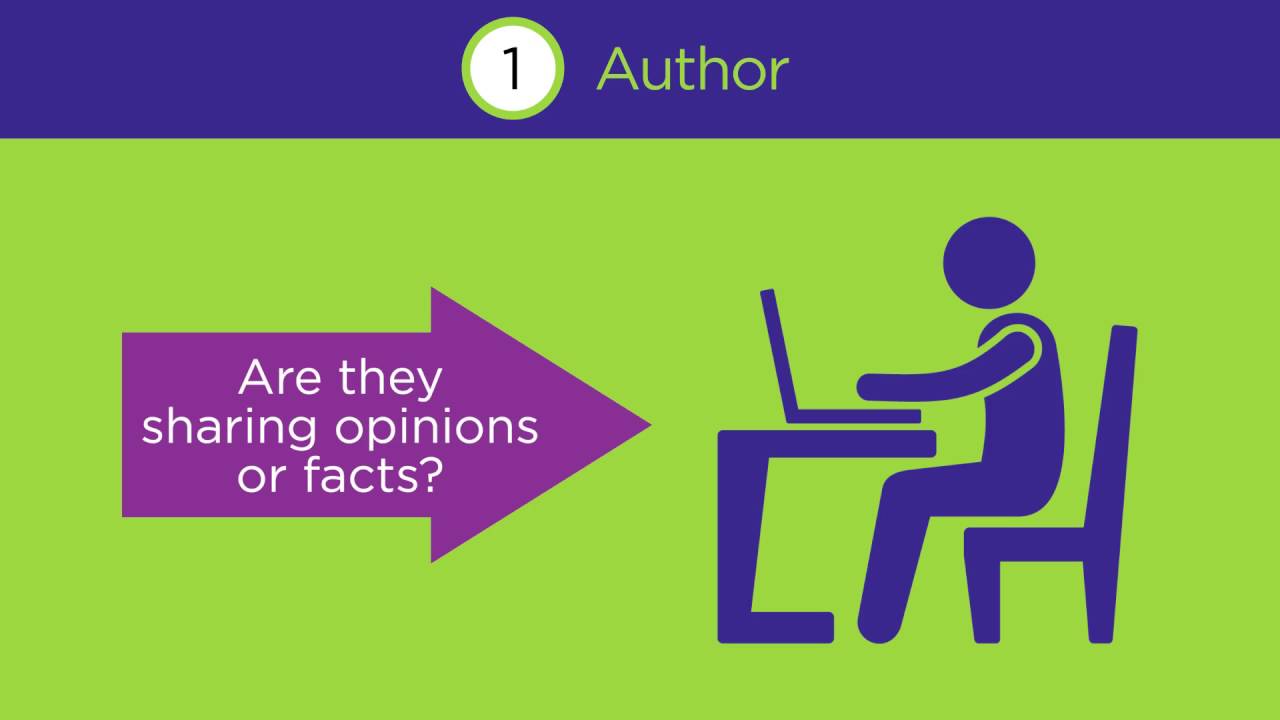
If you see a lot of statements that begin with “I think” or “In my opinion” then you are probably dealing with a source based on a person’s opinion and not facts. Also check if the author providing data to back up their claims. Are there charts or graphs?
Does the creator provide references or sources for data or quotations? Having data and quotations in an article is a good sign but only if the site has provided sources or references. If there are no sources then you can’t be sure the information is accurate.
Check at the end of the article for a list of references. They might look something like this. Sometimes the source information for an image or a chart will be underneath or next to it in tiny type.
You may even see a direct link to the source in the body of the article. If you do, click on it and make sure it’s legitimate. Next is.
. . Authority Who is the creator of the website?
Look at the title of the site. Is it from a source you’re familiar with? Look at the URL again.
Does it match the title? Usually reputable websites will have an address that is the same as the name of the site. What does the web address end with?
A site that ends in . gov is a government owned site and . edu is used only for institutions of higher education like community colleges and universities.
The information found on sites that end in . gov or . edu can generally be trusted.
Sites that end in . com, . net, or .
org can be owned by anyone so don’t assume they’re ok without verifying first. ● Who is the author of the article? Usually that information can be found near the title of the article.
You should also look for the author’s bio. Many reputable publications will give a short explanation of who the author is and what their credentials are. It can often be found at the end of the article or after following a link from their name.
And last is. . .
Purpose What is the purpose of the website? When you are on a website consider the question “Why does this site exist? ” If there are a lot of ads or the site is only giving you a couple sentences worth of information at a time before making you click next to read more you can be sure that site’s primary purpose is to make money from advertisements so the information it offers is probably not reliable.
If the author seems to be trying to convince you to buy something or there is a prominent place on the site for you to put your credit card info then it’s likely the information is biased in favor of a product which means it’s probably not credible. It’s important when using websites for research or just for fun to make sure the information you are reading is reliable. If you practice these steps now every time you visit a website pretty soon it will be a habit and you’ll know you’re always using credible and valid information.
And don't forget. If you need any help or you have any questions, you can always ask your friendly librarian. That's what we are here for!







![How to Make a Platformer Game [Part 2: Animations, AI, collision & spawning]](https://img.youtube.com/vi/8DhGcCPfOU4/maxresdefault.jpg)