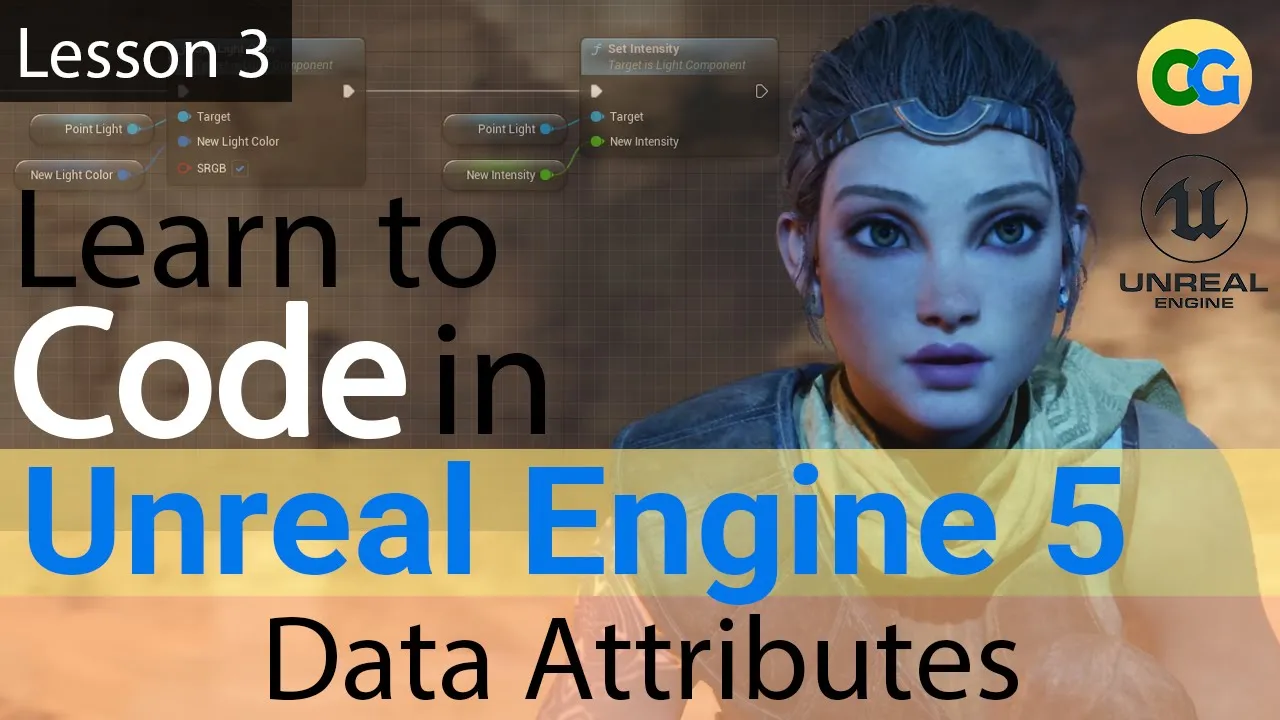
[Music] foreign and welcome back to the course in this lesson we will finally start adding our own data attributes to our custom class we will learn about the most common data types in Unreal Engine as well as look at examples for each one before we jump into unreal let's recall from the previous lesson that the blueprint editor lets us create variables and this is the way we create our data attributes but what is a variable let's find out when you think about how a computer stores information you typically think about storing data in a disk
drive or random access memory when a computer program or game engine is running it needs to keep all relevant information in memory so it is readily available to use this is also the case for Unreal Engine he needs to keep all its relevant data in memory while the game is running this includes all our custom data so in order to utilize our memory space efficiently unreal needs to know what type of data we're storing this way it can reserve the necessary space in memory for our data so for example if one of our data attributes
refers to whole numbers unreal can reserve the needed space to store those values in memory however if we wanted to store text for example on really would need to allocate more memory for such value this is where the concept of a variable comes in a variable is a data container that reserves space in memory for a specific type of value it's called variable Because the actual value within the container can vary or change during gameplay however the type will never change a common example is a character's health value or HP this can be represented by
a number so in this case we can create a number variable called Health that will hold our character's HP during gameplay so now that we know what a variable is let's take a look at the most common variables or data types available in a real engine let's go over to the variables tab here and click on the plus sign give your new variable a name and now go to the details panel and click on the variable type drop down let's go ahead and look at some of the common ones and talk about some examples the
first one is the Boolean this represents a true or false value for example is the player HP Less Than Zero does the player have a door key then we have the integer this is a non-fractional number or a whole number it can also contain negative values an example would be the number of coins collected by a player or the number of trophies unlocked in a game next we have the float this represents a high Precision fractional value also called a rational number in math examples include percentages and probabilities or any number with a decimal place
the next one name String and text are all related they basically represent a sequence of characters used to store words or plain text we will learn about the differences soon but for now an example would be a weapon's name in the game or perhaps text displayed in a HUD as part of the interface the next one would be the vector or vector 3. this is a group of three float values that represent three related values usually the most common example is a location which has an X Y and Z value it could also represent a
color RGB color with X representing red y representing green and Z representing blue the next one is a rotator and again it's a group of three float values that represent a rotation in 3D space the rotation in X or the value in X represents the role the rotation in y represents the pitch and the rotation in Z represents the yaw and finally the transform which contains the location rotation and scale of an object in 3D space and of course this represents the transform of an actor blueprint inside your level I'll leave this table up just
a moment in case we want to write it down or take a screenshot let's take a moment to take a look at the text variable types we saw earlier first we have the string a string is a sequence of characters that can be manipulated and converted to other data types there is an entire string function Library available to manipulate strings an example could be any text that can be searched or manipulated for example the text melee underscore id123 can be converted into id123 for identification purposes by using the substring function then we have the text
variable text supports formatting and it can be localized by using Unreal engine's default localization system an example could be any text that is displayed as part of a character's Dialogue on the screen and finally we have the name a name is limited text used mainly for identifying objects by using tags it is not case sensitive an example would be the typical actor tags used to identify specific actor blueprints in the level one more thing to keep in mind you can set a default value to your variables but only after compiling your blueprint as you can
see here I can add a value to my variable after compiling for a different variable type so let's do a quick recap we learned how variables work we learned about common variable types and examples and we saw that we can assign the fold values to our variables after compiling if you want to practice what we learned come up with two to three examples for each data type by using the table below and that's all we have for this lesson thanks for watching and I'll see you in the next one [Music]