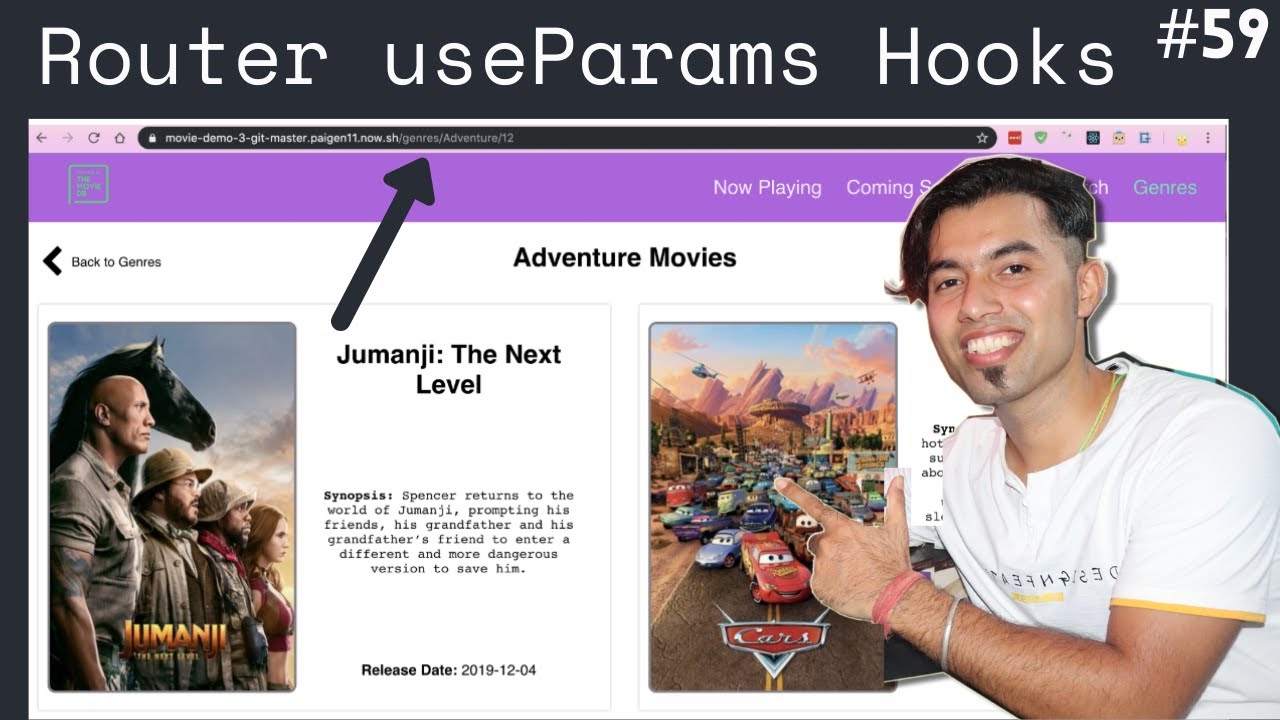
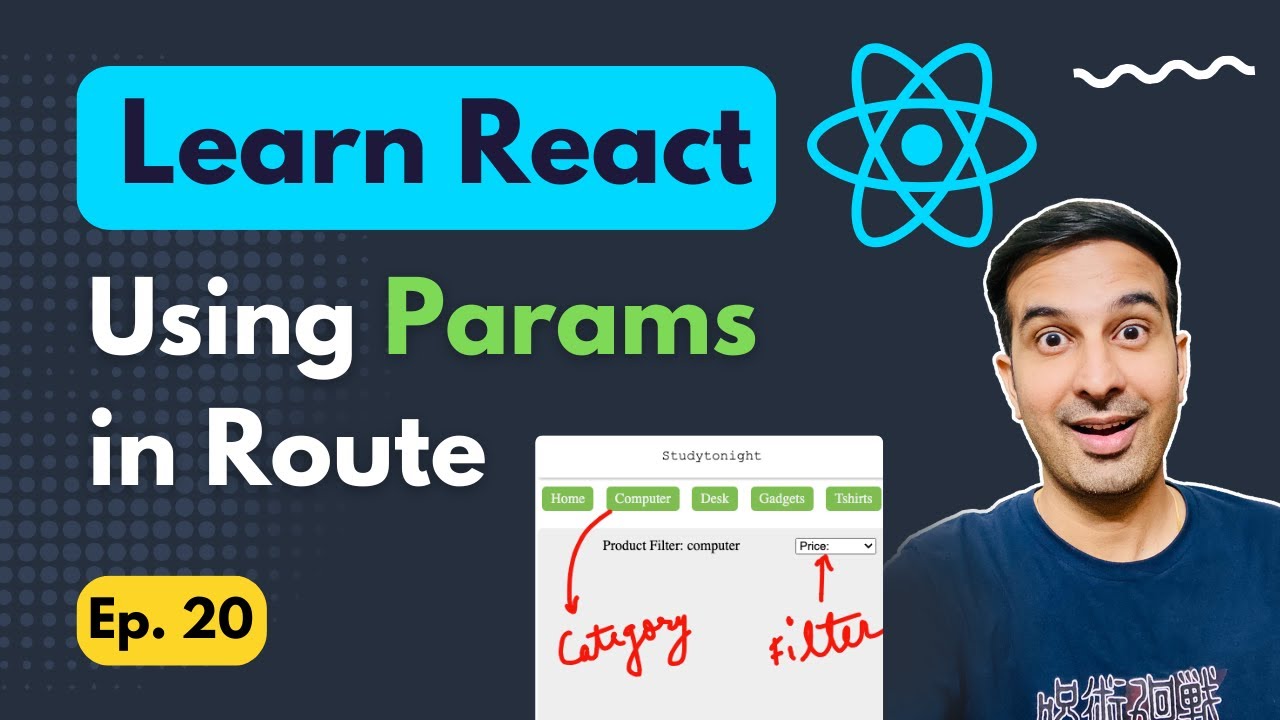
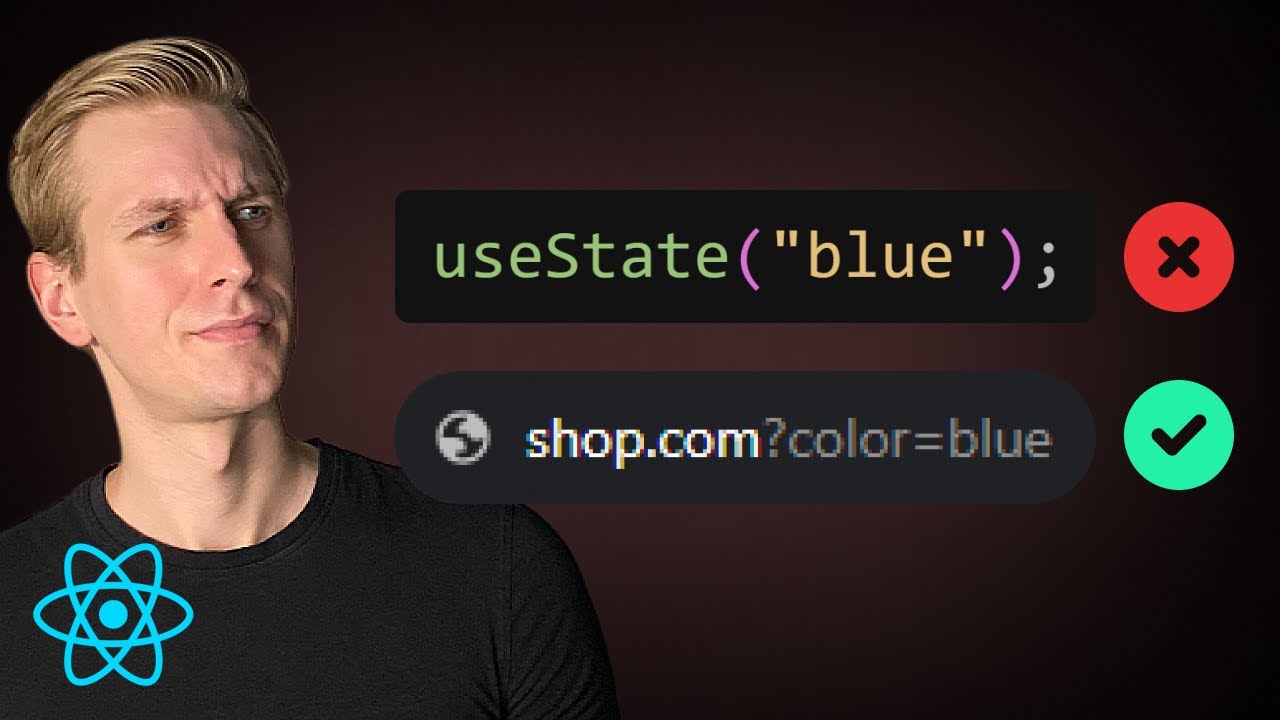
in the previous two videos we learned about dynamic routes and url params which represent part of the url that is dynamic we also learned how to extract the dynamic param within a component using the use param hook what you should know is that url params is not the only way to add parameters to a route we can also add an optional query string for example at the end of the current url question mark filter is equal to active these parameters are called search params in react router for our understanding let's implement a simple scenario in
the users page let's add two buttons one that says active users and one that says reset filter by default the page renders the text showing all users on click of active users we're going to add a search param called filter and set it to active in the component we will display text showing active users if you click on reset we remove the filter search param and revert the text now changing the text is pretty simple and your app might have more complex requirements i just want to ensure you understand the concept of search params and
how to put it to use is up to you let's begin for step one in the user's component let's add two buttons active users and the second button is reset filter for step two on click of these buttons we need to add or remove the search param to deal with search params react router provides a hook called use search params import imported at the top this hook behaves similar to the use state hook in react instead of storing state in memory though it is stored in the url within the component invoke the hook use search
patterns the hook returns two values of which the first one is an object which we are going to call as search patterns the second value returned is a function to set the search patterns so let's call this set search patterns as you can see it is very similar to use state now using said search params function we can add or remove the parameter first on click of active users button on click we're going to have an arrow function where we call set search params and we pass in an object with one property called filter this
value is active next on click of reset filter button we call set search params again but this time with an empty object let's save the file and test if this works so we are here at localhost 3000 slash users i click on active users and you can see we have question mark filter is equal to active click on reset filter and the search param is removed now what we need to do is check if filter search param is set to active and display the appropriate text so for step 3 within the component we make a
check on the filter parameter const show active users and this is going to be a boolean value to get hold of the filter parameter we use the get function on search params so search params dot get what is the pattern name it is filter we then compare the value with the string active so show active users is true if we click on active users button and false if we click on reset filter button let's use it to render the jsx curly braces show active users if it is true return an h2 tag that says showing
active users and if it is false return an h2 tag that says showing all users and for now take a look at the browser you can see the text showing all users click on active users we see the search param in the url and the text is now showing active users we said filter showing all users once again our code with search params is working as expected now using search patterns is pretty common when you have to apply filters in a listing page for example on a website like amazon or any ecommerce site you'll have
a list of parameters on the left hand side selecting a filter will update the url with a search param this lets you share the link with others or even bookmark the link hopefully you now have an idea of how to implement such scenarios import the use search params hook and invoke it you get access to the set search params function to set the value and search params object to get any value present in the url alright then thank you all for watching make sure to subscribe to the channel and i'll see you in the next
video you