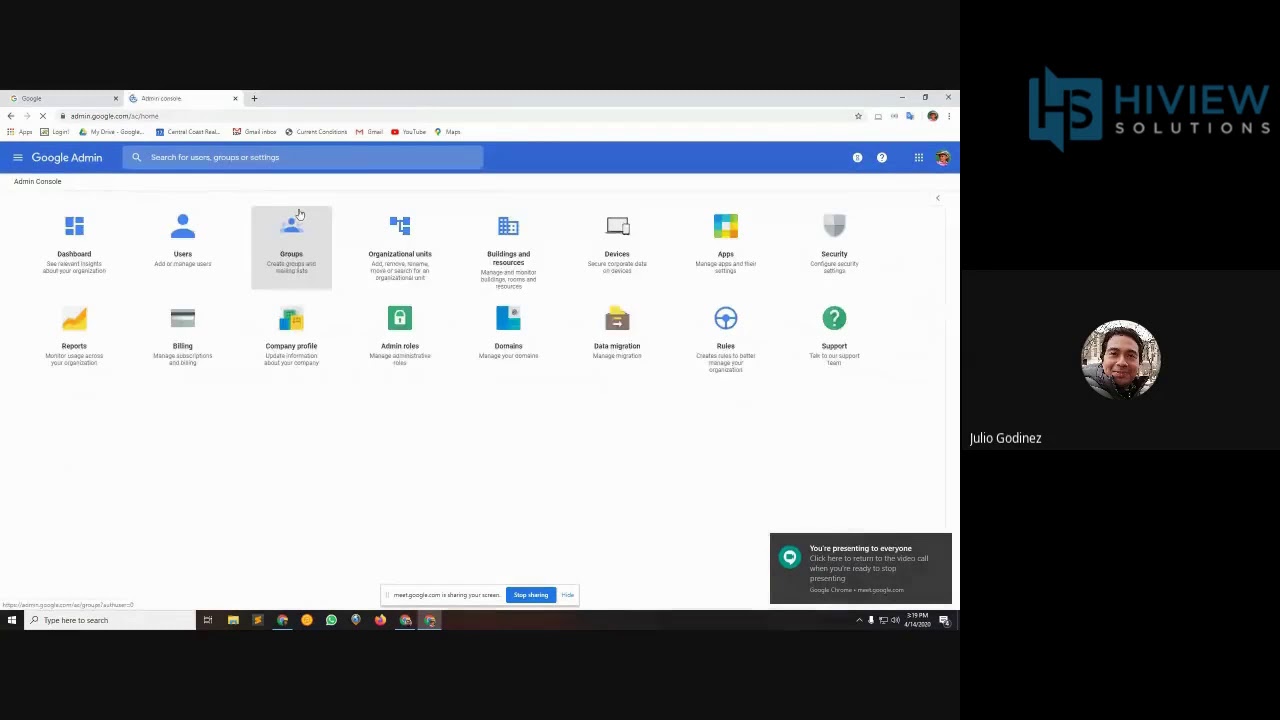
[Music] in this video we are going to show you how to get access to the support team from the admin console and the Google Chrome enterprise help center let's start with the admin console there are a few different options to get support from the admin home screen you can click the support icon or the help icon in the top right corner wherever you are in the admin console you always have access to the help icon in the top right let's first choose the help icon to open up the help assistant once opened you have two
options you can choose search for help which directs you to general articles in the Help Center to try to help you self solve or you can choose to contact support let's contact support by clicking the button and then choosing phone here you'll want to describe your issue that will be passed along to our agent first the assistant will give you Help Center articles to try to see if it can help you self solve for your issue if the articles don't answer your issue it will prompt you to the phone number you will also be given
a PIN number your PIN is going to be required for opening a ticket with support this is to help validate where you are in the admin console as well as to validate your identity to make sure that you have access to the account now let's see how you can access the support team through the Google Chrome Enterprise Help Center navigate to support google.com slash Chrome slash a make sure you are logged into your admin account and search contact us from there you will be directed to a Help Center page where you will have three options
to contact support hardware support software and services support and troubleshooting resources under hardware support you will see a list of manufacturers support phone numbers as well as links to their support page if you are having a hardware issue we recommend contacting your provider under software and services support you can contact support by phone or through the Google cloud support Help Center remember is contacting by phone you will need to get a PIN number from the admin console under troubleshooting resources you will find various help centers and help forums another way to contact support is to
click on the top left menu and select contact us on this page you will have access to the phone support number as well as being able to open up a support case through the google cloud support center these options are also available by clicking contact us on the upper right hand corner to learn more visit the google chrome help center


![[K12] Managing Chrome Users, Browsers and Devices // Mastering the Google Admin Console // EP 9](https://img.youtube.com/vi/ZxbjeUhGEYA/maxresdefault.jpg)
![How to Install ChromeOS Flex From Start to Finish + OS Tour [2024]](https://img.youtube.com/vi/jr1fvNUbdyU/maxresdefault.jpg)

![[K12] Managing users // Mastering the Google Admin Console // EP 1](https://img.youtube.com/vi/s2W3zL9rhqM/maxresdefault.jpg)


![Install ChromeOS on PC with Google Play Store [Intel & AMD]](https://img.youtube.com/vi/u5QpXsFZzgg/maxresdefault.jpg)