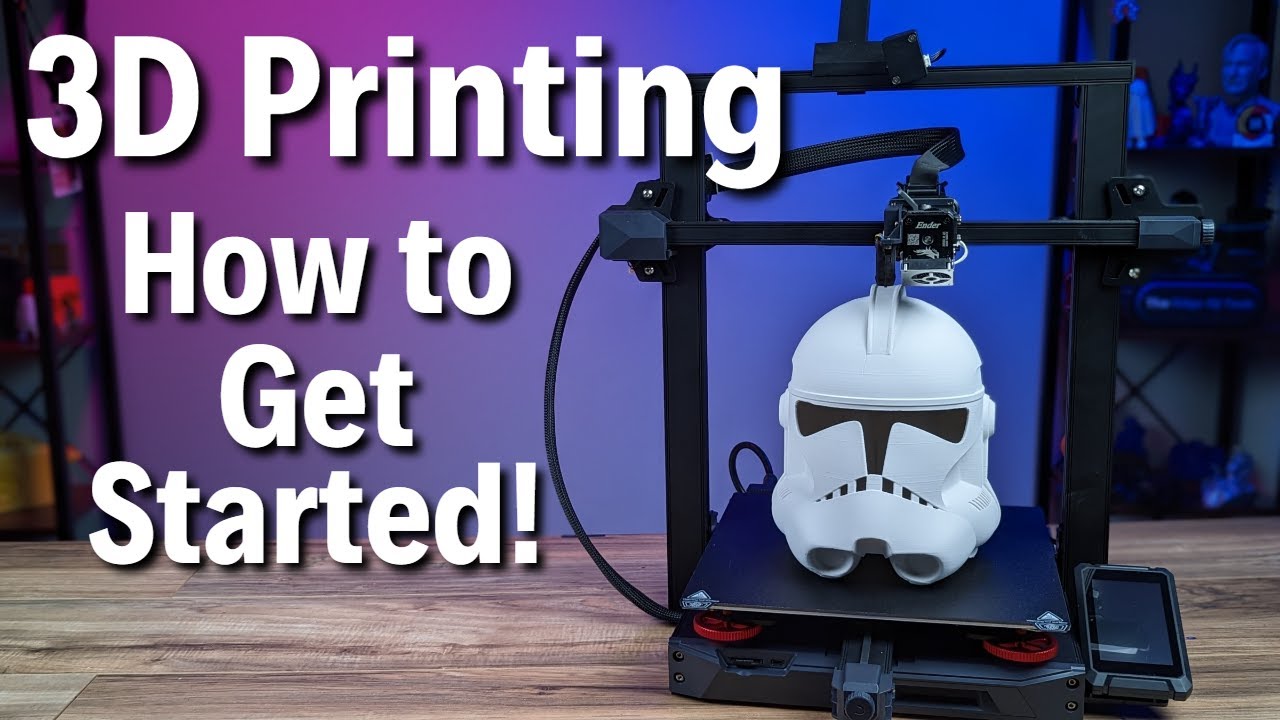
Kevin Kennedy: This video is sponsored by Micro Center. [Swoosh] You can create just about anything with a 3D printer. This idea may have you wondering, can you 3D print a 3D Printer?
Understanding how 3D printers work will help you better understand what they can produce and whether you should buy one for your home. There are four main types of 3D printing, but we’ll focus on the most affordable method. Fused Filament Fabrication or “FFF,” also known as Fused Deposition Modeling or “FDM” is the process of taking a thermoplastic material that is pushed through a heated nozzle.
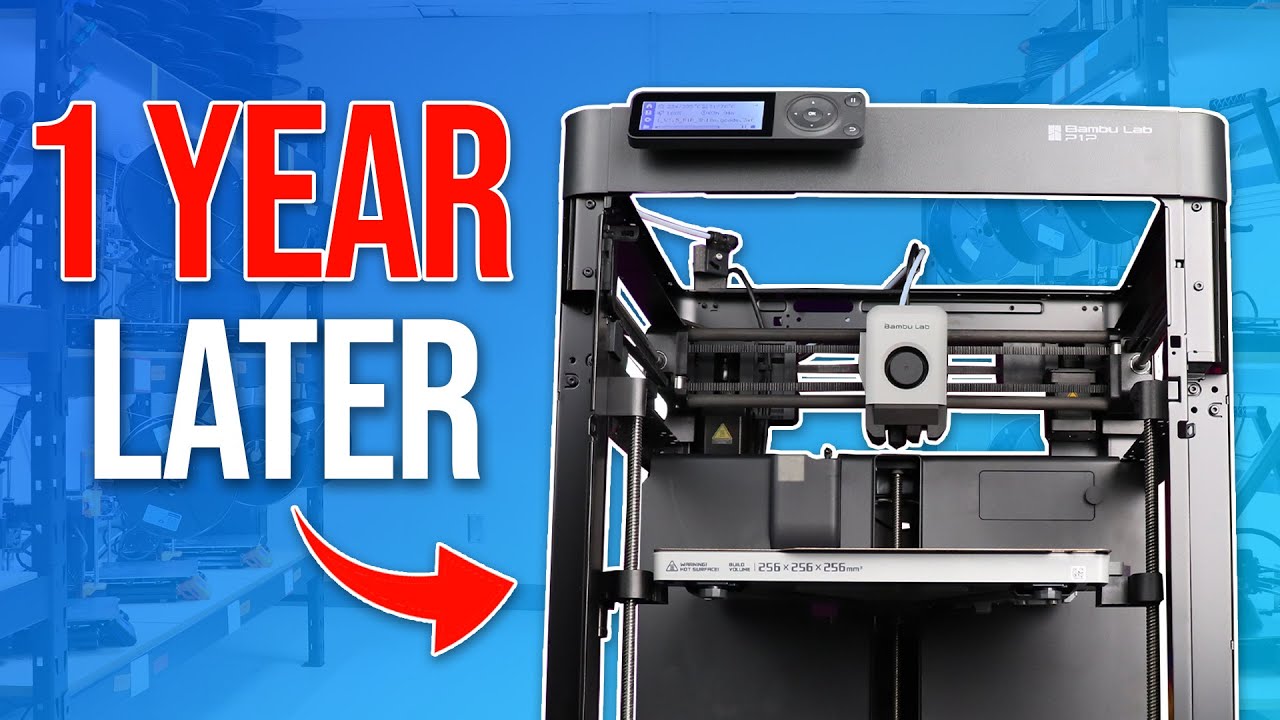
There are countless machines with different designs, but all FFF machines have a few things in common. Each FFF 3D printer has an X, Y, and Z-axis, which allows it to work in 3-dimensions. Compare this to your home office printer, which only moves along the Y-axis, while the paper moves in the X-direction.
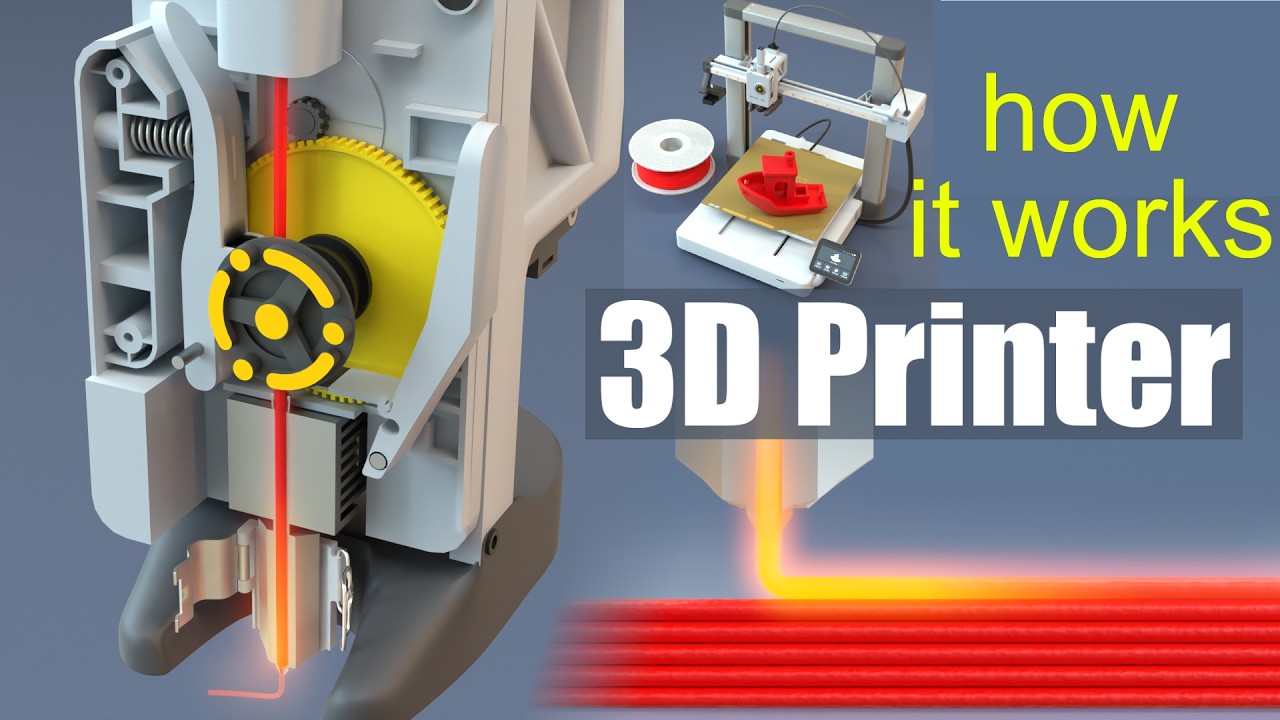
All FFF machines have a Hotend or a part that heats room temperature plastic to a hot and consistent temperature. Heating up the plastic allows a compact motor to push the plastic through the Extruder Nozzle, turning the selected material into a workable state. In other words, imagine if you strapped a hot glue gun to a robot.
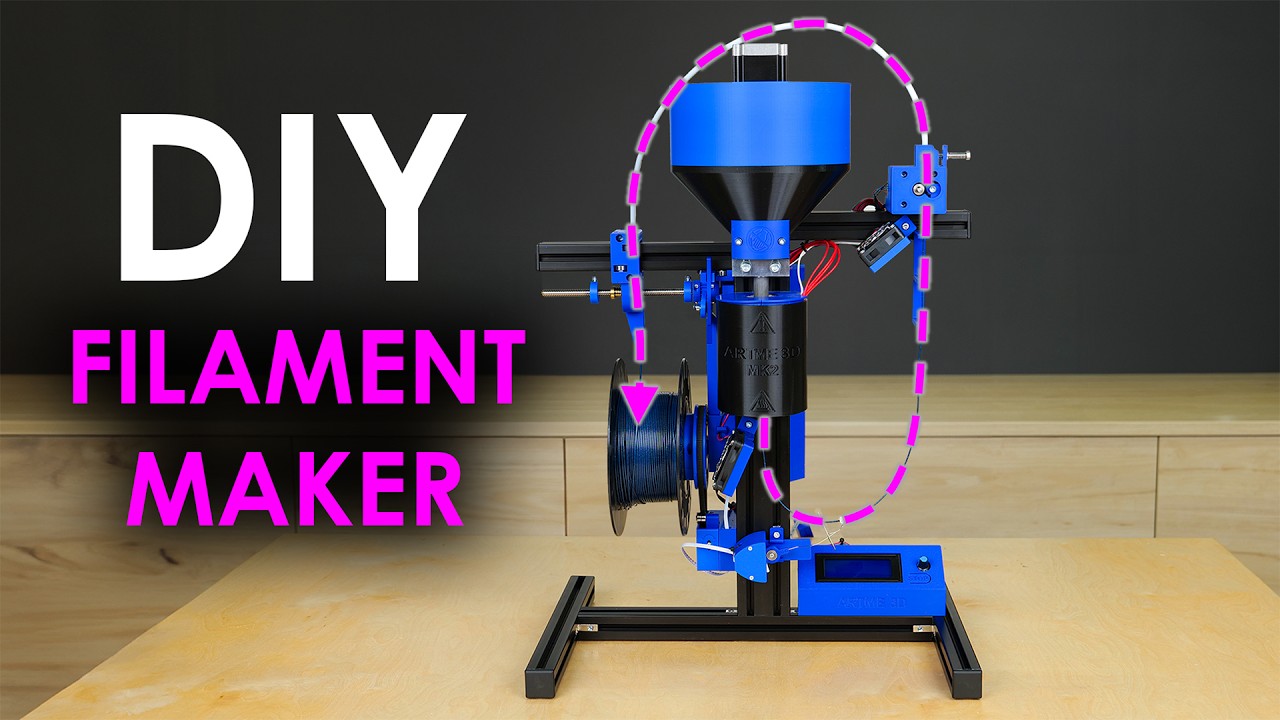
The plastic and other composite materials for these 3D printers are commonly referred to as “Filament”. They typically come in spools that cost an average of $15 to $25 [US Dollars]. The filament is pushed through the Extruder at a continuous rate, as the Extruder moves around the X and Y-axis.
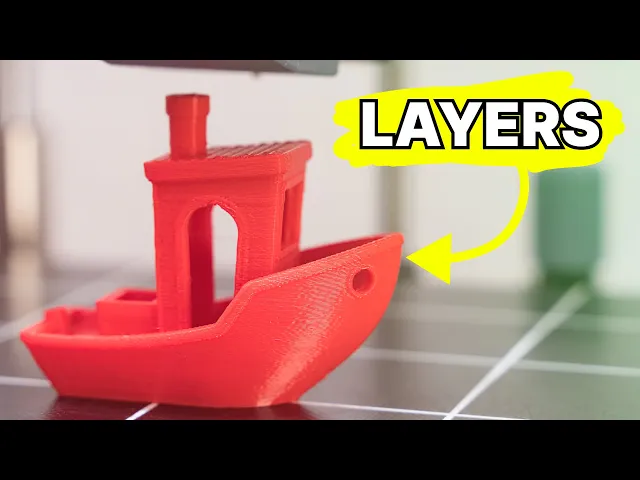
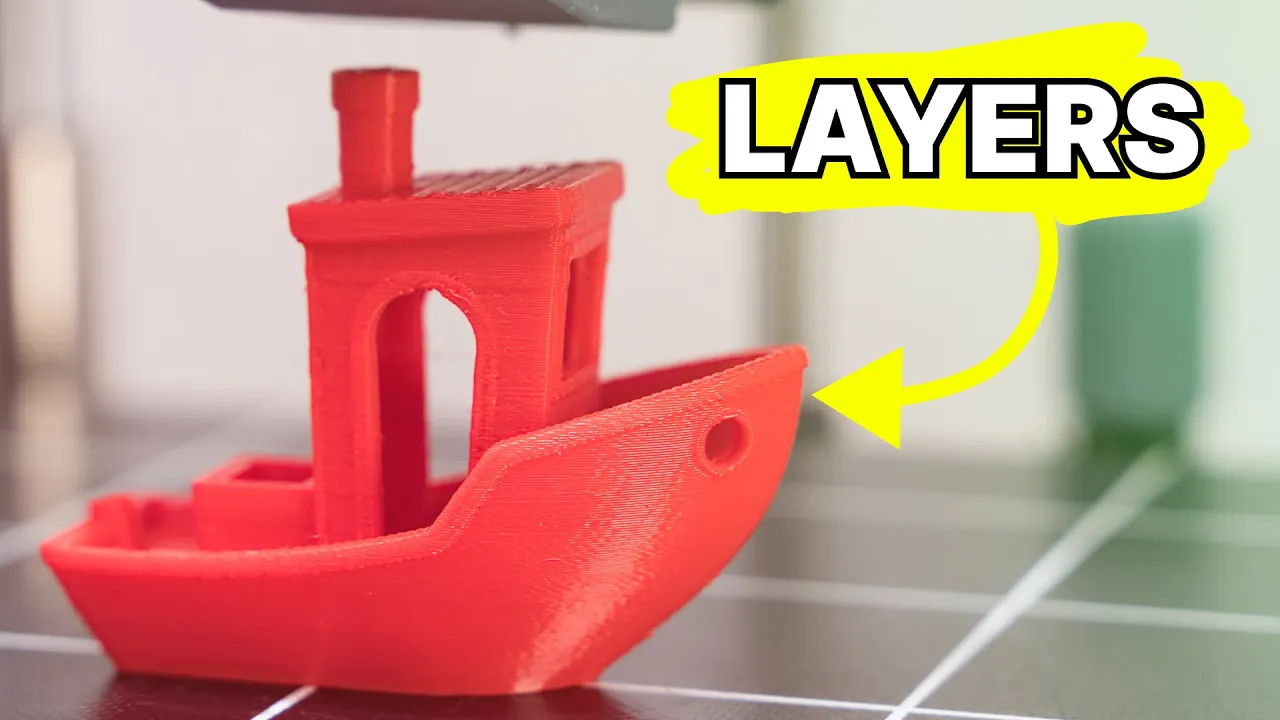
This allows the 3D Printer to effectively trace your chosen design, layer by layer. 3D printing is considered an additive manufacturing process, as you start with nothing and continue to add material until you have the desired part. In contrast, a CNC Router is subtractive manufacturing.
You start with a block of material and subtract or take away the unwanted parts. So how do 3D printers know how to create your design? Like most computer-controlled machines, you will have to provide it with a set of instructions.
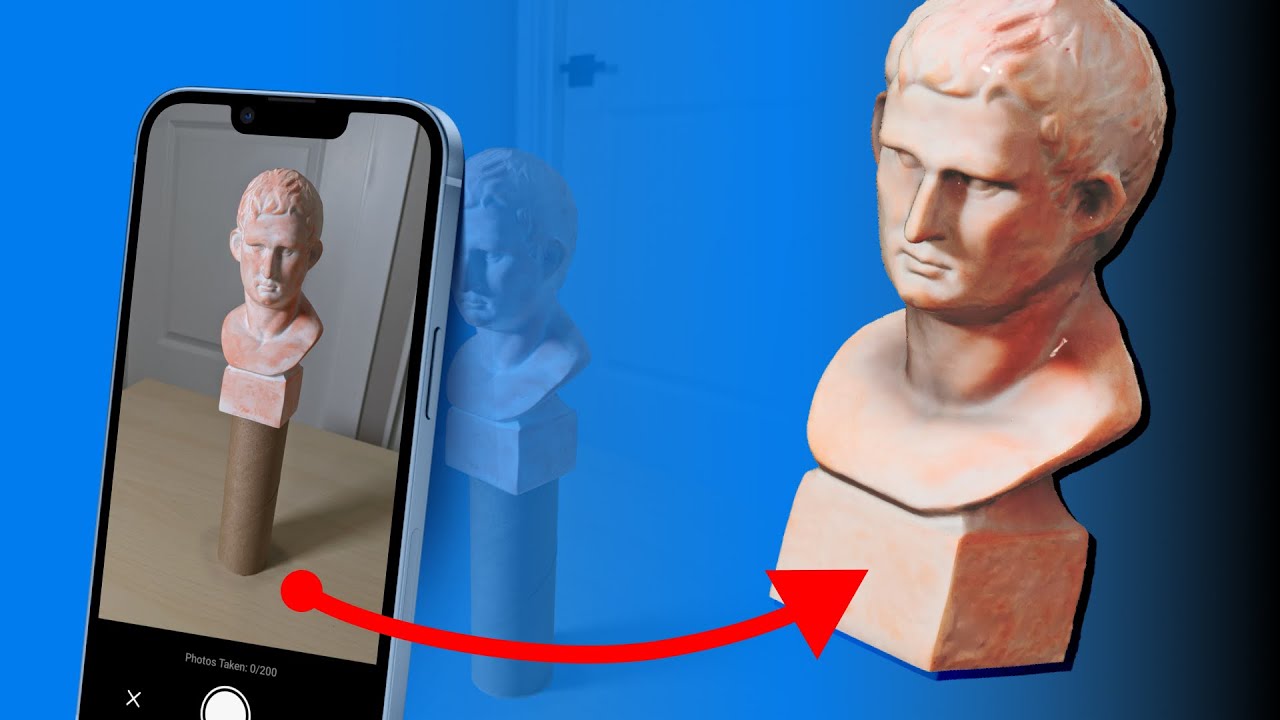
Fortunately, this is much easier than you might think. Your design can start with two main workflows. First, you can design your own 3D model from scratch, using 3D modeling software such as Fusion 360 or Blender.
The other route is to download 3D models from a number of websites. Sites like Thangs, Thingiverse, or Cults3D offer both free and paid models. This includes practical 3D prints as well as more fun and playful objects.
Once you’ve selected or created your design, you’ll want to open it in one of many software programs that are referred to as “Slicers. ” Most slicing software accepts 3MF, STL, and OBJ mesh files. Slicing software will translate your 3D model into lines of code that represent very thin layers.
On average, these layers are only . 1 or . 2mm thick.
You can think of this as cutting a vegetable into very thin slices. The simplicity of this process may surprise you. Behind the scenes, the software will write lines of G-code or the “instructions” for each layer.
For every layer, the instructions will tell the Extruder to move to a new location on the X and Y-axis. This is similar to 5th-grade math when you had to plot points on a coordinate plane. Each point is listed in the instructions in a strategic order.
Most often by the most efficient order. Similar to putting frosting on a cake, the extruder of a 3D printer will continue to move to every sequential point, as the material is pushed out of the nozzle. This happens until the shape of the individual layer is complete.
Your shape’s outline is then filled in with additional material through the process called infill. The infill will range from 5-100% and will provide the final object with the necessary structure. The cost of consumer-level 3D printers has gone down tremendously in the last decade.
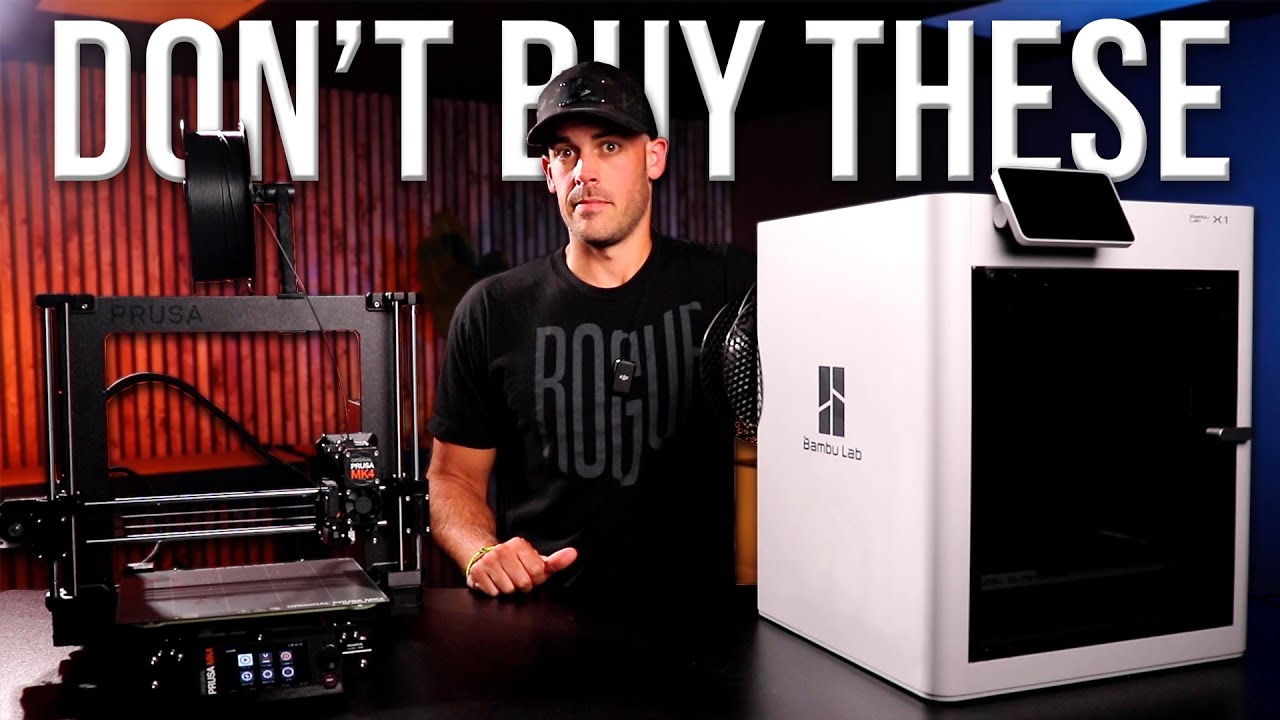
Entry-level 3D printers are now under $500, with reliable starter printers as low as $100 or $200 [US Dollars]. If you're on the fence about purchasing a 3D printer or would like to see one in real life, then I highly recommend testing one out at one of 25 Micro Center locations nationwide. Micro Center is one of my favorite retailers, as they are one of the few, if not the only major retailer that actually has 3D printers on display and for purchase in their physical stores.
Their stores also have an entire aisle of 3D printer filament, helping you see the actual color without being fooled by those online product photos. And for those not near one of their retail locations, or if you're addicted to Amazon's two-day Prime shipping, they do carry all of their highly reviewed filament on their Amazon storefront. Micro Center also offers a free 128GB microSD card to first-time customers who visit a retail location.
For those of you that have friends with a 3D printer, they'll likely tell you that it never hurts to have an extra microSD card ready to use with your 3D printer. Back to the 3D printing process. All FFF 3D Printers include a small fan that helps cool the filament after it comes out of the extruder.
The fan helps the plastic solidify into the desired shape while adhering to the previous layer. Once a layer is complete, the Extruder moves upward in the 3rd dimension - or the Z-axis. This movement is very subtle and matches our layer height that was set in the “Slicing” software - such as .
1 or . 2mm thick. This process repeats for each layer until your desired part is achieved.
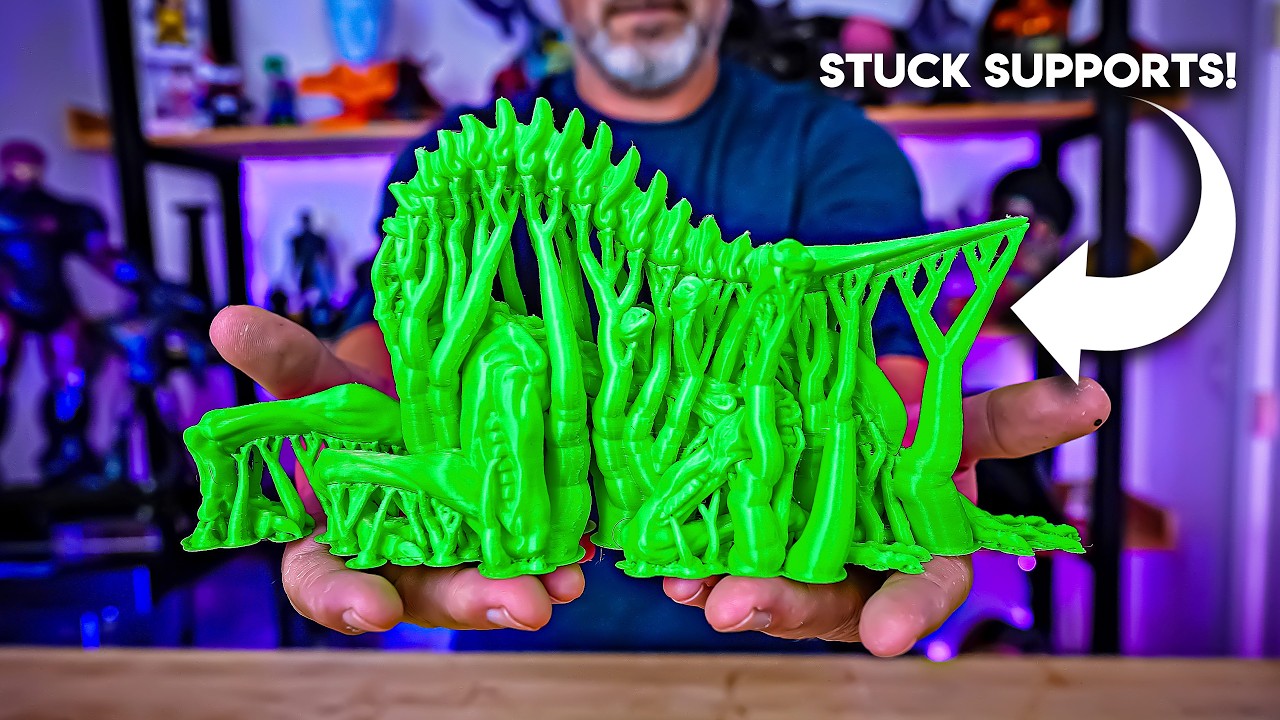
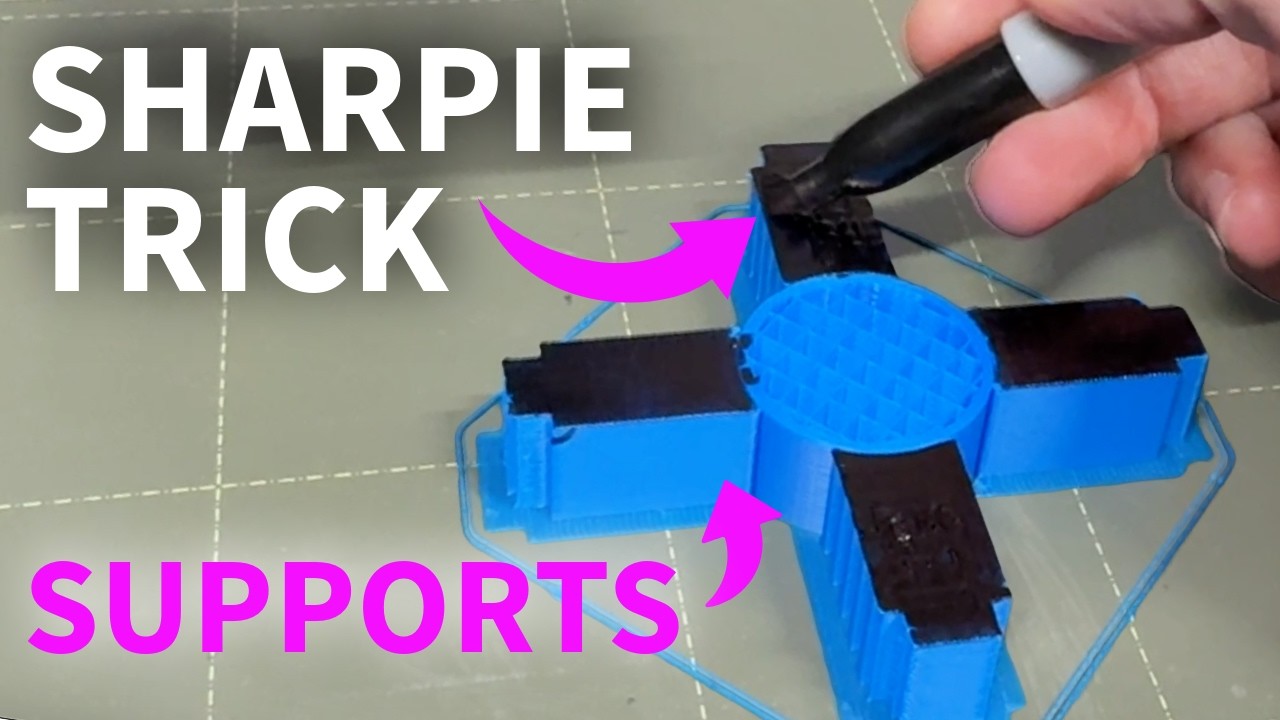
For complex parts, extra material is printed to temporarily hold or support overhangs and protrusions. Another way to think of FFF 3D printers is a group of 2D prints stacked on top of each other. 3D prints can take anywhere from twenty minutes to several hours or days to finish.
This all depends on the size and complexity of your design. Your chosen material, model of 3D printer, and settings defined in the slicing software will all play a critical role in determining the time. To summarize, start by creating your own design or downloading a 3D model from the internet.
Load that into your free Slicing software and generate the G-code that your 3D printer can read as the “instructions”. Your 3D printer will then interpret the instructions, layer by layer, as it lays down plastic or other composite materials. The plastic will continue to push through the extruder at a continuous rate as the extruder moves from point to point.
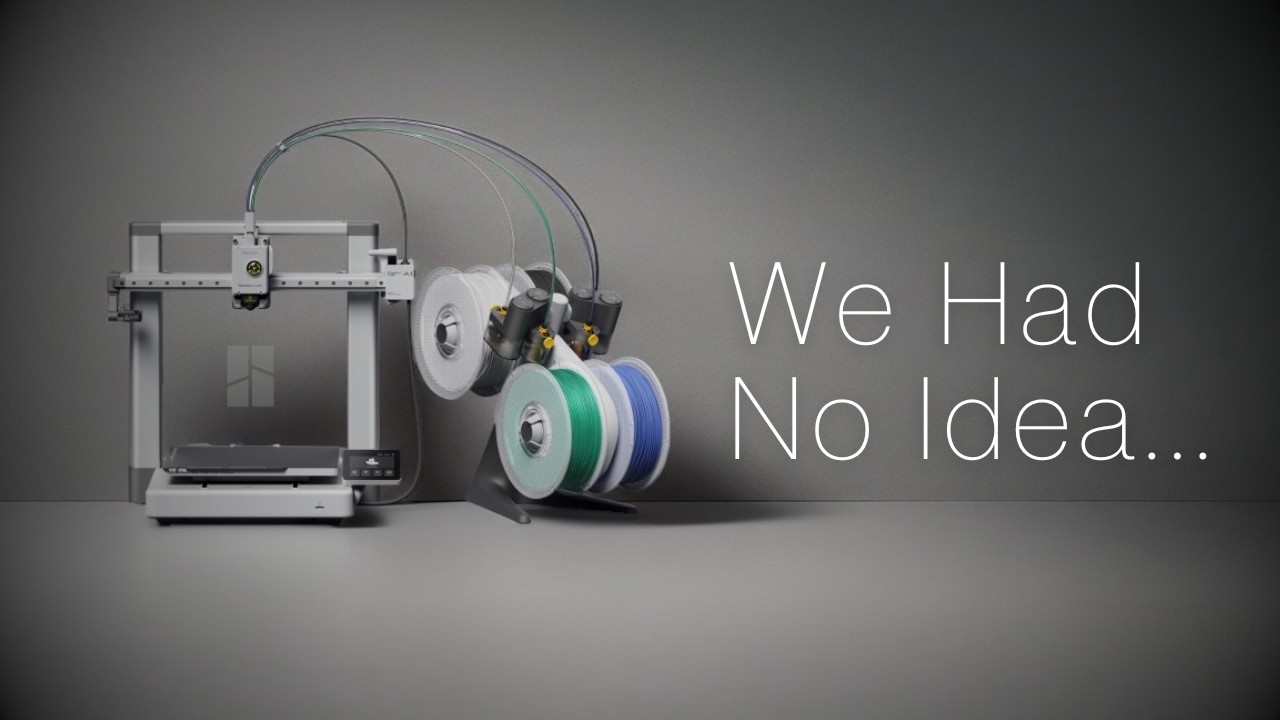
This process will repeat for every sequential layer until your desired part is complete, taking anywhere from a few minutes to a few days. Back to the original question, is it possible to 3D print a 3D printer? Well, in theory, yes, your 3D printer can produce babies by replicating additional parts to build another 3D printer.
However, most 3D printers include steel rods, belts, and motors that are hard to replicate with just plastic. That said, you could 3D print a large number of parts that make up another 3D printer. In combination with some external parts, your 3D printer family will be growing in no time.
[Upbeat Music] Check out the links in the video description for 3D printers that I recommend for absolute beginners. I’ve also linked to my Thangs page, where you can download a number of free 3D models that I’ve designed. Lastly, if you’re looking to design your own 3D prints, be sure to check out my Fusion 360 courses at Product Design Online.
com.