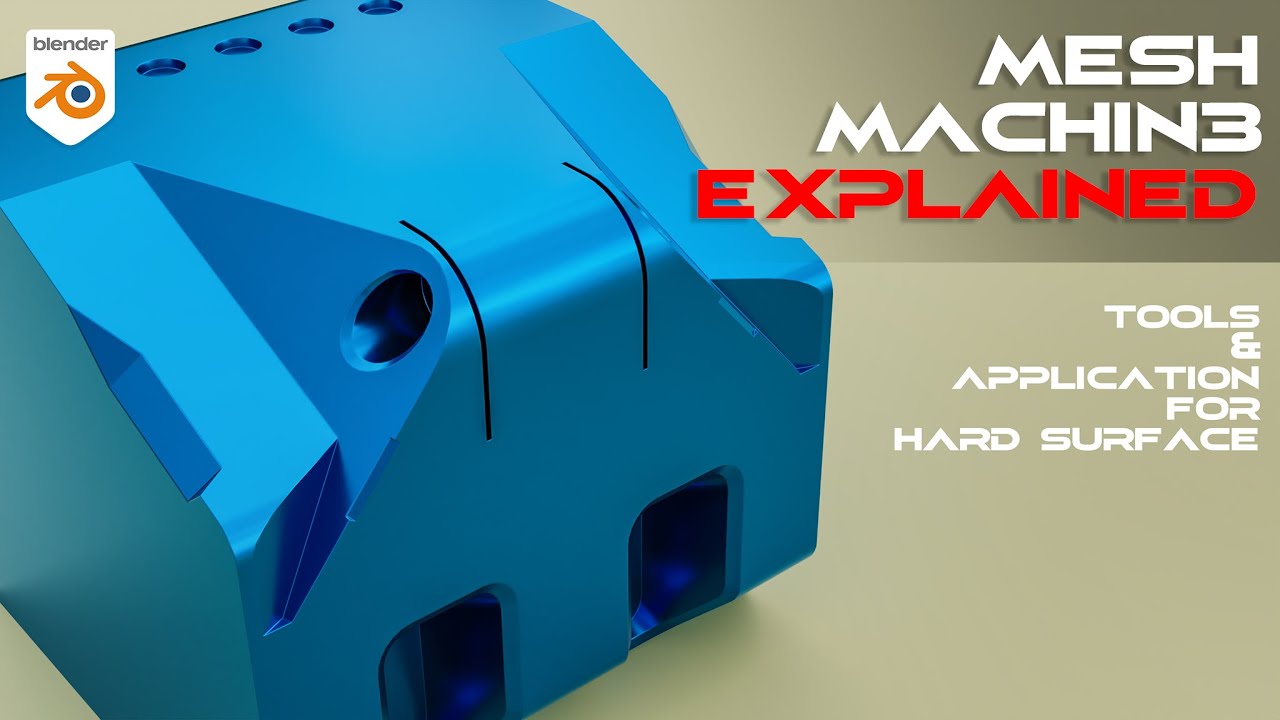
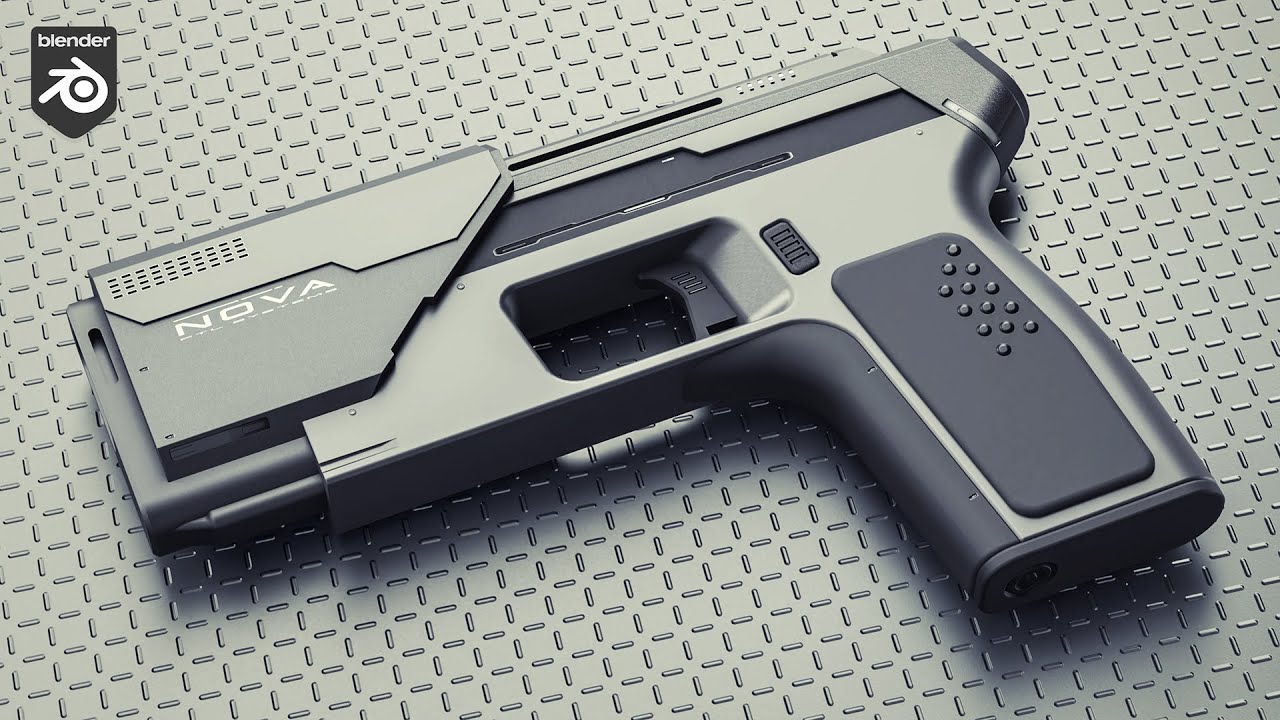
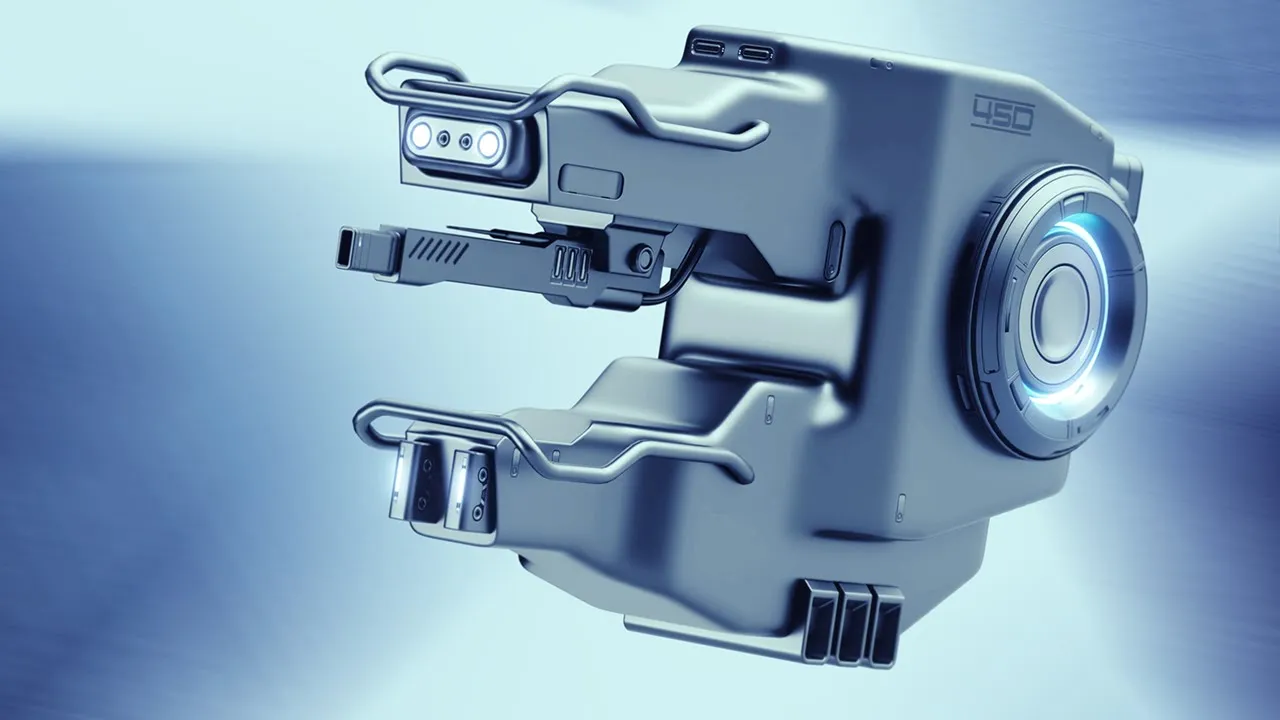
mesh machine is one of my favorite blender add-ons and you should probably know why because the stuff this add-on can do is absolutely crazy now before I even begin to explain what mesh machine is or what mesh machine does we need to go quickly to the basics so in 3D hard surface modeling there are two types of workflows workflows with polygons and workflows with mathematics now it's a bit more complex than this but this is the easiest way to explain it in quick Interruption here if you're not familiar with any of the topics we're discussing
in this video then I would highly recommend taking our free hard surface jumpstart course you can get that in the link in the description and you'll be up to speed in just a few hours first let's start with blender if I add in any sort of object let's say a sphere for example you'd see that the sphere consists of polygons which are essentially defined by vertices edges and faces now let's hop into a CAD software like Moy 3D there are plenty of other ones like SolidWorks and fusion 360 but mui 3D is my personal favorite
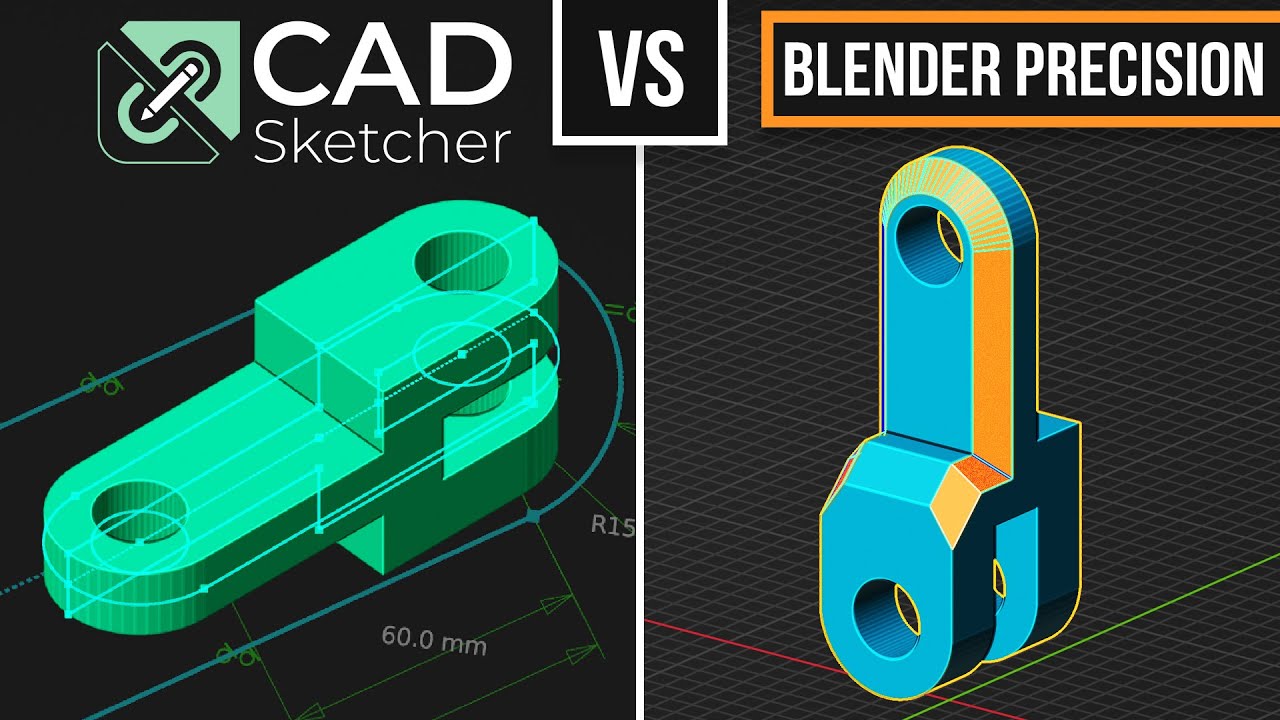
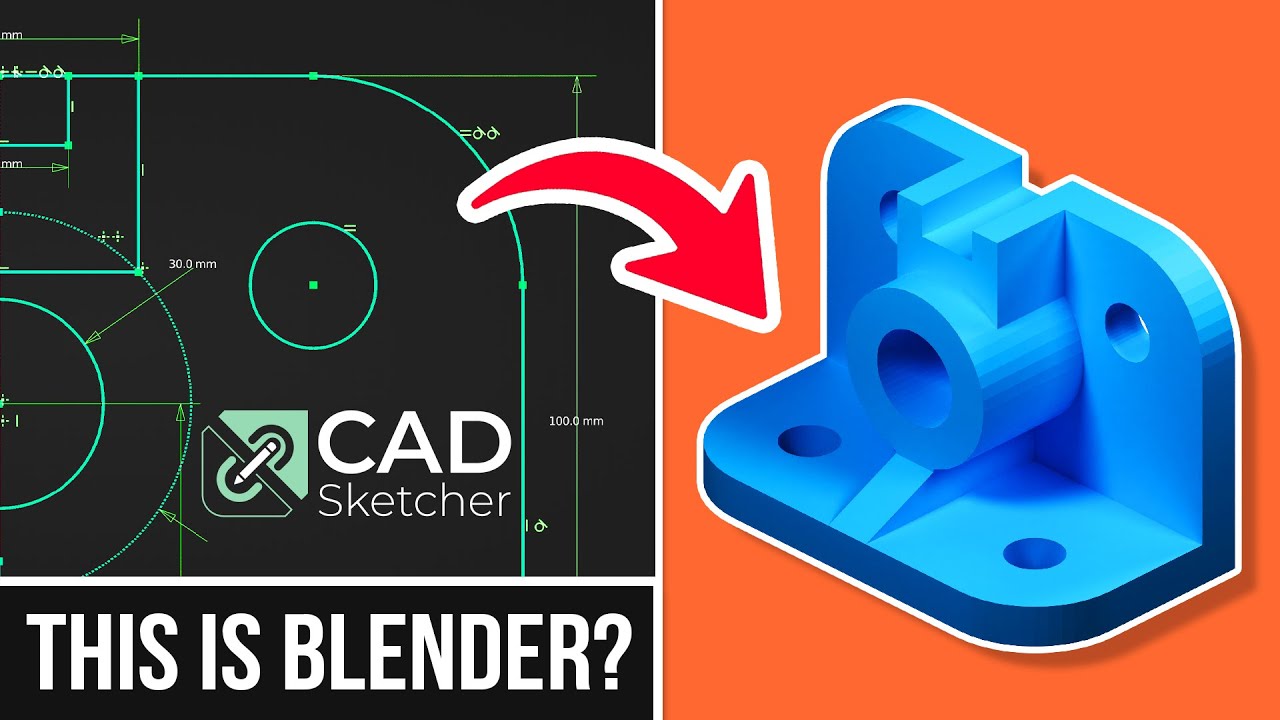
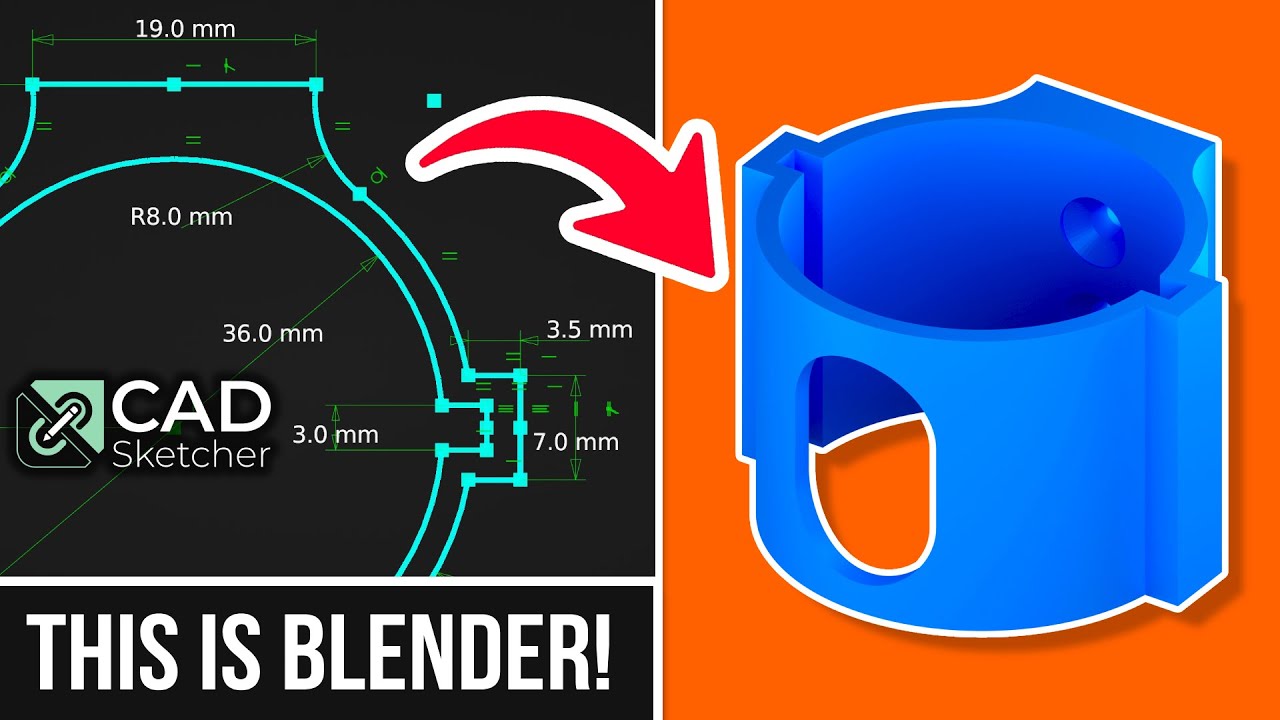
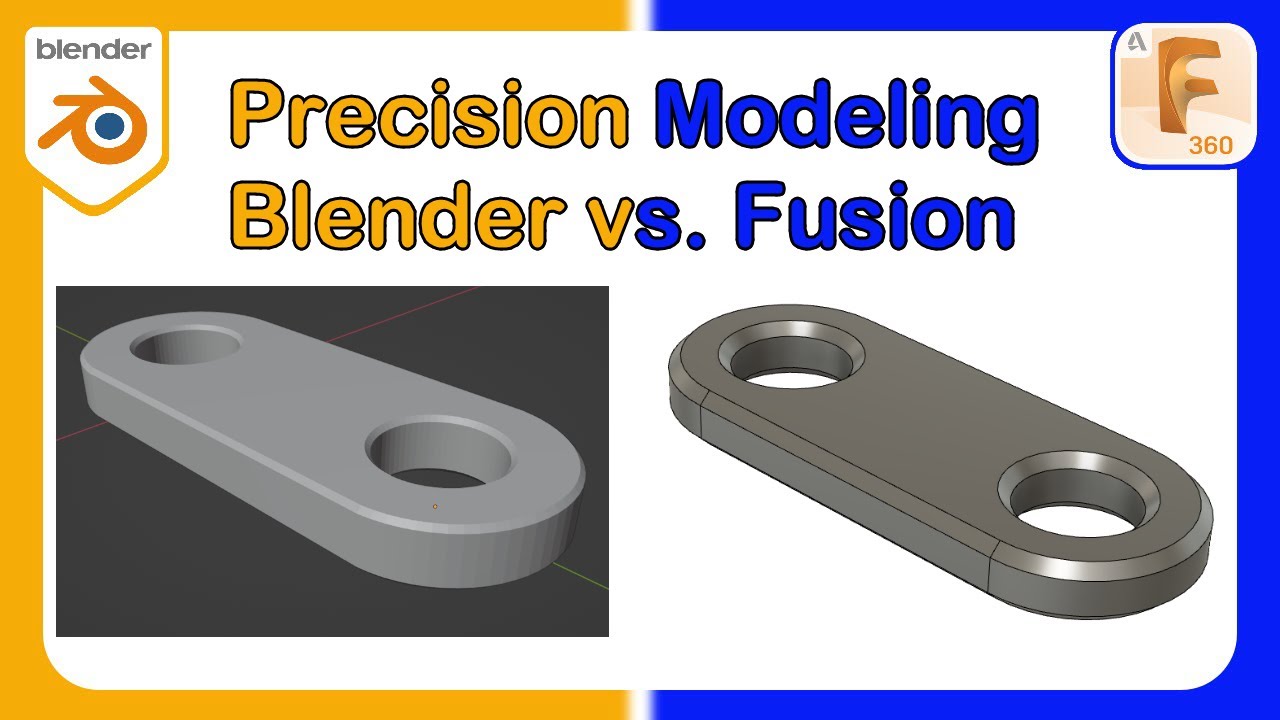
in Moy you'll notice we don't have polygons it's basically just a surface the difference between polygon meshes and CAD surfaces is that CAD defines their models by mathematical equations and software like blender or Maya or 3ds Max defines their models by polygons now there are pros and cons to both workflows if you've seen my videos before you'd know I prefer to work in blender but let me quickly show you where CAD comes in handy and is actually better than blender for example if I want to cut a hole into the sphere in Moy it's as
simple as cutting in the hole adding a bevel and I'm done now if I were to do this in blender [ __ ] starts to get real if I try cutting the sphere in blender all of a sudden the shading goes ballistic and if I try to add in a bevel afterwards then I about have a heart attack so why does this happen in blender the reason this happens is because of how polygons work first of all when I cut this hole into the cylinder you'll see some nasty shading errors around where the hole is
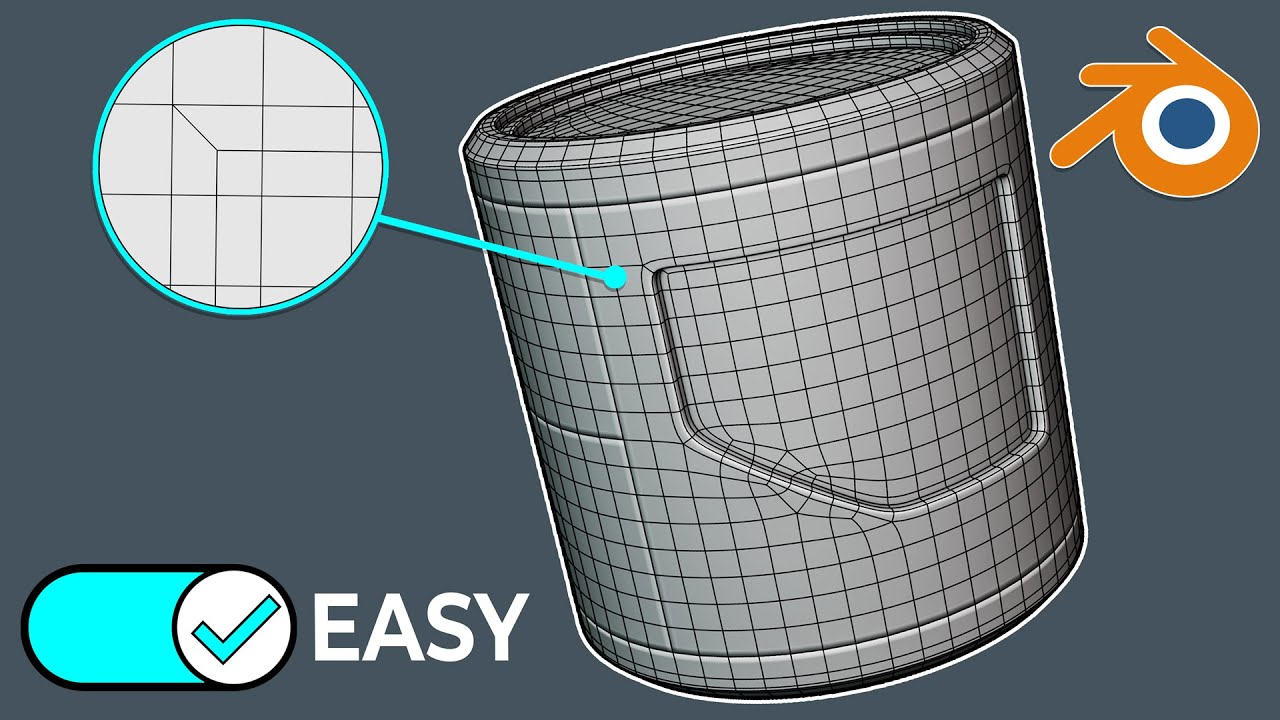
the reason this occurs is because the Boolean creates n-gons on this curved surface and guns on curved surfaces cause shading problems because blender doesn't know how to accurately shape this type of polygon as for the issue when adding the bevel the reason these nasty artifacts occur is because we now have overlapping geometry notice when I add the bevel the bevel geometry begins to overlap with the surrounding geometry now check this out the more dense the sphere is the less shading problems we have when making a Boolean that is because as the sphere gets more and
more dense the n-gons created by the Boolean it's smaller and smaller so basically the more we subdivide the sphere and run a Boolean on it the less noticeable shading errors will have so you can imagine that if the sphere was infinitely subdivided then we'd theoretically have no shading errors at all and this is exactly what a cad surface is you can think of it as an infinitely subdivided mesh in the way these types of meshes are calculated is via mathematical equations so CAD surfaces are basically defined by mathematics and polygon meshes are defined by well
Paul polygons so the nice thing about the cad workflow is I don't need to stress about shading errors or overlapping geometry there's no such thing as geometry in this context and I will always have a clean mesh when I use my booleans so how exactly does this stuff tie into the mesh machine add-on now this is where things get pretty exciting mesh machine basically brings the cad workflow into blender let me show you how I'm going to take a sphere with a few subdivisions applied and I'm going to run my Boolean operation afterwards you'll see
that there aren't that many shading issues because the mesh was already pretty dense now let me add in my bevel around the cut and just like before the bevel starts overlapping with the surrounding geometry and causes a massive mess of artifacts this is where mesh machine comes in what I can do here is use the offset cut feature which is enabled in the experimental settings and what this will do is eat the surrounding geometry giving me room to safely run my bevel pretty damn awesome what this add-on is effectively doing is bringing the cad workflow
to blender by helping us avoid these common problems with polygon-based modeling software another thing we can do is use something called Boolean cleanup this will help us merge all the near-miss vertices together to clean up the mesh a bit more after these operations so instead of merging all these vertices manually Boolean cleanup will detect it for us and automatically merge them pretty neat now this next feature is amazing and probably one of my favorites let's say I Union these two cylinders together like this and I want to run a bevel between them well first of
all I need to select all the edges that are fusing them together usually we'd hold alt and select a loop of edges but due to the end guns here from this Boolean blender doesn't know which direction to select so instead of selecting all the edges manually we can use mesh machines L select feature I simply select one Edge choose L select and mesh machine will know as exactly which Loop to select even if there's n-gons around it alternatively I can select one Edge and then alt click that same Edge to activate L select from this
point I can bevel the edges but since this bevel overlaps of the surrounding geometry I can simply use our offset cut feature and run the bevel and afterwards I can clean up the mesh a bit using the Boolean cleanup tool now all the stuff I've shown you with mesh machine is only the tip of the iceberg mesh machine can do other insane stuff like undo chamfers undo bevels change bevel width and even adjust the bevel segments in much much more this add-on is simply insane and if you want to learn more about it check out
some of these videos here now to address the elephant in the room why not just use CAD in the first place well first of all I purposely did some of these operations in blender slowly for the sake of you know you watching this video in a normal workflow I'd be doing these operations much quicker and would more efficiency because of this it wouldn't make sense for me to use CAD hair because I'd be working at the same level of efficiency however CAD is simply unbeatable in terms of getting truly clean meshes mathematical accuracy and of
course Precision this is why many Engineers use CAD in my many artists game developers and other industries use blender it simply boils down to your workflow and what software you prefer as I said blender is my go-to and with all the add-ons out there helping us to get a more robust workflow I'll personally be sticking with blender so it really all boils down to what do you want to accomplish what workflow do you want to use and are you like me and do you just prefer blender I'd rather have a little bit more of a
headache when modeling but be able to fix that with add-ons like mesh machine so that way I can stick working in blender so I'm not going to be the guy forcing blender down your throat this is just what I prefer to use and this is what my channel is all about anyways I hope this video was helpful to you and if you want to pick up mesh machine it's one of the few add-ons that I personally endorse you can pay pick it up in the link in the description also check out blunderbrows.com where you can
grab some of our premium courses free resources and learn more about hard surface modeling and blender and if you want to get started with hard surface modeling using these tools check out our free sci-fi terminal design and blender course it'll get you up to speed with add-ons like hard Ops box cutter mesh machine and a couple others anyways that's it for this video hope you enjoyed it and I'll see you in the next one