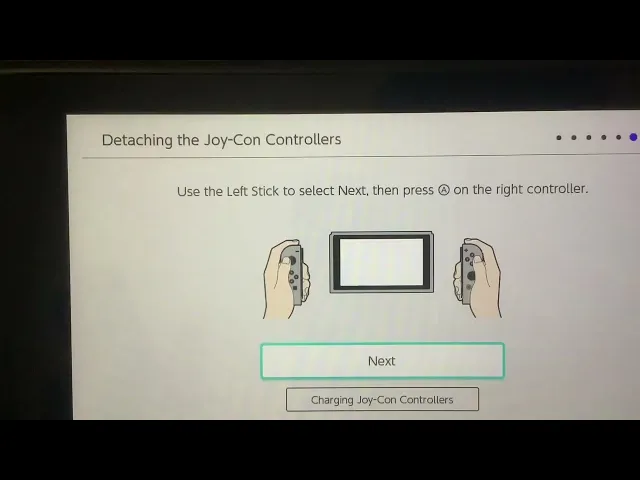
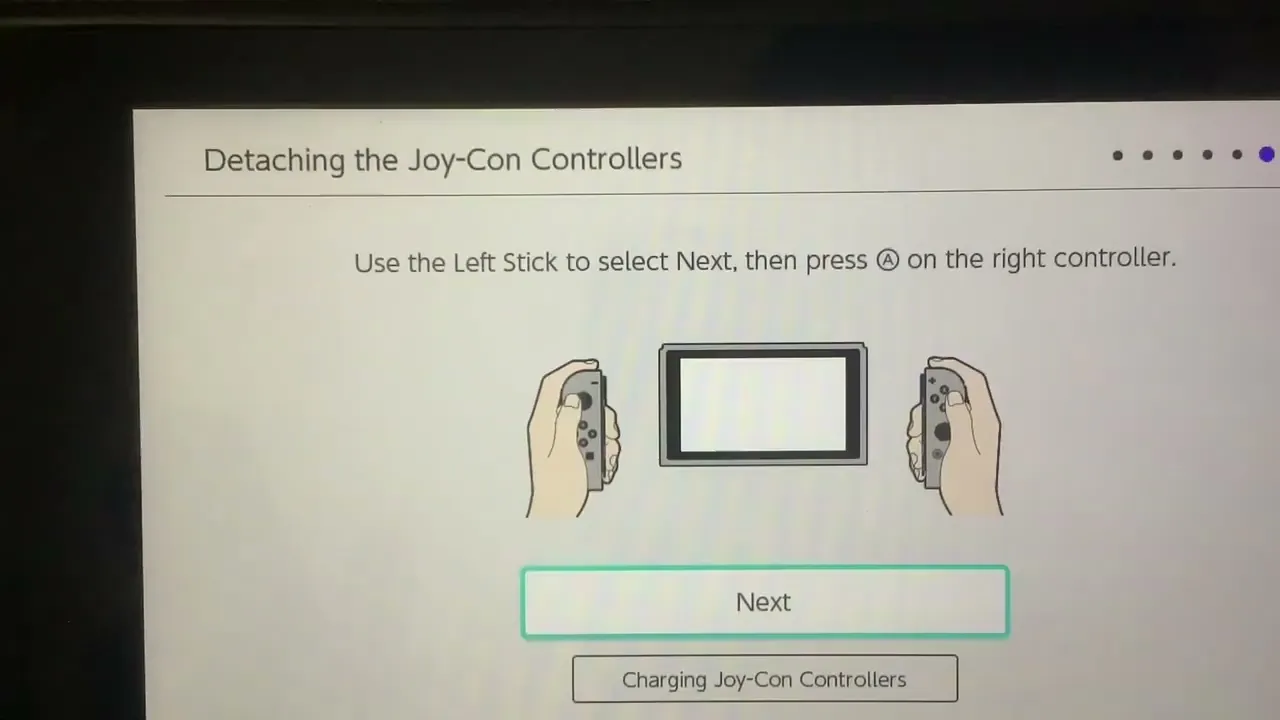
welcome to your all-new nintendo switch let's get started [Music] select your language [Music] select a region click on accept to agree on the agreement if you don't stop using the system select a network click on x to do it later [Music] choose your time zone what's the date and time would you like to connect to a tv detach the joycon controllers from the console do not press any buttons when detaching the controllers hold the release button on the back of the controller and slide it out [Music] [Music] use the left stick to select next then
press a on the right controller [Applause] a user will be added to the console important data like save data is linked to each specific user on the console select an icon this can be changed at any time now put in a nickname for this user you can now link an account now you can try out nintendo switch online more games more features more fun read below to see all about it and now you can try out parental controls it can be used to restrict features of the console configure these on the console or using your
smart device or you can skip and do it later setup is complete press the home button to open the home menu you