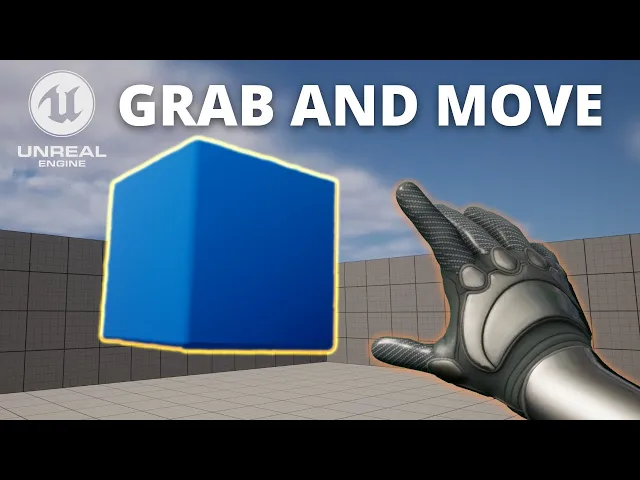
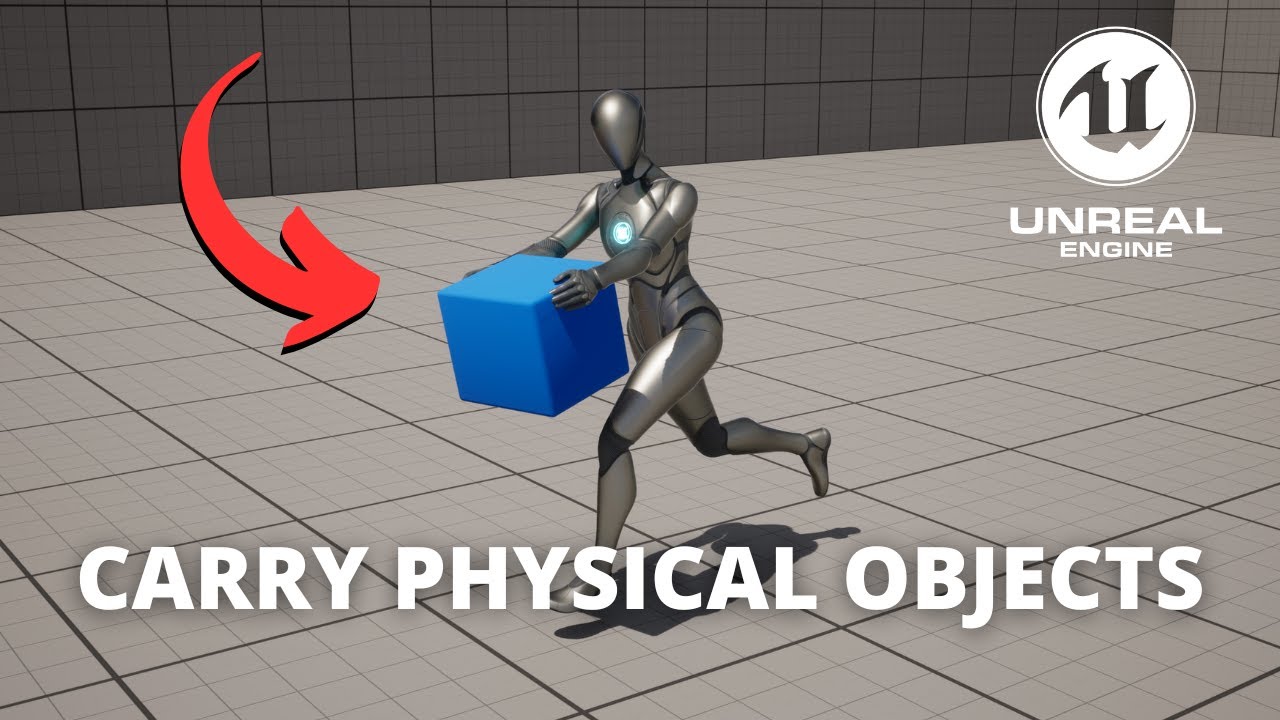
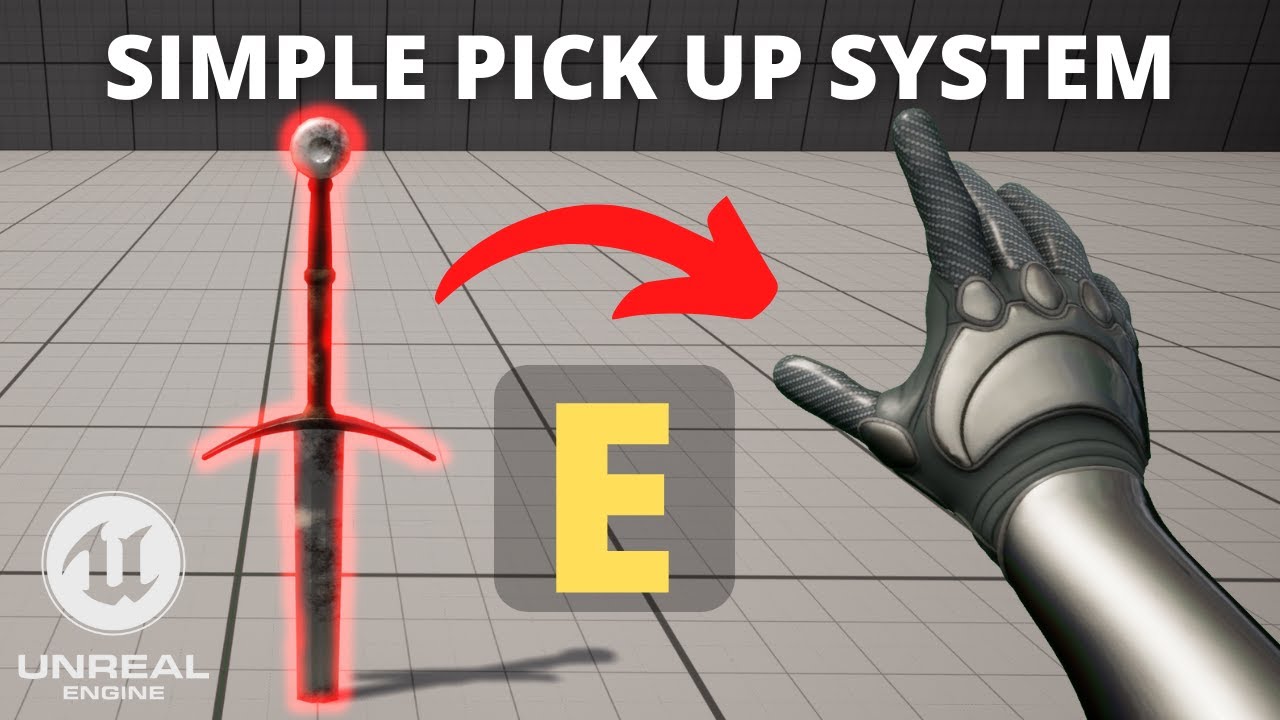
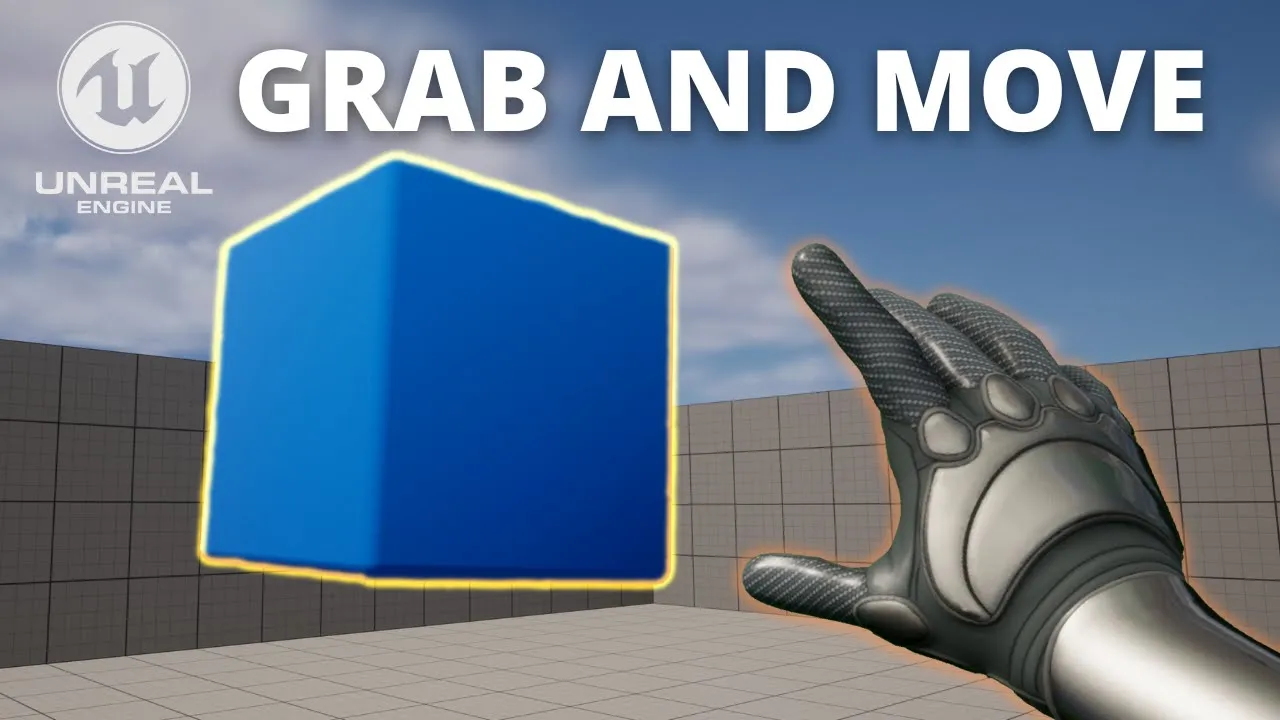
what's up guys welcome to new Unreal Engine 5 tutorial and today I'm going to show you on how to pick up and move Optics around it's gonna be a very easy video to follow so let's get started but first check out the link in the description to get out with some Unreal Engine courses on winfox alright so the first thing I'm going to do is go into our first uh person character blueprint which is over here now of course you can use whatever character blueprint you're using so also Macbeth for example when we hold the
E key we'll basically pick up the object that is basically in front of us just go ahead and find a nice space in defense graph and then we're gonna type key e and then go here and there we go so the E key so the first thing that I'm going to do is basically make a line Trace by Channel this will basically launch like an invisible line or a right cast just in front of our player to detect if there are any updates so let's go ahead and get the first print camera that is where
the lenses will basically start and we'll go ahead and get the world location so this will be our starting point and then what we're going to do is get the rotation World rotation and then we're going to do is access is forward Vector so we can get basically in what direction and the camera is basically looking forward so now we can multiply the value and just right click and convert this into Float by the distance that we'll be able to grab an object so for example let's put like 100. now we'll go ahead and add
these two vectors together so you say Ctrl and then drag it into the one in the button so it's a bit more organized let's plug in the gateboard location and it will give us the end location of our line Trace great so now we're going to do is return value and make a branch so we'll only continue if we actually have detected an object we'll go ahead and get an out hit and then break the hit result this will basically give us all the parameters of our headed actor basically so the next thing that we're
going to do is basically add a component into our character blueprint that will basically enable us to basically grab objects and move them around so we're going to go up in here and type um physics handle let's go ahead and press enter and we can basically leave it like that so now we can do is create a physics undo and then say grab component add location with rotation so then we can just pass here the true so the component is basically going to be our hit component and then we'll get to do is get is
world location and then we're going to plug it in and here so right now this will basically be picking up an update that is basically in front of us but the thing is that it will only do that one frame one once it's basically pressed so still will not be able to drag it around while we're holding the Iggy so what we have to do is gonna move this around a bit more and the first thing I'm going to do is move this a bit here and bring more space here because we're going to go
ahead and create a new variable this is going to be like is grabbing uh object so so we're going to do is go after here and then after we have actually successfully detected an object and actually grabbed it we're gonna say that is grabbing object is set to true now when it's released what we're going to do is make a branch and is is grabbing an object so if we are grabbing an object and we have stopped holding the E key we will get our physics handle and just say release component so it would just
release it and there we go and then at the end we'll set let's run an object to false great so we have right now the um rubbing system so now the next thing that we have to do is go down and add an event tick this will basically um get called on every frame so we're going to do is go ahead and make a branch and check if we are actually grabbing an update so if we are currently grabbing an object what we have to do is get the physics handle and then set the target
guitar get location and then this will be true and then what we can do is to get the new location we can just get what we did for the line Trace which is just creating a point just in front of our player's camera so you can just go ahead and plug it in in new location and that's pretty much it we can just go ahead and settle C and it's gonna be the object picked up Boop yes we have I think it's a bit more organized basically Now quickly one last thing is that have in
mind that the objects they want to pick up means they have similar physics on and then in the Collision presets I have physics actor just to make sure that that's the ones that we want to basically pick up we can go ahead and compile and go ahead and press play and we can go ahead and go into an object and then hold the E key and you can see that will basically be able to go ahead and grab it and move it around and then if I stop holding the E key it will go ahead
and just grab into the floor so that's pretty much it guys if you enjoyed the tutorial and found it helpful I really appreciate if you like the video and subscribe to my channel I had lots of Unreal Engine 5 tutorials so this one so if you want to check them out go ahead check out the links in the description for Amazon Unreal Engine courses and now yes with all said bye bye [Music]