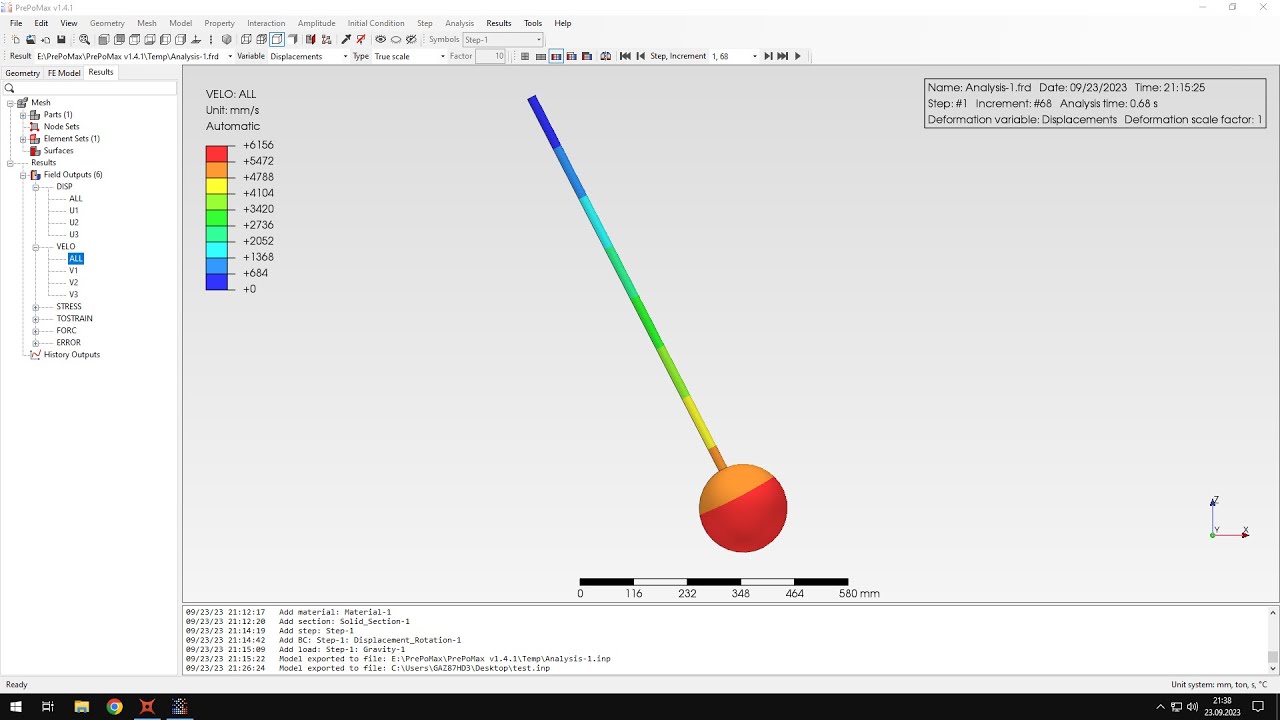
hello and welcome to my next tutorial about prepo mix this time i will show you how to analyze a cantilever beam subjected to bending due to its own weight as always let's create a new model first and define unit system and now i can import the geometry using step file format the geometry is already imported so i can create a mesh i will specify matching parameters and i will use maximum element size of five millimeters and accept this and now i can create the mesh the mesh is already created so i can proceed to the
analysis setup and let's start from the material definition and this will be steel material just like in previous tutorials and i will specify elastic behavior first i use the same values of young's modulus and poisson's ratio as always and i will now i also have to add density and that's what we have also done in the previous tutorial and that's because uh both centrifugal loads and the gravitational loads require the definition of density and so i have to provide the value right here and you can see that density will use for this calculation is shown
here just i just have to change the units and so be careful with the units as always and the value is right here i will accept this and now i have to create a section assign it to the beam and confirm now i can create a step and this will be a static step with default settings and now i can add boundary conditions and loads this is a cantilever beam so let's fix this up to one end i will apply fixed constraint here and accept this and i will also have to apply load there's a
special type of load called gravity which will serve the the purpose for this calculation and and i have to specify the component of gravity in proper direction this will be in y direction as you can see minus y direction and i also have to be careful with units because it's in millimeters per second squared and so that's the value right here and i can confirm this and uh before i have to apply this to the beam and now we can confirm as you can see there there's a load symbol display right here that means that
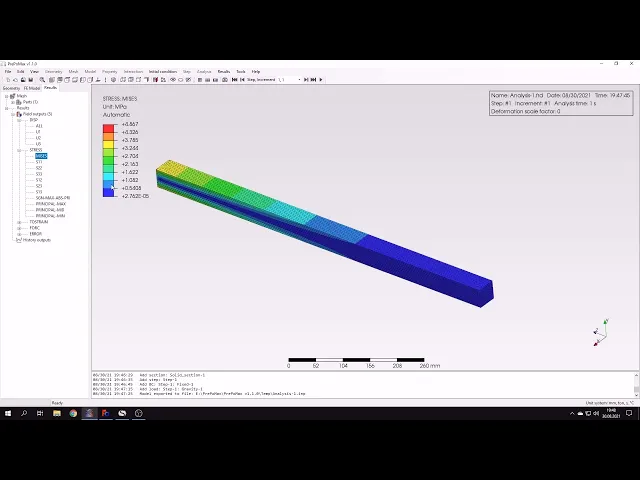
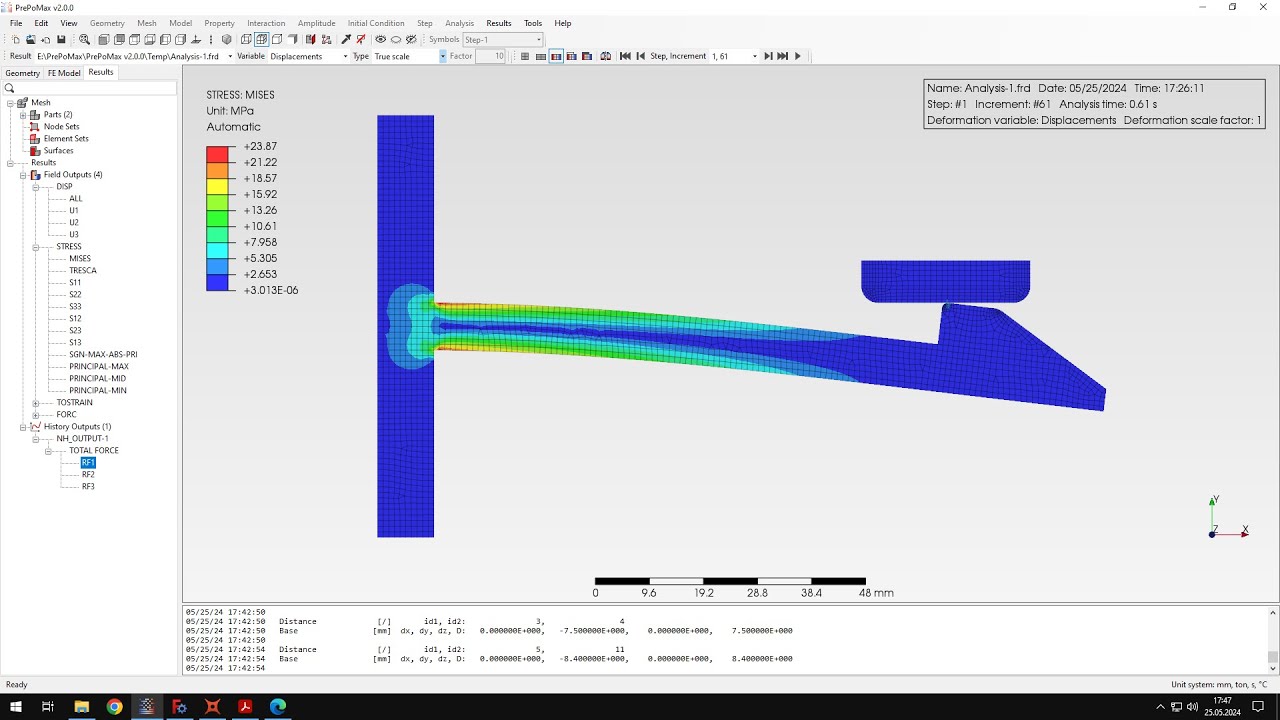
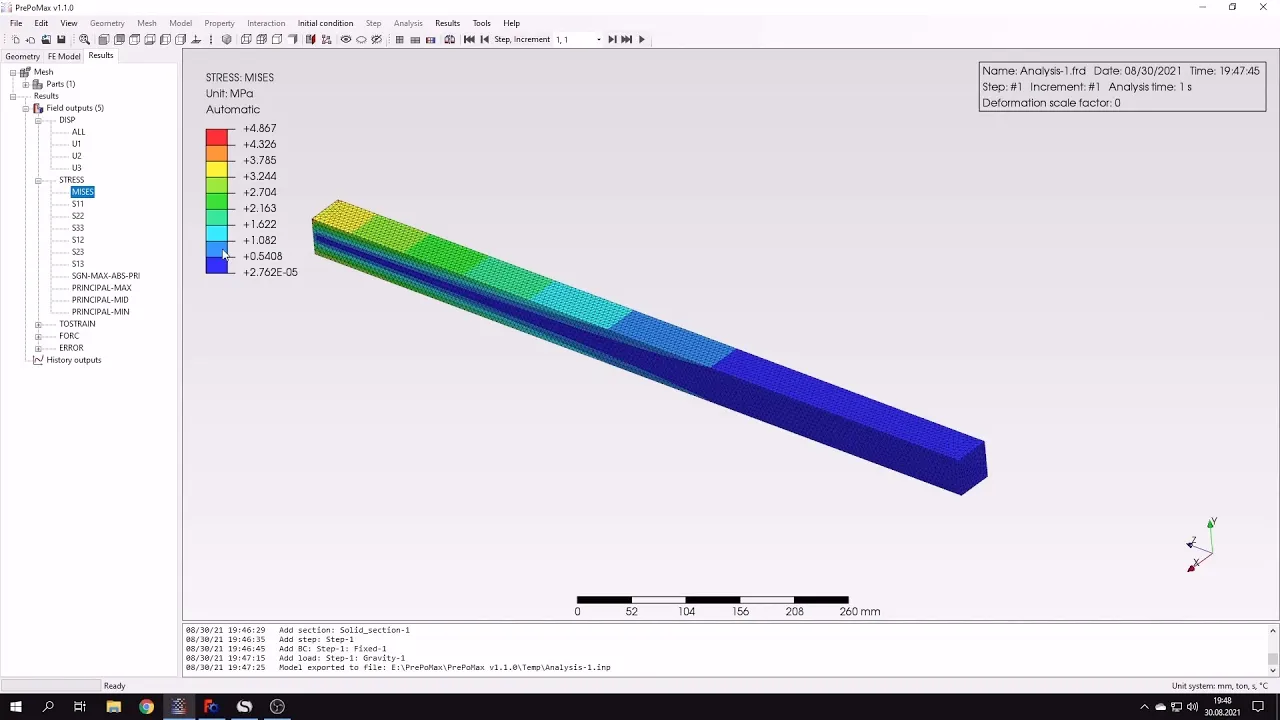
gravity load will be used and now i can submit the analysis and it shouldn't take too long as you can see the results are already available so let's open them and check them here you can see the deflection i will switch to the proper direction to see the right deflection value and let's compare this with analytical result here's the analytical result of deflection and you can compare this with the value we got here this is pretty close to what we have from the analytical calculation and there's also check stresses here i have the maximum bending
stress for this beam and i will switch to i can see the check that from before miss stress but i will switch to the right component of the stress and now i can use the query tool because the values shown in the scale are affected by the boundary condition so i can use the query tool and to check the values in those particular locations not where the boundary condition is but slightly further into the beam so we can see what are the stress values when compared with analytical result they're pretty close of course i could
try with this with different meshes but the result is pretty good and that's it for this paper max tutorial thank you very much for your attention as always feel free to ask any questions and suggest topics for future tutorials in the comments have a nice day and see you in the next video