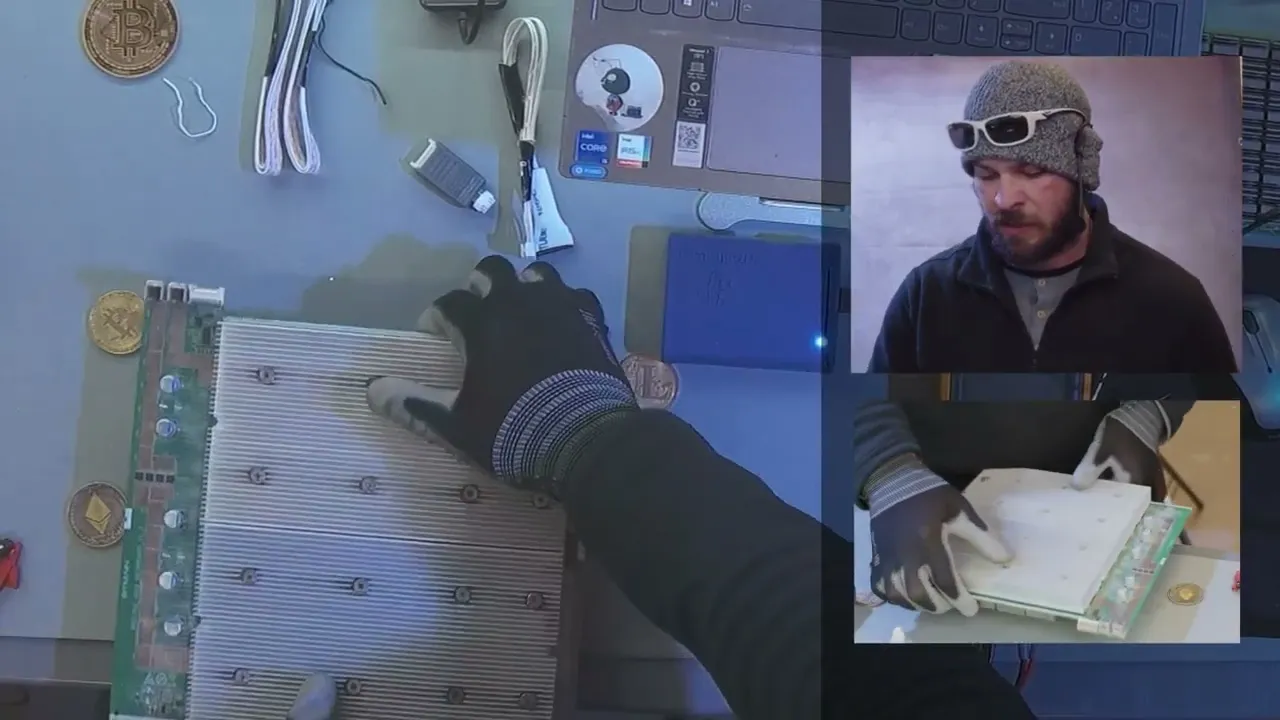
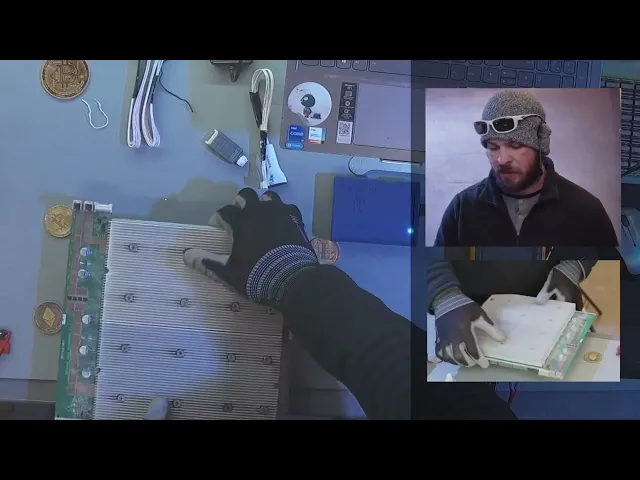
[Music] all right so we're going to go ahead and dive right into the consolidation first thing we want to do is is we're always doing our visual we're always cleaning so first thing we want to do is is disconnect the hash board from the control board we do this at the hashboard side because we're going to be needing to remove these hash boards here in a second so once you got these removed we can go ahead and Now work on the control board and we can also take a look at the hash boards now of
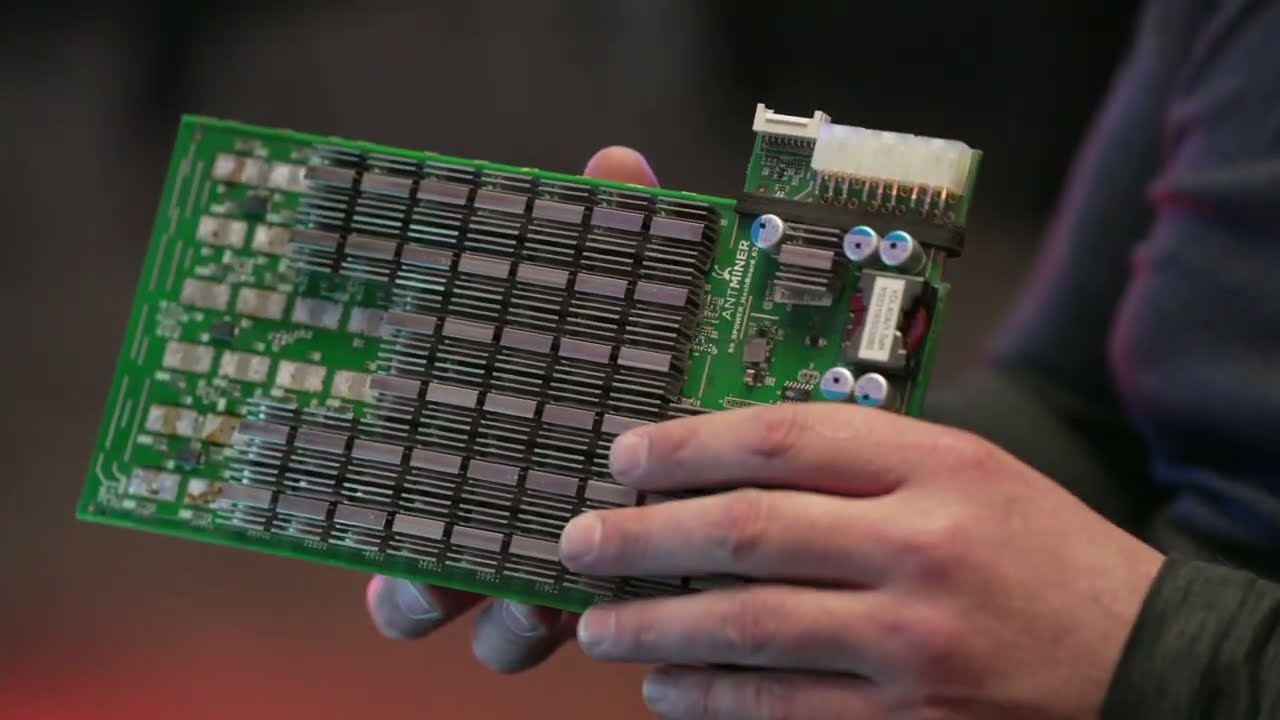
course make sure you're checking your warranty we don't want to take them out if it's going to void your warranty all right so once you remove the fan you can get access to remove the hashboards so we'll go ahead and pull out all the hash boards and we'll do a visual inspection again we're going to make sure that all the components on this main circuits look okay especially like the Moss chips just make sure we don't see any kind of corrosion missing parts anything looks out of place heat sinks are crooked that kind of thing
because then we don't want to plug it in everything looks good on the hash board we're going to go ahead and put it back in the unit and then we're going to go ahead and work on the control board the ones that we send out will actually update the firmware for you before we send it out to you so that way I'll be currently up to date now stated it can do a bunch of different models so we're using this unit you want to make sure that you're not plugging this in directly to like your
computer you want to make sure that you're actually using a block for it so you want to make sure that you're using at least a 2 Amp regular USB block to power this unit that way it'll be as stable as possible for the frequencies that go through the actual unit it'll give you a more accurate diagnostic so go ahead and plug it in it's the way this works is that you have to connect to its Wi-Fi and then the password is going to be stasic tester all lower case no spaces also connect your computer to
internet via Ethernet connection because otherwise you're connecting it's why the computer's Wi-Fi to The Jig and you won't be able to access the internet so the only way to bypass that is is just make sure that you have an ethernet connection so now once we're connected to the actual stasic tester we're going to go ahead and go on to the web browser and you want to type in 5.5 dash or slash menu as you can see it has all the different models here here's some what's minor in osilicon even has Aladdin innocilicon Acheson ebang so
it has a whole bunch of different kinds of models that you can work with so you want to make sure you're using a variable power supply for this you don't want to be using even the manufacturers power supply unit it needs to be an actual variable this will help keep the signal very stable so we're connecting we always put the ground first which is right next to the i o data port than the red lead second which is positive then from there we want to connect the data cable now it's important to note that on
the stay sick it actually has two different kinds of connectors for male connectors the smaller one goes to your actual hash board while the bigger one goes to your stasic unit from there you want to connect your hashboard then we can go ahead and click on the model this is a s19 regular unit and as you can see it shows you all the different chips and where they're located on the board so we'll go ahead and Power on our variable power supply want to set it to between like 13 14 volts if in doubt you
can always go and look at your power supply and see what your output is and then you usually want to put it on the higher end of the voltages so as we're looking at the power supply we want to make sure that there's no hamstring right away at least for this board because we have Moss chips that are going to stop that voltage and current from flowing so we'll actually see it showing zero amps so we'll go ahead and press the start test button and we can see all these chips are good now it's very
important that when you're using a test jig or a test fixture that you're always calibrating your test jig to a working board that way you can verify that yes it will indeed work on a working board so now when you're doing a test on a broken board you know it's going to work proper now you can also with this unit you can read the temperature sensors it'll show you where they're placed on the unit as well and you can also update the eeprom info on these boards now you can while you use the start test
mode you can go ahead and test different test points so for example we want to set our multimeter to DC voltage we can then go ahead and put our black lead or negative lead on ground and our positive lead on the power now we can see the voltage coming in we can see the voltage coming after the Moss we can also see the Boost so one interesting thing to point about this tester is is that it kind of sets the amps up and down on the board so that way it's not really putting a whole
bunch of current through those traces and everything so it helps prevent the board from overheating sometimes we need to actually connect the test jig with some fans on it to cool it down faster so go ahead and turn off the power we can stop the test now we want to do the opposite we take off the data cable first then the power and then the ground so that shows exactly the stasic tester does so now we'll go ahead and try a few different other test jigs foreign so when we're consolidating we're basically doing uh troubleshooting
of the minor or the unit as a whole so we want to go ahead and Flash the control board with an SD card just to be safe making sure that there's no viruses on there we don't want to just hook it into our Network so once you flash it with the SD card you can go ahead and log into it you want to update the firmware to the current firmware make sure it's the right model you're actually working on you don't want to you know put an S9 onto an s19 for example probably easier to
do the 17 to 19 but uh making sure that the firmware is good we also want to make sure we're setting the pool settings as well we're doing this with the hash boards disconnected and so once we have the whole control board set up properly we then can reconnect the hash boards of course being that they pass the visual inspection so these pass the visual inspection we can go ahead and plug it back into the control board and power everything up then we want to go ahead and see in the kernel log as well as
the minor status seeing what's going on with making sure the fans are working properly making sure that the hash boards are showing all the Asics maybe it's showing some Asic that kind of thing in the kernel log we just want to make sure we're documenting all this kind of stuff so that way if we do need to do some hashboard repair we can go ahead and know exactly where to start and that's kind of the basics of consolidation we're just trying to figure out what exactly is wrong with the unit is it the control board
is it the power supply is it the hash boards or just one of the hash boards causing the issue um that's what we're just trying to do we can also use our multimeter as well to test the voltage of the power supply make sure that it's actually outputting what it's supposed to other than that that's kind of the basics of consolidation and minor troubleshooting from there once you actually figure out what's wrong with it that's when we move into doing ship level and board level repair [Music]








![How to spot a fault in a circuit, like a pro : hands on electronics [1]](https://img.youtube.com/vi/ye9dguKy_Cs/maxresdefault.jpg)