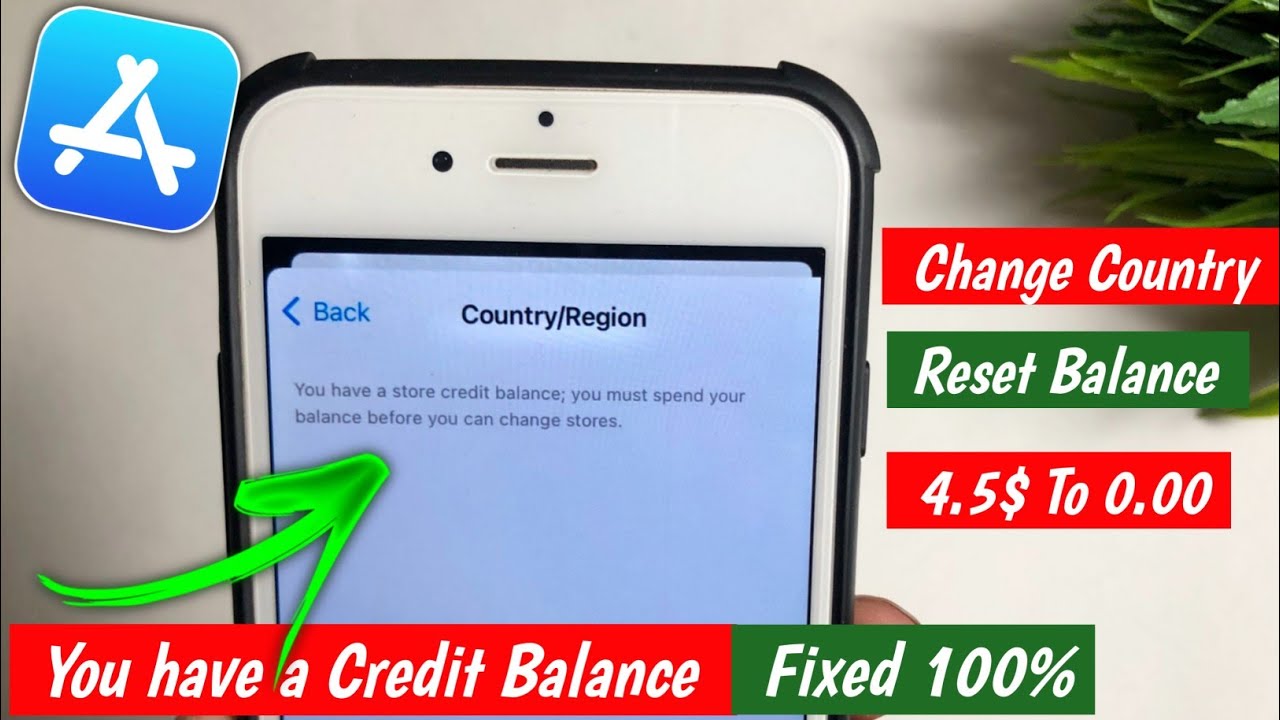
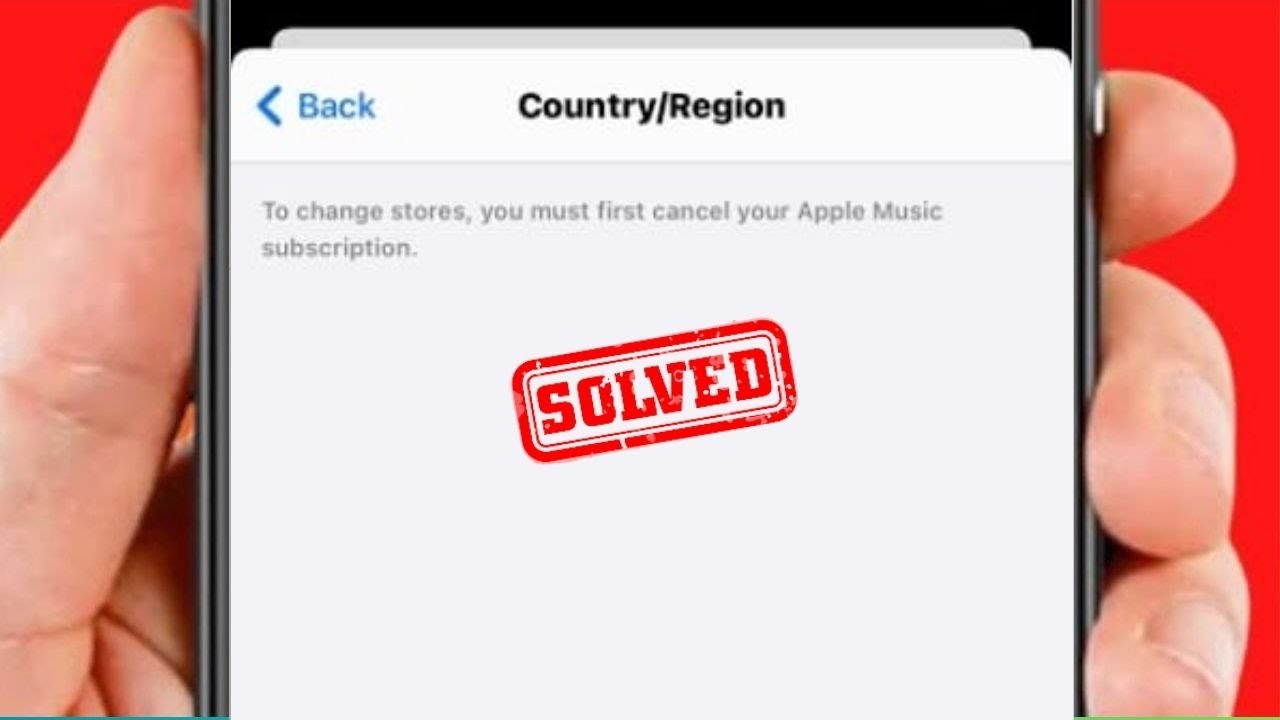
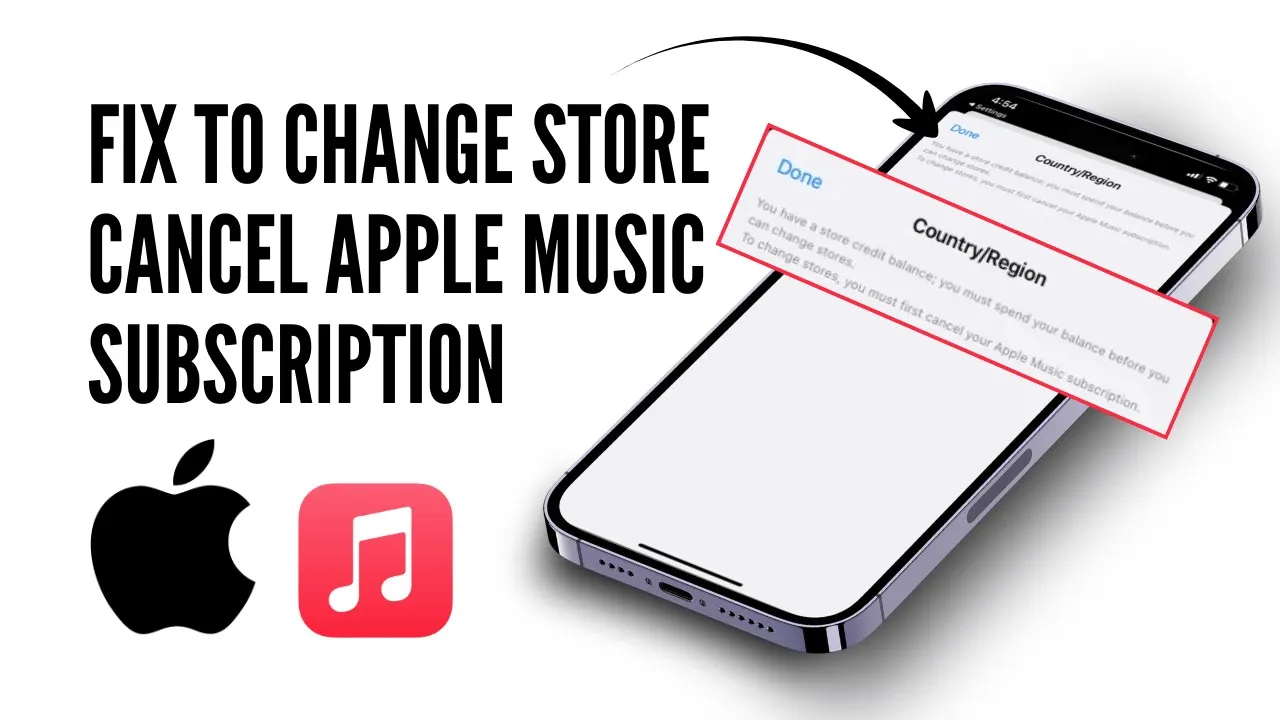
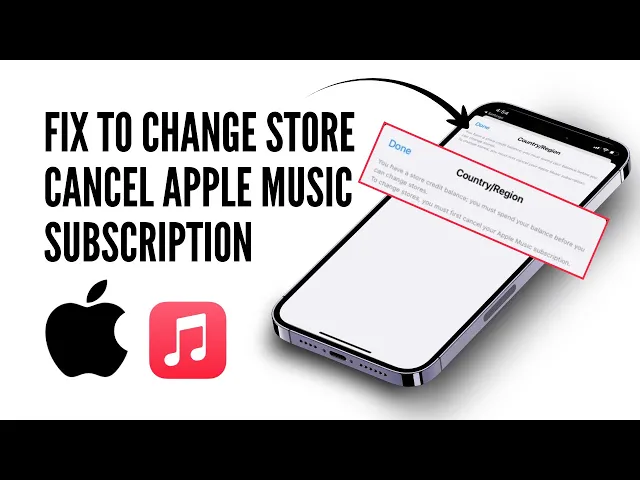
Hey everyone, welcome back to the channel. In today's video, I'll show you how to fix the "Change Store" issue you must first cancel your Apple Music subscription problem. So, if you are facing this problem, don't worry, I'll guide you through the steps to resolve it.
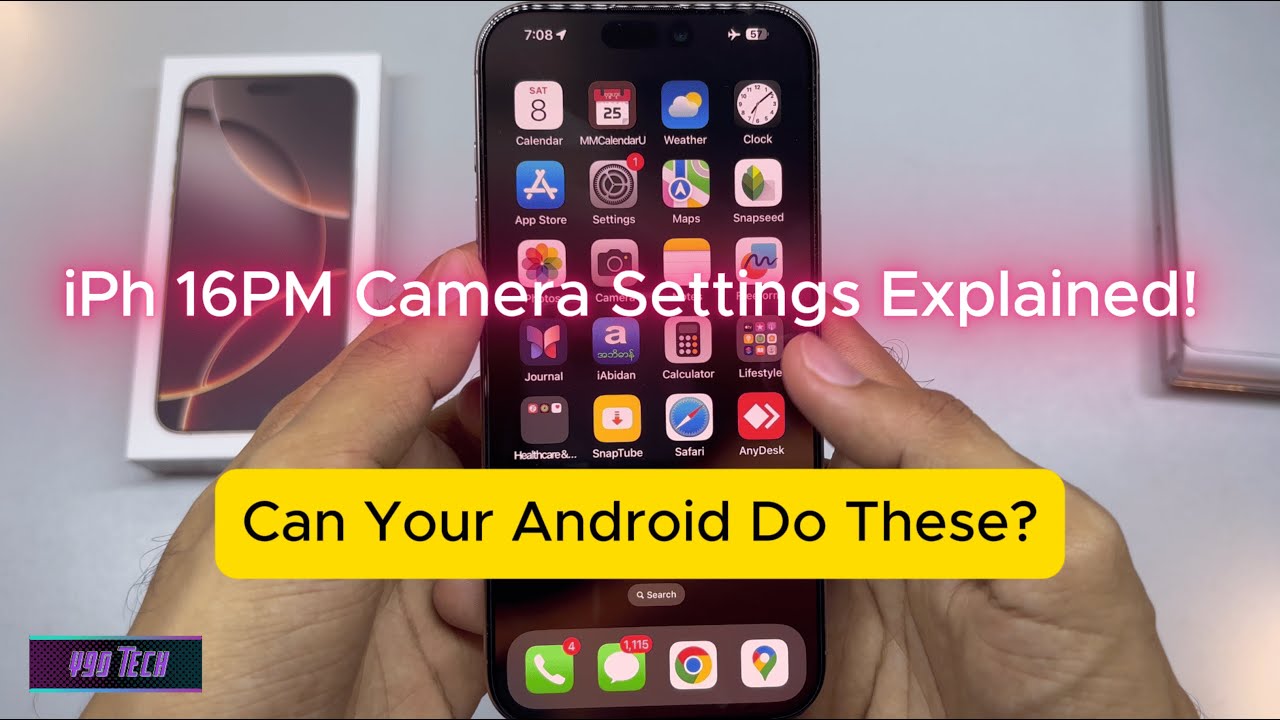
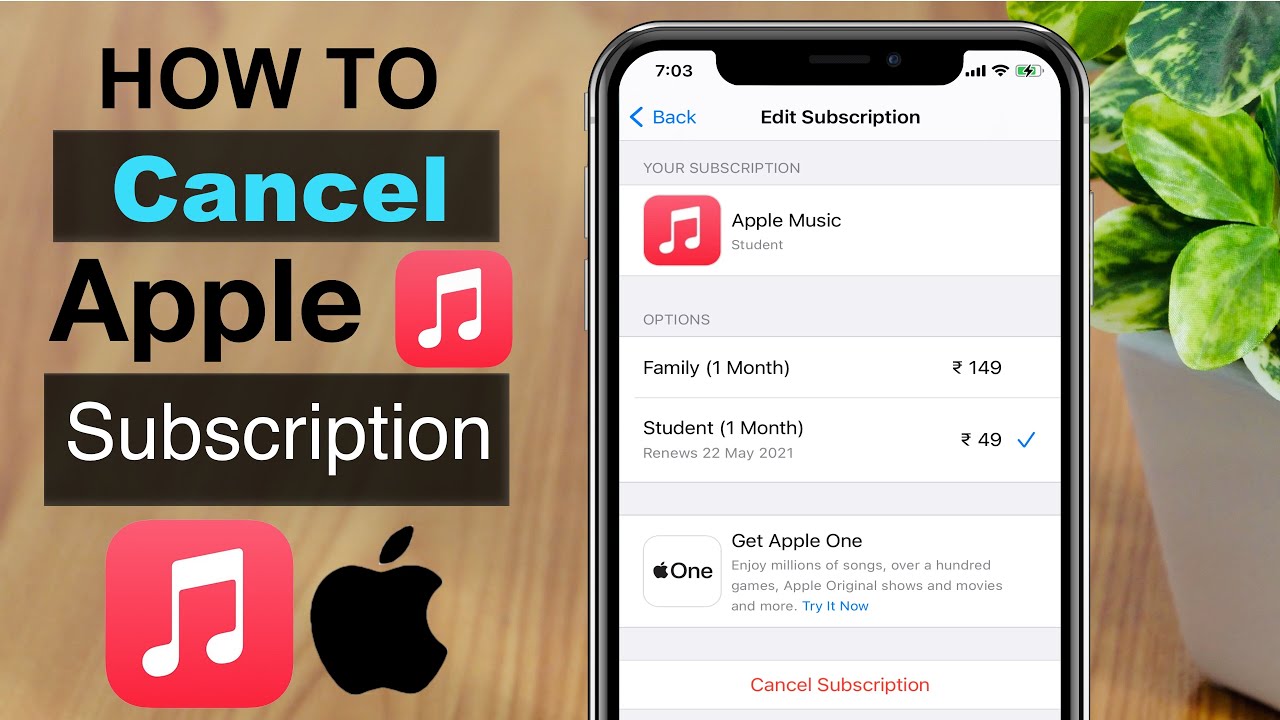
Now, without further ado, let's get started by opening the Settings app on your iPhone. From there, you can simply tap on your Apple ID at the top. Now, you can simply scroll down and tap on "Subscriptions.
" In this section, you can try to cancel any active subscription, especially Apple Music. If you are unable to cancel it, don't worry. There is another way to resolve this.
Next, go back to your settings and tap on your Apple ID, then sign out of your account. After that, you can simply sign in with a different Apple ID and check if the "Country Change" option is available. If you are still facing the same issue, you can simply open any web browser on your device.
Search for "Apple Support" and, after searching for it, click on the first link and select your device. From there, you can simply scroll down. If you can't cancel the Apple Music subscription yourself, it may mean you need to wait 3 months before switching countries.
However, you can still contact Apple Support for help. To do that, simply tap on "Start Now" and go to "Subscriptions and Purchases. " From there, select "View, Change, or Cancel Subscription.
" Wait for a few seconds and then simply tap "Continue. " From there, you can scroll down and look for the "Call" or "Chat" option. If the chat option is available, you can use that to speak with the Apple representative.
Explain that you need to cancel your subscription to change your country, and they might be able to assist you. After following these steps, your issue should be resolved. That's all for today's video.
If you found this video helpful, don't forget to like, share, and subscribe to stay updated for more videos. Thanks for watching, and I'll see you in the next video.
![Upbeat Lofi - Power and Energize Your Workday - [R&B, Neo Soul, Lofi Hiphop]](https://img.youtube.com/vi/ONcY0BM5EAg/maxresdefault.jpg)