At some point in your life, you may find yourself in need of some help running a very long document. It may be an essay for your university, it may be a thesis, it may be a long business plan or a long report for work. And if you try to use ChatGPT or any other AI tool for a task like this, you're going to run into trouble.
You see, those tools are not made to write long things. Most of the times, they're made to be an assistant and you wouldn't ask an assistant, hey, can you please write a big long thesis for me? You will usually ask smaller tasks.
But in this lesson, I'm going to show you how to write anything that you want using ChatGPT, always keeping control of the output. One important thing that I want to mention before we get started that is going to be critical for you to get a good output and it's also important from an ethical perspective is that you use ChatGPT or GenAI in general to automate writing, not thinking. You have to keep ownership and control over your thinking, over what is going to be put into those pages.
ChatGPT is going to be your writing assistant. Now, I'm going to show you how to do it. To do this exercise, we're going to use three different tabs, two ChatGPT tabs and one Google Doc or Word file, whatever, it's going to be a document where we put the content that we like.
Now, I'm specifically using ChatGPT 4 for this exercise, but you can use anything that you want. You can use Gemini, you can use Perplexity, you can use whatever you want. The concepts still apply, but ChatGPT 4 now is my favorite tool, so that's what I'm going to use.
Now, let's suppose that I want to write a small thesis about the importance of AI in business. What most people would do is something like this. Write a thesis about the impact of AI in business.
Now, if you look at the output that I'm getting, ChatGPT is not giving me the entire thesis, but it's going to give me a structure, which is actually pretty good, and this is the same strategy we're going to use later, but what I want you to notice is that I have no control over this document. I don't know what it's writing. I didn't agree on any of those things.
I don't know if this is what I want to get, and if I ask, write it now in its entirety, I'm probably not going to get actually something good. As you can see, it tells me, hey, I cannot do it because it's too long, et cetera, et cetera, and it just keeps going, so now, this is obviously the wrong way to do something like this. Let's do it in the right way.
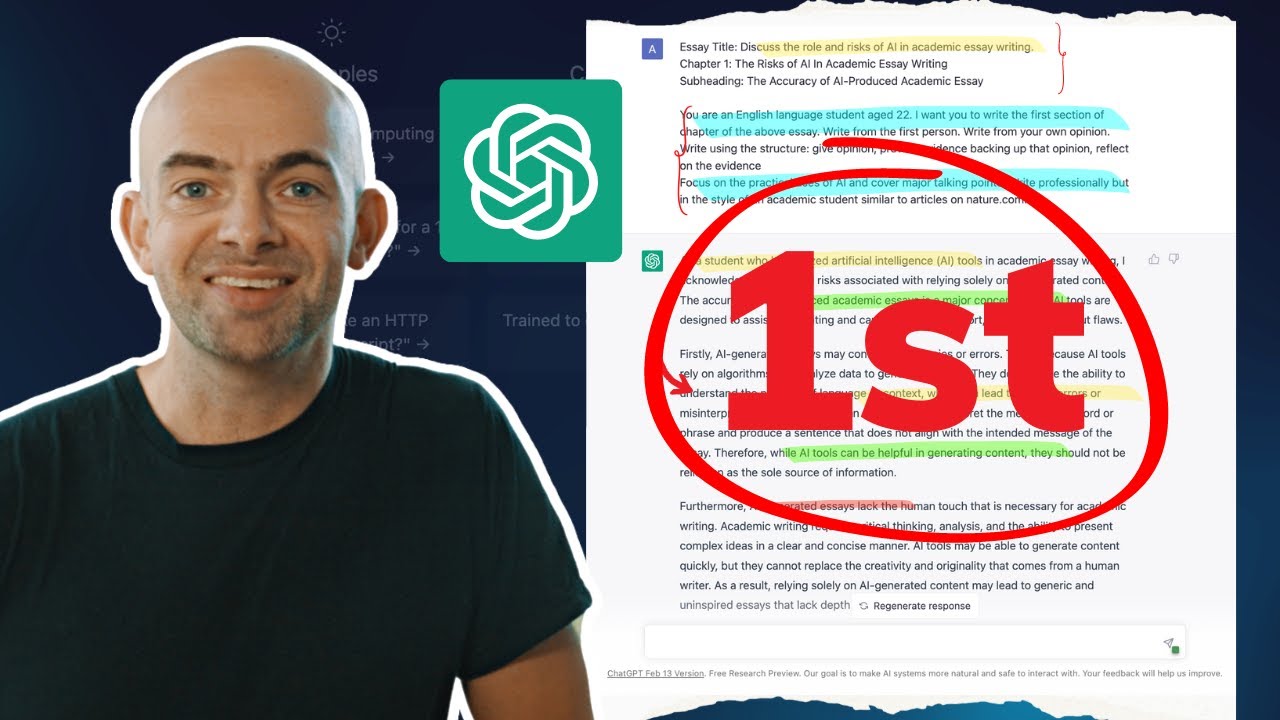
We open a new chat, and then I'm going to ask, remember the CD framework. Act as a running assistant. You work for me, an AI expert who needs to write an AI, a small thesis about the impact of AI in business.
I will tell you what I want to say in my thesis. You will first give me an outline for it, make it concise, three chapters long, and format it using bullet points. My thesis, AI will help every business, but education is the real bottleneck to drive real adoption and meaningful applications.
Now, while I click run and I wait for chatGPT to give me an output, let's analyze what I did. I kept ownership of the message that I want to have in the thesis. This is my own thinking.
What I asked chatGPT to do is help me with the writing, automate writing, not thinking. Now, let's look at what's going on. This is outline, chapter one, the transformative potential of AI in business, introduction to AI, current applications of AI in various industries, potential benefits for AI for businesses, and education on bottlenecks, skill gaps, the role of education in AI adoption, case studies of successful educational programs.
Chapter three. Okay. This is pretty good.
Now, I can give it feedback. I can start saying, well, actually, make it more specific for generative AI, and give some space to the ethical implications of the use of AI in business, which is something that I actually really care about. Nice.
I have my revised thesis. Now, let's suppose that I'm okay with this, and I want to keep going. What I would do is I will pick each single subchapter, and then ask to write it, but always automate writing, not thinking.
Let me show you how to do it. I will take the first part, and I will say, now, let's write the first section. Now, let's say that I want to make it pretty short, focus more on large language models, and just mention other image generation models, and I want to make it appealing for an executive, let's say.
I can ask it, and it's going to start writing my section. Now, once this is done, if I'm happy with it, I can edit it, I can give it feedback, but let's suppose that I'm happy. I'm going to copy it, and I'm going to move it to my document.
Why is going to be clear in a second. Copy it, go here, paste it. Nice.
Now, you may be wondering why I told you that you need to keep two different chats. Let's run an example. Let's suppose that now I want to write section two, which is about current applications of AI in various industries, but let's suppose that I actually want to make a research on the internet about what are the best use cases.
Now, if I did this research within this chat, it would sort of pollute my conversation. The conversation will become very long, and it will be very hard for ChatGPT to keep track of all the changes that happen, to keep track of everything that has been said. I'm going to have one chat that I'm going to use as my research or brainstorming chat.
I don't care if I make chaos into this chat. What I want is that this is separated from my clean chat, which is my first one. The first one is for writing.
This one is for brainstorming, for collecting data, and for basically doing anything that could potentially go in a wrong direction, and it doesn't pollute the first one. Let's try. Act as a research assistant, make an internet search on the best AI applications that gave companies a good ROI.
Now, what is happening behind the scenes is that ChatGPT is going on the internet, is finding all those documents, and it's reporting them over here. Now, maybe you want to do this step by hand. It's totally fine if you have your own documents, if you have your own sources, if you have your own newsletters that you like.
You can take them, copy them, and put them here to maybe restructure this knowledge and try to just get the important bits. Okay, it looks like I am getting a few interesting case studies. This is pretty cool.
250% ROI from my investments. This is amazing. Okay, let's suppose, just for the sake of this exercise, that I want to keep this part, this part, and this one over here, but I want to keep those last comments out.
So I'm going to take just the clean bits, just the things that I like, that I want to keep. I'm going to go back into my own chat, and I'm going to say, great, now write section two, using this as background information. I'm going to paste what I read before, click go, and now I'm going to get my second chapter, written in a style that is coherent to what I had before, that nicely matches the first chapter, and it's perfect for my thesis, but with the data that I selected from another chat.
You can use the same approach if you need to brainstorm. If you don't know exactly what to write in a chapter, you need to get a few ideas. Go on a new chat, use that chat to do whatever you want, really, and then once you get something that you really like, you can take that, bring that into your clean chat, and just keep writing.
Let's see what I got. Nice little chapter. It looks pretty good.
So now I can take this, copy it, go back to my document, paste it here, and then keep going. Now, I'm not going to demonstrate the whole thesis, but I think you got the core approach. There are two main things that you need to take into account.
The first one is, if you want to write a long document, you first need to start with an outline, and then you need to zoom in into each specific section to write that section. The second thing that you need to pay attention to is that you need to automate writing but not thinking. Your thinking has to shine through your document.
This is going to make sure that not only the output is the best possible, but also that you're using it ethically, and that you actually know what you're writing. It would be pretty awkward if somebody asks you questions about the document you wrote and you have no idea about what is in that. It would be very strange.
And the third thing that I want you to remember is to keep a clean chat for your writing process, and then sort of like a brainstorming chat that you can use to do research or to get new creative ideas. I hope that this is going to be helpful for your work, and let me know what kind of use cases you are excited to try in the comments.