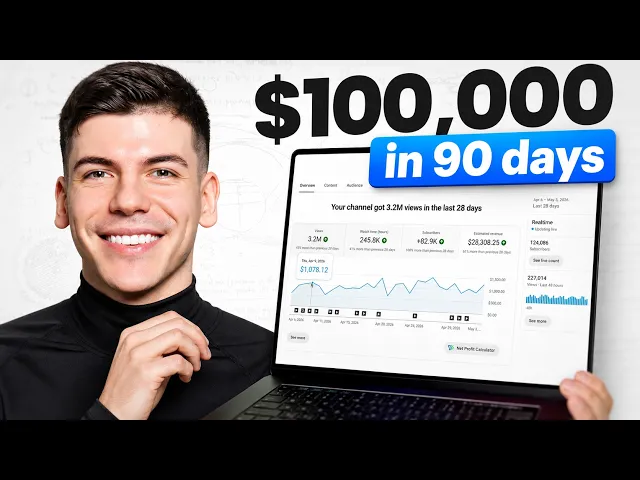
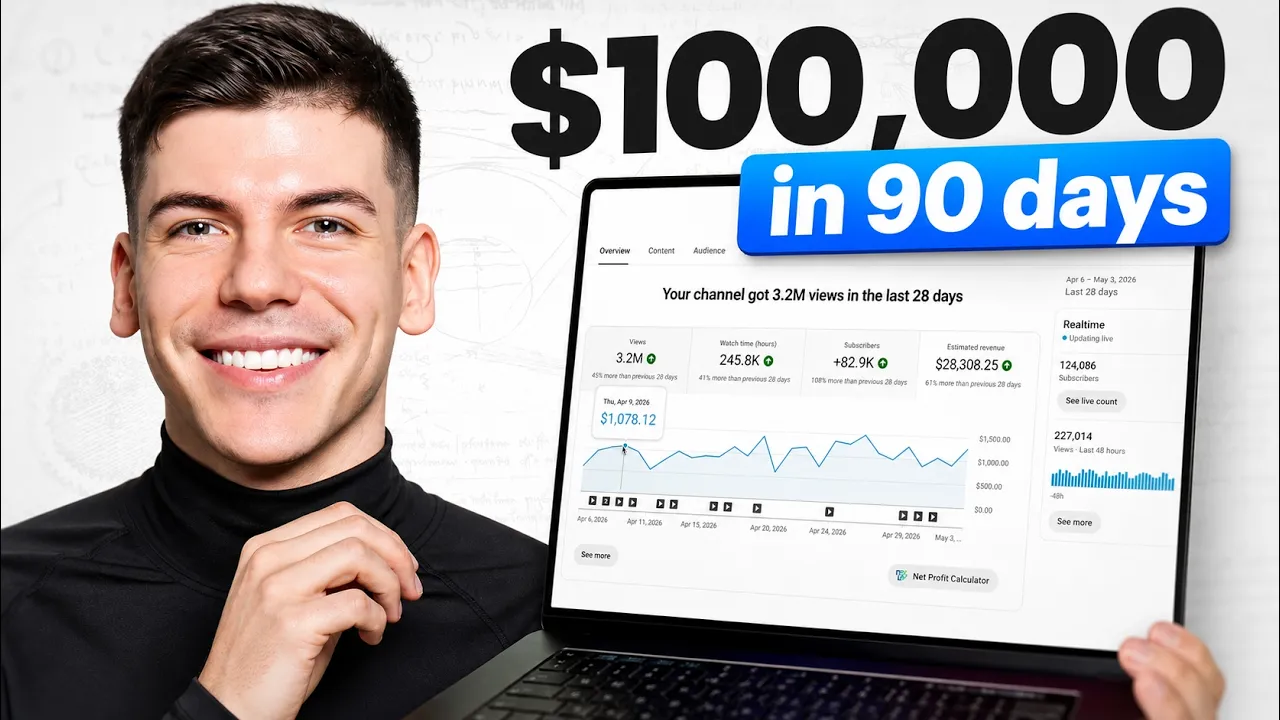
This new faces channel started 19 days ago and already has almost 17 million views. Now on my own faces channel where I got 3 million views, I made 28 grand and they got five times more views. So it's safe to assume that if I got five times more views, I would have made over six figures.
I mean, I have this tool that estimates how much they make every single month from ad revenue. And because of how crazy that is, I spent the last week building this entire Notion template with all of the prompts you can copy and paste to recreate a channel like this with AI. I'm going to share all of that and more completely free.
So, let's get started. All right. Now, the channel in question is Cosmicus.
Their oldest video is 3 months ago or 90 days ago, and their most popular videos already have millions of views. Now, if you open up any of these most popular videos, you'll quickly hear that the voice they use is AI. Some of the visuals are AI and most of the footage can be found online.
They just have their logo in the top right corner and it has pretty basic editing to be honest. Now, before I give you all the prompts you can copy and paste and the entire step-by-step guide, I want to show you something I'm super excited about. There are plenty of these new channels that just started 30 days ago now doing crazy numbers.
Like, these guys literally posted their first video 1 month ago and they're now making $7,000 a month from this channel. This channel started two months ago, for example. Their most popular videos have already millions of views and they're making $10,000 a month from this channel.
There's also this YouTube channel that started out very recently and they're already doing $28,000 a month. There are more and more faces channels exploding like never before and I'm super excited about this. Anyways, where do you get this free notion document?
Well, you're going to find it inside of my free community that I'm going to link below. Oh, just go to the classroom, go to AI systems, and then select Cosmicus right over here. Click on access the system here, and that will open up the notion document.
Step number one. All right, things are getting serious now. We're going to go over to Claude, and we're going to copy this prompt.
Paste that prompt into the document and take a screenshot of the channel that you're trying to recreate. In this case, that's going to be Cosmicus. What this does is it asks Claude to find us similar video ideas that they haven't covered.
Step number two. All right, now it's getting even more juicier. We're not going to share some generic slop like everyone else because we actually want to get views.
Therefore, we're going to copy this prompt from the document and then we'll paste it inside of Claude. But first, we'll select one of the ideas that Claude chose for us before. I'm going to paste one of those ideas here and I'll submit this.
I'm essentially asking Claude to do research and find 10 unique points I can use in my video that most people have not heard about when it comes to this subject. So, lesserk known facts and obscure details as I'm not trying to share something generic that everyone already has heard about. In order to get views, I need to bring something new to the table.
That's why I'm asking Claude for research. Step number three. Now that we have obscure facts and research, it's time to write a unique script.
Now you can either write it with clo but the problem is that claude was never built for YouTube and it was never built for writing scripts. So yes you can prompt it heavily and sometimes you can do decent job but the tool that I use is solo. ai.
Inside of solo we can find plenty of tools but I'm going to go to content on the left side and I will simply select YouTube script writer. This was specifically built for writing highquality scripts. We can describe what the video is going to be about.
We can enter our title here copy pasteed from code. And now when it asks me for details, this is where I'm going to copy and paste these 10 different points that Claude has found for me that most people have never heard about before. I'll select text note here and I'll paste it in this box.
And number four, a really cool thing is that I can now model style of writing from literally any YouTube channel. Now, in this case, I'm just going to model a style of writing from this YouTube channel that I'm trying to recreate. So I will copy a link to one of their most popular videos and then I will select YouTube here and I will paste the link and add it in this box.
I can also write test description and describe what I would like to have differently in my script and then select monetization goal in this case to be ad revenue. So we want to maximize watch time and I will bump up the length of this video to about 10 minutes and I'll just generate script with one press of a button. Next step, we need to generate a voice over.
And for this, there is a free tool at Google AI Studio where you can generate voiceovers. Though there is a limited amount of voices that you can use and everyone is pretty much using the same ones because they're free and they also sound a little bit robotic. So, it doesn't really perform well on YouTube.
But for this case, I'm going to be using solo AI voices as I'm already inside of Solo. I'm just going to go to the voice over section and there's a library of 10,000 different voices that I can pick and choose from. I'm going to filter by genders, ages, and of course, language, English.
Then once the script has been written, and this is an insane script, by the way, if you read through this, it's crazy. I can copy that with one press of a button and simply paste it inside of this box and generate a voice over. All right, the next step is to either find footage or generate footage.
Because again, if you go to their videos, you'll see that most of the footage they're using is stock footage that they either find online or generate with AI. Now, you can technically find free stock footage on websites like Pixels. There's free footage to use here.
It's not the best and it's pretty limited, but there's plenty of footage that we can use. And that's what I would do for the most part. I would download as many of them as I can.
But if I need something more specific, I can generate prompts inside of Claude by simply copying this prompt. I paste the prompt here. I enter the title of my video.
And then at the end, I just need to paste my script at the bottom, which I'm going to grab from Solo right over here. Now, Claude will start generating these prompts that I can then copy and paste. Now, inside of Solo, you can go to video on the left side and then you can select video creator right over here.
And there's a couple of new models over here. We have Solo AX high-end. This is the best performing model.
It's going to give you the most realistic footage, but it is very expensive in terms of credits. Then there is also Solo NX. This is also very high quality and slight uses slightly less credits.
But for what we need here is we can just use Solo VX. This is a budget model. It's still going to do decent job.
It's not going to be highest quality. I make sure to select aspect ratio 16x9 for YouTube though. And then here we can just copy paste the prompts from cloth.
Then just generate. Here you can see some of the example footage that I was able to create. So I made like a new planet in a Milky Way galaxy and it looks pretty cool.
Now we just need to put all this footage together inside of Cap Cut. So you can download Cap Cut which is a free video editing software and you just upload all the footage, drag and drop it to the timeline. Also upload your voiceovers, adjust the footage, make sure that footage changes, especially in the beginning.
What I like to do for a rule of thumb is in the first 20 seconds, footage changes every 5 seconds. So, we go like this and I'm going to drag it all the way down until it's only 5 seconds or less, especially in the beginning as we are trying to grab someone's attention. Like look how long this is.
I'm going to go even less for the first one. Next up, we need to create a thumbnail. these small images that people see before they decide to click on our YouTube video.
And I'm also going to do this inside of Solo. When we go to visuals on the left-hand side, we can select the image generator right over here. And the new model is solo AX4 image.
This is the best model right now. Make sure to select aspect ratio to be landscape or 16x9. And right over here, for example, I've created this thumbnail.
And this is the prompt that I use. Now, this prompt might seem insanely complex, but the secret is you go to a YouTube channel that you like, you copy their YouTube URL, then go to YouTube thumbnail grabber, this free website over here, you paste that link, you get the thumbnail, and then you can either ask Solo AI assistant to analyze this image and then give you the JSON prompt. So, just ask it to create a JSON prompt that will allow me to recreate this exact same YouTube thumbnail.
And then you can tell it what changes you want. And I can change for example but change the text to wait is this real for example when I can change the font and colors like you literally just speak thumbnails into existence. Now that's going to give you the prompt that you then copy and paste when you go back to the visuals.
You go to image generator and you select solo AX4. You can also ask CH GPT for these prompts. So you upload the thumbnail and you just ask it to describe a prompt that will allow you to recreate that thumbnail with the changes that you want.
Maybe you want a different background, you want different colors, you want different font, you want different text, just speak that. It gives you the prompt and then you just copy and paste it here and then you get a thumbnail created. Now, even though there are thousands of channels exploding right now, it can sometimes take a little bit of time.
I know that, for example, this member of my community, it took him a couple of days to get his channel off the ground and actually start getting decent amount of views. And I know that this member, for example, said that he was really frustrated in the beginning. Now he's doing $8,000 a month from his channel, but it took him a while to get it off the ground.
So the results are never going to be instant and they're not supposed to be. This is a real business that requires real time and effort in order to take it off the ground. And by the way, for those of you that are already inside of online business club community on our group coaching call that I held on Monday, I went over the lessons that I've learned from my channel, from my fastest growing channel that is now doing $28,000 a month that we actually started just two months ago.
And you're going to find a recording in the past coaching calls right here. I went over exactly what I did and the mistakes that I made in order to get these results so you don't have to make the same mistakes. You can learn from the lessons that I've learned.
You're also going to see exactly how much it cost me to get to 28K.