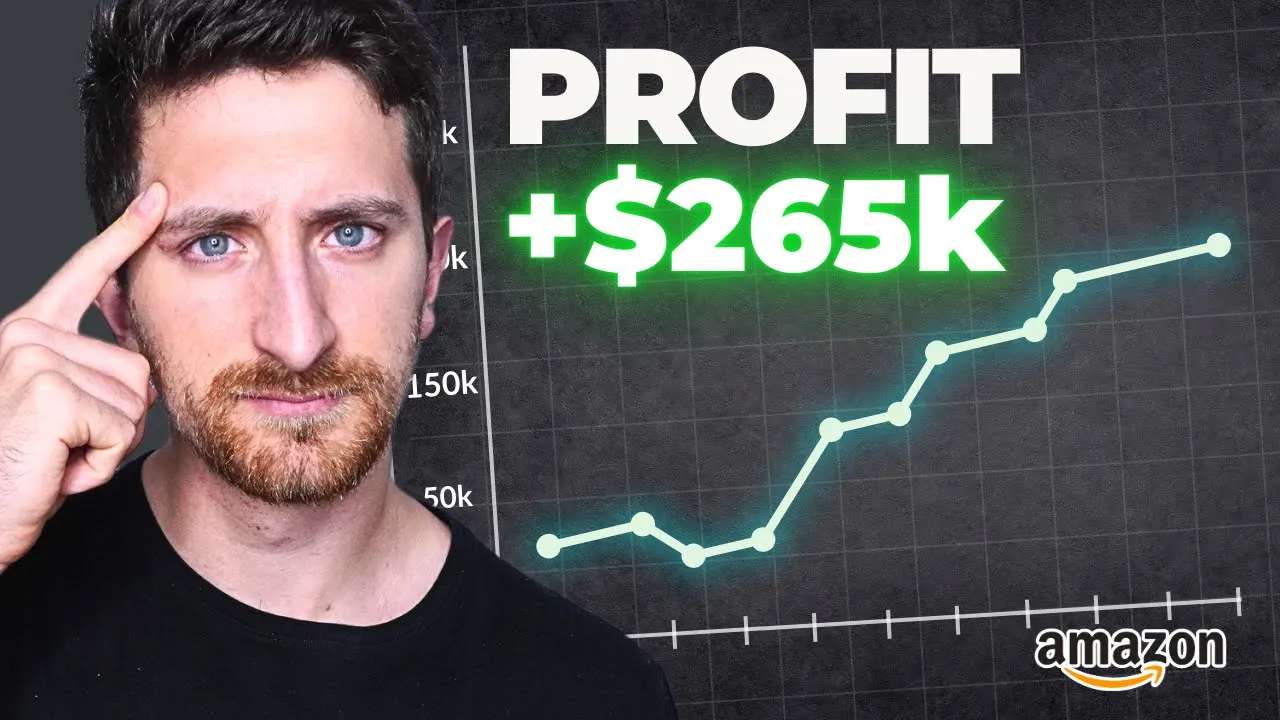
I want to share with you how we increased profit by $265,000 in just 30 days for one of our new client by simply focusing on the Amazon PPC fundamentals and after auditing more than 500 Amazon PPC accounts I truly believe that most Amazon sellers are failing at the basics of Amazon PPC. So my goal with this presentation is to share with you seven action steps to master the fundamentals of Amazon PPC and to apply the seven action steps in your Amazon PPC accounts I'm going to share with you at the end of the presentation a clear SOPs and tools and processes to apply the seven action steps in your Amazon PPC account. And before starting who am I, I'm Stefano Pretto, I'm the CEO at Nomadz we manage over 56 million dollars in Amazon ad spend on a yearly basis for our clients we've been working with more than 200 Brands over the past years and we have a team of more than 50 team members all over the world.
To start this conversation I want to share with you what were the mistake I was doing when I started this journey as an Amazon PPC manager for my first client which was a big supplements brand was one of the biggest supplements brand in Europe and the mistake I was doing back then are the same mistake I see Amazon Seller doing right now the first one was for sure to over complicate processes I was doing too many things I was testing too many stuff and in the end I didn't know exactly what I wanted to achieve that was the first mistake I was doing so so I was working too much and but I didn't get many results on this. The second one I had this paralysis by analysis I was watching so many YouTube videos I was reading so many LinkedIn post and I didn't know exactly what to apply from these videos and because they had so many tips and strategies but they didn't know what was what were the action steps and that is what I want to give you in this video. And finally I was missing the key goals of Amazon PPC what are we trying to achieve with PPC what is the in end goal of PPC.
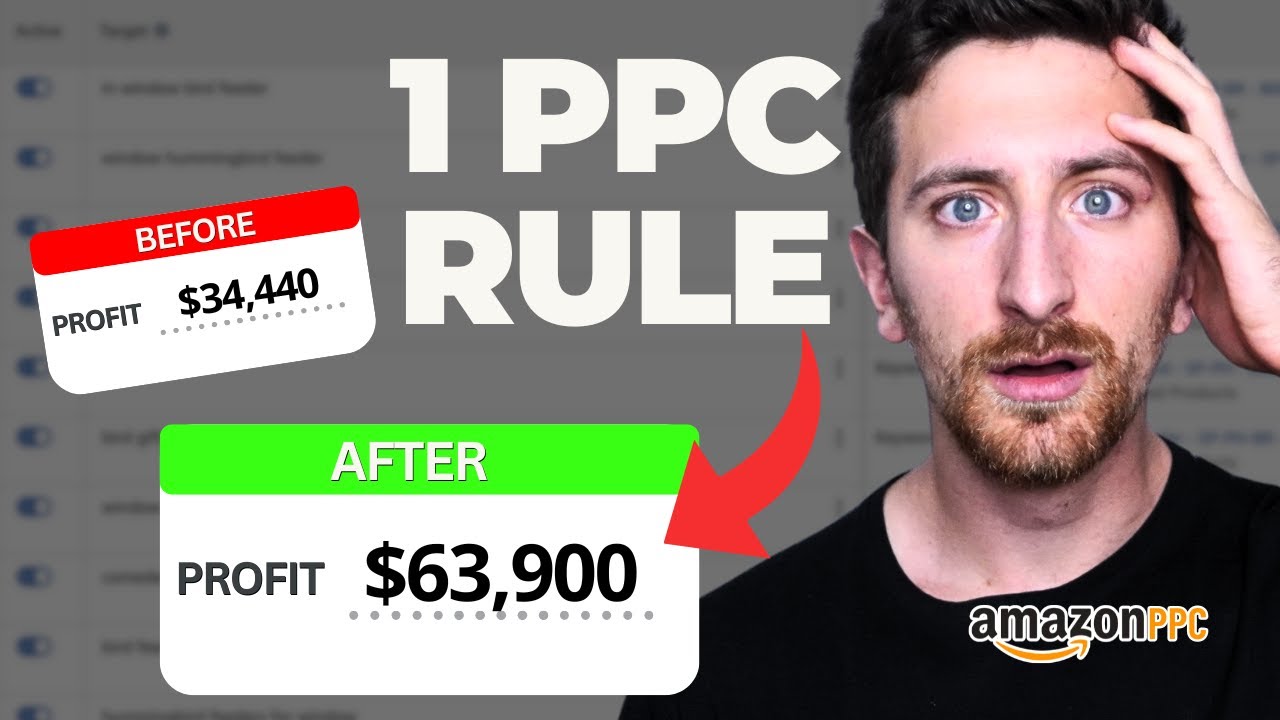
I came to the conclusion that most people tend to over complicate Amazon PPC and at the beginning I was that person so I was over complicating Amazon PPC and for me everything changed after meeting my future business partner Lucas Kwiatkowski. He started Nomadz 8 years ago and together we built our three step proven process to manage optimize and scale any Amazon PPC accounts and in this presentation I will focus on the organize and optimize phase so this three step process is is something that we always do across all our clients account but in this presentation I want to focus on the organized and optimized phase and I will share with you how crazy it is that with only these two steps apply in your Amazon PPC accounts and you can achieve incredible results. This is what we did for one of our last client where we started working with them at the end of August and at the end of August they were doing roughly 400,000 in monthly Prof profit and after 30 days of working together by just doing by just organizing and optimizing the account which means to set up the strong fundamentals of Amazon PPC we were able to increase the profitability by $265,000 a month and we were also able to improve the sales not that much but profit was insane and now we see that the profit is consistently at $700,000 a month which is insane like by just doing the basics of Amazon PPC.
And to start let me define what are the goals of Amazon PPC. The main goals of Amazon PPC are to improve organic ranking and get profitable assets everything else is noise especially if you're doing less than half a million a month in total sales on Amazon do not worry about the brand awareness do not worry about Amazon marketing Cloud most likely you just need to focus on these two main goals, improve organic ranking and get profitable ad sales. If PPC is not able to help you to achieve these two goals it means that you have a problem with product Market fit or you have a problem on the listing which is still product Market fit but do not focus on anything else if you're not achieving these two main goals, improve organic rank and get profitable ad sales.
And remember this because we will come back during our presentation. So the first step when we start to manage any Amazon PPC accounts is to organize the account and this phase is divided in three main action steps we do an advanced audit of the account we organize the theing console we do a product marketing and keyword analysis and when we do this phase in new client accounts we see these common mistakes we see multiple match types inside an ad group multiple ad groups inside a campaign inconsistent naming system and lack of clear KPIs. Let's attack the first two problems clear structure, I'm sure you have seen many videos about this but I see this problem so many times we don't want to have the campaign structure on the left we want to have the campaign structure on the right.
The campaign structure on the left doesn't allow us to have a clear and a clear control and a a full control over our Amazon PPC ad spend and that is what we found inside this account they were using a software that is using multiple ad groups inside a campaign and multiple keyword too many keyword inside an ad group and so what we did we moved from the campaign structure on the left to the campaign structure on the right because when you control Amazon ad spend you are able to optimize the Amazon ad spend and you're able to scale this Amazon ad spend. So by segmenting better the campaign we were able to control the ad spend and to spend only on what we know that is working very well. So if you have the campaign structure on the left try to move to the campaign structure on the right as soon as possible because that will allow you also to improve placements optimization to have better data in terms of top of social impression share and many other metrics.
After you've done that you want to have an effective naming system in this account everything was disorganized we want to have an effective naming system we want to quickly understand what are we doing for inside each Amazon POC campaign so I'm going to share with you in our blueprint our campaign structure so you can apply that campaign structure in your Amazon PPC account. After that we set up some clear KPIs for each parent ASIN and for this we use Scale Insights we want to set up some clear target in terms of ACOS and TACOS so for each parent ASIN we want to know what are we aiming for because if you're working with an agency or if you have a team member in house or if you're managing your PPC yourself you need to know what you're aiming for. Are you aiming for a 10% TACOS or are you aiming for a 25% TACOS what are your goals you need to define these numbers and you need to or you need to give to your team members these numbers because if they don't have a numbers to to achieve they will not be able to achieve this number and you will not be able to define what is success.
This is very important this is what we did for this account in the first week and finally we want to analyze our market share in this account we were not tracking we had one of the best seller in a niche and we were not tracking the market share for the main keyword and that is a big mistake with see Amazon Seller doing because here what we want to know we want to understand what is the piece of our pie, like how much of our revenue is coming from this keyboard and what is our market share for this keyboard for example for one of the our best keyword the market share for the past 6 months was around 10% and we were able to increase the market share for that key up to 20% by simply pushing more for that keyboard we sponsor a product so for our best keyboard we must analyze our marketer every month I spoke with a seller who is doing um almost 10 million a year and they are doing this analysis on a weekly basis with the day team in house so we highly suggest to do this analysis we're going to share with you the file you can use in your account to do this analysis and an SOPs on how to implemented. The organized phase consist in these four action steps upgrade your campaign structure improve your campaign name set up some clear ACOS and TACOS Target on a parent ASIN level and finally analyze your market share only after you have done these four action steps you can move the optimized phase. Do not start the optimized phase do not start to create new campaigns if you didn't do these action steps first so now we can move to the optimized phase the optimized phase has three main subtask which are foundational campaigns, bidding and placement optimization SOPs and processes and the common mistakes when we do this phase in each account are a lack of strategy not optimizing placements and no clear processes when I say lack of strategy is connected to our goal of Amazon PPC which is we don't know what are we trying to achieve with PPC sometimes we see that we are running sponsor display we running too much sponsor display we running too much sponsor brand or we even running DSP even if it doesn't make sense for us so what we want to do instead we want to focus on what we call the foundational campaign these are the campaigns we always create in all our clients account when we start working with them as soon as we finish the organized phase because we want to make sure that we have some strong foundation for our Amazon PPC campaigns so for each parent ASIN we want to have these five campaigns sponsor product exact sponsor product phrase match sponsor product targeting campaign sponsor brand video except sponsor brand video phrase and these campaigns will follow the structure that I described at the beginning so the campaign structure one campaign one ad group 30 keyword or less we want to have an effective naming system we want to understand what are the what is the target ACOS we are achieving for these campaigns and we also want to use the the most relevant keyword for our products so for each parent agent we highly suggest to use this campaign structure to make sure that you are at least doing the basics of Amazon PPC and you will not believe me how many sellers are missing this campaigns in their accounts and they're not targeting relevant keyword for their products which is insane so that is for one thing and for your sponsor product campaign what you want to do you want to do placements optimization is something that we always see when we analyze an account that people are missing to doing the account they're not doing this optimization so for example in this account we have seen we spent $60,000 on product page Placements with a 47% ACOS while top of search was performing with a 10% ACOS and we spent half of that amount so for the top spending campaigns but overall for all our campaigns we want to optimize placements to do that I'm going to share with you a placement optimization tool in our blueprint that you can Implement in your Amazon account but this is this is key if you want to keep improving the efficiency and scale your Amazon PPC campaigns because segmenting the campaigns on a placement level that is the end goal especially if you're spending if you start spending quite a lot on Amazon PPC so highly suggest to do this because most Amazon sellers are not doing that and finally we want to do we want to apply a daily check-in process in our Amazon bpc accounts the goal of an Amazon PPC agency or or an Amazon PPC manager is to find problem fix problem find Opportunities double down on these opportunities I said this phrase to my team so many times but that is the job of the Amazon PPC manager is to find problems fix the problem find Opportunities double down on these opportunities and to do that we apply what we call the daily checking system where we analyze and optimize the top spending campaigns we analyze and optimize campaigns with no orders analyze and optimize High spending campaigns with high ACOS and analyz and optimizing your campaigns if you do these four steps on a daily basis or you if you tell your team to do these four steps on a daily basis you will be able to understand deeply what's happening your Amazon PPC console because most of the time people don't know what's happening in their Amazon PPC console which is scary because we are spending money and we want to make sure we are maximizing this money so if you apply this system in your Amazon brand I'm sure that you if you have the right person managing your Amazon PPC they will be able to find problem fix the problem find Opportunities double down on this like what we did what we just did for the placements if then I just the top spending campaigns they will be able to see if there is a problem with placements and if they do that on a daily basis trust me they will they will see the problem they will fix the problem especially if you give them the tool that I'm sharing with you today so these are the seven action steps I would suggest you to implement if you want to have strong fundamentals of Amazon PPC so the first one is upgrade your campaign structure change your campaign naming set up some clear ACOS and TACOS Targets on a parent ASIN level analyze your market share set up some your foundational campaigns and optimize placements and finally apply the daily checking process now you have all the tools all the action steps to apply these seven action steps in your Amazon PPC accounts so now it's just a matter of execution like you can watch all the videos you want about Amazon PPC and that is something that I learned myself in the in the worst way because I was watching so many videos and I wasn't doing anything but this video is what I hoped I saw in the past when I just started in the Amazon PPC game and if you play the seven action steps I truly believe I truly believe that your account can drastically improve and what the case study I show you before is just an example but we are working with so many Brands and we've seen that working so many times so highly suggest to take these action steps to help you to implement these seven action steps in your Amazon PPC accounts please email me at stefano+lm@nomadz.
com and I will be more than happy to share with you this blueprint with all the tools information to apply the seven action steps in your Amazon PPC account so I really hope that this video was a bit useful let me know what you think in the comments below and I see you in the next one.


![How to Optimize Minimum and Maximum Bids in Amazon PPC to Improve ACOS? [The PPC Den Podcast]](https://img.youtube.com/vi/PQB4e_9vLVQ/maxresdefault.jpg)