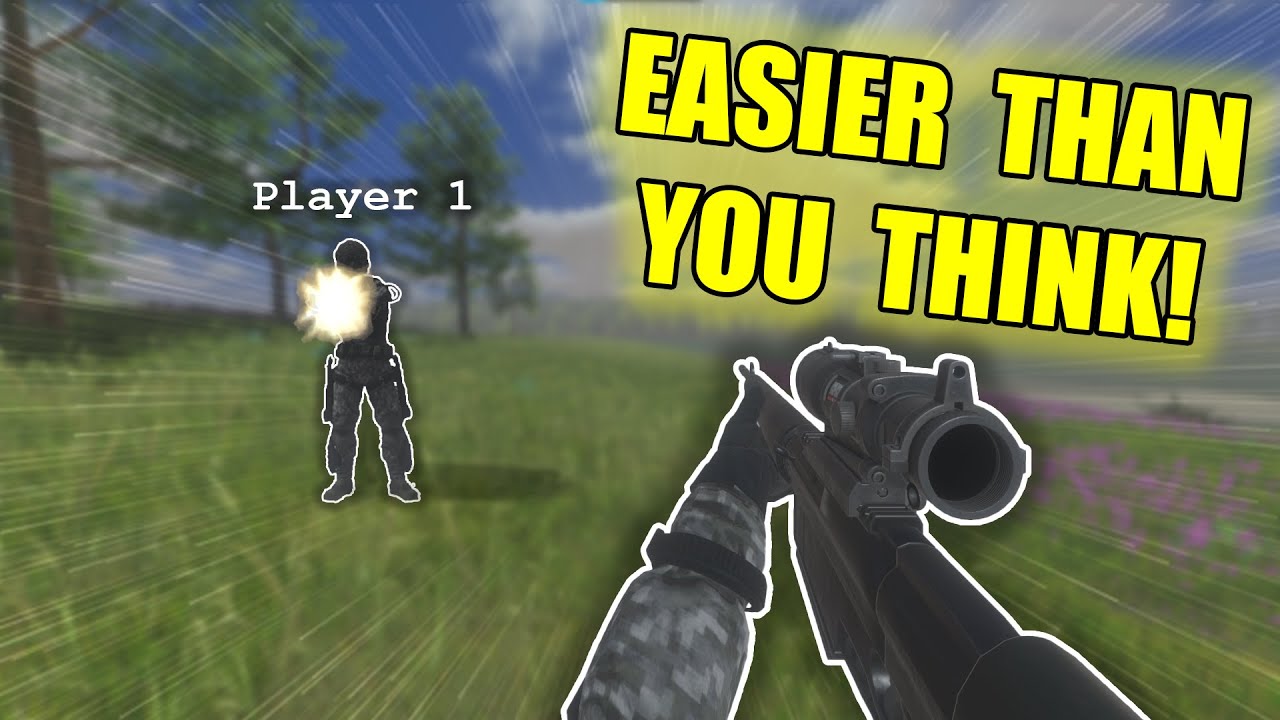
hi guys I'm bobsy and in this little video series we're going to make a firstperson shootter now I've actually made a video on this before but I've lost the project and wasn't able to continue it as more of a series which is what I'm hoping to do a little bit of here so I've actually made I think the same environment as that video if I'm not wrong on making a multiplayer shooter I've set everything up already the environment I've imported some weapons which have nothing other than just a rigid bu so they fall to the ground I've set up the player as per the beginning fishnet tutorial so if you haven't seen that I very much recommend going on watching that so you can follow follow up from here and I've also set up the connection starter which I do in my video where I show the setup that I use so I have parel sync already I have my connection starter I can choose whether I'm a host or a client to make testing and setting up super nice easy and quick I didn't see a reason for me setting that up in this video series as I already have other videos on these topics so now we have a really good base and we want to make a first person shooter with multiplayer now we got to figure out first of all what do we want to build what some of the mechanics that we want obviously the players got to have some health we got to have some weapons and I thought it could be fun making weapons so we can pick them up and I want to do it more of an arcade style so in a realistic type game you would most likely have the weapons that are out here flopping around on the ground be different from the ones that the player actually carries and maybe we'll we'll do that let's figure it out as we go I have had some videos where I've kind of set up and prepared everything but people have kind of voiced that they don't like that so I'm going to keep it very honest I have not set this project up yet I have no idea what I'm going to do and this way you can just follow along in my thought process of setting the up this project now first things first we need some player health and we need some way for the player to actually carry the weapons so let's start with the weapons that's what the first video I think should be about so let me make a weapons folder inside of my script as well and on the player I want to have a player weapon script and this should be on the player keeping track of which weapon do we have and actually I probably want to do exactly what I said before which is have sort of a representation of the weapon in the world and when we pick it up it gets disabled or destroyed and the player picks it up so let's start by going into the player and let me get the weapon so in my I already just imported them so it's all just free assets that I've used you are able to find these on asset store now let me find find the pistol and put that on the body of the player let me find the shotgun which was also a weapon and let me find the rifle which was also a weapon now let's just Center all of these here your zero and we can position them about where we would want to shoot from so let's say that the weapon should be somewhere around here that looks about good and let me move the shotgun up a little bit that should be there the pistol way up about here and let me just remove the colliders completely from them and let me remove the r buies as well and just actually make them not preast so there we go and yeah that should be it now they're just set up purely visually we can move them around as we'd like but I want to see how this looks with the camera now all of them are obviously going to be enabled so let's just disable these two and let's try and play see how this looks and there you go now we have a gun and see it doesn't move up and down so that's something we got to set up as well now the way that this setup works is it actually grabs the camera after the fact and sets it up on the player so that way we cannot have this setup actually we got to figure out what else we want to do or we'll figure that one out in a bit actually maybe we should figure that one out now I just realized it's probably pretty good to have the weapon looking in the right way so let me go into the player open the player weapon and let's remember to also attach this onto the player so player weapon there you go now in here first of all I just want to have a serialized field where we can have a private list and this should be probably of the type of weapon or let's make it abstract and call it a weapon and this can be our list of weapons which will just be a new list and now this a weapon class let's go and make that immediately so let me go create a new script and call this a weapon open this up this will be a public abstract class of type Network here go now the idea behind abstract is it works a bit like an interface which means you can make up rules the thing that's different about an abstract is it also has inheritance this is all I go over this in my modular setup video so if you're not familiar with that video yet I would very much urge you to go and watch it it will help you understand very much how to work with modularity and it's something that I Started Loving doing lately so something I'll probably want in here is a public void that we just call shoot or actually let's call Fire And that does nothing for now public abstract void fire there we go that's all we have now and now in here in the player weapons you you can see this work so now we should probably actually call this a player weapon and there's a reason for that the reason is the weapons on the ground should probably be called Ground weapon or something like that just to keep it organized cuz these are going to be two different types of weapons so a player weapon like that that should do it so now let's go onto the player prefab here and let's assign this script to each one of these so this is a player weapon oh and we got to inherit from it so let's make new script let's call this one for let's say this is the player pistol and this now inherits from a player weapon and that now means that it needs to have the public override void of fire that and it needs to do something in here we can just right now have a debug lock saying fire well pistol fire just like so and now we can go assign this to the pistol so let's do play pistol and there we go now that's assigned and now let's also make one for the rifle and the shotgun or actually let's keep it to the pistol for now that's probably going to make it easier now we can drag and drop the pistol in here like so and what we got to figure out now is we have to have these set as sh objects of the cameras as soon as that gets set on the player so what we can do is in the player weapon here we could have a public void initialized weapons and this would take in the camera which we would want the transform technically parent of weapons which we would want each of these weapons to be set as a parent we can do for each or four in I equal zero long as I is less than the weapons. count and then i+ and now we can do weapons do transform oh sorry weapons at I transform do set parent to parent of weapons that go that should hopefully do that trick and now the weapon should be able to move around correctly I presume the only thing that could be a bit off is the positioning here but let's we'll figure that one out so if I go into the player controller and I see it all gets set up on onl client and then this is only for the owner so this is perfectly fine and then here we can say if try get component player out player weapon just called player weapon we can do player weapon do initialize weapons and then that will be the player camera. transform there we go let's try and see how this looks now I have no idea if this is actually going to work or if the pistol is going to be well offset it looks good pistol is now following around where we wanted in the middle of the screen I think that's good also I just noticed that the the weapons are warped which of course we don't want the reason for that is because on my player I made the body 0.
5 so let me actually just take the weapons out of here again and now you can see that's 0. 5 let's just make them one and one there we go yeah that's better that looks that looks more right now if we press play and there we go now we have a gun I think this looks good uh non-convex mesh cider ah great they have child objects didn't even notice yeah there we go okay right so this is the first step now the weapons are working with the camera very very good good start I want to move them a bit up and a bit to the right let me just do that immediately a bit up and a bit to the right let's go just with the current cam view right okay so the next thing I want to do is I want to be able to both shoot and I want to be able to pick up a different weapons so on the player weapon script I want to keep track of what's our active weapon now I want to serialize this just for debugging purposes as well so we can actually see it so a player weapon will be the yeah current weapon like that and by default what we can just do is we can just have it be weapons at Z and we probably want to just make a an if statement really quickly just say if weapons. count greater than zero then we'll do it just to make sure it doesn't return all creating an error now we'll have a current weapon set and now we can also have a private void fire weapon which will take our current weapon and call the fire call which is the one that we set up in here as a rule which means they will all have it and in this case it should say pistol fired cuz the pistol will be the first weapon what we can actually also do is instead of this let's do a private void initialize weapon and that will take in an integer of the weapon index and so this will instead be the weapon in and if the count has to be greater than the weapon in there so this should initialize the weapon but most importantly we need to enable and disable the weapons correctly so this can now call initialized weapon at index zero and now we can say four in I equals to zero long as I is less than the web St count and yeah here we set them active to full and now what we want to do here is we want to set the correct one active again so we want to take the current weapon game object set active to true so now we should change the weapon it should technically disable all the other weapons we can test this in just a bit but most importantly let's go and test the firing so now I also want in the just throw in a update function up here PRI void update and this should actually be a network Behavior just realized because we need to disable it that work behavior and we want to say if input.
get key down ke code. Mouse zero that's your left Mouse button we want to call the fire weapon command and now on the onstart client like usually we also want to say if we are not the owner we want to not only return but we want to enable theal FS we just want to disable the entire script now let's go and test this out if this just works locally for now you can see now whenever I press you can see it says pistol fire that looks like it's working now let's just for debugging sake go into the weapons and make the other weapons as well so this is the this will be the player shotgun and this will be the player rifle let's open up player rifle call it player rifle and say play rifle fired and in the player shotgun this same just say shotgun fired and this will be player shotgun there we go okay now let's put this on the actual preap go in here we have the rifle we'll add the player rifle and we have the shotgun and will'll add the player shotgun and now onto the player we'll just add this so that was the shotgun this was the rifle don't know why but for some reason I want the rifle to be the second one in the row so now even if we enable these you should see that we should end up with only the pistol still cuz it should disable others and you can see it just says pistol fired whenever I press now what we can do for debu sake is we can go into the player weapon over here we say if input.