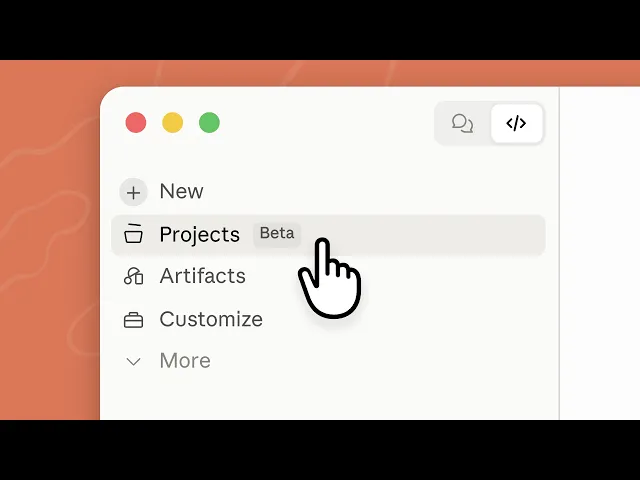
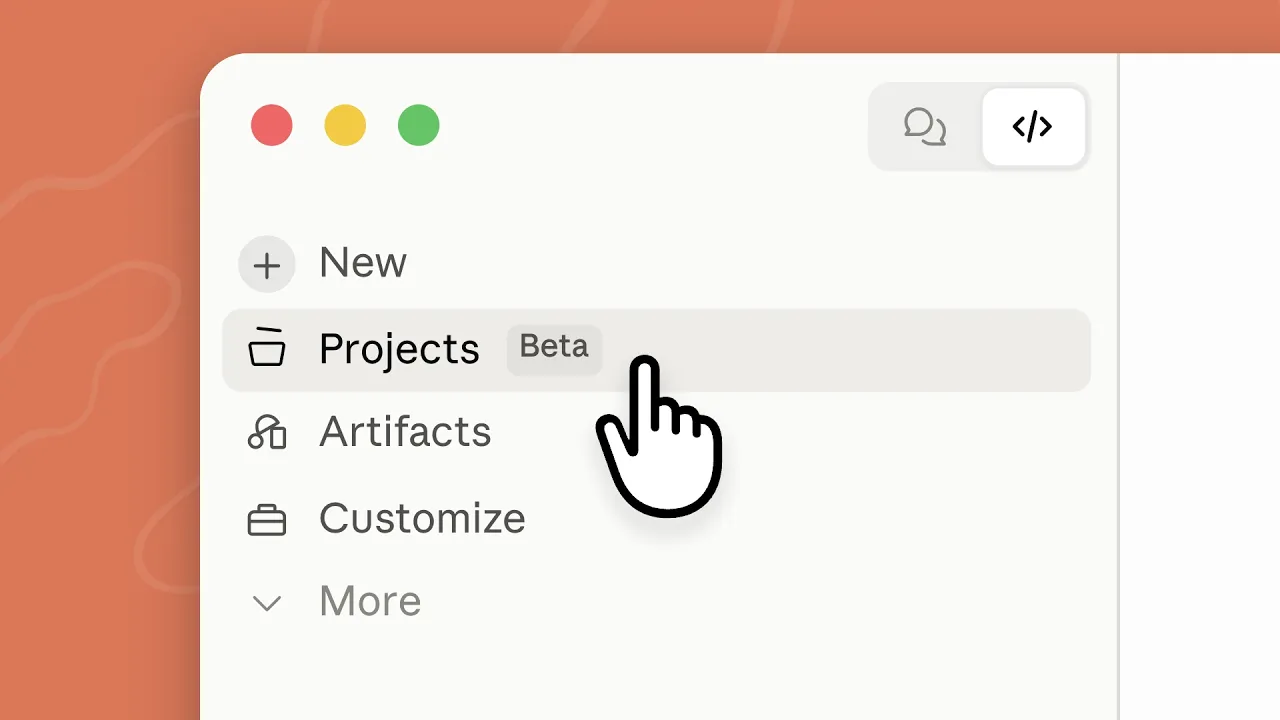
Watch this. I'm going to bring down a large goal for Claude. I'm not going to think about creating sub-agents, managing multiple sessions, or work trees.
Instead, I'll just ask. Claude has figured out how to break my goal into smaller tasks, and assign the team to work on them in parallel. This is Claude Code Projects.
A project is one ongoing conversation where Claude coordinates the work for you. You give it a list of tasks, and Claude spins up a thread for each one. A thread is its own session, running on its own branch in the cloud.
So, the work keeps going even after you close your laptop, and you can check in from your phone. When a task needs your local files or tools, you can ask Claude to run that thread on your computer instead. You can reach for projects when you're working on a large goal that spans many sessions, or even across repos.
Things like migrating your app away from a deprecated package, or updating an endpoint across your API, web, and mobile repos. For our example, we'll set up a project to investigate and fix a streak of performance issues on a website, and set up a daily check so that future regressions get caught early. To start, open the Claude tab on desktop or the web app.
Create a new project and add a project name, a goal Claude should work towards, and the relevant repos or folders. Once the project is created, you land in the main conversation. This is where you talk to Claude, and where it coordinates the work.
You can pick one of the suggestions it offers, ask it a quick question, or give it a list of tasks. I'll share some metrics and user feedback we've been seeing. Ask Claude to explore the codebase and suggest what we can do to improve performance.
Claude explores our repos and comes back with what it found. After we agree on what to work on, Claude spins up a thread for each task. Most of the time, you can leave threads to it, but you can also click a card to follow what Claude is doing, steer the by talking in the thread, or stop it.
In the threads tab, you can see any threads that are waiting for you. When a thread has a concrete change ready, like a bug fix, it opens a pull request on its own, or whenever you ask. The thread then keeps watching the PR.
It pushes fixes when the CI fails, and addresses review comments. Claude will show you the next step of a PR in the main conversation. To see all PRs and their statuses, go to the pull requests tab in overview.
When you're ready to merge, just ask Claude. Projects also support artifacts. Let's ask Claude to create one to summarize the changes we made with the before and after performance metrics, so that we can share it with our team.
You'll find artifacts in the library tab. Think of the library as the project's shared folder. It stores the artifacts Claude creates, and any files you add yourself, like mock-ups or a design spec.
Every thread can access it, so the next time we work on performance, Claude can then update the report. To prevent regressions in the future, we'll connect Claude to our monitoring service, so it can check the real user metrics itself. Then, we'll ask Claude to set up a routine that runs every day and checks for any performance regressions.
If Claude finds one, it will open a thread to investigate, and it will be waiting for you in the project when you next check in. All right, so that's a quick overview of projects. Here are three tips from the Claude Code team to help you get the most out of them.
First, every thread is a full Claude Code session, and a project can run several at once, so it uses your plan's limits faster than a single session. To help manage your usage, you can change the model and the effort level in the project settings. Leave the coordinator on low effort.
It mostly routes work, so a higher level won't get meaningfully better results. Threads do most of the work, but each task is well scoped, so consider the faulting to a smaller model, and switching in the thread for larger more complex tasks. Second, you can tell Claude how you want it to work.
For example, how many threads to run at once, how often to update you, or to show you a plan before it starts working. Third, threads share memory. You can tell Claude to remember preference for all future threads and edit the memory in the project settings.
So, the next time you have an ambitious goal that is bigger than one session, try starting a project. Give Claude the goal, let it split the work into threads, and check in when he needs you. Claude code projects are currently in beta and rolling out gradually to Pro and Max plans.
To learn more, read the docs linked below.