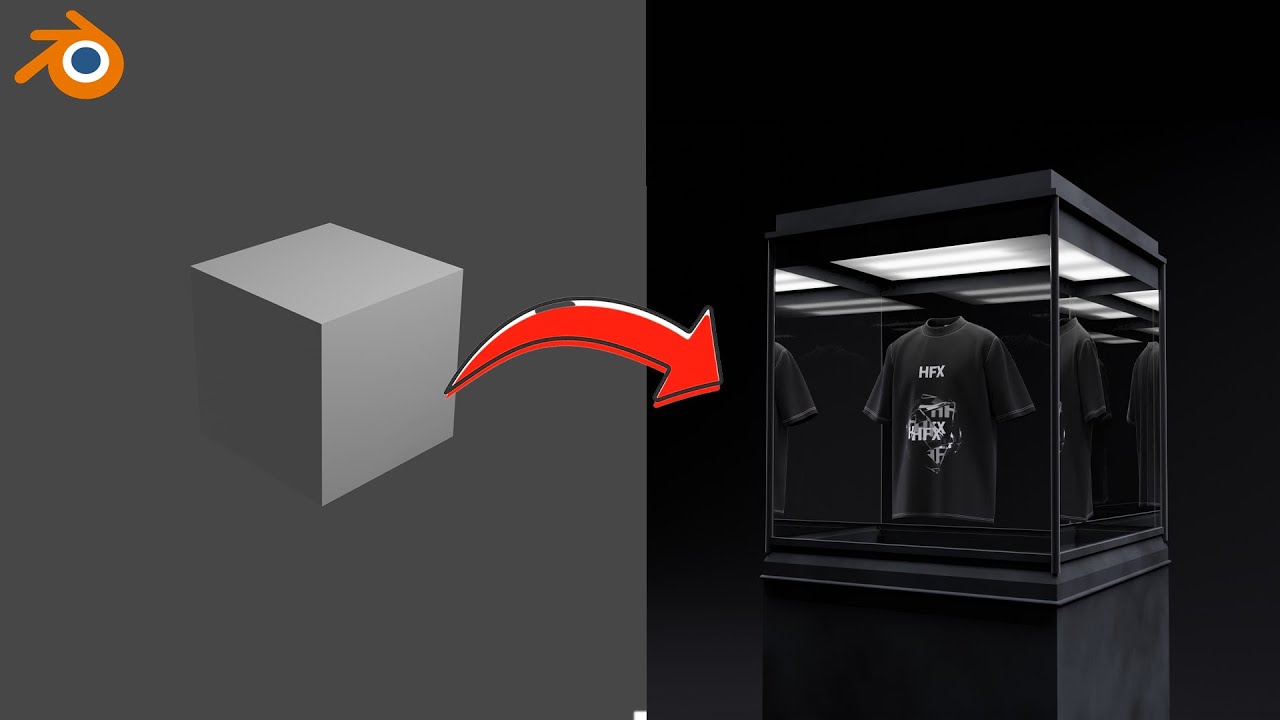
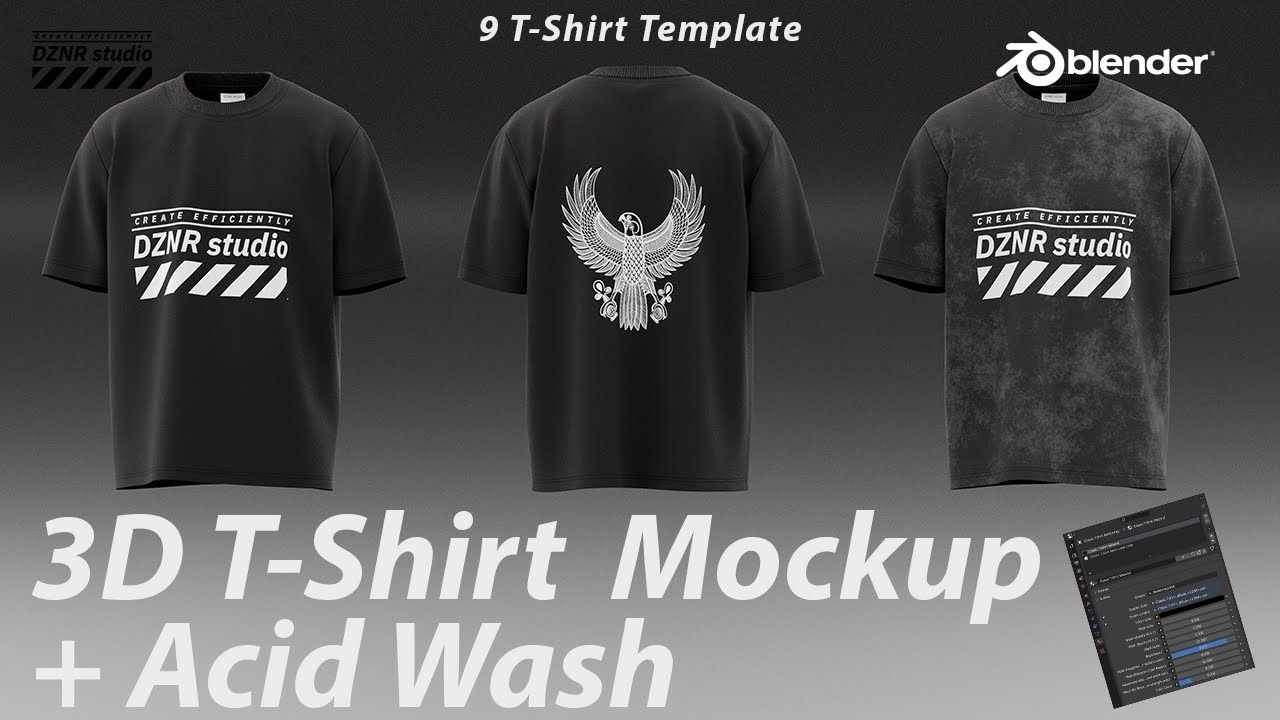
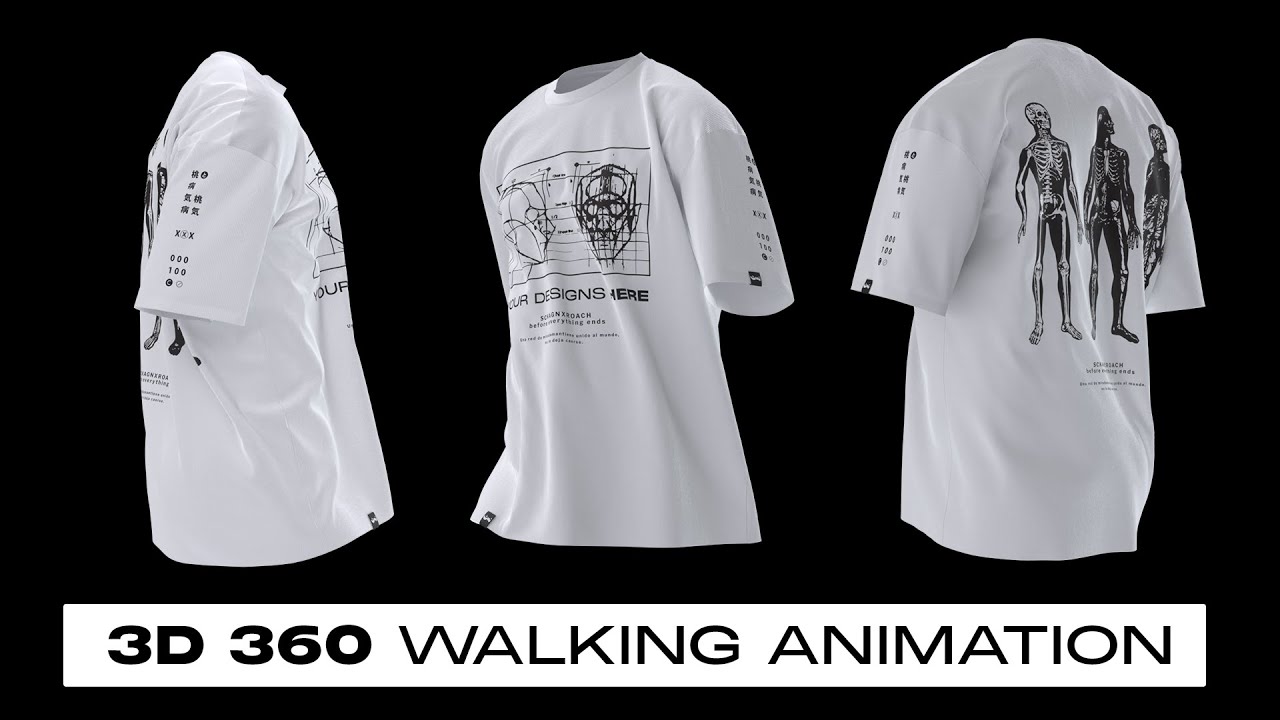
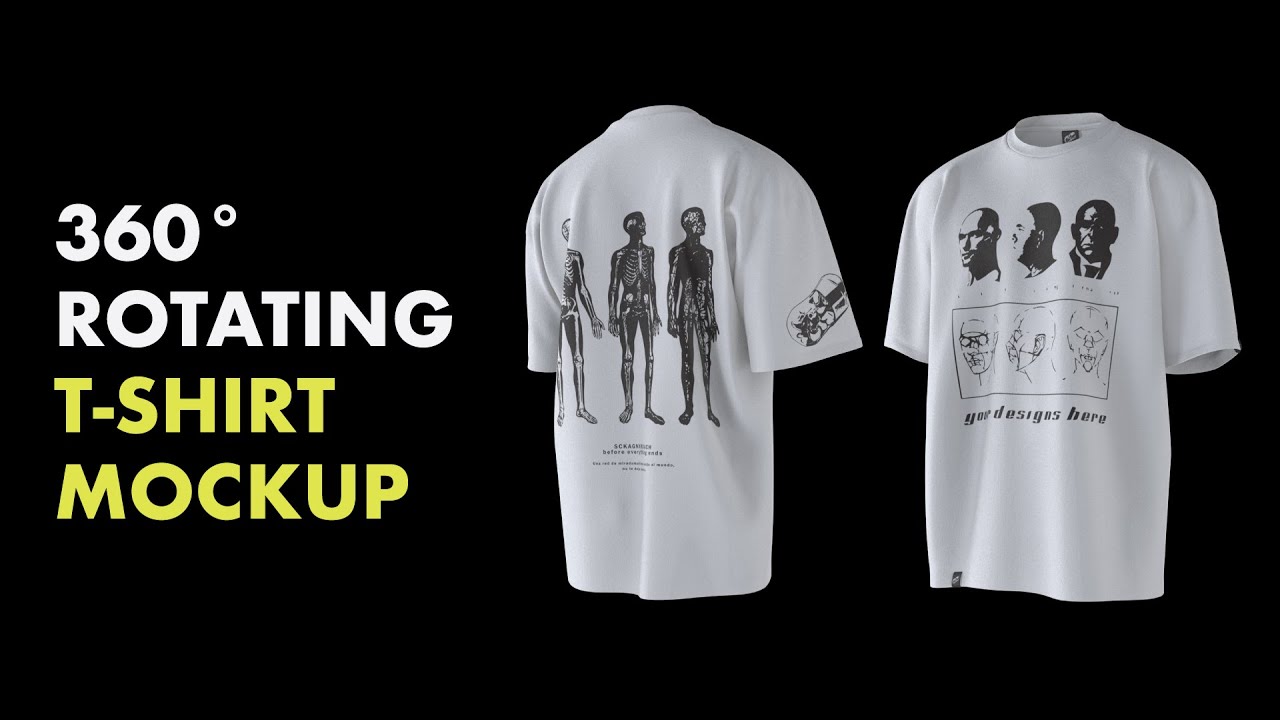
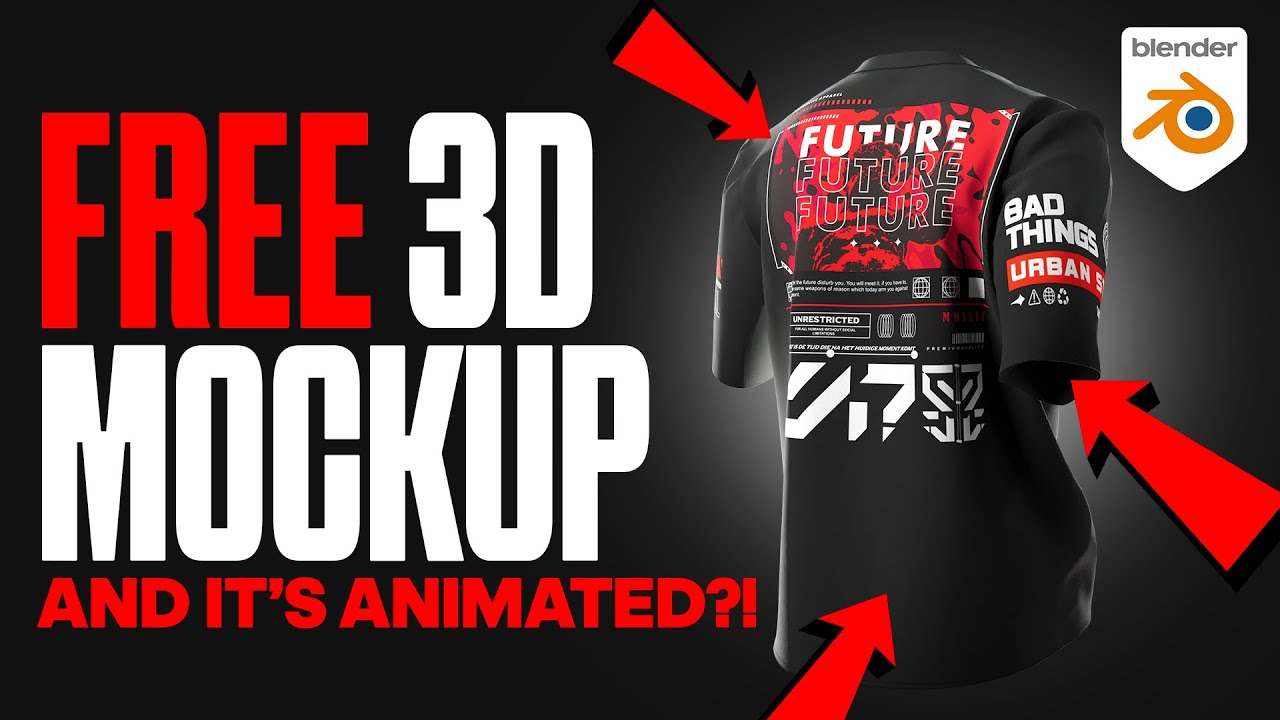
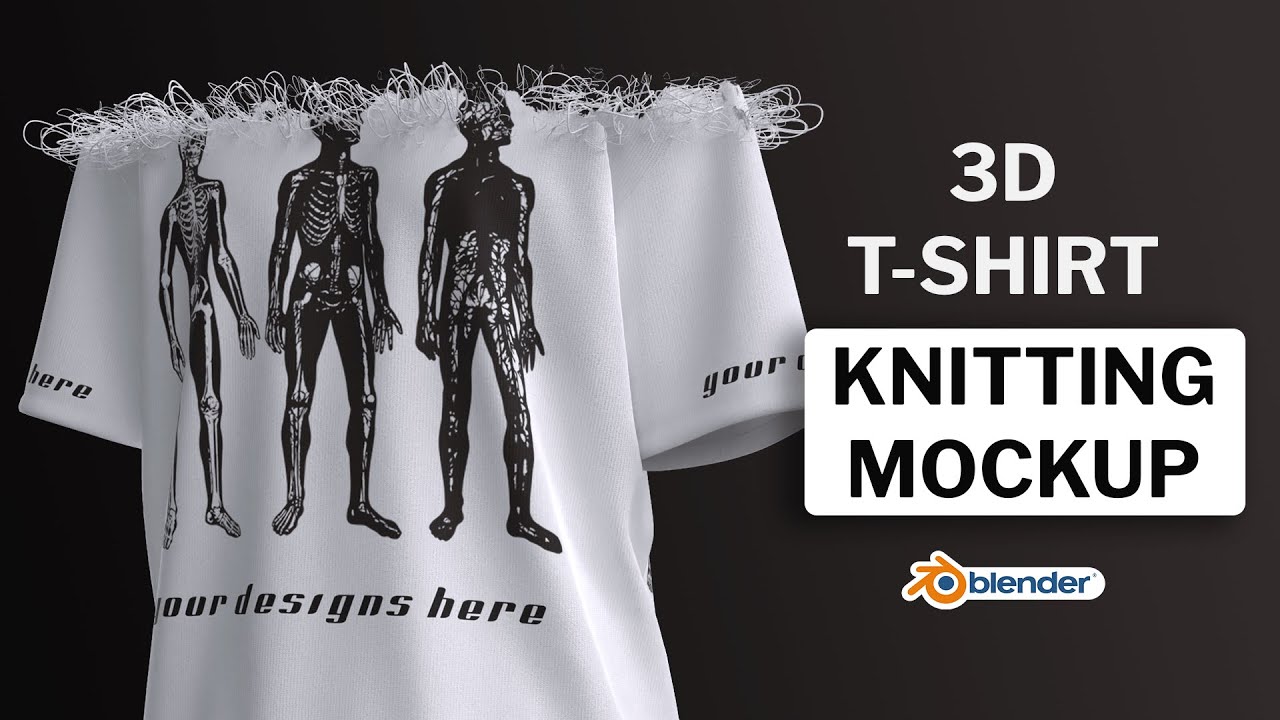
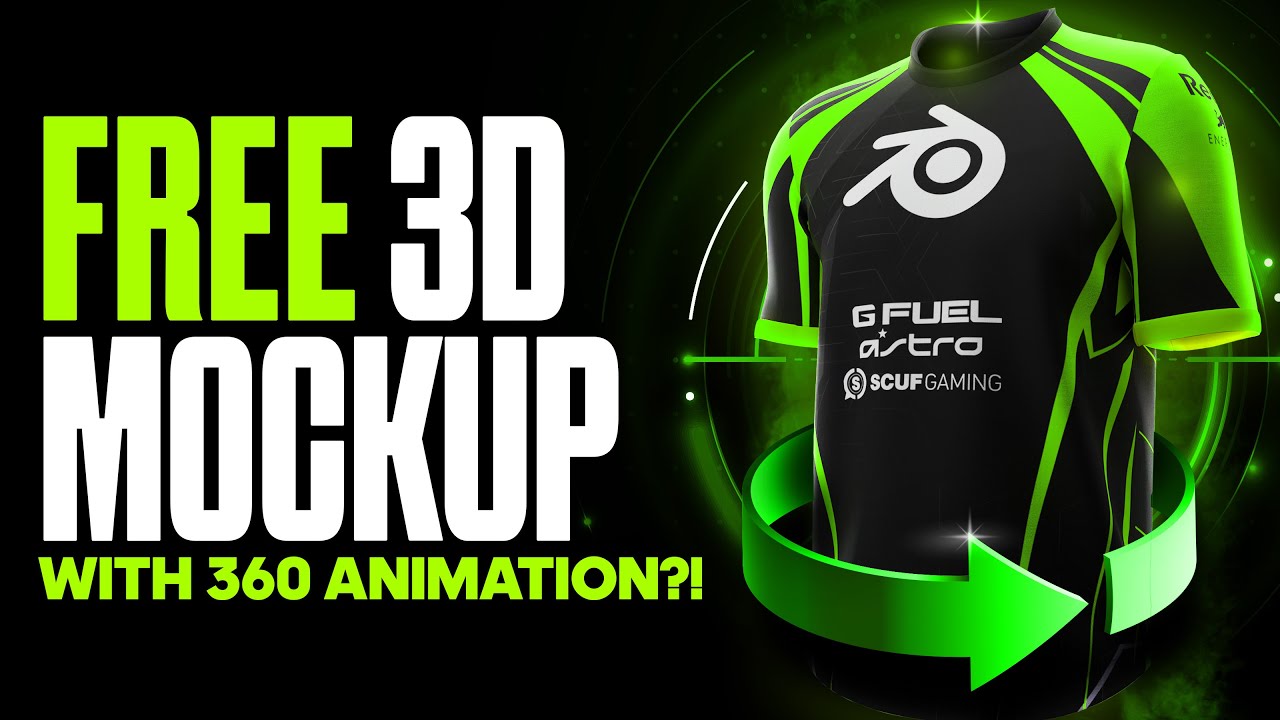
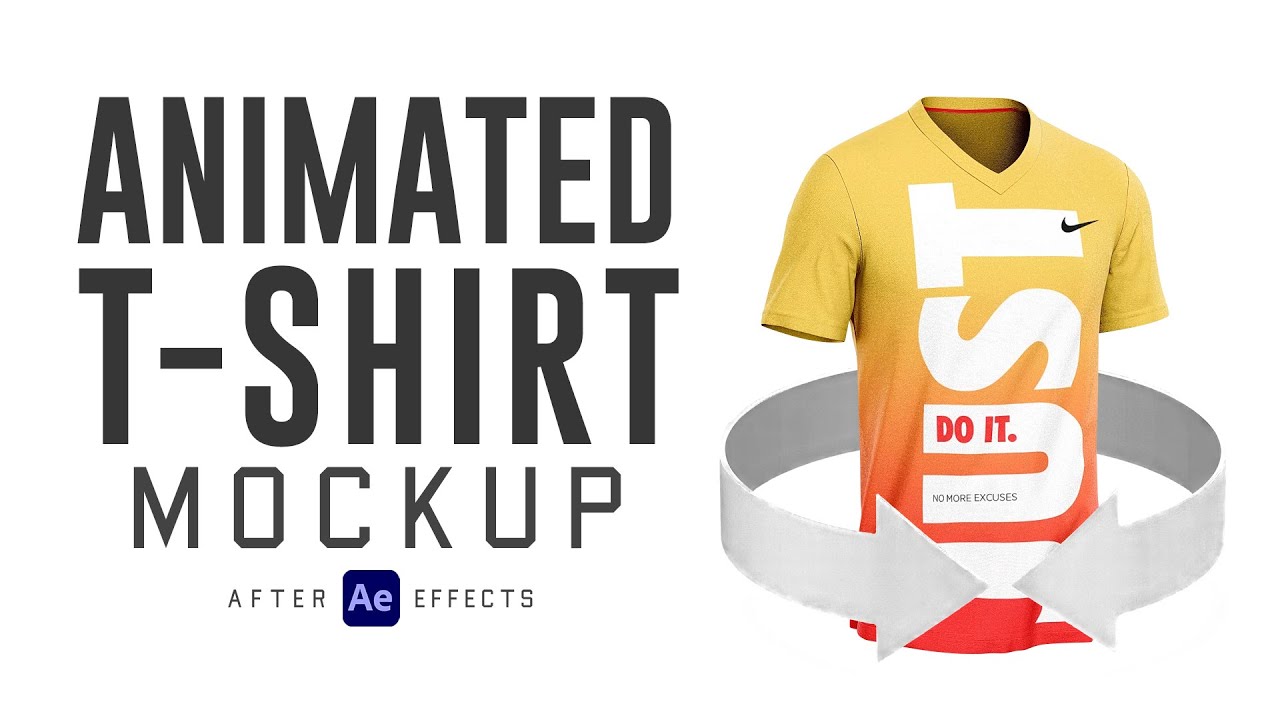
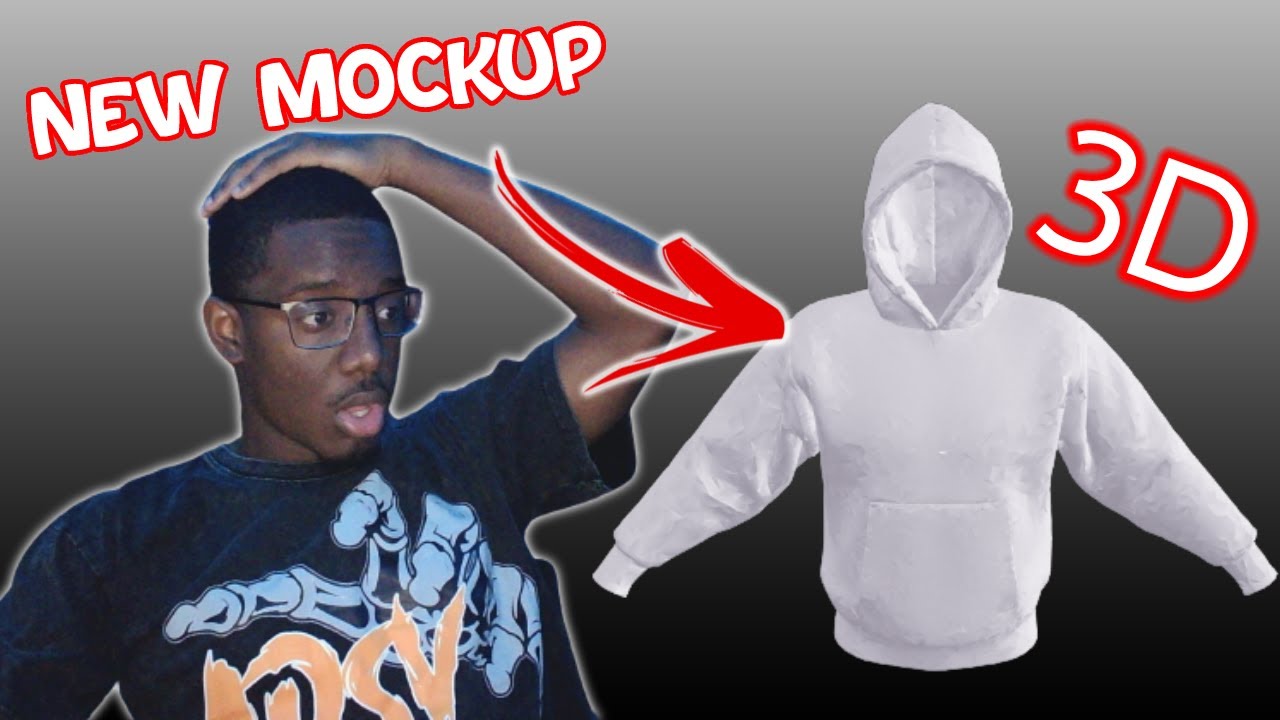
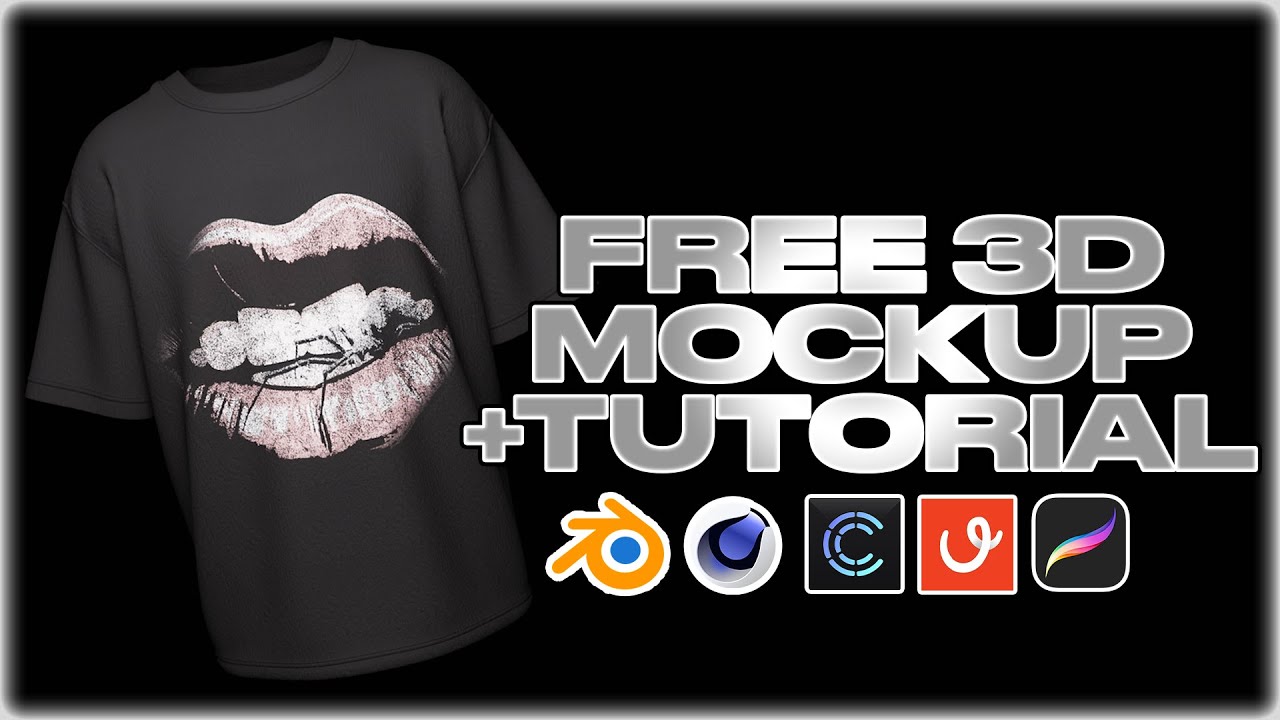
how to generate 3D mockups in under 1 minute go to Virtual threads. select create select upload your design and then upload image Choose Your Design and drag it into position on the 2D canvas you can upload as many designs as you like select garment color to adjust the color of your garment select background color to adjust the background color select animation to add a wind or walk simulation you can adjust the speed of the animation using the slider finally select camera animation to add a 360 rotation you can export as a 4K image video or
3D model