Dude, I found a way to use Codex, kind of a workaround, let's say, right? I mean, the ChatGPT model here, the latest one for free, you know? Like, when I saw this, I said: "Man, no way, will this actually work?
" I tested it, and it worked. So, dude, it's basically Codex, without actually being Codex, you know? It's as if you were using ChatGPT here in the web chat, but it will control your computer.
Yeah, without you needing to install Codex. So, man, hit that like button, subscribe to the channel, comment "GPT" on this video, and share it with your friends, because this tip is honestly wild. My contact info is in the description and the pinned comment for any kind of work in cybersecurity and programming.
And my Telegram channel is also in the description, join us, let's hang out, and maybe we can strike up a partnership or something similar. Got it? Let's get to the video.
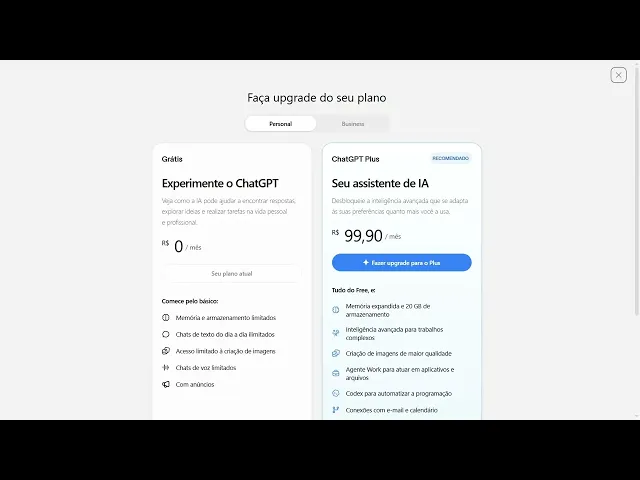
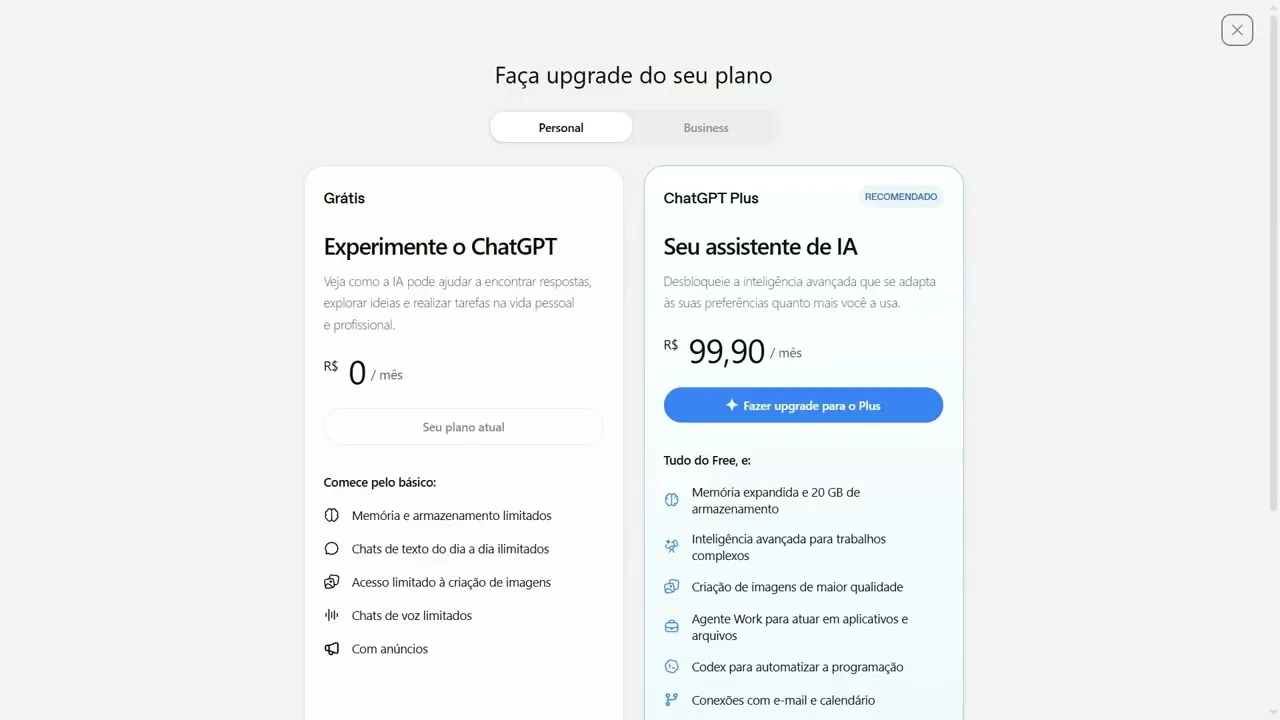
Well, look here, I'll show you guys that I'm on ChatGPT, the free one. Want to see? Look, I don't have a Pro plan, okay?
I've never used a Pro plan on ChatGPT. So here, I'm on ChatGPT, see? In fact, if I click here, see plans, look.
See that? You can switch to other plans, see? And I'm on the free plan right here.
In fact, you'll see my account is called "free," okay? So, what are you going to do here in ChatGPT? You'll go here to plugins, okay?
Plugins. And here you'll scroll down to, look, Remote Desktop Commander. Or you can search for "remote" in the bar there and it will appear, look: Remote Desktop Commander.
Let's click it. Look at this workaround, man. Let's go ahead and install the plugin.
Okay, let's wait. Ready, it's going to open this screen here loading. Let's wait for it to load.
Man, this workaround has me surprised, being completely honest with you guys. It's ready here, look, it's already installed for me, okay? However , for you guys, another screen will open, and I'll show you what that screen is.
Want to see? Look, look. Let me see if I can click here, look.
Let me put it here, look. MCP. Hold on, hold on, hold on, hold on.
Let me put this here. MCP dot. Okay, let me put this in my history so it’ll be easier .
Hold on. Where is it? Where is it?
Where is it? Desktop out commander. Here.
Let’s, let’s click here. And for you guys, this screen will appear right here. Hold on.
No, it's not this one. Take it easy. Let me go back in here.
Man. Yeah, where is it? This one is, it's in beta, okay?
But it works, guys, okay? Let’s wait for it to load . See, mine, mine will show up like this, and yours will too.
Then you just wait for it to load, alright? See, mine is already here, but yours will ask you to log in with a Google account, okay? Logged in with a Google account, alright?
Let’s click here to add to device. I’m going to use it on Windows, but you can use it on Linux or on another or on Mac. So, it's the same , same procedure.
You’ll click copy here, and one thing I see people doing but not showing is, ah, they say: "Just paste the command into the terminal and it will work? " It won't work, okay? What do you have to do?
You go here and type inet install node jss, OK? An get. Let me see if npm works.
Install npm. Let me see if npm will work, okay? Yeah , it's inet node js, okay?
And then it will start installing node JS. Or you can go to Google Chrome and install Node JS yourselves. If you don't install it, this command won't work.
So you need to have this command installed , oh, this Node JS installed to run this command. And then let’s run the command here, okay? We installed Node JS.
Let’s run the command here. It will ask if you want to continue. You type Y.
Let’s hit enter. Let’s wait . It takes a few seconds because it’s downloading the package, doing all the remote configuration for your server.
Alright? Alright, it's finishing up. Man, this workaround here, seriously, the guy who made this, the guy is a genius, okay?
A round of applause for the developer, I don't know who it was, but the guy is a genius. OK, let’s wait. Just a reminder, if you're not subscribed, subscribe to the channel, because here you get quality content.
We don't just hack systems, we also hack life. So we're always bringing tricks for you guys to use artificial intelligence and, well, countless other things for free. Alright folks, remember, you need to be logged in.
It will open the link in your browser, but if it doesn't open, just come here to the terminal and copy this link, this one here, mcp. comando app, verify, and so on, okay? In my case, look, it opens the browser automatically.
On Linux, it won't open. So you'll have to take the URL from Linux or Mac, paste it into your PC browser, and here, you'll click on verify my device. OK, done, it's already working.
OK. Oh, you can minimize PowerShell, just keep the desktop. Eh, okay, it's saying here that you have to keep this little window open, okay?
So, as you can see here, it has already connected, okay? I'm going to take this out of full screen. Wait a second.
Let me see if, okay, let me see if it's still connected. I closed my PowerShell. Let's see if it's still connected.
Check the code here again. Whoops, wait a minute. There you go, guys, after connecting, let me hit F5 here to see if it's connected.
Let's wait. Their webpage is a bit slow, but that's okay, right? Here you can see the dashboard and down here you can see the device.
The device here is online. I closed my PowerShell, it's online. Okay.
Now what are you going to do here? We're going to go back to ChatGPT. Let's start a new chat, okay?
New chat. Here you will type @rem, see. Rem.
Press tab. Whoops, wait, wait, wait. Delete that.
@remm, press tab. Okay. It's asking to upgrade the plan.
Excuse me, please. That's getting in my way. Thank you.
@rem. There we go, guys. Here, I'll show you.
The chat is getting in my way of recording here. You'll type @remote, press tab, and it will appear right here, remote desktop commander. And here you'll type, I don't know, install Unity, I don't know, the latest Unity compatible with MCP.
Let's press enter. Listing connected devices, look. It's searching the sites.
Let's wait. Look at that. It's working, man.
There you go, installing Unity Hub, checking for existing Unity. So, look, you see what it's doing here, look, searching. And there, it's—here, remember, it will ask if you allow executing commands on the remote device, okay?
So here you will click on always allow, okay? Remember, if you don't want to always allow, if you want to approve every time, that's up to you. I choose to allow because I know the commands it's executing here, okay?
But that's up to the individual. So, it's here, look, installing a compatible Unity, look. It's doing the step-by-step process here.
Let's wait. It's installing Unity 6, 6. 3 F1.
Let's wait. I'll leave it right here in the video, look. And here you can click, look, and see what it's doing, look.
You see? It's executing those commands there, look. Let's wait.
You can see it here, look. You can see the progress and everything here, look. Look how cool.
So, it set a timeout of 120,000 minutes. Let's wait. Let's see what it tells us here at the end.
Alright, guys, the installation finished. Let's see here, look. Let me just close this so it doesn't get in our way, look.
It's here, look. It thought for 16 minutes, okay? It took a while, it took a bit of time because I also asked for a very tedious task, right?
So, it's here, look. Let's scroll down here. Oh, scroll, scroll, scroll, look.
So, it's here, look. Installation completed on computer, Unity Hub 3. 2.
1. Unity Editor 6. 0.
3 f 1 . Installed in C, Program Files (x86), executed, was validated and returned 6. 0.
3 f 1. 3f1. This version is compatible with MCP.
Unity's MCP and development support for Unity. Great, it worked, okay? So here, look, let me see if I can, look.
It's here, look. Unity Hub. Let's open it.
And there it is, okay? It installed. OK.
Unity will take a little while to open. So, it said it installed there in program files, right? So, let's take a look.
Let's see here. Where is it? Oh, here, look.
Here, in the programs, look. Unit . Right here.
Unit. Okay. Let me see.
Let's see if it installed the right version. So it has the hub. Yeah, hold on.
The editor itself. There it is, look. Installed.
Hub. Editor 6000 6. 3 F1.
There you go, guys, it's working. It's right here, look. The Hub even opened up.
Okay, it installed, it worked. Man, very cool, really good. So , basically this is a trick where you can use the most recent model from OpenAI to control your computer as if it were a Codex.
So, if you ask it to create some game, some application, it will do it, okay? Just like Codex. So, that's it.
I hope you enjoyed this video. Leave your like, subscribe to the channel, leave your comment there. If you made it to the end of the video, comment GPT, okay?
Share this video, click the like button if you're on mobile to help us out. Get in touch with me if you want to work on security . My contacts are in the description for partnerships as well, and my Telegram channel if you want to follow my content more easily than here.
Got it? Big hug, see you in the next video. I can't see you.
Just kidding.