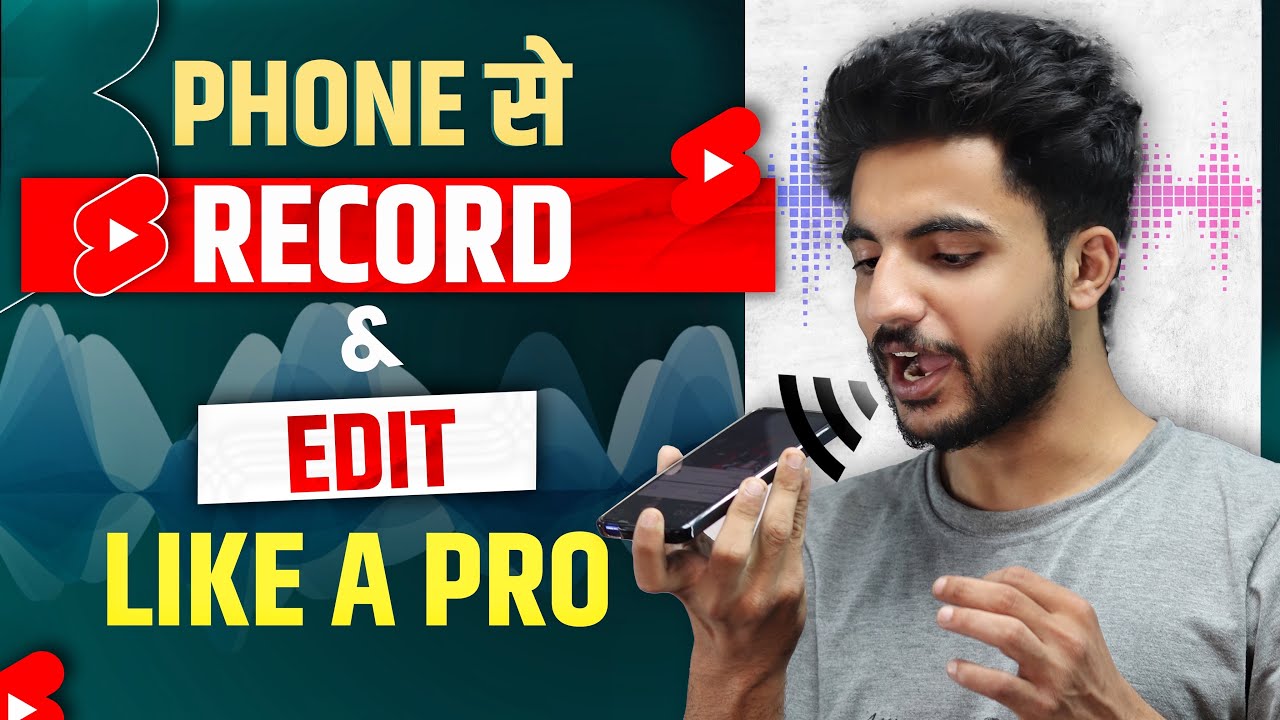
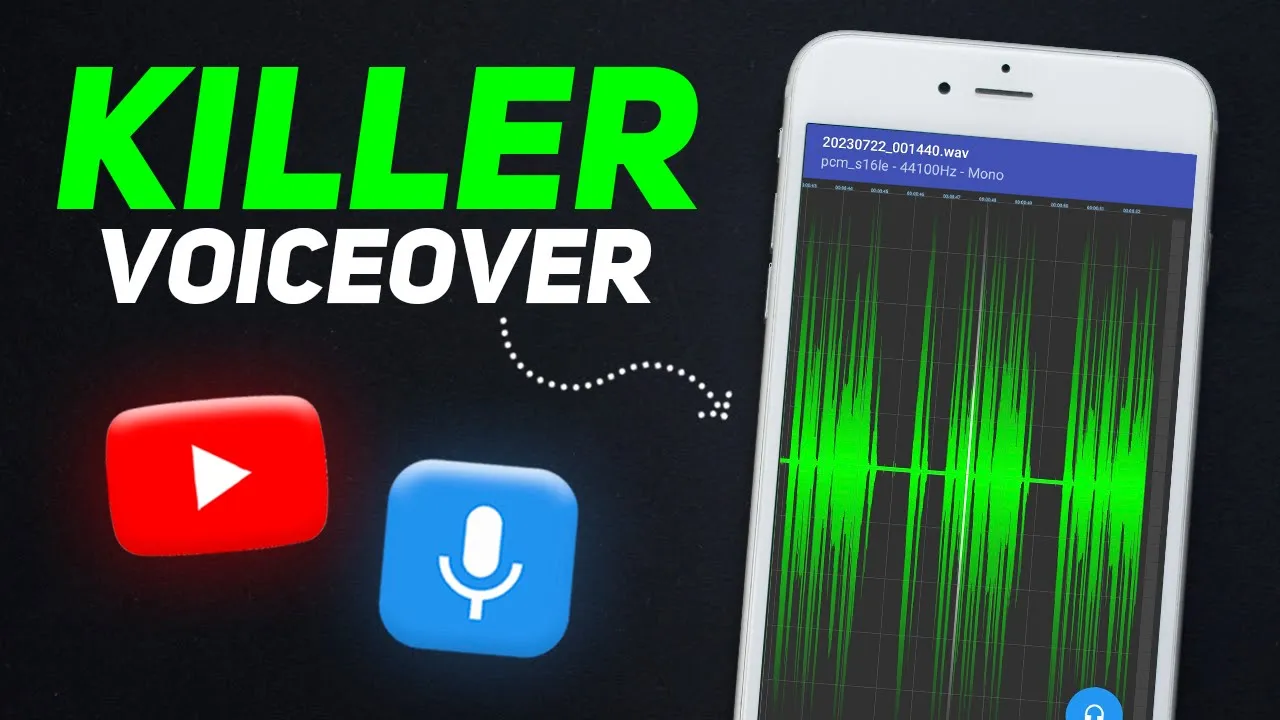
How to record a professional voiceover for YouTube. This is literally our audience's most requested video. Most people think that they need an expensive microphone and advanced editing software to record professional audio.
Which is not true at all. In this video, I will walk you through my step-by-step process and share some secrets for recording a professional voice. The output will be so good that trust me, you won't even need extensive editing.
Although don't worry, I'll also discuss that! But first, let's talk about the things you'll need to record good audio. Many people, especially new creators, believe they can't record good audio without a microphone.
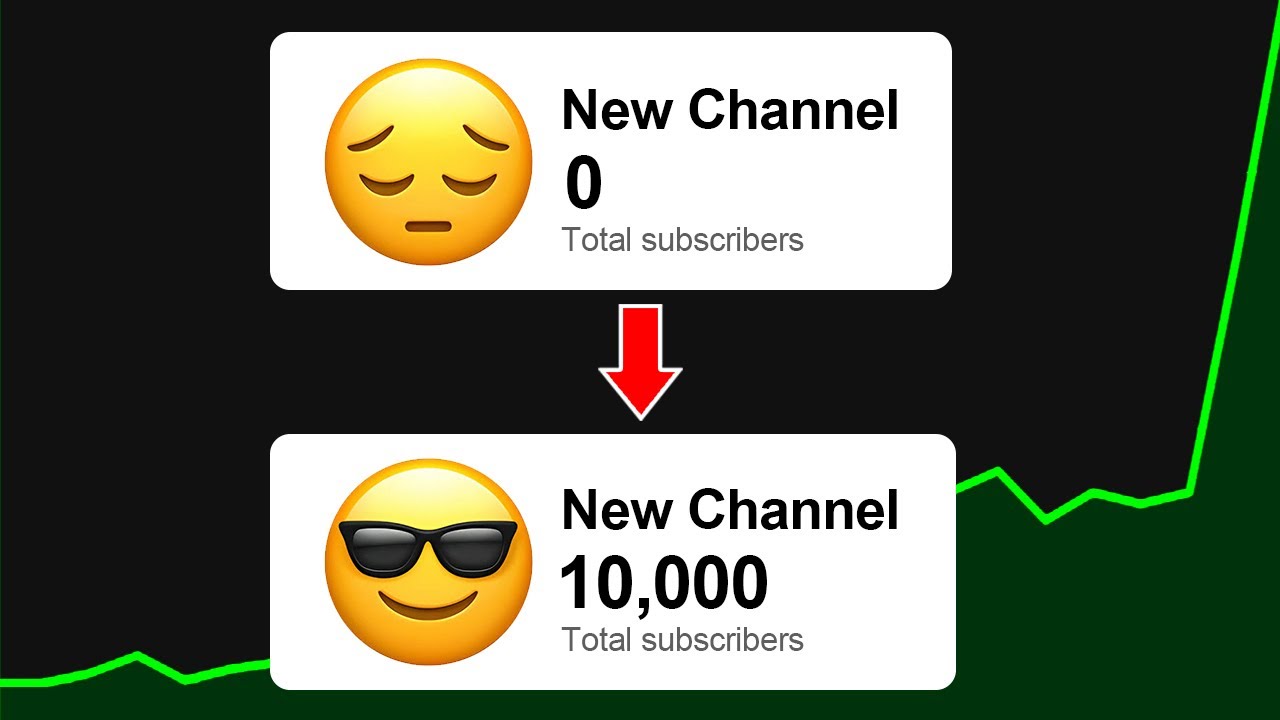
Which is not true at all. You can even record high-quality audio using your smartphone's built-in microphone. In fact, I started this channel with just my phone's built-in mic until I reached 10,000 subscribers.
. . So, I can easily say that your phone alone is enough for a good voiceover.
But if possible, I strongly recommend investing in an affordable collar mic. Currently, I'm using the Boya BY-M1, which is a very cheap mic. If you're a beginner, I strongly recommend that you use this.
I have a voice sample, listen to it. (PLAYING SAMPLES) You must have observed that the voice clarity with the mic is comparatively better than without. That's why I think you should get it.
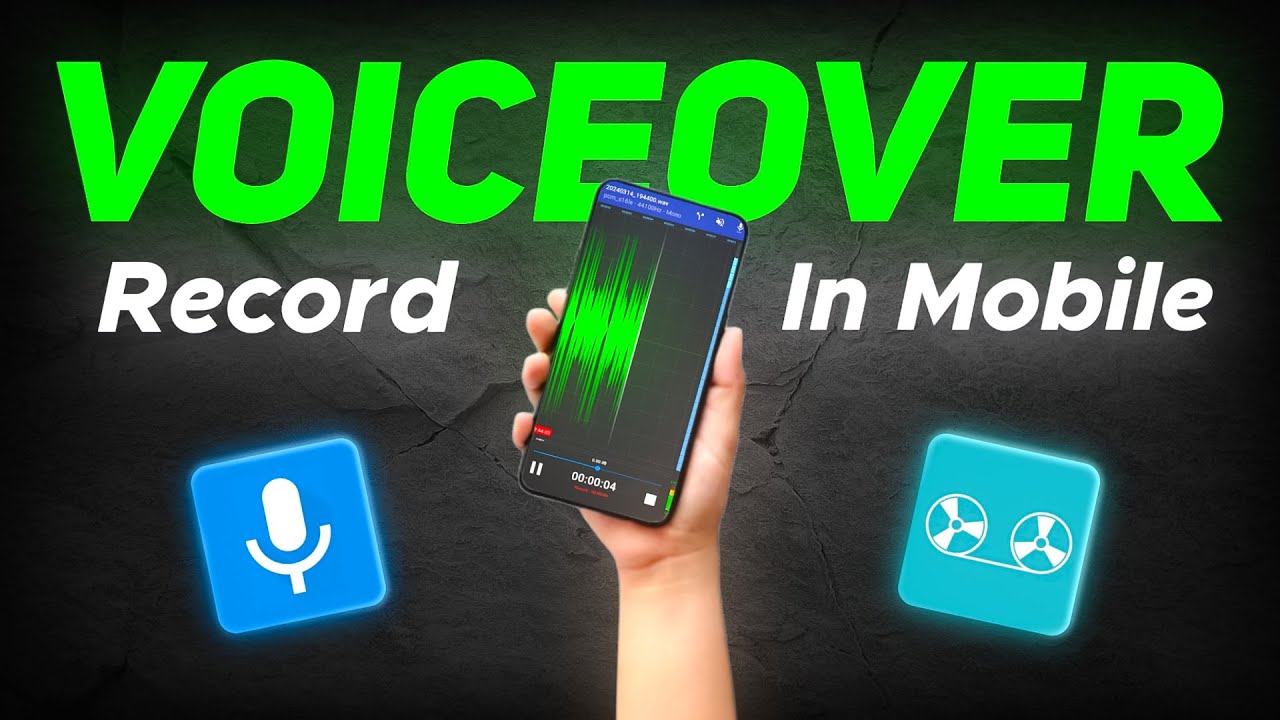
This mic isn't very helpful for noise cancellation, so for that, you'll need to do something else, which we'll discuss later. Talking about sound recording apps, you can use your phone's default voice recorder. I personally use RecForge II; the link is in the description.
After mic and app, now we need to set up a perfect environment for recording the audio. For a good voiceover, you need a place with no noise or echo. While noise can be removed with editing, I prefer not to rely on editing for this purpose.
Before recording, I close the doors, windows, and fans in the room to minimize noise. . .
If there's still noise, try recording very late at night or early in the morning when the environment is quiet. That's how you remove noise. After this, you need to remove echo.
We don't want the voice to reverberate. . .
The more objects in the room, the less echo there will be, and the emptier the room, the more echo! So, it's recommended to fill your room with curtains, fabrics, cushions, etc. If you already have them, even better.
Additionally, if you wish, you can buy Acoustic sound panels that YouTubers use in their videos, but it's not essential. If you want a pro tip to reduce echo: Record in a small space. For example, you can stuff a closet with clothes, cushions, books, and place your phone inside to record.
You'll notice that the echo decreases, and clarity improves. After doing all this, you're now ready to finally record the voiceover. When recording, try standing up and recording instead of sitting.
Standing up helps you have better control over your voice and improves the quality of the voiceover. Then bring the script in front of you and place it where it's easy to read. Next, if you're using your phone's microphone, bring the phone's mic close to your face, around 2-3 inches away.
Although this distance may vary, find what works for you. Now, many ask how loud their volume should be while recording a voiceover. One thing I've observed is that if you record at the same volume as you talk in daily life, your voice will sound low-energy.
. . So, if you want your voiceover to have at least normal energy, then while recording, keep the volume slightly higher than normal, and it will work fine!
Just like how teachers increase their volume slightly while reading in class, keep it a bit higher. Now, when you start recording, remember not to record the entire script at once, but break it into parts, taking breaks in between. For instance, if I have to explain 4 points in the script, I can take a break after each point's recording for a few minutes, and during the break, I'll have some water as well.
This is especially important if the script is long, to rest your voice and prevent vocal strain. And that's how you get a crystal-clear audio! Alright!
Now the question is, will we achieve a professional voice by doing all this? The answer is yes, but only 50%. Everything I've mentioned so far, if you follow, your audio quality for the voiceover will be excellent (which means no noise, echo, inconsistency issues).
But, will these improvements make your voice sound better? Not entirely! For the remaining 50%, you'll need to improve the way you speak, i.
e. , your speaking style. And this is crucial because without it, even with the best microphone and advanced editing, you won't achieve much.
So, one day, I was watching some videos on YouTube under the hashtag #decodingyt that people had made about me. . .
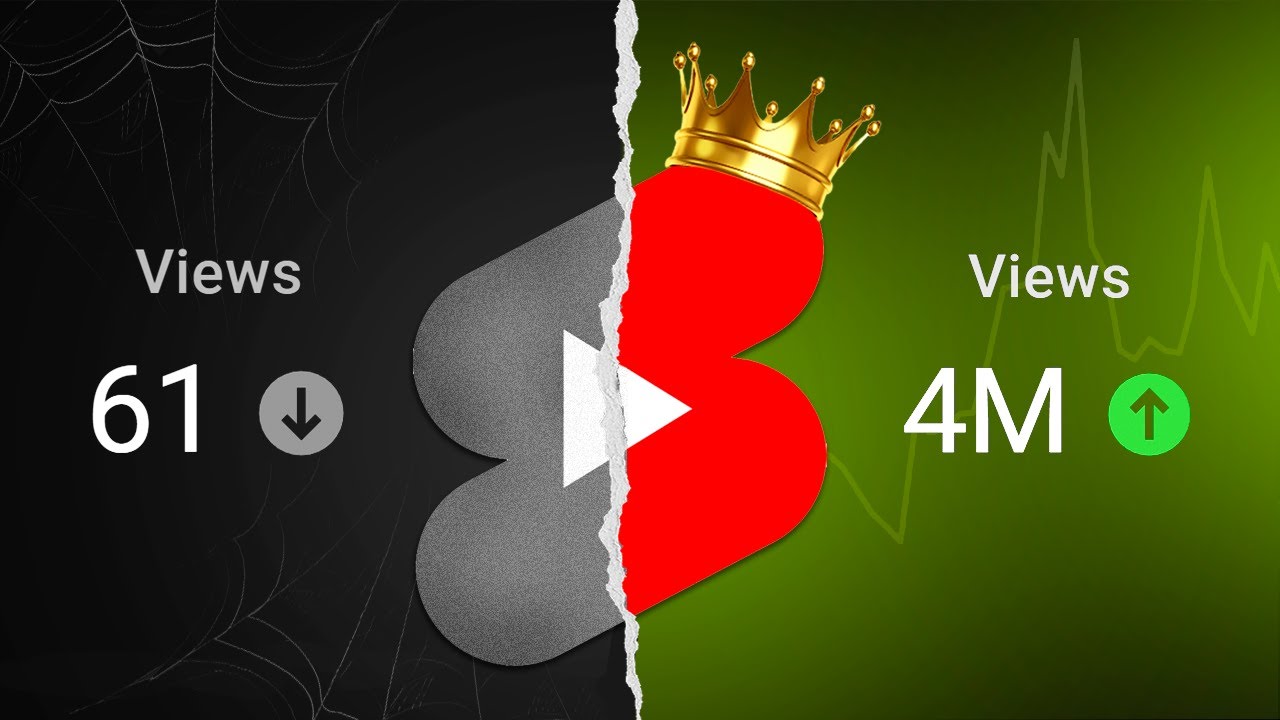
And I observed that although the information was mostly the same in most videos, the thumbnail and editing were similar, but some videos got more views while others got fewer. . .
But Why? When I started watching these videos, I realized that the key factor was the voiceover. Those videos with fewer views were not focusing on these 4 aspects, and hence, their voiceovers weren't good.
In fact, if you improve on these 4 aspects, your voiceovers will instantly sound professional. And yes, everyone has a good voice; it's just about how you speak that makes a difference, so stop complaining! Point no.
1 is Pronunciation. It's a basic thing, but if it's not correct, people won't understand you well, and even if they do, they won't value your content. So, if you want to sound professional, you need to clearly pronounce each word without any errors.
Point no. 2 is Pacing, which means the speed and tempo at which you read the script. Speaking at the wrong pace can ruin the viewer's experience.
If you speak too fast, people might have trouble understanding you, and if you speak too slowly, they might get bored. It's important to strike a moderate pace for proper storytelling. Of course, this can also depend on what's happening in the video at a particular moment; adjust your pacing accordingly.
Point No. 3: Stressing the right words. When reading sentences from the script, you can't say all the words in the same way.
Some words need more emphasis, which will highlight them and effectively convey the message of the entire sentence. For example, take a sentence. If I read every word the same way, it would sound bad: "what if I tell you ki YouTube pe grow krne k liye subscribers ki zarurat nhi h.
" Now, if I emphasize some words while reading the same sentence: "what if I tell you ki YouTube pe grow krne k liye subscribers ki zarurat nhi h. " As you heard, it sounded better due to the right emphasis. Also, I changed the tone a bit, which brings me to Point no.
4: Don't be Monotonous. If your voice sounds boring, chances are you're speaking in a monotone. In fact, when I check videos from new creators, I see that many of them make this mistake.
A monotone voice is where the pitch, tone, volume, and pauses remain at the same level throughout the speech. For example, if there's a sentence, you can't read it like: "How to Record a Professional Voiceover using Only mobile in few steps. " This is a monotonous voice without any tone.
So avoid this, and you'll have a great voice. And that's it! I haven't discussed rocket science.
. . These four points are very basic, but many creators still make mistakes in these areas.
If you find it hard to improve each point one by one, I recommend watching videos from your favorite creators and observing their speaking style. You'll learn a lot. After all this, let's also talk about Editing.
First, if there's noise in your audio even after closing all doors and windows, you can use Adobe's tool called Adobe Podcast. Simply import your audio file, click upload, and you'll get noise-free high-quality audio. Additionally, there's an app called Lexis Audio Editor, which is popular among creators for audio editing.
Import your voiceover, click the three dots on top, and then click on noise reduction. Here, you'll see the threshold option; increasing it removes more noise, but don't increase it too much, or your audio will be cut along with the noise. After noise reduction, move to the Equalizer/Amplifier section.
Here, you can increase the bass using the left bars and increase the treble using the right bars. Raising the right bars makes your voice crispy, while lowering the left bars reduces the crispness. So, I need to balance both; I'll raise the first three bars and the last three bars like this.
You can try these settings, but everyone's voice is different, so you might need to experiment to find what works best for you. Below that, you'll see the pre-amplifier option. With this, you can increase the loudness of your audio by 2-3 decibels, but don't increase it too much, or your voice might crack.
So, I suggest speaking slightly louder naturally while recording. Finally, you can normalize the audio to maintain a certain level, and then save your audio. And there you have it, your voiceover editing is done, and you can use it in your videos.
So, up to this point, I want to congratulate you because by watching this video, you've learned something very important: how to improve your voice. But remember, video editing matters too for engaging videos. If you want to learn step-by-step detailed video editing like mine, click on the playlist on the screen.
I've explained everything in detail. See you there! Goodbye!