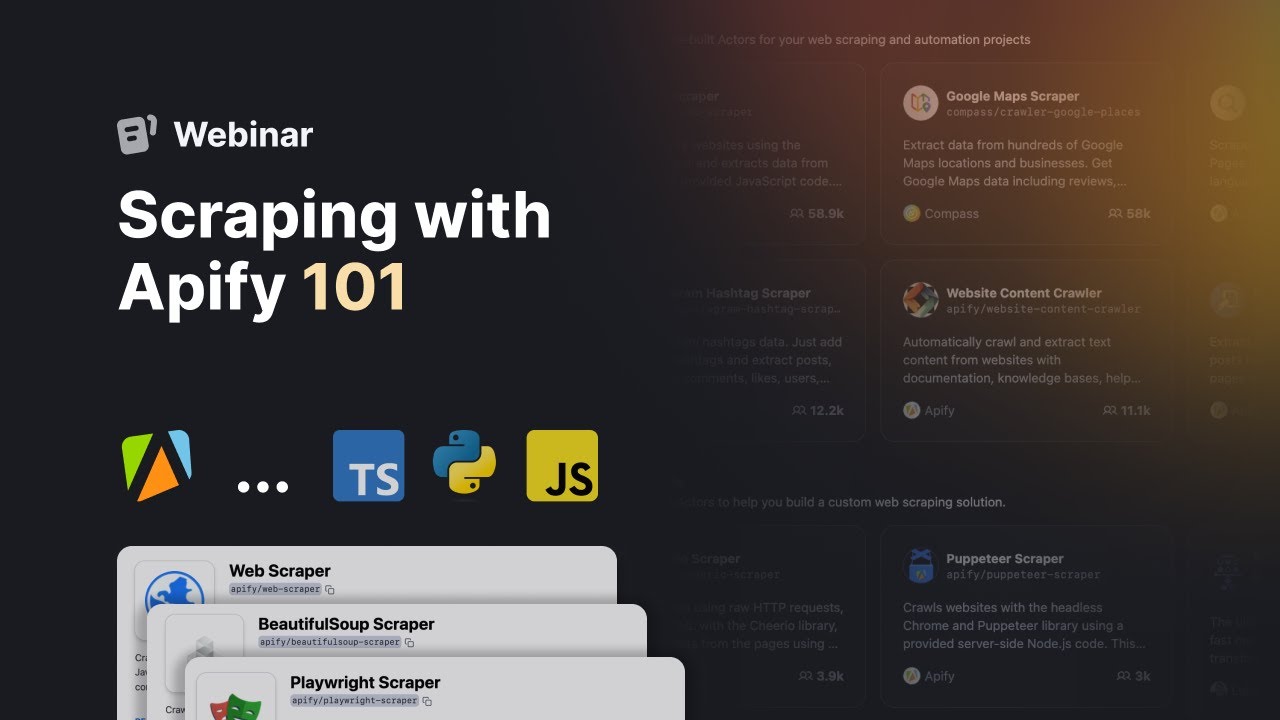
appify tutorial for beginners hi guys this is speakaboutdigital and welcome to this video tutorial on how to use appify appify is a cloud platform that lets you create and run web scrapers and automation Tools in minutes with appify you can extract data from any website automate workflows and integrate with other services whether you're a data Enthusiast a researcher or business professional appify provides a comprehensive set of tools to extract transform and analyze data from the web in this tutorial we'll take you through the basics of appify and show you how to use appify scrapers for
web scraping we have a lot to cover in this video so let's get started with the tutorial to begin using appify the first step is to create an account you will find the link Down Below in the description so go to the description of this video and click on the first link you find there this will take you to the correct home page once you're on the home page you'll find a prominent button labeled sign up for free simply click on this button and it will redirect you to the registration page on the registration page
you'll have several options to choose from when signing up for a new account you can sign up using your Google account GitHub account or even your email address select the option that suits you best and proceed with the sign up process after selecting your desired sign up method you will be prompted to personalize your appify account this step involves providing the necessary information and setting up your preferences within the platform after personalizing your account you'll be directed to your appify account dashboard this is your central Hub where you can manage your web scraping and automation
projects monitor their progress and access various tools and resources offered by appify when you access the appify dashboard you'll notice two main sections the left navigation section and the main section the left navigation section serves as a convenient way to access important tabs regardless of the page you're on within the dashboard the left navigation section includes various tabs such as Home Store actors schedules proxy settings and billing these tabs provide quick access to different functionalities and settings within appify regardless of your current location within the dashboard you can easily navigate to any desired tab using
the left navigation section the main section of the dashboard is where the majority of your tasks and operations take place it is the central area where you can perform various actions and manage your projects effectively in the Home tab you can get a broad overview of your data usage recent actor and task runs as well as any scheduled events this provides you with a snapshot of your appify accounts activity and performance the store tab allows you to explore and utilize ready-made actors from the appify store these actors are pre-built tools designed to help you work
with websites efficiently you can browse through different categories like AI automation business or e-commerce to find actors that suit your specific needs Additionally you can use the search bar to look for actors based on Services authors or technology making it easier to find the right actor for your task the actor tab within the appify dashboard holds significant importance as it is the central hub for running web scraping tasks and other desired tasks this tab serves as the starting point for leveraging the power of appify actors to begin using appify actors you have two options available
browsing actors in the store or building your own actors if you prefer to use pre-built actors created by the appify community simply click on the browse actors in-store option this allows you to explore a wide range of ready-made actors that can cater to various scraping and automation needs on the other hand if you wish to build your own custom actor select the build your own actors option moving on to the schedules tab it provides a convenient way to run your actors and tasks at specific times scheduling tasks using cron Expressions is a key feature of
appify with scheduling you can automate the execution of scraping tasks at predefined intervals without the need for manual intervention the schedules tab is particularly useful for setting up recurring tasks it enables you to collect data periodically without having to be logged into the appify platform this is especially beneficial when you require data at specific time intervals and want to ensure its collection consistently to create a new schedule you can simply click on the create schedule button within the schedules tab following the prompts and configuring the desired run frequency you can establish automated schedules for your
tasks allowing them to run at specified times without the need for manual initiation appify offers robust support for specialized data storage allowing you to effectively manage your web scraping jobs store their results and Export them to various formats such as CSV Excel or Json the storage tab within the appify dashboard is where you can access these features one of the key storage features in appify is the datasets functionality datasets enables you to store structured data and easily export it in formats like Json CSV Excel or HTML this is particularly useful when dealing with large tabular
crawling results such as product listings or real estate offers datasets provide a convenient way to store and share this type of data efficiently the proxy tab in apify leads you to the proxy service provided by the platform proxies play a crucial role in web scraping whether it's to evade IP tracking and blocking or to access geolocation specific content appify offers both residential and data center proxies to meet your specific needs within the proxy tab you'll find information and options related to proxy usage this includes daily usage data which shows the usage of data center proxies
during the selected period Additionally you can view the accessed domains section which displays the domains of hosts accessed using appify proxy within the chosen time frame the tab also provides a list of proxy groups used during the selected period allowing you to manage and track proxy usage effectively the settings area within the appify dashboard allows you to manage various aspects of your account in this section you can customize your account settings including email username and profile information it provides a centralized location for managing and updating your account details Additionally the settings area offers options for
Integrations allowing you to connect appify with other platforms or services to enhance your workflow you can explore Integrations that streamline data transfer or enable seamless collaboration with other tools furthermore the settings area provides access to the organization's feature and notifications moving on to the billing tab it offers comprehensive management of your billing details here you can review the breakdown of your platform usage historical usage data and subscription information you can also access pricing information View and download invoices and manage any usage limits associated with your account the documentation section provides a quick and convenient way
to access the appified documentation page this comprehensive resource offers detailed information guides and solutions to help you navigate and troubleshoot different aspects of using appify it serves as a valuable reference for understanding the platform's capabilities and resolving any queries or issues you may encounter finally the help and resources section provides access to various Support options it allows you to easily reach out to the appify support team for assistance you can also access the help center which contains a wealth of Articles and tutorials to guide you through using appify effectively additionally this section provides the opportunity
to provide feedback access feature announcements and even discover helpful keyboard shortcuts to optimize your workflow now let's see how to use appify scrapers for web scraping appify is often presented as a web automation platform however at its core web scraping plays a significant role and constitutes a substantial portion of the available actors in the appify actor store the platform offers support for numerous specialized actors dedicated to scraping data from various sources these include actors like Amazon scraper Google serp scraper Google Map scraper Instagram scraper Facebook scraper Twitter scraper YouTube scraper contact detail scraper and many
others you can explore the full list of supported scrapers by visiting the appify actor store in addition to the specialized actors appify also provides a generic web scraper that allows you to scrape publicly available data from the internet this means you can scrape various types of data as long as they are accessible to the public in this tutorial we will focus on using the YouTube scraper to collect data to get started navigate to the left menu within the appify dashboard and click on the store tab this will redirect you to the list of available actors
that you can utilize in the search input field provided enter a YouTube scraper and select the corresponding option from the suggestions displayed after selecting the YouTube scraper actor click on it to open the interface where you can Define parameters and set up the web scraper the input tab is usually the focus of attention in the first field enter a search term that will be used for searching videos on YouTube this field allows you to specify keywords and hashtags just as you would enter them in YouTube's search bar the other settings in the interface are self-explanatory
the tool often comes with default configurations that may suit your needs however if you have specific requirements you can modify the settings accordingly an important configuration step is selecting a proxy configuration scroll down in the interface and click on the proxy configuration option you can choose to use your own proxies or the proxies provided by appify for this tutorial we will use the proxies provided by appify for free click on selected proxies and tick the box next to the Google serp option once you have completed all the necessary configurations click on the save and start
button to initiate the web scraping process using the YouTube scraper the scraper will then start collecting the desired data according to the specified parameters if the scraping job is successful you will have options to export the collected data in the export section of the page you will see various supported formats such as HTML table Json CSV Excel XML and RSS choose the format you prefer and click on the download button to save the data in that format Additionally you can click on the preview option to preview the data before downloading it and there you have
it a beginner's guide to using apify you can sign up using the first link in the description I appreciate that thank you we hope you found this video informative and helpful in understanding the capabilities of appify for web scraping and automation so again if you found this video helpful please give me a thumbs up and if you have any questions at all please comment below I try to answer all the comments the best I can thanks for