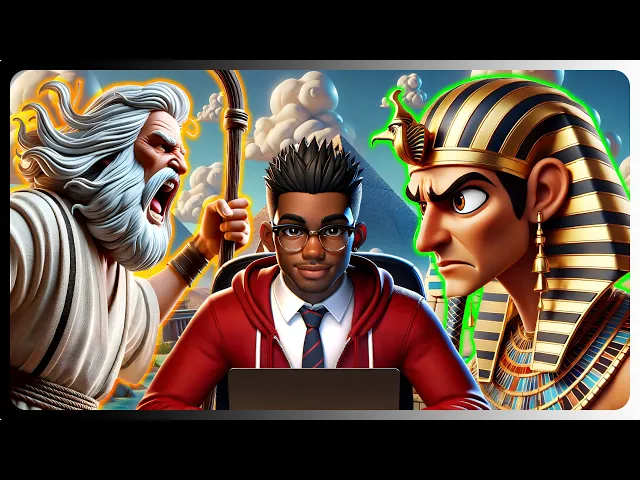
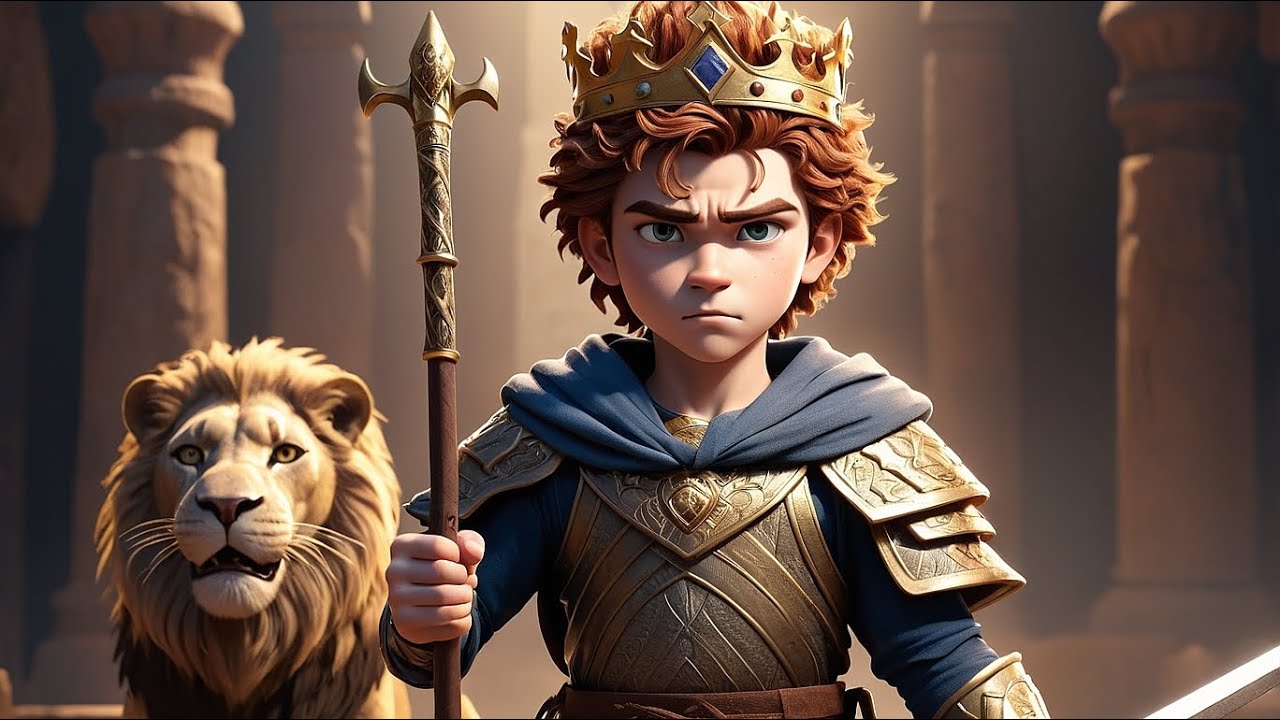
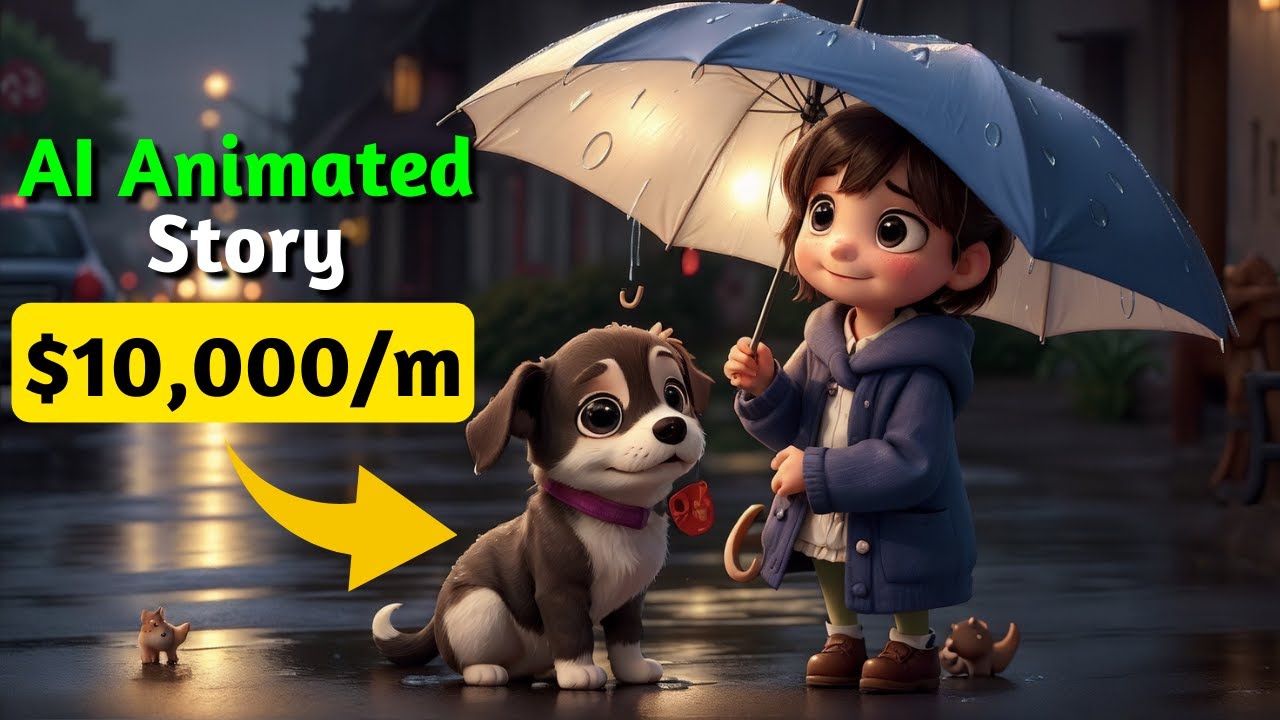
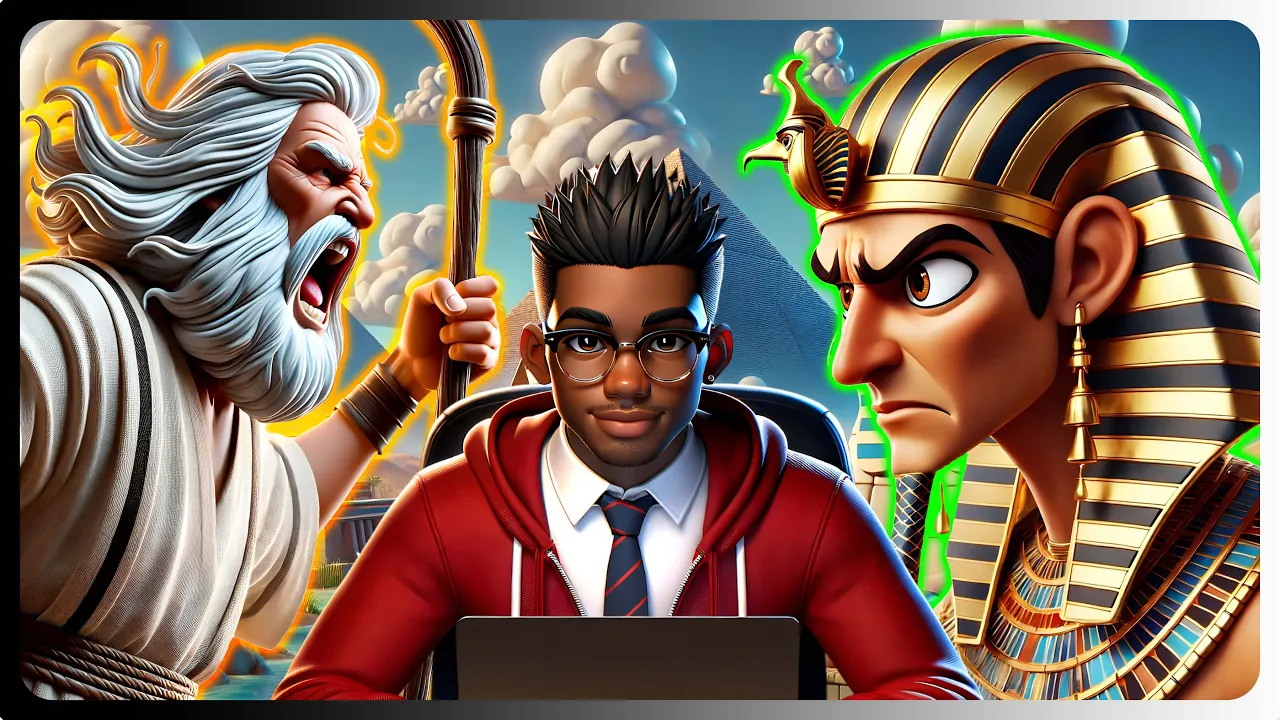
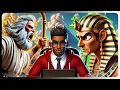
okay so I created this short video using AI a long long time ago in Egypt there was a baby named Moses he was born at a time when things were hard for his people all baby boys from the Israelites must be taken away where's the baby bring him out right now I want him now I won't let that happen to my baby I have a brave plan I'll Place Moses among the Reeds along the Nile River and see what happens what a cute baby I will take him home this entire video was created with AI
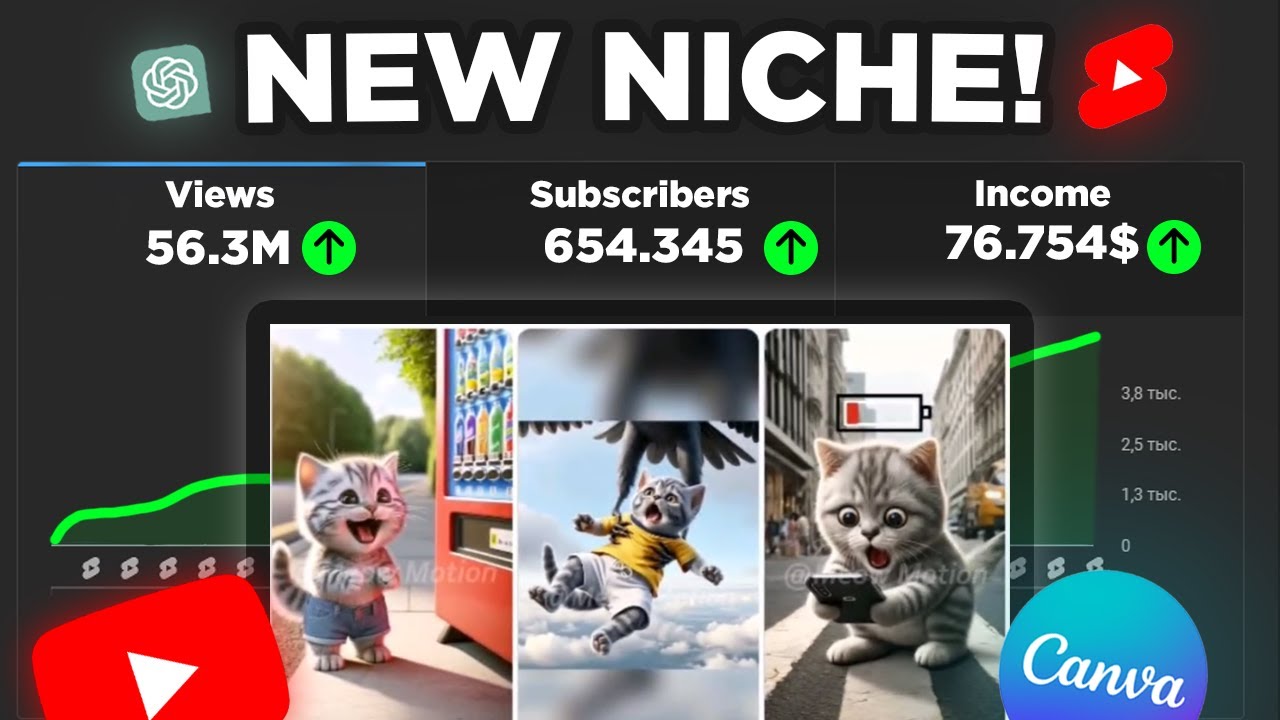
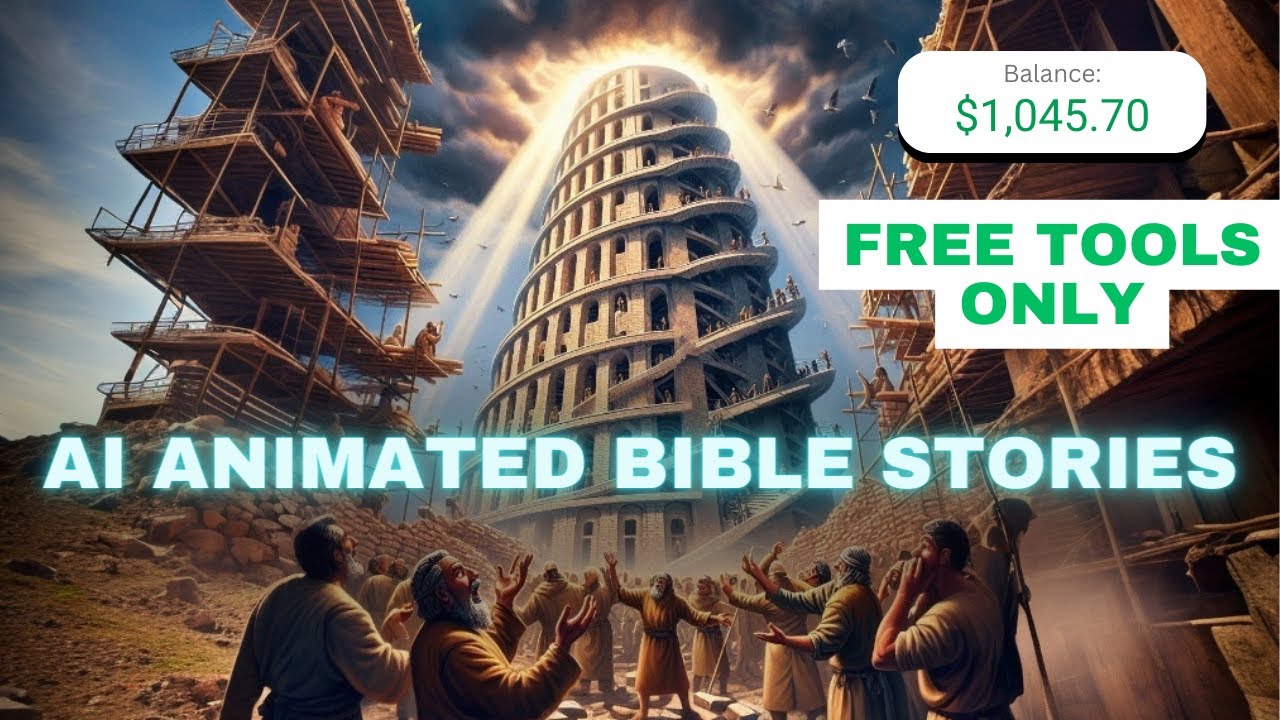
tools and the best part is that videos like this are great for storytelling take a look at this channel that uses AI to create Bible stories raking in hundreds of thousands of views per video but it doesn't stop there this approach works wonders for any kind of story imaginable so in this video I'm going to show you exactly how you can tell engaging stories like these using AI tools but before we get into that thank you for 1,000 plus subscribers your support has been incredible now now let's continue with the video first things first let's
create a script for our video for this demonstration I'm going to use this video as a template so let's quickly extract the transcript using the YouTube summary with chat GPT and Claude Google Chrome extension as you can see the extension has given me a full transcript of the video so I'll go ahead and copy it to generate our script I'll ask chat GPT to create a story of Moses using the transcript next we'll break down our story into different character lines to make narrating EAS easier we'll also include prompts to generate close-up images for each
scene with our prompts ready it's time to bring our characters to life consistency is key so let's begin by creating detailed descriptions of our characters let's kick things off with the Pharaoh now I'll have chat GPT generate a description for an ancient pharaoh and create a prompt based on that description remember free users can't generate images with chat GPT so I'll demonstrate this separately for plus users we'll search for the consistent character GPT and click this button now we will follow the prompt add a name for our character and also paste the description we copied
as you can see we've generated an initial image of our Pharaoh so we can go ahead and include some actions and background details our new Pharaoh appears more muscular than the first attempt so let's try again this new image looks similar to the previous one so let's try one more looks like the original image was the only slightly odd one but the others maintain their consistency to save time I will skip the other characters and scenes for free users I'm going to show you a simple trick to get consistent characters from Dolly let's start by
creating a consistent character for Moses's mother first we need to craft a detailed description of her we'll follow a similar process as we did for the pho earlier since GPT 40 is available for free let's proceed with selecting the same reliable character GPT we used earlier the first thing we're going to do here is to paste this command I will include it in the video description it's a simple instruction that also prevents the GPT from attempting to create an image which isn't possible on the free plan we can follow a similar process as before and
paste our character description as you can see the GPT has generated a prompt for us to use now let's open Microsoft co-pilot and paste our new prompt into the designer our initial character has been generated next let's refine her with an action using prompts from GPT as you can see our updated character closely resembles the Orin we'll continue this process to ensure consistency across all scenes featuring our character as you can see co-pilot has generated images in a square aspect ratio to fit our needs we'll switch over to Adobe Firefly using the generative fill feature
we'll upload our image and then expand it to widescreen Dimensions Firefly adds a logo at the bottom so we'll leave room for that before we generate our image our image looks good so let's download one and import it into Adobe image resizer let's select YouTube dimensions and drag our image making sure that the Firefly logo is no longer visible now we can go ahead and download our image the next step is to generate our voiceovers we'll start by copying the character lines we prepared earlier and paste them into 11 Labs our first narration is that
of our narrator so let's choose a voice from the library to find the right voice for your narration check out my full video where I go over the 2,000 plus voices in the library to select my favorites let's select a character and generate our voice over all that is left is to repeat this process for our other characters now that our voiceovers are set we can go ahead and animate our images depending on how you want your video to look I can recommend two main tools the first one is Luma dream machine and the second
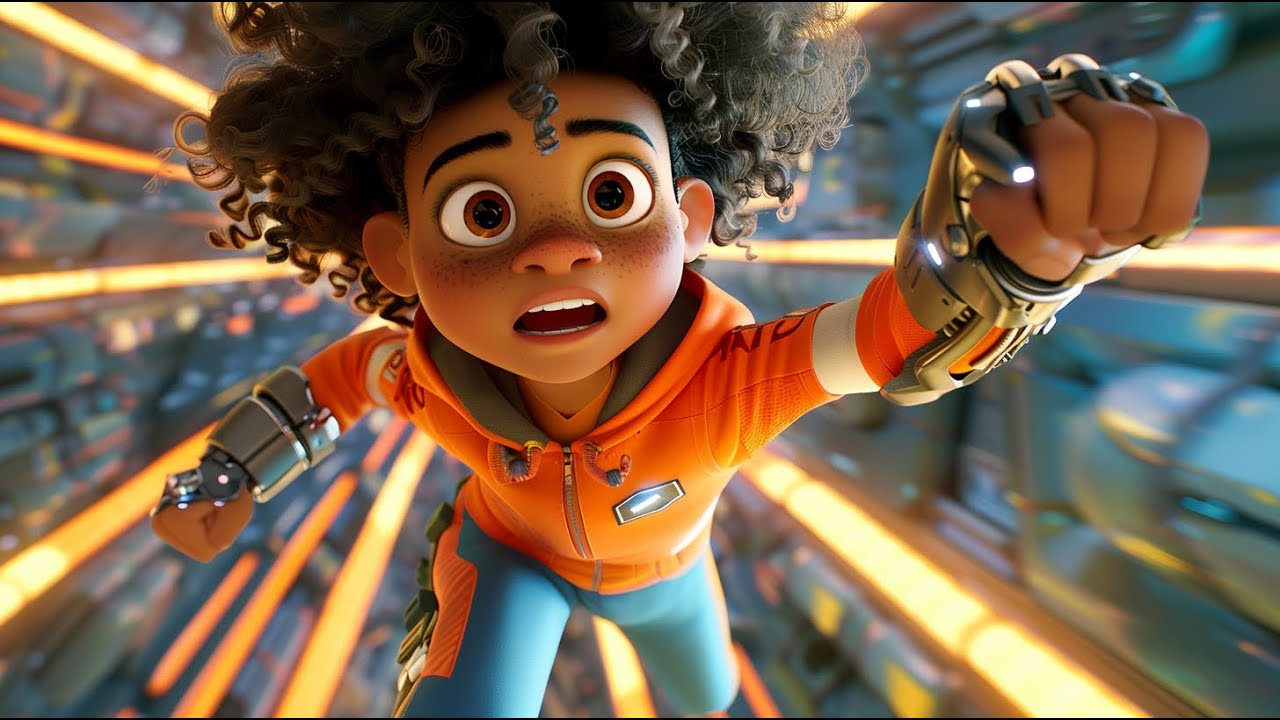
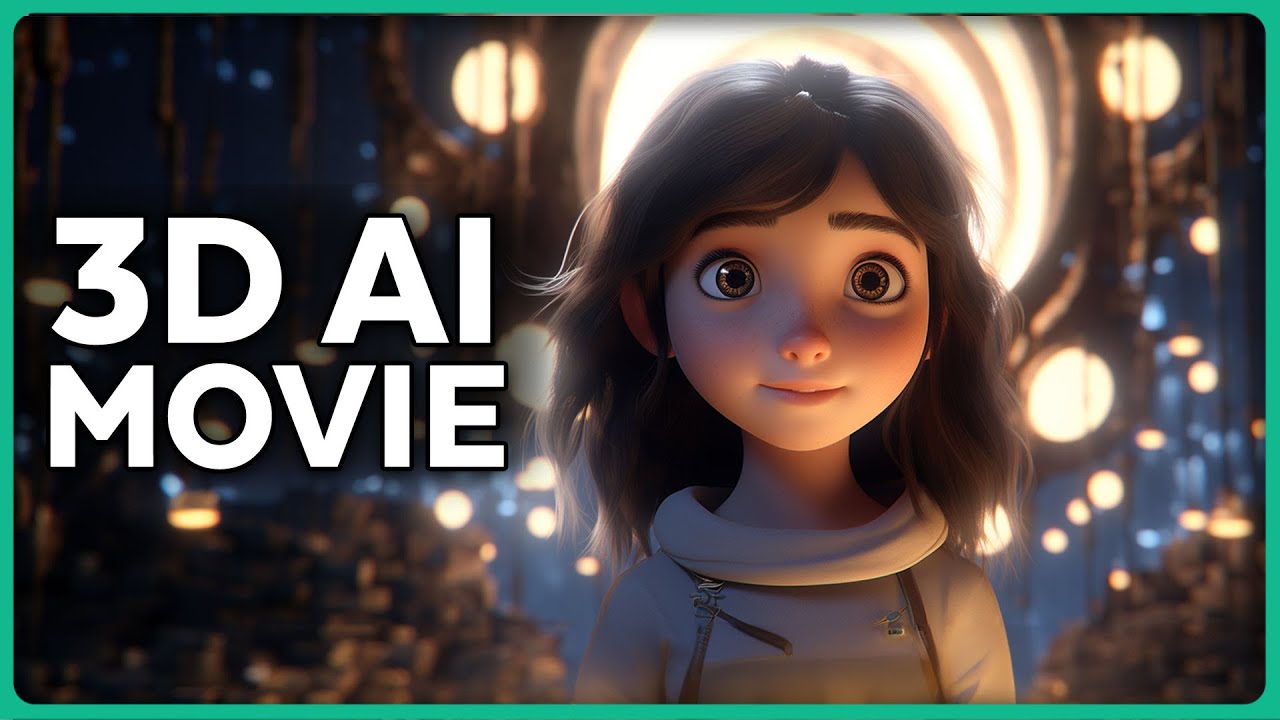
is imersity AI this AI tool can enhance your images with depth creating a 3D video effect like this example while it doesn't animate characters directly and free users may have watermarks on their videos it can still produce impressive result results like this Zoom effect the primary tool we're going to be focusing on is Luma dream machine it's a freemium application that gives users 30 free Generations each month but this AI produces some of the best results I've seen on the market take a look at this video at generated it's almost lifelike despite a few minor
glitches in the hand and this was only my second attempt just imagine the potential with a bit more refinement let's go ahead and upload this image of a guard barging into someone's home quick tip for better results you should always include a version of The Prompt that you use to generate the image in addition to the actions that you want the character to be performing The Generation can also be very slow sometimes as the tool is in high demand at the moment however I found that traffic tends to be lower around midnight eastern time making
it an ideal window for quicker processing but if you have the budget I can absolutely say it's worth every penny our video doesn't look bad so we can proceed to The Next Step but before that if any of the videos look look like this clip of our narrator we can drop it into cap cut and trim The Unwanted section then we'll duplicate the clip and apply a reverse effect to seamlessly extend its duration without disrupting the flow the next step is to create the lip sync for our videos for paid tools I recommend a lip
sync tool called sync Labs let's create a project and upload our audio and video files we can select our preferred model and then generate our lip synced video a long long time ago in Egypt there was a baby named Moses our character's lipss are moving quite well but it's a pain to get rid of the huge Watermark so let's use another tool for our lip sync the tool we'll be using is Pika so let's head over to their website and upload our video we will select the lipsync option and upload our audio file to start
generating the lip synced video there was a baby named Moses although there's a paa logo at the bottom we can address that with blurring in post production it's time to start our final editing in cap cut let's drag our video clips and audio into our timeline and arrange them according to the flow of our story we will also add some Transitions and sound effects to make the overall video engaging next we can generate the caption and add some animations and effects or simply save time with one of these cool templates the P Watermark is still
showing on this clip so let's duplicate it add a blur effect to the top layer and finally add a mask to it this doesn't get rid of the watermark but it can blur the region for background music let's grab one from YouTube's audio library to avoid any copyright right issues We'll add it to our timeline and decrease the volume the video looks good so we can go ahead and Export it in 720p the last step is to increase the resolution of our video for that we'll go to tensor pick and add our exported video next
let's select 400% Ultra and enhance our video our 4K resolution video is now ready for download you can achieve even better results than this if you spend a little more time refining your stories and visuals and as you can see this doesn't only apply to paid users that said free users will need a lot of patience with lumad dream machine as Generations can sometimes take far longer than you can imagine anyway I hope you found this video helpful if you did please consider subscribing sharing and liking your thoughts matter too so feel free to leave
a comment below thank you and see you in the next one