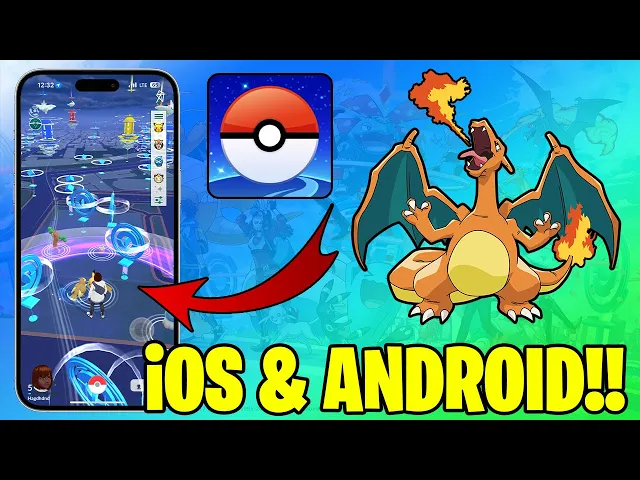
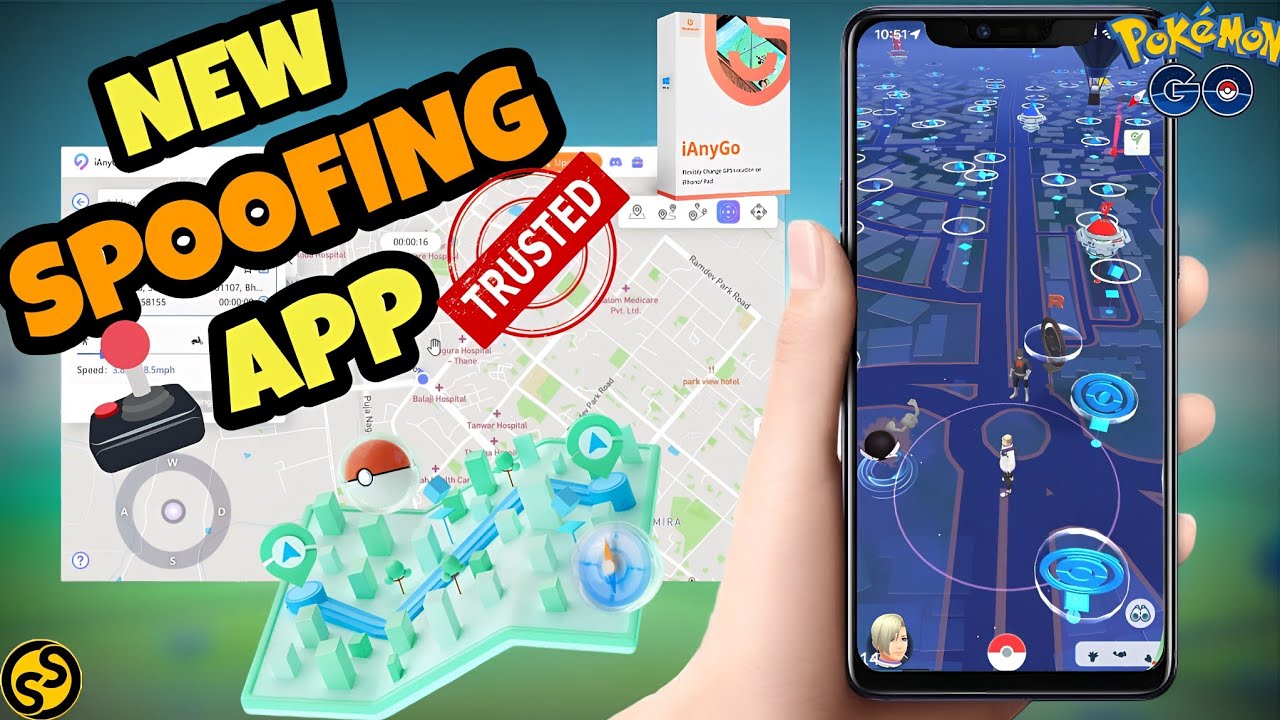
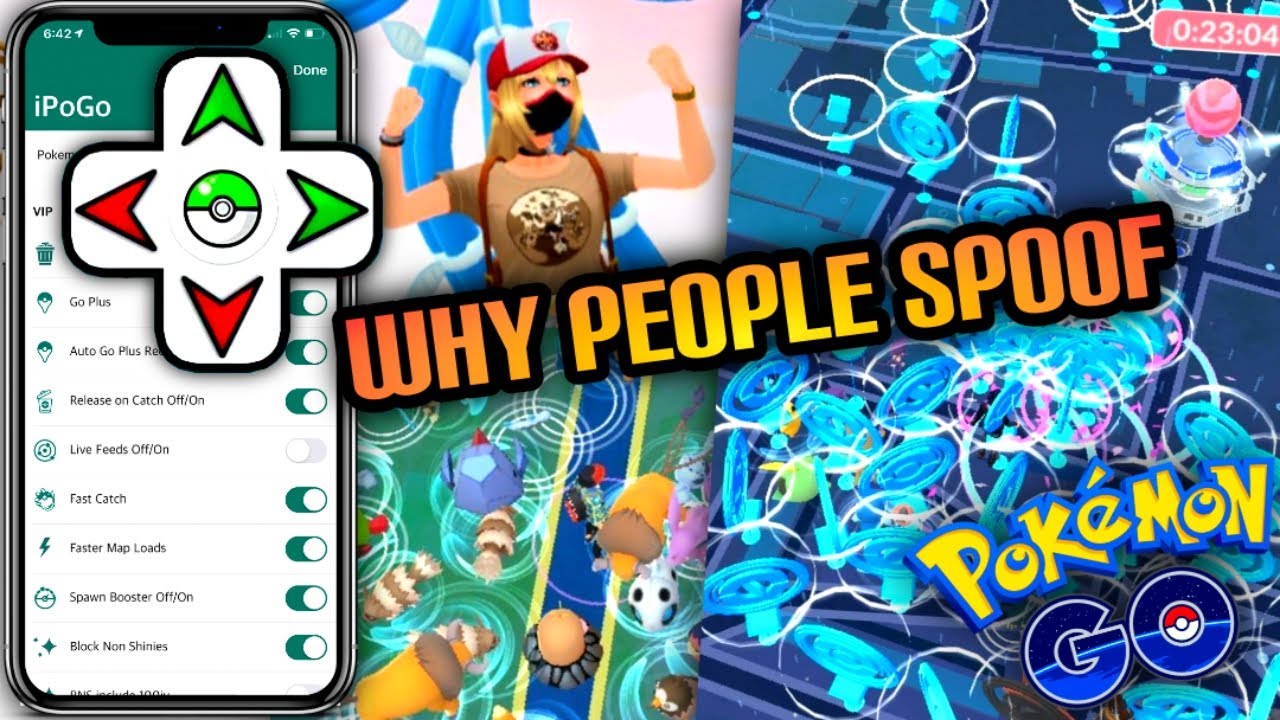
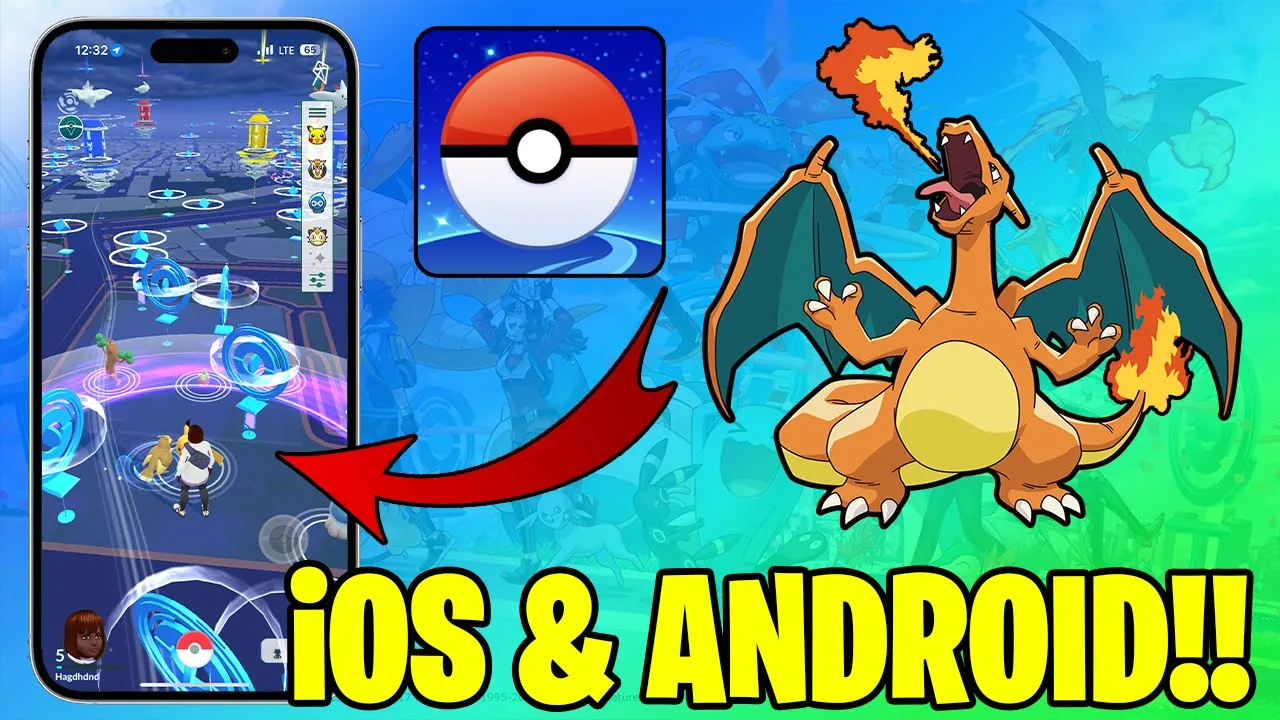
hey everybody welcome back to my channel so today I'm going to talk about how to spoof Pokémon go on IOS and Android in 2024 so this is be this is going to be a video everything about spoofing Pokémon go in 2024 on IOS and Android and some of the features are Pokémon go joystick Auto walk teleport and many more and if you want to learn about this if you want to learn how to get it for yourself how to spoof Pokémon go you can check out my guide on my website that you can see on
the screen and you can try it for yourself on your iOS or Android device so let's get started so first that I'm going to show you is this joystick as you can see I have it right here and I can move into any direction on the map I can also just tap to walk and I will move into that Direction with Pokémon go joystick and Pokémon Go Auto walk features we can actually play Pokémon go at any time from any location so if you can't go outside if you don't have mobile data if you are
disabled person or if you just don't have time to go outside and play you can still play Pokémon go with using Pokémon go joystick or Pokémon Go Auto walk features these are really cool features and you can adjust the speed of your movement here so you can move faster or slower I recommend you using lower speed so you so everything looks as natural as possible and of course I'm going to talk about teleport later do not teleport every day and too much if you want to be as safe as possible to avoid cooldowns and Strikes
and stuff like that because there is no 100% safe Pokémon go uh spoofer and spoofing method uh anyway never use any of these features in any way that will affect regular players gaming experience there is so many ways you can use this without affecting anybody else so how you can get this joystick in inside of the uh this poof for app and tap to walk you can go here in the settings and you can enable tap to walk you can enable spoofing joystick and all of these things and if you want to teleport you just
go to the map and then you can type any place worldwide where you would like to go for example London and when the map is loaded you just hold your tumb on the screen like this until this menu pops up press teleport press okay and in few seconds we'll be teleported to that location so uh it can take some time for whole map to load you can walk around a little bit to speed up that part of the process and as you can see Pokémons are spawning everything is working perfectly well so after your teleport
do not try to catch Pokémons and do not try to do anything at all leave the app for one or two hours that's cool down because you just teleported from one place to another especially if these placees are very far away so you will not be able to catch Pokémons at that time so leave it for 1 hour or two hours come back and then everything will work fine so why is Pokémon go teleport so important that can be really important for people who lives in small places and there is no enough Pokemons to catch
no big events if you want to teleport to bigger location bigger city so you can uh catch more Pokemons and at that bigger attend bigger events you can use Pokémon go teleport feature of this poofing Pokémon go um method so uh spoofing Pokémon go on IOS and Android is possible in 2024 and if you want to learn how to spoof Pokémon go on IOS and Android you can check out my guide on my website and you can check it and try it for yourself if you want to of course so uh basically that should be
it about this video thank you so much for watching and thank you for your attention and your time don't forget to leave a like And subscribe and let me know in the comments what do you think about spoofing Pokémon go uh and if you try this how it went let me know everything about that and smash notification button so you'll not miss any future updates about Pokémon go spoofing and one more thing uh there is a also spoofing application for Android everything is almost exactly the same just user interface it's a little bit different difference
is that you don't have to go and enable joystick and the the auto walk by default you will have this joystick right there that's the difference on Android and the map you will not go like here and then map here on the joystick you will have a map or something like there you just press on it and you will be able to access the map and one more thing in the map you will not on Android you will not have this search bar to look for the city or country where you want to go you
will need to zoom it out and find the place where you want to go and then zoom in and just press on the map and teleport option will come up you can press teleport and you will be able to teleport that's only difference on Android everything else is the same like on iOS on iPhone so uh enough of that I wanted this video to be quick and uh basically that's it thank you so much for watching have an amazing day and I will see you in the next one goodbye