[Music] [Title: HOW COMPUTERS WORK: DATA & BINARY] Limor: Hi! My name is Limor Fried, and I’m an engineer here at Adafruit Industries. And this is where I do engineering and design, and I design circuits for fashion and music and technology.
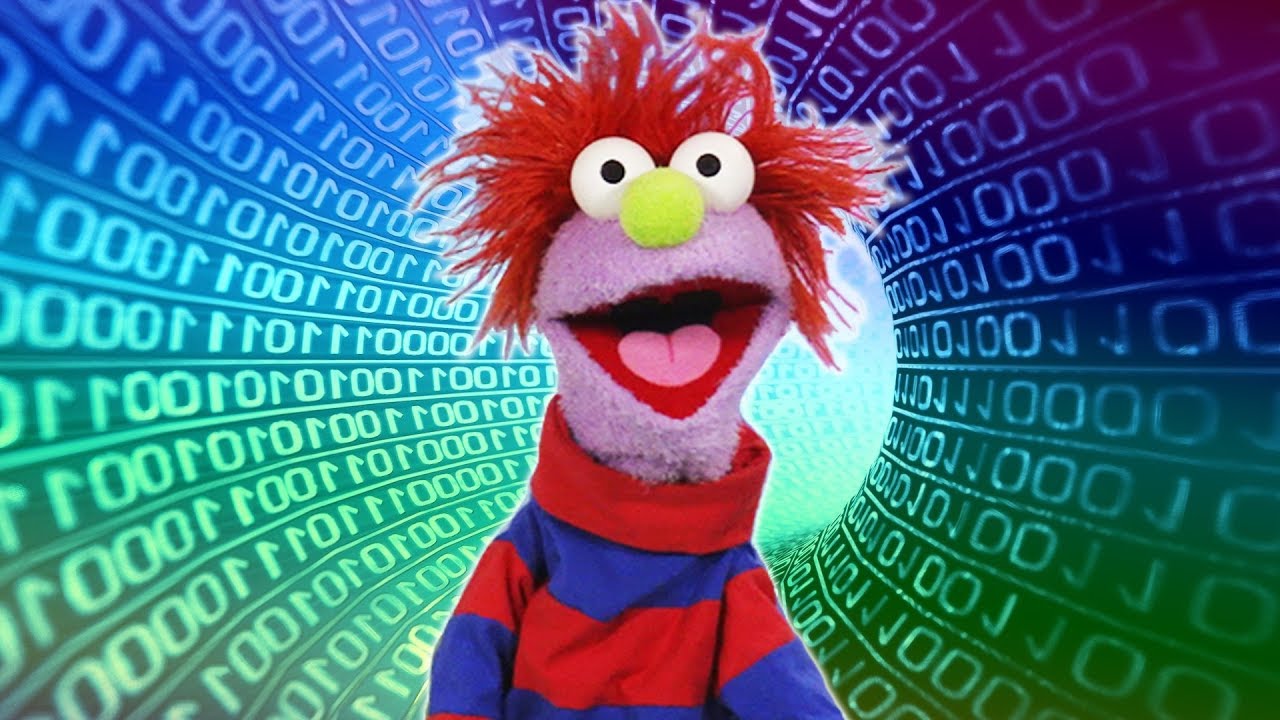
Federico: My name is Federico Gomez Suarez, and I’m a software developer with Microsoft Hack for Good. And I look into using technology to help us solve some of the big social problems of our times. [Music] Limor: You may have heard that computers work on 1s and 0s, or you may have seen scary looking visuals like this.
But almost nobody today actually deals directly with these 1s and 0s. But 1s and 0s do play a big role in how computers work on the inside. Federico: Inside a computer are electric wires and circuits that carry all the information in a computer.
How do you store or represent information using electricity? Limor: Well, if you have a single wire with electricity flowing through it, the signal can either be ON or OFF. That’s not a lot of choices, but it’s a really important start.
With one wire we can represent a YES or a NO, TRUE or FALSE, a 1 or a 0, or anything else with only two options. This on/off state of a single wire is called a bit, and it’s the smallest piece of information a computer can store. If you use more wires, you get more bits: more 1s and 0s.
With more bits you can represent more complex information. But to understand that, we need to learn about something called the binary number system. Federico: In the decimal number system, we have ten digits from 0 to 9, and that’s how we’ve all learned to count.
In the binary number system we only have two digits: 0 and 1. With these two digits, we can count up to any number. Here’s how this works.
In the decimal number system we’re all used to, each position in a number has a different value. There’s a one position, the ten position, the one hundred position, and so on. For example a 9 in the one hundred position is a 900.
In binary, each position also carries a value, but instead of multiplying by 10 each time, we multiply by 2. So there’s the 1s position, the 2s position, the 4s position, the 8s position, and so on. For example, the number 9 in binary is 1, 0, 0, 1.
To calculate the value, we add (1 x 8) + (0 x 4) + (0 x 2) + (1 x 1). Almost nobody does this math because computers do it for us. What’s important is that any number can be represented with only 1s and 0s, or by a bunch of wires that are on or off.
The more wires you use, the larger the numbers you can store. Limor: With eight wires, you can store numbers between 0 and 255—that’s eight 1s. With just 32 wires, you can store all the way from 0 to over 4 billion.
Using the binary number system you can represent any number you like, but what about other types of information, like text, images, or sound? It turns out that all these things can also be represented with numbers. [Music] [Title: TEXT IN BINARY] Limor: Think of all the letters in the alphabet.
You could assign a number to each letter; A could be 1, B could be 2, and so on. You can then represent any word or paragraph As a sequence of numbers, and—as we saw—these numbers can be stored as on or off electrical signals. Every word you see on every webpage or phone is represented using a system like this.
[Music] [Title: IMAGES IN BINARY] Limor: Now, let’s consider photos, videos, and all the graphics you see on a screen. All of these images are made out of teeny dots called pixels, and each pixel has a color. Each of the colors can be represented with numbers.
When you consider that a typical image has millions of these pixels, and a typical video shows thirty images per second—now we’re talking about a lot of data here. [Music] [Title: SOUND IN BINARY] Federico: Every sound is basically a series of vibrations in the air. Vibrations can be represented graphically as a waveform.
Any point on this waveform can be represented by a number, and this way any sound can be broken down into a series of numbers. If you want higher quality sound, you will pick 32-bit audio over 8-bit audio; more bits means a higher range of numbers. [Music] Limor: When you use a computer to write code or make your own app, you’re not dealing directly with these 1s and 0s, but you will be dealing with images or sound or video.
So if you want to understand how computers work on the inside, it all comes down to these simple 1s and 0s and the electrical signals in the circuits behind them. They are the backbone of how all computers input, store, process, and output information.