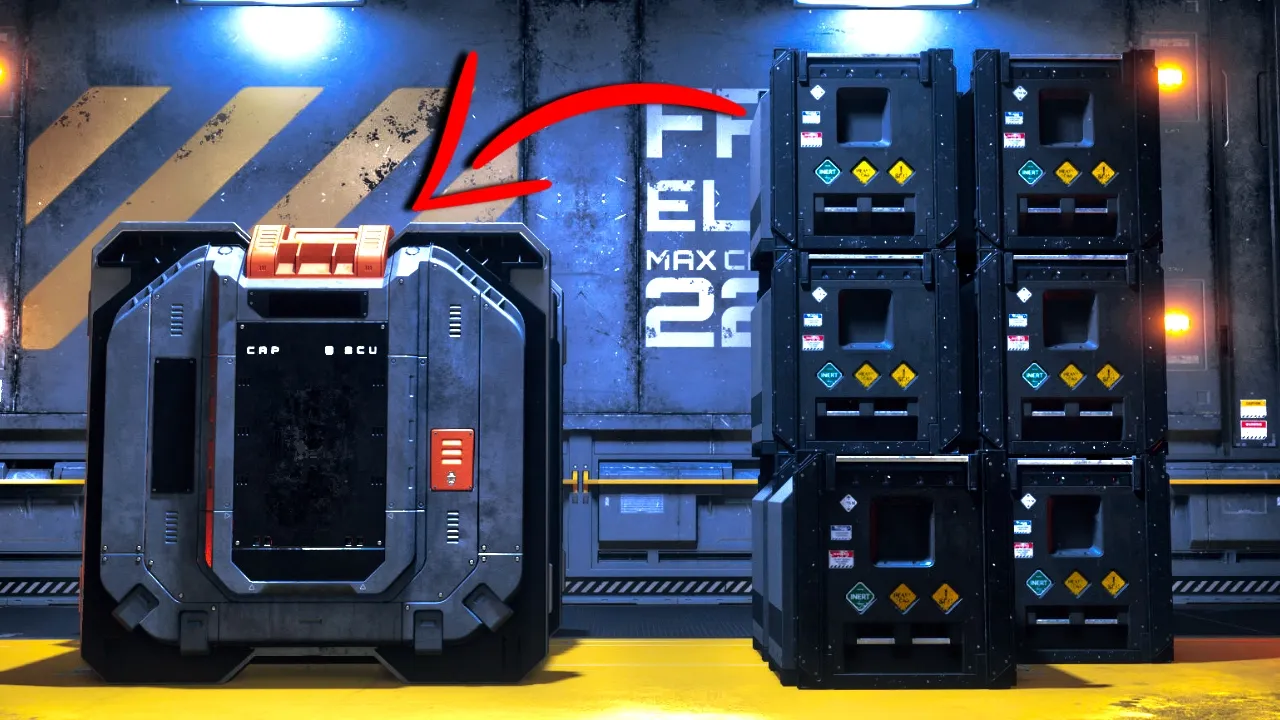
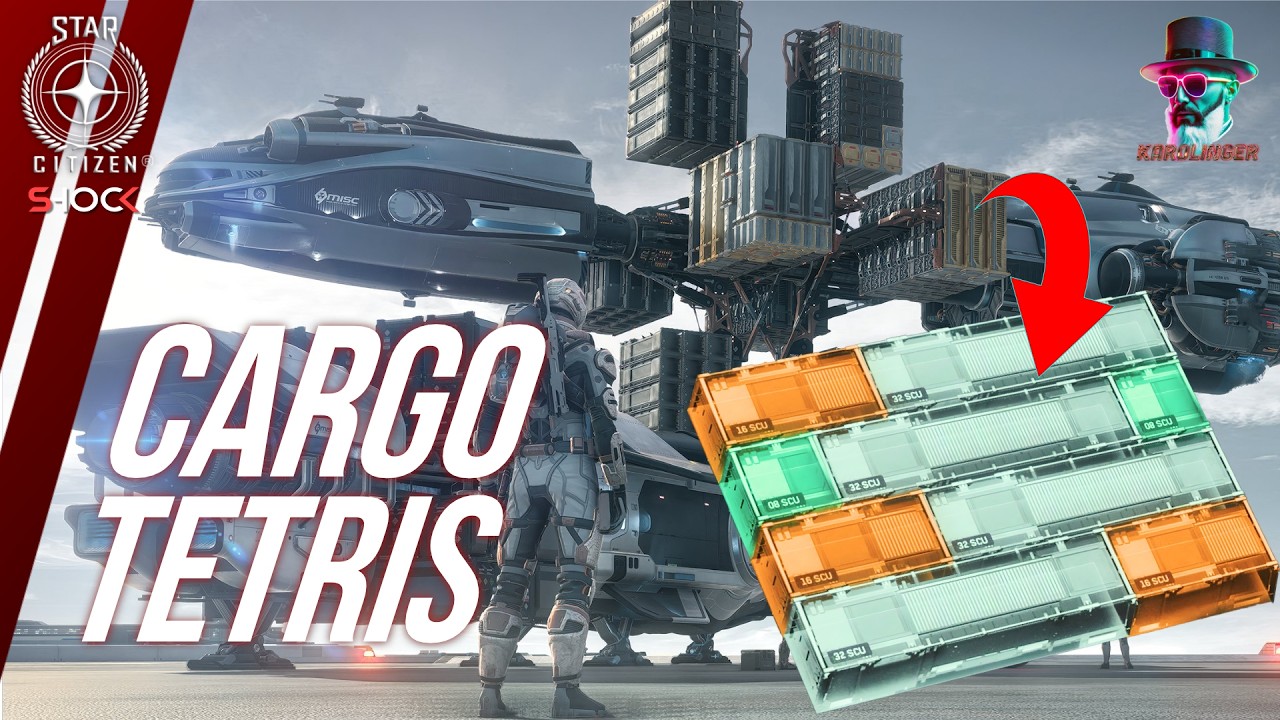
how can you store those smaller seu boxes into this big seu box so that you can save time when doing hauling missions well in this video I'm going to show you exactly how to do this a big thank you to raaen for showing me this on a redit I found the post and I thought this was amazing so I'm going to share it with you guys as well I'm going to put his YouTube channel below and to read it please go up vote And subscribe to him since this was a really helpful tip so how
do you you do this well first we need to go to the cargo Center I'm quickly going to go there you can find this on any major space station just above a city so let's quickly go there and let's go look at what you need to buy to get to the cargo Center you just look out for these yellow elevators we quickly going to take the elevator to the cargo Center we're at the cargo center now let's make our way to the terminal so that we can buy storage containers you definitely need to buy a
big enough storage container to put all of the cargo into I'm going to buy the biggest one at least so that we can fit it into it I think the biggest one is 8 seus so we go down here and then we go to Containers here is 8 ACU so only 8 acus can fit in this I believe but we're just going to buy one since the small misss only has like six to eight scus I believe so let me quickly go back to my hanger and let's fill this thing up back at the terminal
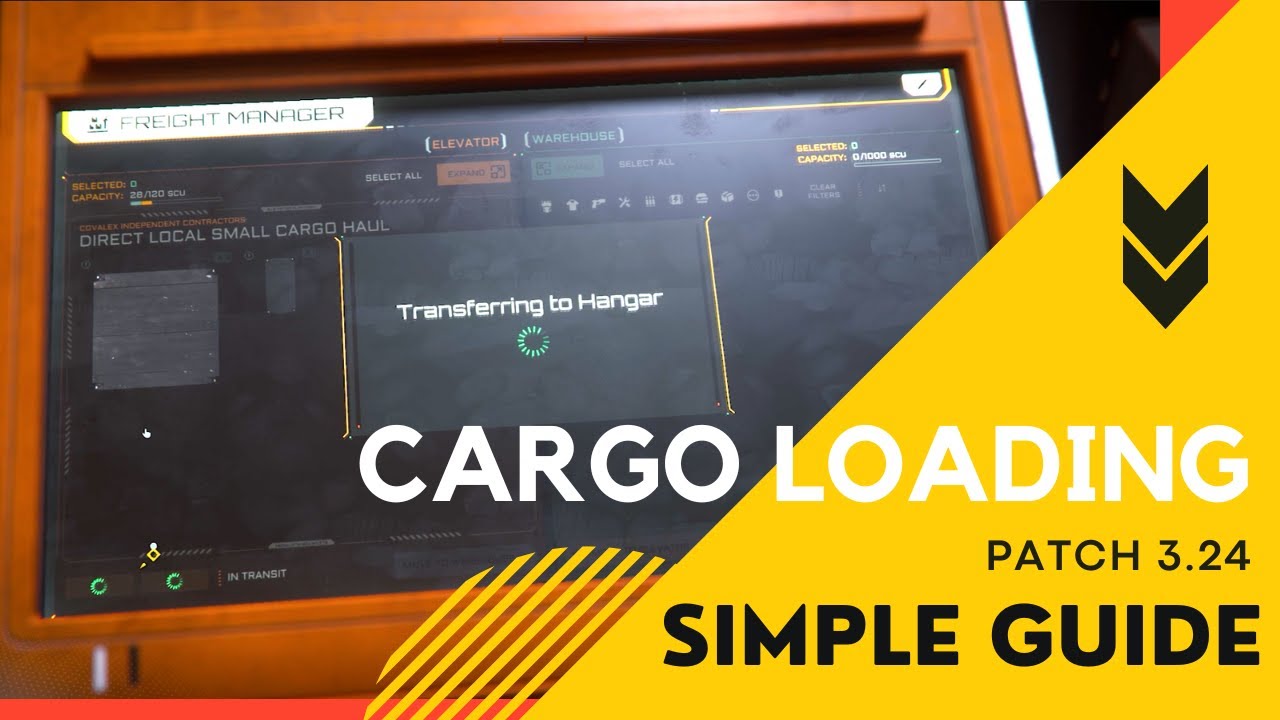
here for the cargo thing so let's quickly head over here now we need to manage our boxes right so here's our big storage container just going to leave it there we're going to double click it so that we open the inventory now we go to our mission categories I believe you can see here's our six seus we can just drag and drop it in there on the left hand side you can click the little arrow here it should go everything into this box we can call the elevator we can exit and then we can watch
our Box come up now we can just store it on our ship and we will be able to go to our mission area to deliver I'm quickly going to put this on my ship and then head over to the area the where we can deliver and then I'll show you how to take everything out of this box and then complete your mission so let me quickly head over there we just landed and we quickly show you how to store the box and get the little boxes out of the big box it's not too difficult it's
pretty simple and straightforward just quickly take this to the hanger here the cargo area right just quickly going to drag this into the little hanger area and then I'll show you exactly what to do so you place it on here usually at the back I think the front is a little bit buggy at the moment they need to figure that out still let go back to the terminal here just going to send it down should take a minute or two once down we can take this I think we move it to storage here and we
can say this one here the little three dots is usually where the boxes get stored here and then we just double click this you'll see here is the inventory we can just drag it over here send it up the elevator again it will take a minute again now that it is on the elevator let me just quickly show you all the little boxes should be right there now we can send it back down to complete the mission so it's you can see here we confirm I'll send it down again and our mission should complete in
a minute there it says completed and that's basically all the you need to do so yeah a big thank you to Raa Shen again hope this video was interesting if it was please leave a like and if you want to see more videos like this then you can watch this video right here where I show you how you can sell Armory in bulk by just clicking one button thank you for watching and I'll see you in my next video





![[Star Citizen 3.24.3 PTU] Starlancer Max Full cargo + URSA Medivac](https://img.youtube.com/vi/fgliyHq8vSQ/maxresdefault.jpg)